Are you preparing for a virtual interview? As remote work becomes the norm, understanding what a virtual interview entails is important. But what exactly is a virtual interview, and how can you ace it? This comprehensive guide will provide you with insights, tips, and best practices to ace your virtual job interviews.
What Is a Virtual Interview?
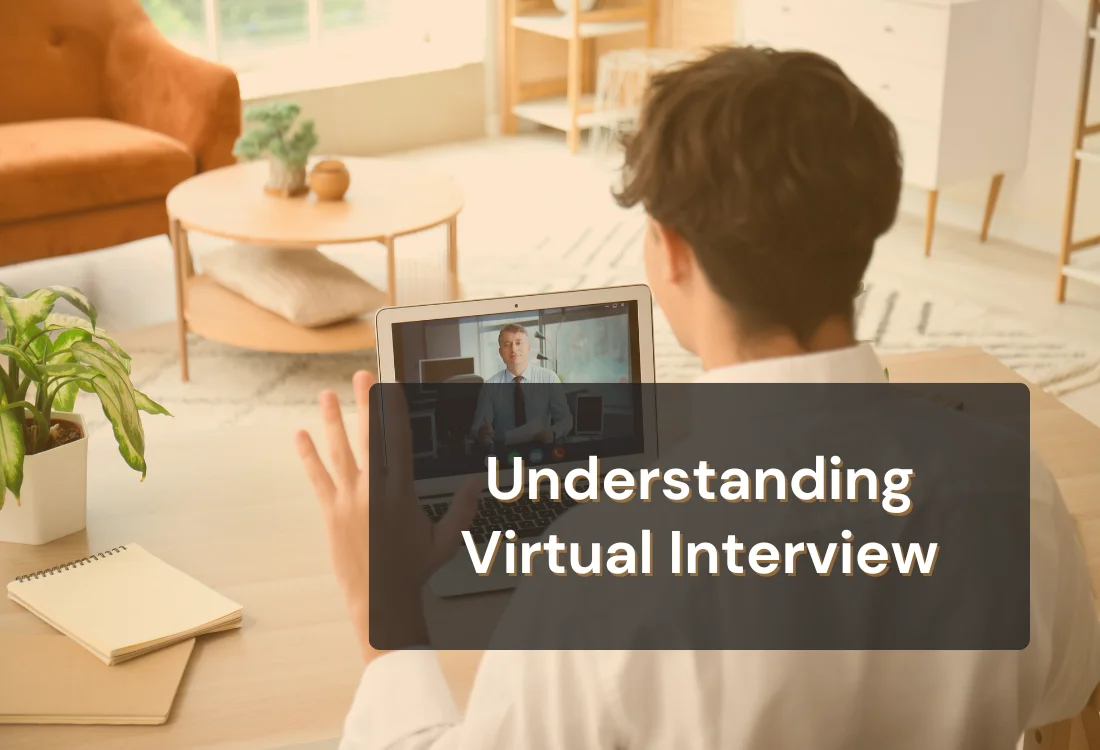
A virtual interview, often referred to as an online job interview, remote interview, or digital interview process, involves conducting a job interview over video conferencing software. This technology enables employers and candidates to connect from anywhere in the world, eliminating the need for face-to-face meetings.
Types of Virtual Interviews
Virtual interviews come in various formats, each serving a unique purpose. Let’s explore the various types of online job interviews, each designed with specific goals in mind.
1. One-On-One Video Interview
In a one-on-one video interview, you meet with a single interviewer or hiring manager virtually. This format allows for a more personal and direct interaction, similar to a traditional face-to-face interview. It's an opportunity for you to establish a rapport with the interviewer and showcase your skills and qualifications.
2. Asynchronous Video Interview
Asynchronous video interviews, also known as pre-recorded interviews, involve candidates recording their responses to a set of predetermined questions at their convenience.
Unlike live interviews, these interviews don't require simultaneous participation from the interviewer and the candidate. Instead, your recorded responses are reviewed by the hiring team at a later time, allowing for greater flexibility in scheduling.
3. Panel Interview
A panel interview in a virtual setting involves multiple interviewers from different departments or levels within the organization. This format is often used to assess a candidate's suitability for roles that require collaboration with various teams or stakeholders. It can be more challenging than one-on-one interviews due to the presence of multiple interviewers, but it provides a holistic view of your qualifications.
Understanding these different types of virtual interviews and tailoring your approach accordingly will help you navigate the interview process with confidence and adaptability.
Why Are Virtual Interviews Important?
Virtual interviews hold significant importance in today's job market for several reasons:
Global Accessibility: Virtual interviews eliminate geographical barriers, enabling organizations to access a wider talent pool.
Time and Cost Efficiency: They save time and resources by reducing the need for travel and physical infrastructure.
Adaptation to Remote Work: The rise of remote work has made virtual interviews a vital tool for assessing a candidate's ability to work remotely.
How Does a Virtual Interview Work?
Preparing your video interview setup is crucial for a successful remote interview. Here’s how you can ensure your technical setup enhances your interview performance:
1. Platform Selection:
Choice of Platform: Employers usually specify the video conferencing tool or platform they prefer for the virtual interview. Commonly used options include Zoom, Skype, Microsoft Teams, or other specialized video conferencing tools.
Invitation Link: As a candidate, you'll receive an invitation link or access details for the scheduled virtual interview. It's crucial to acknowledge and confirm your attendance promptly.
2. Technical Setup:
Equipment Check: Before the interview, ensure you have the necessary equipment, including a computer or device with a functioning webcam and microphone. These tools are essential for visual and auditory communication during the interview.
Internet Connection: A stable and high-speed internet connection is vital to prevent disruptions during the interview. Test your connection in advance to avoid any last-minute issues.
Software Installation: Install and update the video conferencing software if required. Ensure you're familiar with its basic functions, such as muting and unmuting, sharing your screen, and managing the camera.
3. Interview Process:
Logging In: On the scheduled interview date and time, log in to the designated platform using the provided link or access details. Aim to join a few minutes early to account for any unforeseen technical glitches.
Virtual Waiting Room: Some platforms may have a virtual waiting room where you'll wait until the interviewer admits you to the meeting. Be patient during this phase.
Interview Interaction: Once in the virtual interview, you'll interact with the interviewer or panel, just as you would in an in-person interview. Maintain eye contact by looking into the camera and speaking clearly.
4. Post-Interview:
Follow-Up: After the interview, send a thank-you email expressing your appreciation for the opportunity. Use this as an opportunity to reiterate your interest in the position and briefly mention key points discussed during the interview.
Tips for Preparing for a Virtual Interview
As you prepare for your virtual interview, consider these essential tips to navigate the online job interview process successfully:
Research: Thoroughly research the company, its culture, and the job role you're applying for.
Tech Check: Test your equipment, internet connection, and the chosen video conferencing platform in advance.
Environment: Select a quiet area where interruptions are unlikely. This will help maintain a professional atmosphere throughout your interview.
Backdrop and Lighting: Choose a simple, professional backdrop and ensure your face is well-lit. Proper lighting can significantly impact how you are perceived visually.
Software Familiarity: Prior to the interview, take some time to familiarize yourself with the features of the video conferencing software being used. Knowing how to mute and unmute, share your screen, and adjust camera settings can prevent awkward disruptions during the interview.
Practice: Practice answering common virtual interview questions with a friend or through mock interviews.
You can also review the extended list of virtual interview tips to boost your confidence.
Virtual Interview Etiquette
Virtual interviews require a unique set of etiquette:
Video Conferencing Etiquette: Familiarize yourself with the basics of video conferencing, including muting when not speaking and maintaining eye contact.
Non-Verbal Communication: Pay attention to your body language and facial expressions, as they play a significant role in conveying your enthusiasm and engagement.
Punctuality:Log in a few minutes early to ensure there are no technical issues.
Body Language and Presentation Tips in Virtual Interviews
Effective use of body language can help bridge the gap between a traditional in-person meeting and a digital one, making your interaction more personal and engaging. Here are some key tips to ensure your body language translates well over video:
Maintain Good Posture: Sit upright and lean slightly forward to show engagement. Avoid slouching or leaning too far back, which can make you appear disinterested or too casual.
Eye Contact: Try to look directly at the camera when speaking, not at the interviewer's image on your screen. This mimics eye contact and helps establish a connection with the interviewer. It's okay to occasionally glance at the interviewer's image to interpret their body language and reactions, but keep your primary focus on the camera.
Use Hand Gestures Sparingly: While hand gestures can be effective in expressing enthusiasm and helping to articulate points, be mindful of their use. Excessive or very large gestures can be distracting on video. Keep your movements within the frame of the camera and use them to emphasize key points.
Smile and Nod: Smiling naturally conveys friendliness and approachability, which can make the interview feel more positive. Nodding can also indicate that you are listening and understanding the discussion, which is reassuring to the interviewer.
Proper Camera Positioning: Set your camera at eye level to simulate sitting across from the interviewer. If the camera is too low or too high, it can be unflattering and unnatural. Positioning the camera correctly helps maintain the illusion of direct communication.
To be successful in virtual interviews, consider these best practices:
Effective Communication: Clearly articulate your thoughts and actively listen to the interviewer's questions.
Show Enthusiasm: Demonstrate your enthusiasm for the role and the company. Virtual interviews can make it challenging to convey emotions, so be expressive.
Technical Hiccups: If technical issues arise, stay calm and handle them gracefully. Have a backup plan in case your primary equipment fails.
Follow-up: After the interview, send a thank-you email expressing your gratitude for the opportunity.
Even with preparation, it’s easy to overlook simple details that can impact your success. Be sure to check out the common mistakes to avoid in a video interview so you don’t repeat them during your next interview.
Using Teleprompter.com for Virtual Interviews
Teleprompter.com can help you stay clear, calm, and focused during a virtual interview. Instead of trying to memorize every answer or glance away at notes, you can keep key talking points close to your camera so your delivery feels more natural and organized. That makes it easier to maintain eye contact, stay on track, and respond with more confidence.
Because Teleprompter.com works across web, iOS, and Android, it fits easily into different interview setups. You can adjust the script window, font size, and scroll speed to match your speaking pace and screen layout. This helps reduce the obvious left-to-right eye movement that can make scripted answers feel stiff or distracting on camera.
That subtle difference can have a real impact during an interview, especially when you want to sound prepared without seeming rehearsed.
App Store★★★★★
iOS · Version 9.0.12 · Canada · December 25, 2025
Just Perfect
“It works great for online interviews, and you don’t have to have your eyes moving left to right like you’re reading from a script.”
Nick James Butch
For a smoother experience, use voice scrolling so the script moves as you speak. This gives you more control over pacing and helps your answers sound more conversational. You can also keep short prompts on screen instead of full paragraphs, which makes your responses feel prepared without sounding overly scripted.
That extra control can make a real difference in high-stakes interviews and other important online conversations.
App Store★★★★★
iOS · Version 5.5 · United States · October 1, 2023
Just amazing
“Using this teleprompter app helped me do really well in an important Zoom interview. I’m super grateful for it. It has changed the way I handle online presentations.”
RogerNo
Used well, Teleprompter.com supports your delivery without taking attention away from the interview itself. It helps you stay composed, remember your key points, and present yourself more professionally when the pressure is on. If you want to try it before your next interview, you can sign up at Teleprompter.com and explore the features that help you speak more clearly and maintain stronger eye contact on camera.
Finish Strong in Your Next Virtual Interview
Virtual interviews are now a standard part of the hiring process, and strong preparation can set you apart quickly. When you understand the format, test your setup ahead of time, and practice how you speak on camera, you give yourself a better chance to come across as clear, confident, and professional.
Small details such as steady eye contact, strong posture, and organized talking points can make a noticeable difference in how you are perceived. With the right preparation and tools, you can approach your next virtual interview with more focus, less stress, and a stronger chance of making a lasting impression.
Recording videos is hard. Try
Teleprompter.com
Recording a video without a teleprompter is like sailing without a compass.


.png)


.png)