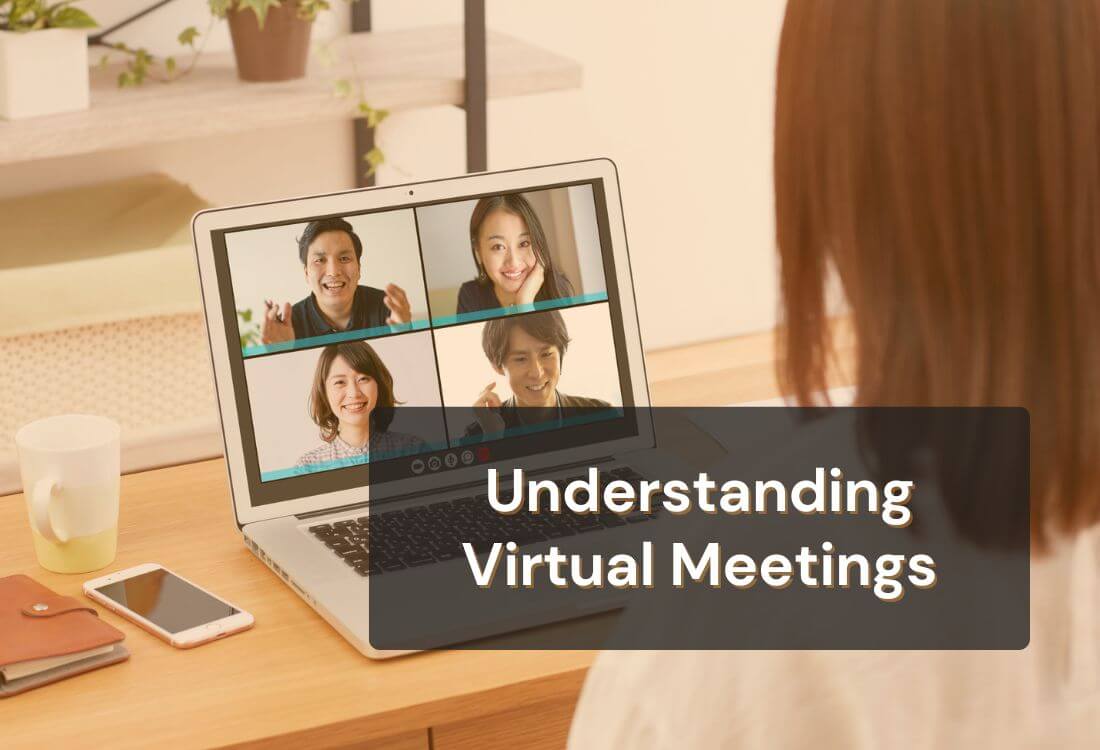


Virtual meetings have become a trusted means for people to connect from anywhere. Teams talk, share ideas, solve problems, and build relationships without being in the same place. This shift has made communication faster, more flexible, and easier to manage. To understand how these online meetings work, it helps to start with a clear definition and the tools that support them.
A virtual meeting is an online gathering where people communicate in real time through video, audio, and shared digital tools. Participants join from different locations using a virtual meeting platform such as Zoom, Google Meet, or Microsoft Teams. These platforms make it possible to talk, present, and collaborate through a stable internet connection.
This type of meeting supports remote work, online learning, healthcare discussions, team check-ins, project planning, training sessions, and more. Virtual meetings have become an essential communication method for any group that needs to stay connected without being in the same space.
Most virtual meetings rely on a combination of video conferencing, audio tools, screen sharing, and chat features. A strong internet connection is important, but the platform itself plays the biggest role. Modern virtual meeting platforms include collaboration features, recording options, breakout rooms, virtual backgrounds, and document sharing.
These tools help create smoother conversations and make the meeting feel more interactive. Participants can see each other, follow visual cues, and stay aligned on the same information. This structure supports clear communication and keeps the meeting focused.

Virtual meetings make it easy to communicate across time zones and locations. Teams that used to rely on travel can now save time and resources by meeting online. This helps companies reduce travel expenses and strengthen schedules.
This approach also supports sustainability. Fewer flights and car trips mean fewer emissions. On a practical level, it becomes simple to bring people together for quick updates, special sessions, interviews, or global team collaborations.
Good preparation and clear communication help create stronger virtual meetings. The following practices improve the experience for both hosts and participants:
A clear agenda sets the direction for the meeting. It helps participants understand what will be discussed and keeps the session organized. Short bullet points work better than long lists because they make the flow easier to follow. Send the agenda before the meeting so everyone can prepare and stay on the same page.
You can also improve your pacing with a helpful guide on time management for presentations, which explains how to stay focused and deliver your message without rushing.
Short icebreakers can make a virtual meeting feel more relaxed. A quick question, a fun prompt, or a short activity can help people warm up and speak with confidence. These small moments encourage participation and support stronger communication among remote teams. They are especially helpful when working with new groups.
Collaboration tools make meetings more interactive. Screen sharing helps explain ideas in a clear visual way. Whiteboards work well for brainstorming. Polls and chat messages help participants share feedback without interrupting the speaker. These features support active communication and help everyone stay involved in the discussion.
Setting the next meeting date helps maintain progress on shared tasks. A quick confirmation at the end of the session keeps the team focused and prevents delays. Share the next steps while everyone is present, so responsibilities are clear. This helps create a smooth flow from one meeting to the next.

Virtual meetings support communication across many industries. They help teams work together, share information, and stay connected, even with people in different locations.
Schools use virtual classrooms for lessons, group work, and extra support. Teachers can host live discussions, share learning materials, and guide students through tasks. This format helps students stay engaged even when they cannot attend in person. Parents can also join virtual meetings with teachers for updates and support.
Medical professionals use virtual meetings to speak with patients, check progress, and review treatment plans. These online appointments reduce unnecessary travel and help patients get care more quickly. Healthcare teams also use virtual meetings to talk through cases and coordinate tasks. This improves teamwork and helps providers deliver timely care.
Creative teams, freelancers, and consultants rely on virtual meetings to share ideas and move projects forward. Clients can review drafts, give feedback, and discuss goals in real time. Trainers and coaches also use virtual sessions to teach skills, host workshops, and meet with participants. These meetings help build trust and support long-term working relationships.
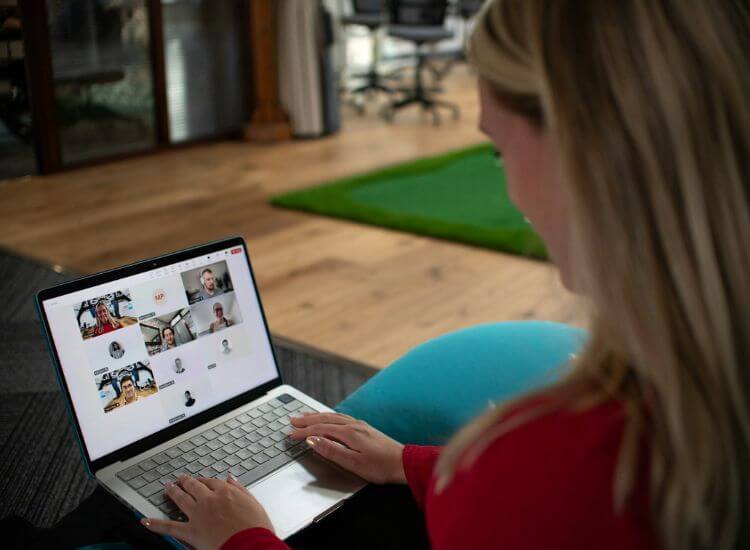
Understanding the types of virtual meetings helps teams choose the best format for each purpose. Here are the most common types:
Teleconferencing uses audio tools to connect participants. It works well for quick updates or calls that do not need visuals. Many teams use it for check-ins, daily standups, and fast decision-making. It is also helpful when internet connections are weak or when people join from mobile devices.
Video conferencing makes virtual meetings feel more personal and easier to follow. Jabra reports that 64% of employees say seeing and hearing their colleagues makes it easier to trust them, while 46% say coworkers seem more engaged when their cameras are on.
That added visual connection can make conversations clearer and more natural. Seeing facial expressions and body language helps people stay engaged, read reactions, and respond in real time. This makes video conferencing especially useful for team check-ins, interviews, client presentations, and other meetings where interaction matters.
A webinar is a virtual session designed for large groups. A host or speaker presents information to the audience. Webinars are common for product demos, industry updates, and professional training. Features like Q&A, chat, and polls help attendees interact without taking control of the session.
You can also learn how webinars compare to seminars through a helpful guide that explains both formats in simple terms.
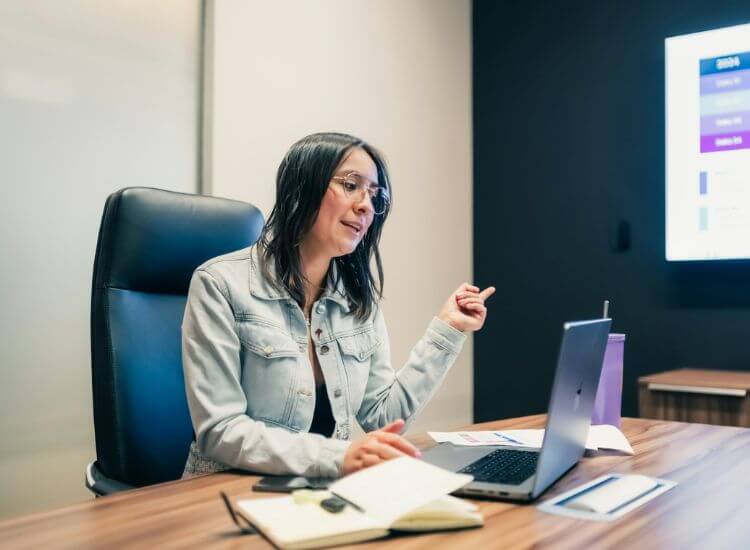
Good etiquette supports a respectful and organized meeting environment. Simple habits help create a more positive experience for everyone.
A clean background and steady eye contact help create a professional appearance. Speakers can benefit from teleprompter apps, which display notes near the camera. This helps presenters maintain eye contact and deliver their message with confidence, especially during Zoom calls where looking down at notes can feel more noticeable. For a more practical setup, follow this guide on how to use a teleprompter on Zoom before your next video meeting. A well-lit space also improves the overall look of the meeting.
Joining on time shows respect for the group and avoids interruptions. Hosts should test their microphone, camera, and meeting link before the session begins. This helps prevent technical delays and supports a smoother start.
Participants can stay involved by using chat tools, answering polls, and sharing reactions. Clear communication helps ideas flow more smoothly. These simple actions create a more engaging environment and help everyone stay connected throughout the meeting.
Teleprompter apps help presenters speak with more clarity and confidence during virtual meetings. Teleprompter.com works as an online teleprompter that supports stronger delivery by placing your notes near the camera, which helps you maintain steady eye contact without looking away from the screen. That creates a more natural connection with your audience and helps your message come across more clearly.
Presenters often mention how much easier it is to maintain eye contact when their notes stay close to the camera. For example:
The app also works well for team updates, webinars, training sessions, and recorded presentations. You can prepare a clear script ahead of time, keep your talking points visible, and stay on pace without sounding stiff or overly rehearsed. That makes it easier to look polished in meetings where you want notes on hand but still need to sound natural.
That added control is something users often point out, especially in Zoom calls and other live online meetings:
A helpful resource for preparing better notes is the guide on how to write a script for a teleprompter, which explains simple steps for creating prompts that read well on camera.
Teleprompter.com helps presenters stay organized, keep a steady pace, and communicate with more control. These small improvements make virtual communication easier for both the speaker and the audience. If you want to make your next meeting feel more polished without overcomplicating your setup, you can sign up for Teleprompter.com and try it before your next call.
Virtual meetings are used daily by teams, educators, healthcare providers, and content creators. The flexibility, speed, and accessibility they offer support better communication. Their ability to connect people from any location makes them an effective tool for modern collaboration.
As technology improves, virtual meeting platforms will continue to add features that support stronger communication and more engaging online sessions. With the right tools and practices, virtual meetings help individuals and teams build stronger connections and work with more confidence.
To make your next online meeting feel more polished, sign up for Teleprompter.com and start a 7-day free trial of the Pro Plan to keep your notes close to the camera while you present.
A virtual meeting is an online gathering where people communicate in real time through video, audio, chat, or collaboration tools. It allows participants to join from different locations using platforms like Zoom or Google Meet. This structure supports team discussions, presentations, and remote communication without a physical meeting space.
Virtual meetings use internet-based platforms that offer video conferencing, screen sharing, chat features, and digital collaboration tools. Participants join through a computer or mobile device. These tools help groups share information, speak clearly, and stay aligned during the session.
You attend a virtual meeting by clicking the meeting link provided by the host and joining through a computer or mobile device with internet access. Most platforms guide you through simple steps such as enabling your microphone and camera. Some meetings may require a password or waiting room approval.
A virtual meeting can be a video call, but it often includes more features than basic video chat. Virtual meeting platforms combine video, audio, chat, screen sharing, and collaboration tools to support group discussions and presentations. This creates a more interactive experience than a simple one-to-one video call.
Virtual meetings support remote work, save time, reduce travel, and make it easy for teams and clients to connect across locations. They help groups share information quickly, communicate clearly, and work together without needing a shared physical space.


.png)


.png)


