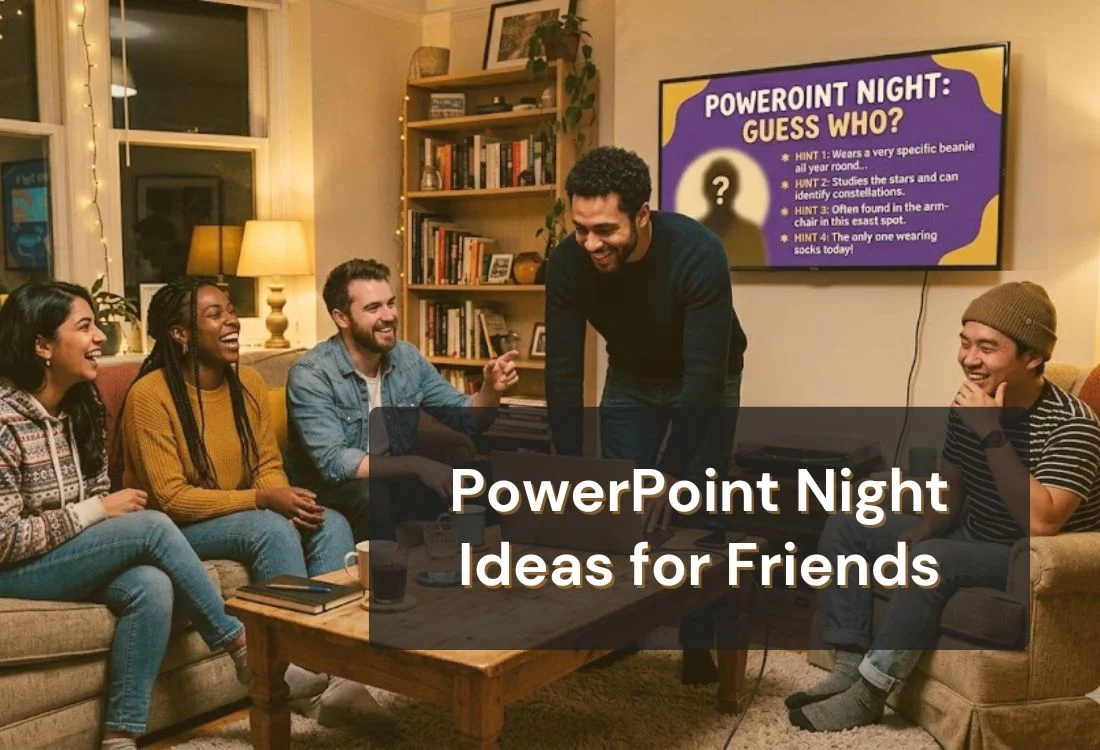


PowerPoint night is a casual party format where friends take turns presenting on funny, chaotic, or personal topics. It started as a TikTok trend in 2020 and has stayed popular because it is cheap to run, endlessly repeatable, and produces genuinely memorable moments.
This guide covers ideas across every format, from teleprompter games to hot take debates, plus a quick setup guide so your night runs without a hitch.
A PowerPoint night is a social gathering where a group of friends take turns presenting on funny, personal, or absurd topics using a slide deck or a teleprompter. The format originated on TikTok in 2020 and has grown into one of the most reliably entertaining low-cost social events for Gen Z and Millennials.
The reason it works is simple: there is something universally funny about someone delivering a serious, structured presentation on an objectively ridiculous topic. The formality of the format clashes with the chaos of the content, and that tension generates the laughs.
It is also riding a real cultural shift in how young adults want to socialize. Eventbrite's inaugural Social Study found that 79% of 18- to 35-year-olds plan to attend more events in 2026 and that consumers are actively trading passive attendance for active participation.
Separately, 74% of Gen Z say in-person experiences are more important than digital ones (Eventbrite Social Study, 2026). PowerPoint night fits both signals exactly: it is in-person, participatory, and impossible to replicate online.
You do not need much to host one. A laptop, a screen or TV, a list of topics, and a teleprompter app for the game rounds. The rest of this guide covers everything in order.

Teleprompter games are the most consistently funny segment of any presentation night, and they require almost no individual preparation. The format is straightforward: someone reads a script they have never seen before, cold, in front of the group. Other guests write the scripts.
That is the whole mechanic, and it works every time.
One person is assigned to deliver the evening news. Everyone else spends 10 minutes writing the most unhinged, unsettling, or chaotic news stories they can. Scripts are loaded into the teleprompter and read with complete professional seriousness.
The goal for the presenter is to keep a straight face. The goal for everyone else is to make that impossible.
Variation: Add a word the presenter must mispronounce without realizing it. Whoever writes the script that finally breaks the presenter wins.
Set the teleprompter to a scroll speed that is just slightly faster than comfortable. Each person takes a turn reading as the speed gets bumped up after every round.
Teleprompter.com lets you adjust scroll speed on the fly, so whoever is running the app can crank it mid-sentence without warning. Add a penalty rule for stumbles or laughing, and this becomes a surprisingly competitive game.
Find a YouTube video the group has never seen. Mute it. Write a live narration for whatever is happening on screen, and have one person read it cold from the teleprompter while the rest of the group watches the video.
Works best with nature documentaries, vintage infomercials, or anything involving animals doing something confusing.
Use Teleprompter.com's AI script generator to create a speaking script from an absurd prompt. Load it without showing the presenter what it says. They read. That is the game.
Good prompts: "A TED Talk on why napping is a competitive sport," "A press conference from a golden retriever," or "A corporate earnings call from a medieval blacksmith."
Write the most ridiculous topic imaginable and have each presenter deliver it with the seriousness of a UN address. Sample topics: "The ethical implications of rewinding DVDs," or
"Why my neighbor's cat should face consequences."
The rule is simple: no smiling. Whoever holds it together the longest wins.
Here is a breakdown of the best topic categories for a presentation night, organized by format. Pick two or three for a single evening so the night has variety without running too long.
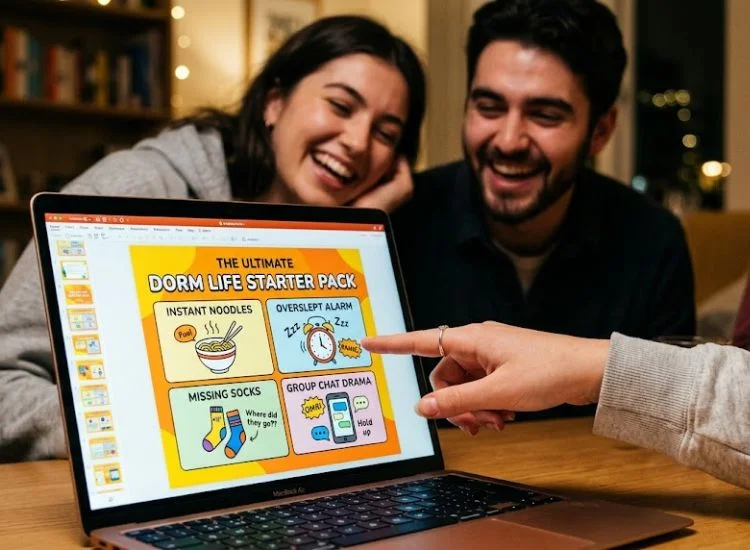
These presentations are about the people in the room, which makes them personal, specific, and almost always funnier than anything researched online.
These work best when topics are assigned randomly, especially if the presenter has to argue for a position they do not actually hold.
This one requires trust and genuine friendship, but when it lands, it produces the most memorable moments of the night.
Good for groups that like to prepare, or when you want a change of pace between the chaotic rounds.
Use this as your planning guide when deciding which categories to run at your night.
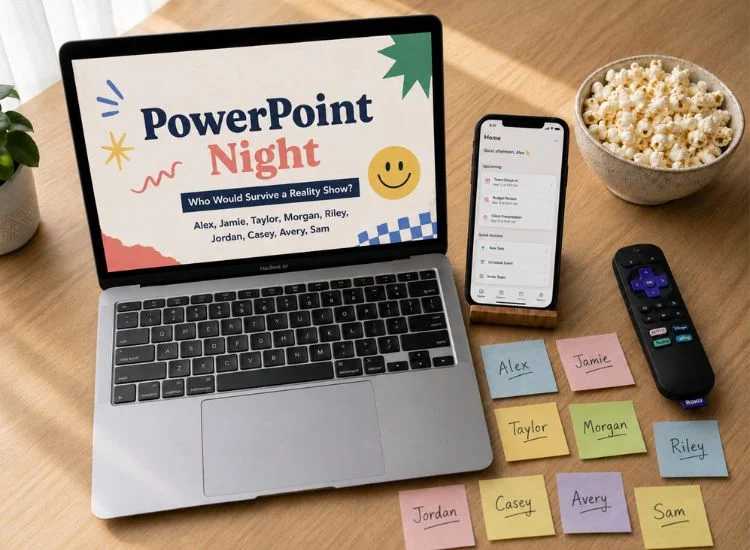
A well-run presentation night is the result of simple upfront structure. Here is a setup that works for groups of four to twelve people.
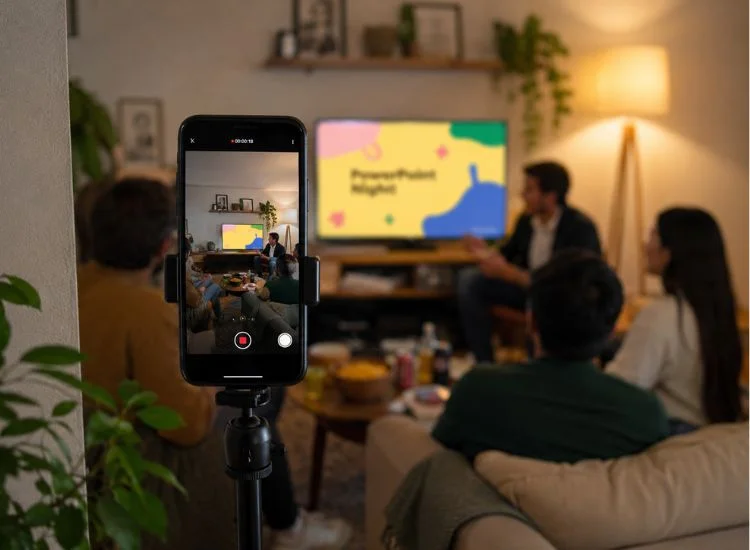
If your group is comfortable on camera, a presentation night is genuinely good raw material for short-form video. The teleprompter game rounds in particular tend to produce 15 to 30-second moments that translate directly to Reels and Shorts.
Set up one phone on a tripod in the corner before the night starts. It will not get in the way and will capture the best reactions without requiring anyone to actively film.
When editing, keep the frame tight on the presenter during teleprompter rounds. Reaction shots from the audience carry the context, but the presenter's face is where the comedy lands.
For more on getting comfortable on camera and making short-form content that actually performs, read content creator tips from Teleprompter.com and how to go viral on YouTube Shorts.
A great presentation night does not need much. A few ideas, a screen, and a teleprompter app for the game rounds. The rest takes care of itself once someone is reading a script they have never seen in front of a crowd that wrote it.
Start with a teleprompter round to break the ice and get everyone laughing early. Everything else flows from there.
Ready to host your best night yet? Use Teleprompter.com for free. Works instantly in any browser with no download required. Get started at Teleprompter.com.
A PowerPoint night is an informal social gathering where friends take turns presenting on funny, personal, or absurd topics using a slide deck or teleprompter. It started as a TikTok trend in 2020 and has remained one of the most popular low-cost social formats for Gen Z and Millennials because it requires minimal setup and scales naturally for any group size.
The most consistently funny topics are personal, randomly assigned, or involve reading something the presenter has not seen before. Strong categories include Who's Who rounds (presentations about people in the room), teleprompter blind reads, unpopular opinion debates, and creative pitches for terrible business ideas.
A well-structured presentation night for six to eight people runs about two to three hours including breaks. Plan for five to seven minutes per presentation and two short breaks between rounds. Running too many categories in one night leads to fatigue, so pick two or three and keep the energy up.
A teleprompter app displays a scrolling script on any screen or phone. In a teleprompter game, the presenter reads the script cold, without seeing it in advance. Other guests write the scripts, which is where the chaos comes from. Teleprompter.com works in any browser for free and can be ready in under a minute.
You need a laptop or tablet, a screen to display presentations (a TV works fine), a list of topics assigned at least a day in advance for prepared rounds, and a teleprompter app for the game rounds. A timer for presentations and a name randomizer for picking order are optional but recommended.


.png)


.png)