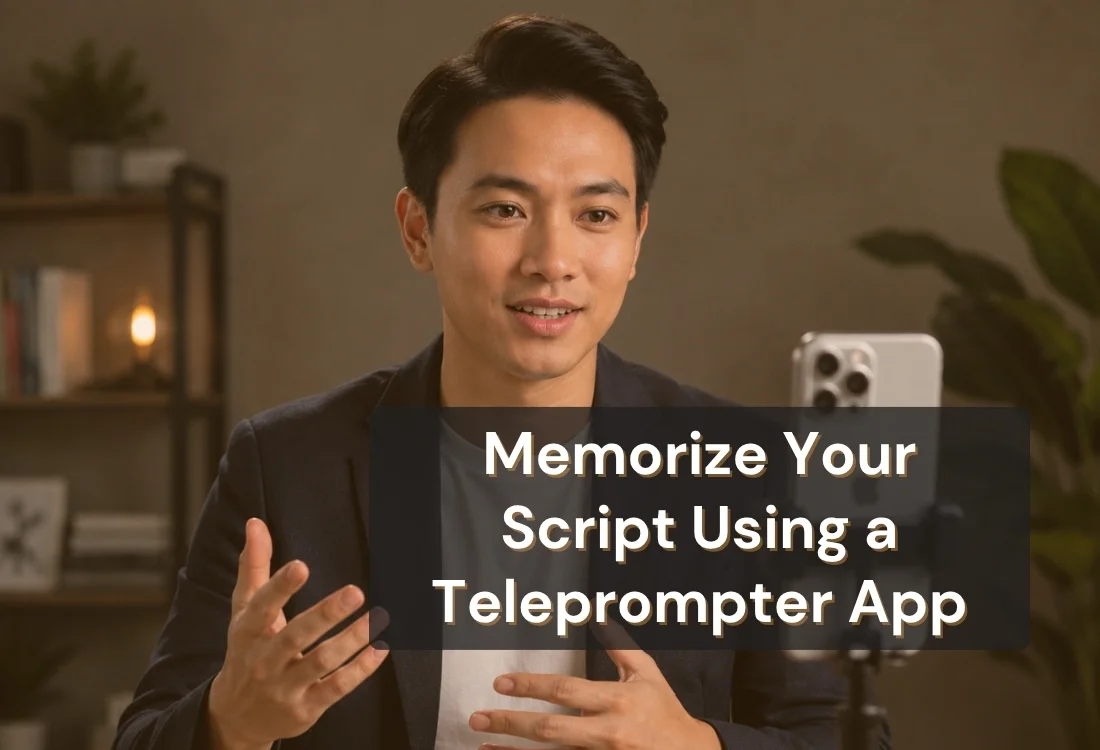


Memorizing a speech gets faster when you pair repetition with active recall instead of just reading your script over and over, solving the problem of practice sessions that feel long but don't actually stick. A teleprompter app turns this into a structured process: it shows you the script, lets you cut back what you see as you improve, and records each run so you catch mistakes early.
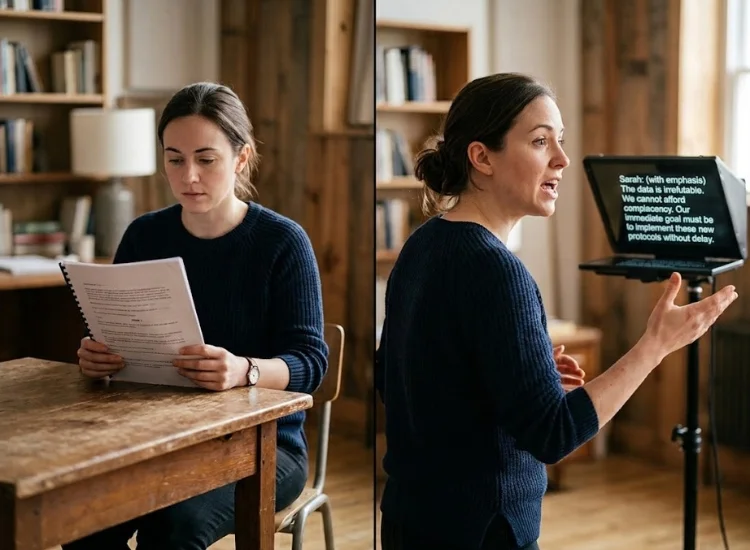
Reading a script five times in a row feels like progress, but it isn't the most efficient way to make it stick. Research on the testing effect (Roediger & Karpicke, 2006, Psychological Science) found that students who tested themselves on material retained significantly more of it a week later than students who simply restudied it the same number of times. Struggling to recall something and getting it right builds a stronger memory than reading it one more time.
This is why a teleprompter script is a better memorization tool than a printed page you read silently. Reading from the screen while speaking out loud is a form of active recall: you're producing the words, not just scanning them. Each pass becomes a small self-test instead of a passive readthrough.
A teleprompter script sits directly in front of you as you speak, letting you see and say the words in the same motion. Repeated exposure this way imprints the wording faster than reading it once and setting it aside.
Speaking the script out loud while reading it keeps you engaged with every word, not just the ones that happen to catch your eye. That focus is part of what makes the practice stick.
A teleprompter makes it easy to run the same script five or ten times in a row without resetting notes or flipping pages. Consistent repetition is one of the most reliable ways to move a script from short-term recall to long-term memory.
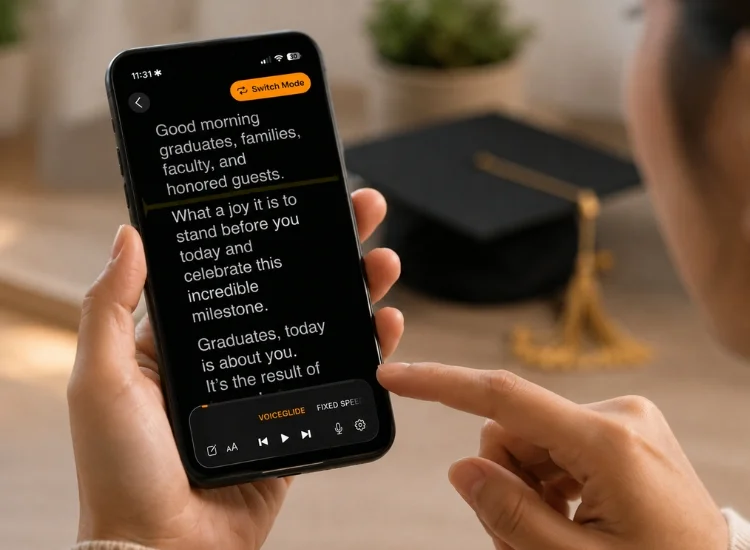
Not every feature helps equally. Here's how the main ones map to a specific memorization benefit:
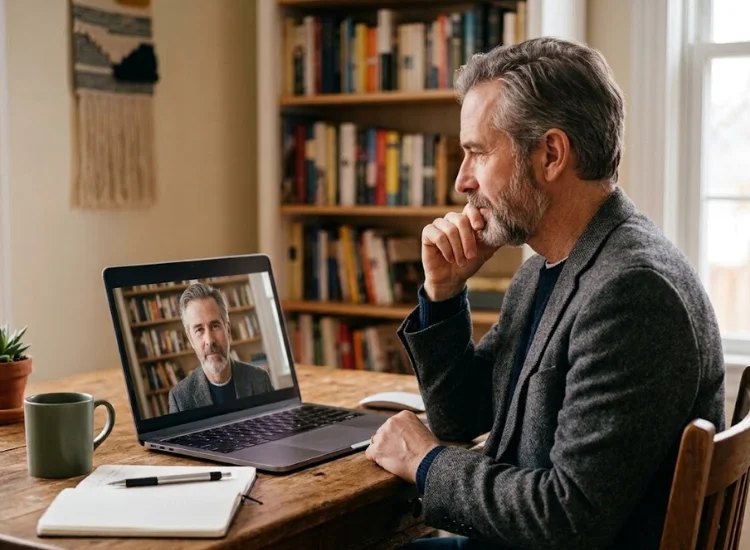
Recording a practice run and watching it back shows you precisely where you hesitated, skipped a line, or slowed down. That's more useful than trying to remember which part felt shaky. Correcting a specific error is faster than re-running the entire speech and hoping it goes better.
Watching and listening to your own recording engages both visual and auditory memory at once. Some speakers remember a line better after hearing themselves say it than after reading it a sixth time.
Once you've reviewed a session and fixed what needs fixing, run it again. Memorization holds up best with practice spread across several short sessions rather than one long one.
Most speakers who use a teleprompter to memorize a script don't want to depend on it forever. The goal is usually to get to a point where you can deliver the speech from memory, with the screen there only as a safety net.
A gradual approach works better than trying to go screen-free all at once:
This connects directly to a bigger decision: whether to fully memorize a speech at all, or use a teleprompter instead of memorizing for the parts where exact wording matters most. Many speakers land on a mix of both.
Memorizing a speech doesn't have to mean hours of silent repetition and hoping it sticks. A teleprompter turns practice into active recall, gives you features built specifically for rehearsal rather than just delivery, and lets you review exactly where things go wrong instead of guessing. Whether you're memorizing the whole speech or just the parts that need to be word-perfect, the process is faster when the tool is built for it.
Yes. Reading and speaking a script from a teleprompter is a form of active recall, which research on the testing effect shows builds stronger memory than passively rereading the same material.
It varies with script length, but most speakers see real recall build after 5–10 full runs, especially when practice is spread across a few short sessions instead of one long one.
Yes. Cut the visible text down gradually, moving from full script to key phrases only to no screen, rather than switching it off all at once. Gradual reduction builds recall more reliably than a sudden cutoff.
No. It's a rehearsal tool, similar to flashcards or a practice test. The goal is the same either way: knowing the material well enough to deliver it confidently, with or without the screen.
For scripts under two minutes, running the full text on repeat with voice-following scroll, then recording and reviewing each pass, is usually faster than breaking it into chunks first.
Yes. A teleprompter app works as a speech memorizer tool by combining repetition, voice-following scroll, and record-and-review in one place, rather than relying on flashcards or a printed script alone.


.png)


.png)