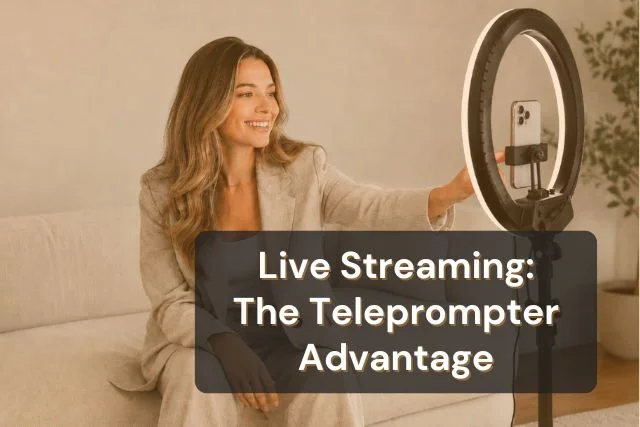


A teleprompter for live streaming is an app or device that scrolls your script at a controlled pace directly in front of your camera lens, letting you maintain eye contact with your audience while reading word-for-word. Unlike recorded video, where a bad take gets cut, live streaming has no safety net. A teleprompter removes the three failure modes that cost streamers their delivery: memory gaps, eye contact drift, and pacing collapse.
Most advice about using a teleprompter treats live and recorded delivery the same way. They are not the same.
When you record a video, the editing process is your safety net. You stumble on a line, so you reshoot it. You lose your train of thought, so you pause, regroup, cut the dead air. The final video your audience watches is a version of you at your best.
Live streaming removes every one of those layers. Whatever happens in the stream, your audience sees it in real time. A three-second silence, a fumbled sentence, a moment where you visibly forget what comes next. It all stays.
That structural difference is why even confident presenters underperform live when they go unscripted. It is not a skill gap. It is a format problem.
Recorded video tolerates imperfection because imperfection is invisible in the final cut. A 10-minute YouTube video might represent 45 minutes of footage with all the mistakes removed.
Live streaming has no equivalent. The stream is the final cut. That reality changes how you need to prepare, and it changes what tools you need on the day.
We call these three failure modes The Live Delivery Gap: the specific ways that unscripted live delivery breaks down under pressure, even for experienced creators.
Live streaming audiences watched 36.4 billion hours of content globally in 2025, according to Statista, nearly matching the pandemic peak of 37.1 billion hours. The audience for live content is not just large. It is permanent. The gap between a polished delivery and an unprepared one has never been more visible.
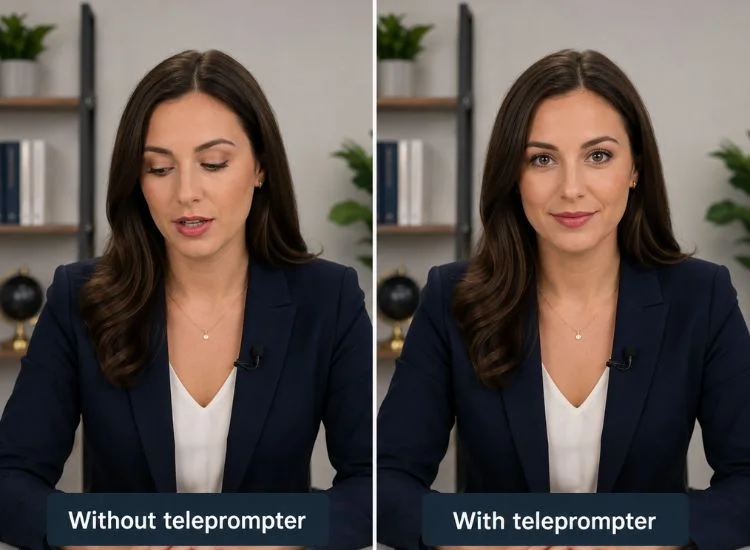
A teleprompter does not make you sound scripted. Poor delivery does.
What a teleprompter actually does is remove the cognitive load of remembering what comes next, so the mental bandwidth you were burning on "where was I?" gets redirected to tone, energy, and audience awareness.
When the script scrolls at eye level, in front of your lens, your gaze stays forward. Your audience reads that as presence and confidence. The mechanics are simple: the script is there if you need it, invisible to the viewer, and positioned so that reading it and looking at the camera are the same physical action.
The alternative is notes on a desk, a second screen off to the side, bullet points on a sticky note. All of those require a visible look away. Viewers notice it even when they cannot name it.
Voice-activated scroll mode matches the text movement to your actual speaking rate. The teleprompter follows you, not the other way around. When you slow down for emphasis, the scroll slows. When you speed up, it keeps pace.
That dynamic removes one of the most common live streaming tells: the speaker who is clearly trying to match a fixed scroll speed rather than speaking naturally.
A teleprompter does not replace personality. It creates the conditions for it.
When you are not burning attention on what comes next, you can actually engage with a comment in the chat, react to something unexpected, or respond to a guest's answer. The script is the floor of the broadcast, the thing that holds the structure in place, not a ceiling that limits what you can do.
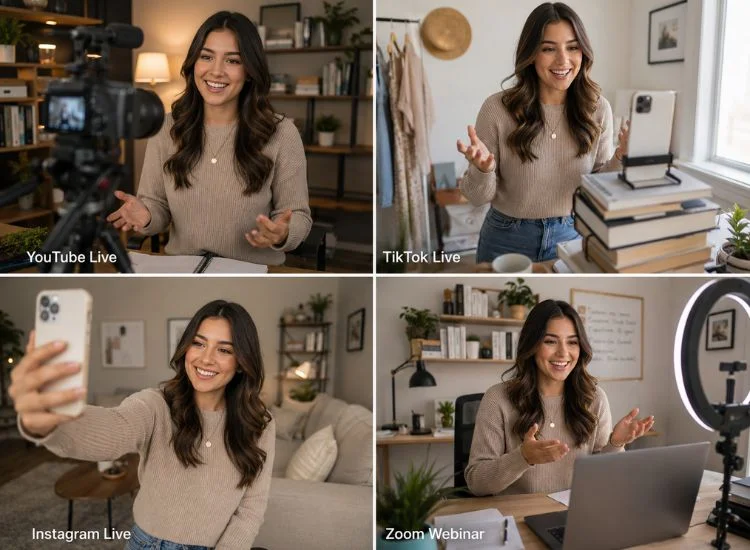
Not every live streaming context has the same delivery demands. The right teleprompter approach on YouTube Live looks different from the right approach on TikTok Live.
YouTube Live suits tutorials, Q&A sessions, live podcasts, and event coverage. These are longer formats where a viewer commits to watching for 20, 40, or 60 minutes. Delivery quality over that duration requires structure.
Full word-for-word scripts work well here. Voice-activated scroll is the recommended mode, as it follows your natural pace across long segments without requiring manual adjustment. Scripts can be divided into named segments that correspond to planned topic transitions, making it easy to navigate during live chat interaction.
TikTok Live rewards high energy and punishes dead air. A three-second pause that would feel contemplative on YouTube Live reads as a stream error on TikTok.
Bullet-point scripts rather than full prose suit this format better. Key phrases, transitions, and calls to action written in the way you actually speak give you the structure without slowing you down. Fixed-speed scroll at a brisk words-per-minute rate often outperforms voice scroll here, because the content rhythm is predictable and consistent.
Instagram Live is built for conversation. Viewers join and leave throughout the session. Comment interaction is expected, not optional.
Cue-point scripting works best for this format: short segment openers, key talking points, and planned transitions are scripted, with deliberate space for improvisation built between them. The script marks the shape of the broadcast without scripting every word.
Webinars carry the highest delivery expectations of any live format. Attendees are typically professional, the content is usually structured around specific outcomes, and the format signals that preparation is expected.
Full word-for-word scripts are appropriate here. A teleprompter running alongside your presentation software, on a second device or in a browser tab, keeps your delivery sharp without requiring you to memorize a 45-minute presentation. For this format, there is very little tolerance for pacing errors or lost place.
Hardware teleprompters, the kind with beamsplitter glass, a camera rig, and a dedicated monitor, produce broadcast-grade output. They are standard in professional studios and newsrooms.
For most creators going live from a home setup, they are also unnecessary.
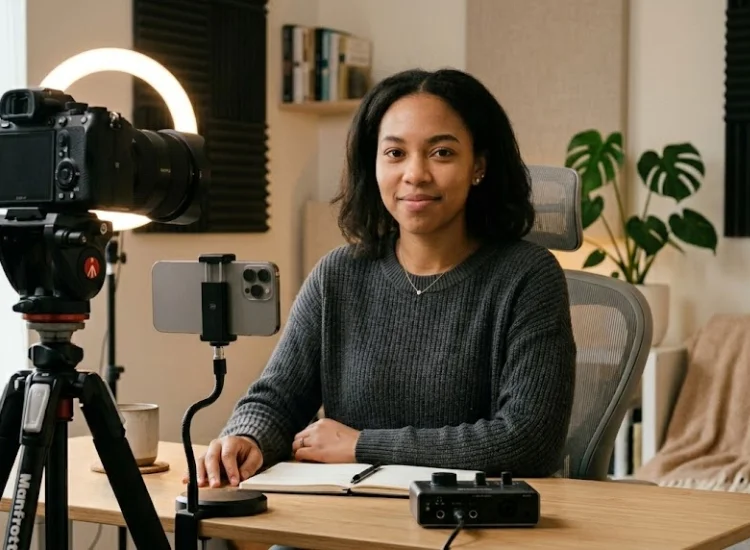
An app-based teleprompter runs on any phone, tablet, or laptop you already own. Position it next to or just below your camera lens, and the script appears at eye level with no additional equipment. There is no rig to assemble, no glass to clean, no external monitor to power.
The same app covers every format on this list: YouTube Live, TikTok Live, Instagram Live, webinars, and everything in between. Hardware adds cost and setup time. For solo streamers, it rarely adds proportional value.
If you are comparing apps and want to see which teleprompter handles live streaming best, the best teleprompter apps for live streaming guide covers the main options with an honest breakdown of where each one fits.
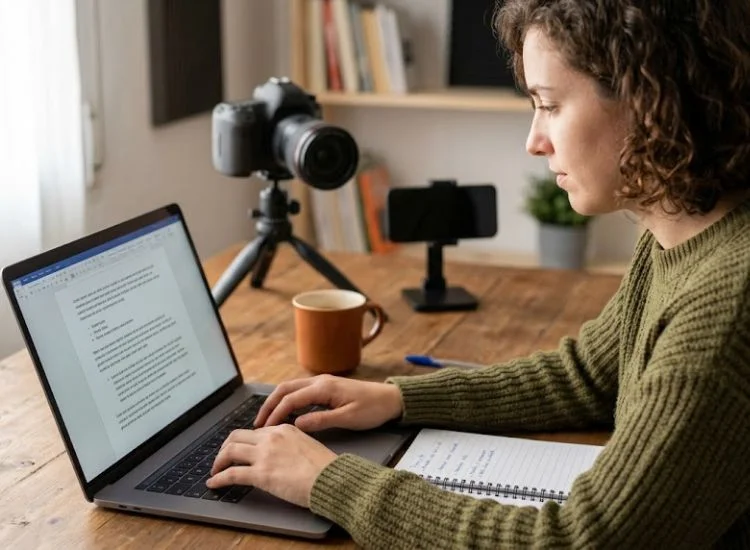
Setup is the easy part. The harder question is how to write a script that holds up when things go off-plan, which they always do, live.
Three principles that hold regardless of platform:
If you need a starting point, Teleprompter.com's AI script generator turns a rough topic or set of notes into a structured speaking script in seconds. Edit it to match how you actually talk, build in your reaction spaces, and it is set to go.
For a deeper guide to writing scripts that sound natural on camera, see how to write a script for a teleprompter.
Live streaming's defining characteristic is that there are no cuts, no second takes, no editing. That is also its biggest delivery challenge. A teleprompter does not eliminate that challenge. It removes the three specific failure modes that make it hard: forgetting what comes next, losing eye contact while you look for your place, and letting pace collapse under pressure.
The result is not a stream that sounds scripted. It is a stream where you can actually be present, focused on the audience, not on memory management.
If you want to see exactly how Teleprompter.com handles live streaming setup platform by platform, the step-by-step live streaming setup guide covers YouTube Live, TikTok Live, Instagram Live, Facebook Live, and custom stream URLs.
Get started for free on Teleprompter.com. Works in any browser with no download required.
A teleprompter for live streaming is an app or device that scrolls a speaker's script at a controlled pace directly in front of the camera lens. It lets the presenter read word-for-word while maintaining natural eye contact with the audience. In a live streaming context, it removes the memory and pacing pressure that makes unscripted delivery break down.
You do not need one for short, casual streams. For any live broadcast over 10 minutes, content that requires hitting specific points in order, or professional formats like webinars, the delivery difference is significant. A teleprompter removes the three main failure modes of live delivery (memory gaps, eye contact drift, and pacing collapse) that are invisible in recorded video but visible in real time to a live audience.
Only if the delivery is flat. A teleprompter with voice-activated scroll actually reduces the scripted feel, because pacing stays natural rather than locked to a fixed speed. The tell that gives teleprompter use away is monotone delivery. That comes from reading rather than speaking, which is a practice problem, not a tool problem.
Yes. App-based teleprompters work on the same phone you use to stream, positioned at eye level next to or above the camera. For TikTok Live and Instagram Live, both phone-native formats, an overlay-style or standard scroll app covers the setup without any additional hardware.
Yes. Teleprompter.com streams directly to YouTube Live from iOS and macOS, with the script scrolling on the same device as the broadcast. VoiceGlide handles the pace variation that comes with longer YouTube Live sessions, pausing with you whenever you pause to engage with chat.
No. App-based teleprompters run on any phone, tablet, or laptop with no additional equipment. Hardware rigs with beamsplitter glass produce broadcast-grade output but are rarely necessary for creators going live from a home or mobile setup.


.png)


.png)