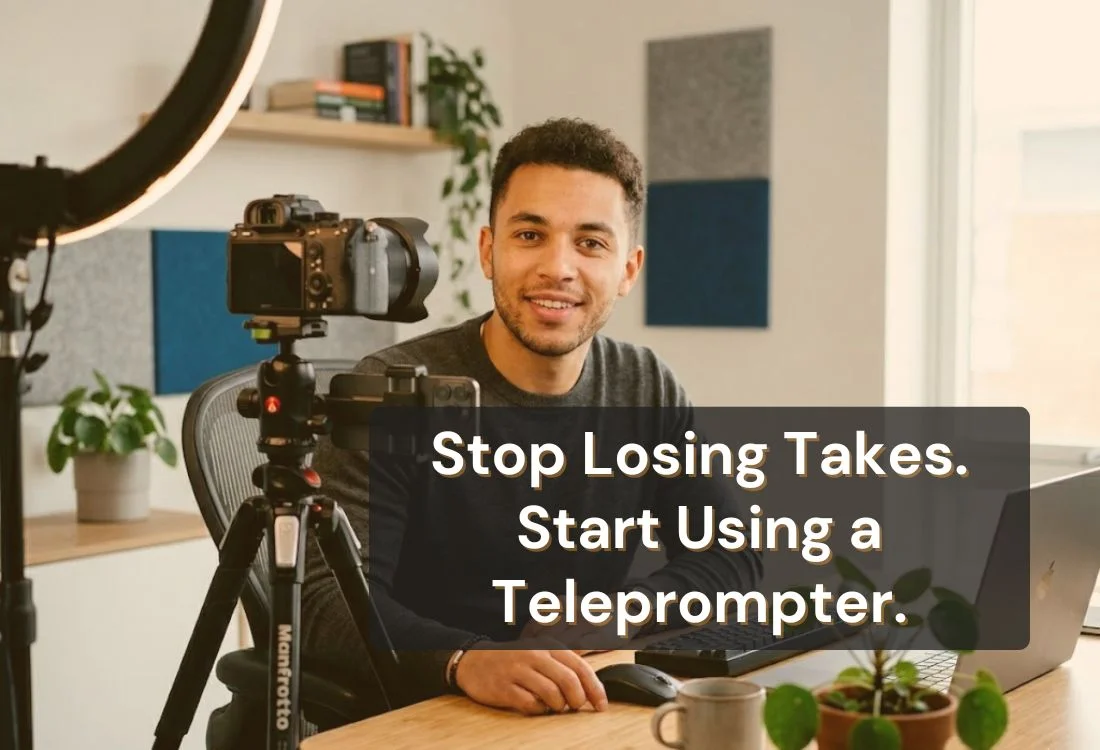


The main benefits of using a teleprompter are consistent eye contact with the camera, fewer retakes, accurate delivery of scripted content, and controlled pacing throughout a video. App-based teleprompters extend these benefits to any device (phone, tablet, laptop, or Mac) without hardware or lengthy setup.
There is a gap between the video you planned and the video you record when you are unscripted. You know your topic. You know your points. But the moment the camera starts rolling, the mental load of recall competes with the mental load of delivery. Words come out in the wrong order. You hedge with "uh" and "sort of." You stop and start over.
That gap (between what you meant to say and what actually came out) is what a teleprompter closes.
Every benefit of using a teleprompter addresses a specific part of that gap: the lost eye contact, the filler words, the pacing drift, the forgotten transition, the retake that costs you another 20 minutes. Understanding the gap makes the benefits concrete rather than abstract.
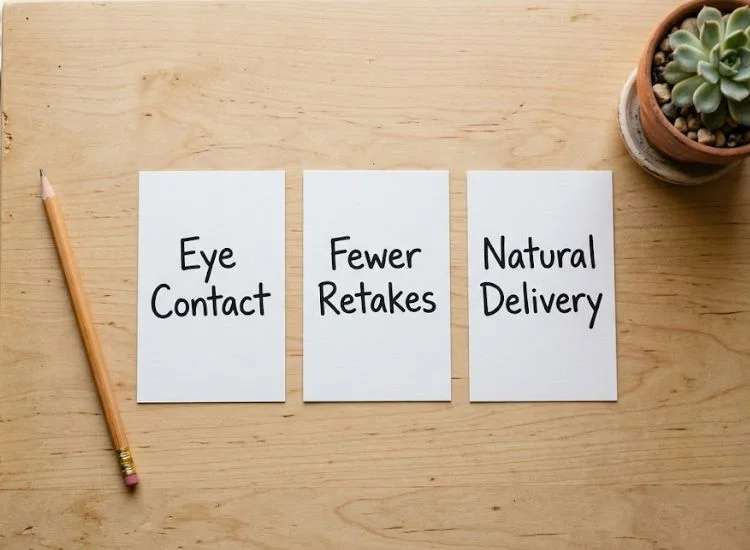
A teleprompter positions your script at or directly in front of the camera lens. When you read from it, you appear to be looking straight into the lens. From the viewer's perspective, that means looking directly at them.
This matters more than most people expect. Eye contact with the lens signals confidence and presence. Looking away from the lens, toward notes, a second monitor, or the floor, reads as uncertainty on camera, even if the words are right.
For creators and professionals delivering talking-head content, lens-facing eye contact is one of the most effective ways to improve viewer engagement without changing anything about the content itself.
The majority of retakes happen for one reason: the speaker lost their place, forgot what came next, or said something they didn't mean to say. A teleprompter removes all three.
With your script in front of you, the next sentence is always available. You don't need to hold your entire structure in working memory while also managing your tone, expression, and energy. That cognitive load reduction is what makes production faster.
For context on why this matters at scale: according to Wyzowl's State of Video Marketing 2026, 91% of businesses now use video as a marketing tool. More video is being produced than at any point before. Efficiency in recording directly affects how much content a creator or team can produce, and how good each piece actually is.
Some content requires exact wording. Sponsored segments, legal disclaimers, product descriptions, course material, executive communications. These cannot be approximated. A teleprompter makes word-for-word delivery possible without the performance pressure of memorization.
This is the benefit that gets underestimated most often. It is not about reading robotically. It is about delivering exactly what you wrote, with your natural voice intact, because the text is right in front of you rather than reconstructed from memory.
Filler words ("um," "ah," "you know," "like") are not a speaking habit. They are a retrieval pause. When the brain knows what it wants to say but has not yet found the words, it produces a filler sound to hold the floor.
When the next line is visible on a teleprompter, retrieval is instant. The pause disappears. Delivery becomes cleaner, not because the speaker is a better communicator, but because the cognitive bottleneck that produced the filler has been removed.
This is one of the most immediate and audible improvements new teleprompter users notice. It shows up in the first recording.
Memorizing a script creates a fragile state: one forgotten word triggers a chain reaction. Teleprompter delivery eliminates that fragility entirely. The words are always there. Losing your place does not mean losing the video. It means glancing back at the screen.
That safety net changes how you perform. Anxiety drops. Delivery becomes more natural, not less, because the speaker is no longer managing fear of forgetting alongside everything else.
For anyone who experiences camera nerves, the reduction in mental load that comes with a teleprompter has a direct, measurable effect on confidence and delivery quality.
For more on this, see overcoming stage fright with a teleprompter app.
Pacing is one of the hardest things to manage unscripted. Nervous speakers rush. Uncertain speakers drag. Neither serves the viewer.
A teleprompter gives you a physical pacing anchor. The scroll speed can be set to match your natural speaking rate, typically 125 to 150 words per minute for most conversational content, and adjusted by content type. Technical content lands better slower. Energetic short-form content works faster.
Teleprompter.com offers four scroll modes to match different workflows: VoiceGlide (voice-activated scrolling), fixed speed, fixed time, and word-per-minute. VoiceGlide in particular removes the need to set your speed manually — it pauses the instant you stop talking and picks up right where you left off. The teleprompter adapts to your delivery in real time rather than forcing you to adapt to it.
See all four modes and the full feature set at Teleprompter.com features.
The core benefits apply across all video creators, but the primary benefit shifts depending on how and where you create content.
If you create video regularly and spend more than 20% of your recording time on retakes, a teleprompter addresses the root cause rather than the symptom.
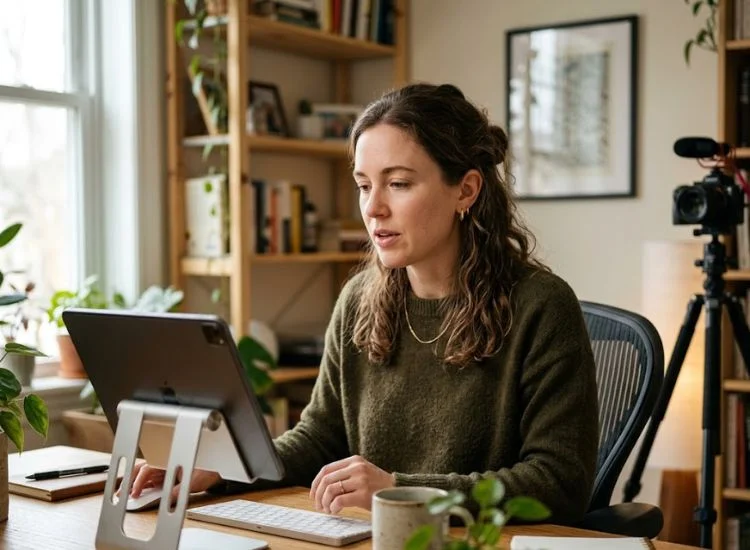
This is the most common objection to teleprompter use, and it is worth addressing directly: a teleprompter does not make you sound robotic. A poorly set up, undertested script does.
Robotic delivery has two causes. The first is a scrolling speed that is faster than your natural speaking rate, which forces you to rush and clip your phrasing. The second is a script written for the page rather than the ear: full formal sentences, no contractions, complex clause structures.
These sound unnatural the moment you try to speak them aloud.
Both are solvable before you record. Set the scroll speed to match your natural rate, or use Teleprompter.com's VoiceGlide mode to let the app follow your voice rather than the other way around. Write the script the way you speak: short sentences, contractions, one idea per line. Read it aloud before you record. If a phrase trips you up in rehearsal, rewrite it.
The result is delivery that sounds prepared and natural at the same time, because it is both.
For more on getting this right, see how to read a script naturally.
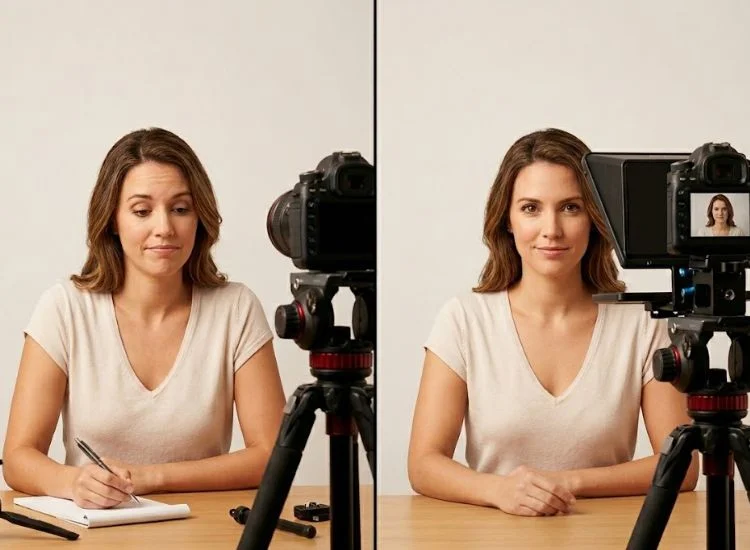
The difference between a scripted teleprompter take and an unscripted take is visible from the first few seconds of footage. Here is what changes, practically, in the final video.
The viewer never sees the teleprompter. They see a presenter who knows their material, holds their gaze, and delivers at a consistent pace. That perception of confidence and preparation is what a teleprompter produces.
No. The benefits of a teleprompter are delivered by the software, not the physical rig.
Hardware teleprompters (beamsplitter rigs with angled glass) are useful in broadcast and high-end studio environments. But for solo creators, educators, podcasters, and business professionals, an app-based teleprompter on a phone, tablet, or laptop delivers the same core benefits: eye contact, scripted accuracy, controlled pacing, and fewer retakes.
Teleprompter.com runs in any browser and you can be recording with a teleprompter in under two minutes, without any hardware beyond the device you already own.
For more on how different setups compare, see types of teleprompters.
The benefits of using a teleprompter come down to one thing: closing the delivery gap between what you planned and what actually comes out on camera.
Eye contact improves. Filler words drop. Retake counts fall. Pacing stabilizes. Confidence increases. These are not incremental improvements. For most creators who switch from unscripted to teleprompter-assisted recording, the change is audible and visible in the first session.
The barrier to getting started is lower than most people expect. No rig, no glass, no calibration. Open Teleprompter.com in your browser, paste your script, and record. The app handles the rest.
Start with the free online teleprompter at Teleprompter.com, available in your browser, on iOS, Android, and Mac.
The main benefits of using a teleprompter are consistent eye contact with the camera, fewer retakes, accurate word-for-word delivery, elimination of filler words, and controlled pacing throughout the recording. Together, these benefits close the gap between what you planned to say and what you deliver on camera, without requiring memorization.
A teleprompter does not cause robotic delivery. A mismatched scroll speed or a poorly written script does. Write your script the way you speak, use short sentences and contractions, and set the scroll speed to match your natural pace. Teleprompter.com's VoiceGlide mode follows your voice automatically, pausing when you pause, which removes the most common cause of stilted delivery.
No. App-based teleprompters deliver the same core benefits as hardware rigs for most creators. Teleprompter.com works in any browser and as a native app on iOS, Android, and macOS. You can record with a teleprompter using the device you already own (no angled glass, no rig, no setup time).
Teleprompters are used by YouTubers, course creators, podcasters, business professionals, journalists, broadcasters, and public speakers. Virtually anyone who delivers scripted content to camera benefits from a teleprompter. The primary benefit shifts by use case. Fewer retakes and better delivery are consistent across all of them.
Speech recognition scrolling listens to your voice and moves the script forward at your actual speaking pace. This removes the need to calibrate a manual scroll speed before every take and eliminates the most common cause of rushed or stilted delivery: the script moving faster or slower than your natural rate. The teleprompter adapts to you.
Yes. For solo creators who script their content, a teleprompter reduces retakes, eliminates filler words, and allows lens-facing eye contact. All of these improve the final video without adding significant time to production. App-based teleprompters cost nothing to try and work on the devices most creators already use.


.png)


.png)