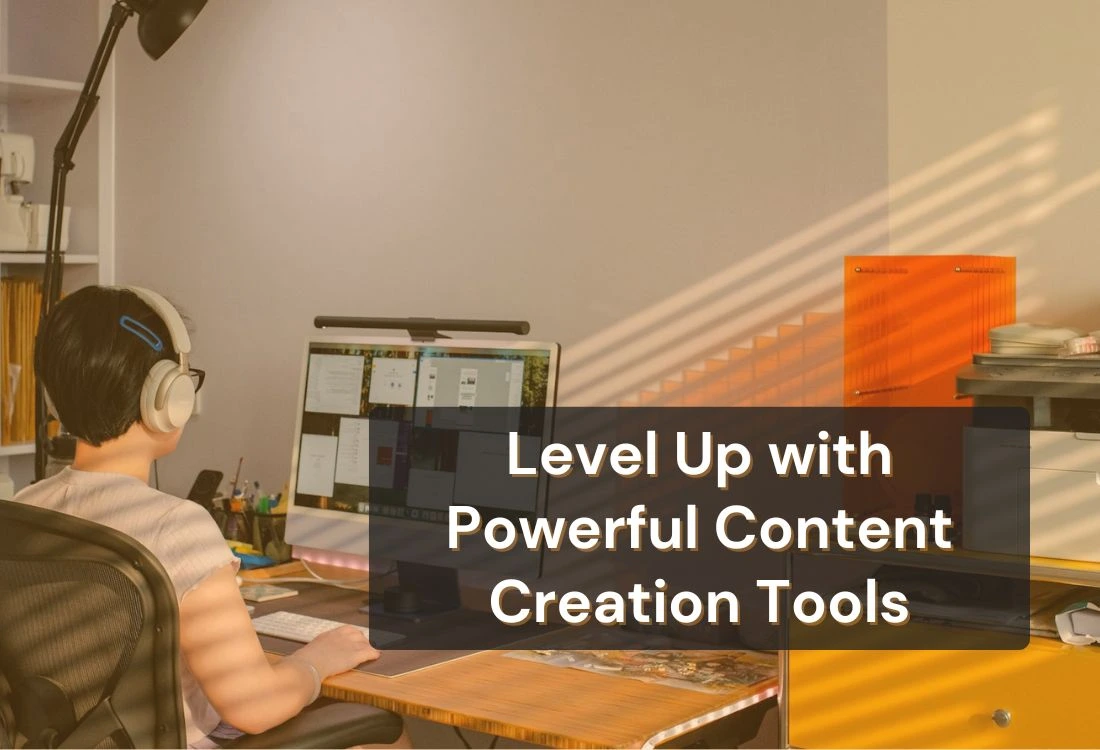


Content creation tools simplify this process by supporting every stage of production—from planning and scripting to editing and publishing. They help creators such as YouTubers, educators, and business owners deliver polished, professional content with greater ease and confidence.
Content creation tools are software, apps, or platforms that help creators produce text, images, audio, and video more efficiently. They are the backbone of every digital workflow, providing a foundation for brainstorming, editing, design, and distribution.
They range from AI writing assistants and graphic design apps to video editors and teleprompter software. The goal is simple: to help creators bring ideas to life without being bogged down by technical complexity.
Examples include:
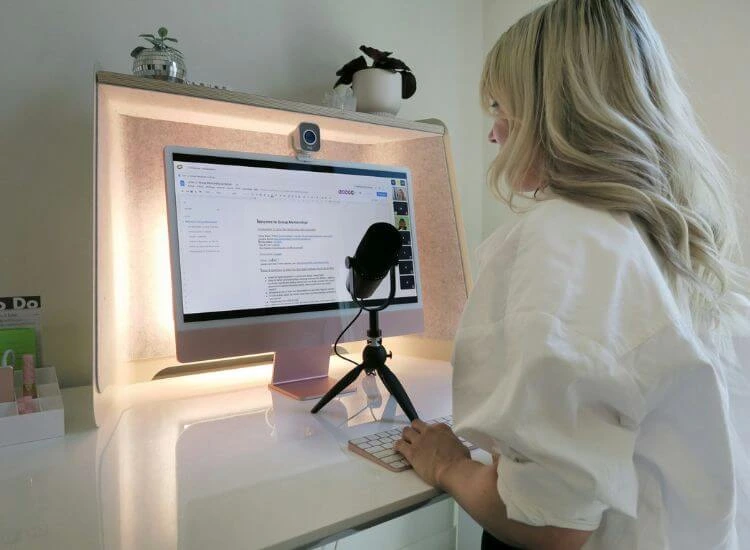
The creator economy is booming. According to Adobe’s 2024 Future of Creativity Study, over 165 million new creators joined the market between 2020 and 2024. This surge means the competition for attention has never been fiercer.
To stand out, creators must produce content faster while maintaining authenticity and quality, especially as digital video content becomes the dominant format across nearly every platform.

The beauty of the modern creator landscape is the variety of tools available for every niche. Whether you’re writing, designing, editing, or strategizing, there’s a solution that fits your workflow.
Strong storytelling starts with words. These tools help writers and speakers refine their message, structure ideas, and maintain clarity.
An essential tool for writers, Grammarly refines text by checking grammar, punctuation, and tone in real time. It helps creators communicate clearly, ensuring scripts, captions, and articles sound polished and professional. Many creators rely on it to maintain a consistent voice across their written content.
This AI-powered platform can come up with content ideas, captions, and even extended scripts from simple suggestions. Jasper AI helps fast-paced creators who work with a lot of different types of material create quickly and consistently with their brand.
More than just a note-taking tool, Notion AI organizes ideas, outlines, and publishing schedules in one workspace. Its AI assistance can summarize notes, brainstorm headlines, and help creators plan ahead with clarity.
Designed for simplicity, Hemingway Editor enhances readability by highlighting lengthy or complex sentences. It encourages concise, confident writing, which is especially useful for crafting video scripts or spoken content.
Great visuals capture attention instantly. These tools make it easy to design professional graphics, thumbnails, and layouts that reflect your brand’s identity and style.
Creators can make thumbnails, infographics, and social media graphics in minutes thanks to its drag-and-drop interface and a large choice of themes. The built-in Brand Kit feature keeps all visual content consistent by keeping all of the brand's colors, fonts, and logos in one place.
A fast and flexible design platform, Adobe Express offers professional-grade templates and editing options without the complexity of traditional design software. It’s ideal for creators who want to produce eye-catching visuals for posts, presentations, or short videos with minimal effort.
Figma supports collaborative design work, making it a favorite for creative teams. Multiple users can co-edit visuals, provide feedback, and refine layouts in real time. It’s especially useful for creating cohesive social media templates, website assets, or branded visuals shared across teams.
Design tools like these strengthen visual storytelling and help creators maintain a consistent aesthetic across all platforms.
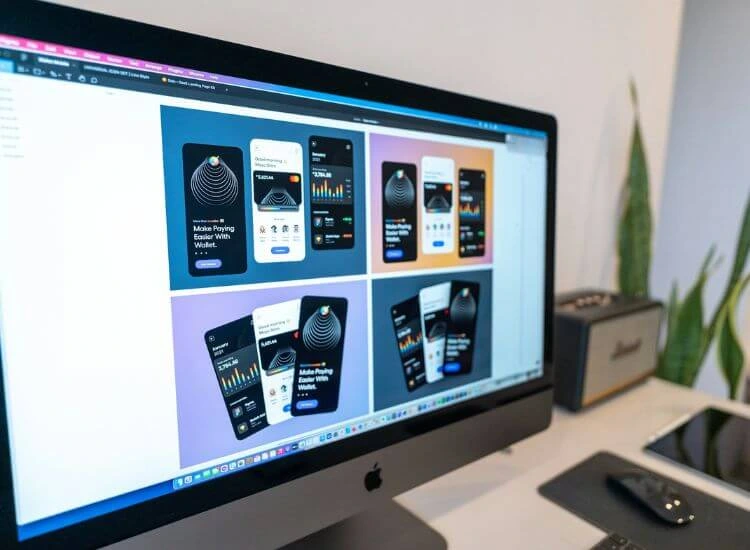
Video remains one of the most engaging forms of content. These tools help creators edit, enhance, and produce high-quality videos that keep viewers interested and deliver their message clearly.
Adobe Premiere Pro is a powerful editing tool trusted by professionals for its precise control and advanced effects. It supports everything from YouTube tutorials to branded video campaigns, offering color correction, transitions, and seamless integration with other Adobe apps.
CapCut simplifies mobile video editing for creators on the go. It includes ready-made templates, transitions, and text animations that make short-form videos quick to produce and visually engaging. It’s an excellent choice for creators focusing on TikTok, Instagram Reels, or YouTube Shorts.
Descript turns video and audio editing into a text-based process. Creators can edit their videos simply by deleting or rewriting parts of the transcript. This approach is fast, intuitive, and perfect for podcasts, interviews, or educational content.
Teleprompter.com app helps creators record confidently by displaying scripts on screen while maintaining perfect eye contact with the camera. It’s valuable for YouTubers, presenters, and educators who want to sound natural and professional without memorizing lines.
Sound quality can make or break your content. These tools give creators everything they need to record, edit, and polish professional-grade audio for podcasts, interviews, and voiceovers.
Audacity is a free, open-source audio editor that provides professional-level features for voice recording and sound editing. It includes tools for trimming, cleaning, and enhancing audio tracks, making it ideal for podcasts, interviews, and voiceovers.
Riverside.fm records studio-quality podcasts and interviews, even with remote guests. It captures audio and video locally on each participant’s device to avoid internet-related quality drops. Its integrated transcription and editing options further simplify production.
Adobe Audition offers advanced mixing, mastering, and audio restoration tools. Professional podcasters and video editors often use Adobe Audition to gain complete control over their sound design. Multi-track editing and noise reduction ensure that every episode or voiceover sounds crisp and polished.
Consistency builds engagement. These tools allow creators to plan, schedule, and analyze posts across multiple platforms, helping them stay organized and active online.
Buffer allows creators to schedule, publish, and analyze social media posts across multiple platforms. Its analytics help identify the best times to post, ensuring maximum engagement and reach.
Hootsuite is a comprehensive social management platform used by brands and agencies to plan, monitor, and measure campaigns. Its dashboard makes it easy to track engagement, respond to comments, and evaluate performance across all channels.
Later offers a visual approach to social media scheduling. Its drag-and-drop calendar helps creators plan posts for Instagram, TikTok, and Pinterest while previewing how each grid or feed will look before publishing.
The best content creation tools do more than simplify production, they make your entire workflow faster and more organized. They reduce repetitive tasks, enhance quality, and ensure your output stays consistent across every platform.
Automation is a major advantage for modern creators. Tools like Jasper AI generate content ideas or captions, while Buffer automates social post scheduling. Features such as Grammarly’s tone suggestions, Canva’s Magic Design, and Teleprompter.com’s AI script generator help creators plan and polish content efficiently. With Teleprompter.com’s smooth script scrolling and AI-assisted script writing, creators can draft, refine, and deliver professional videos faster, without losing focus or flow on camera.
Templates save time and maintain consistency. Platforms like Canva, Adobe Express, and Later provide pre-designed templates for social media posts, videos, and presentations. Using templates aligned with your brand identity helps reinforce a professional look without starting from scratch every time.
Performance data helps creators refine strategy and improve results. Analytics tools built into Hootsuite or Buffer track engagement and reveal what resonates with audiences. For instance, videos recorded using Teleprompter.com may show higher engagement rates due to smoother delivery—an example of how improved workflow directly supports audience growth.
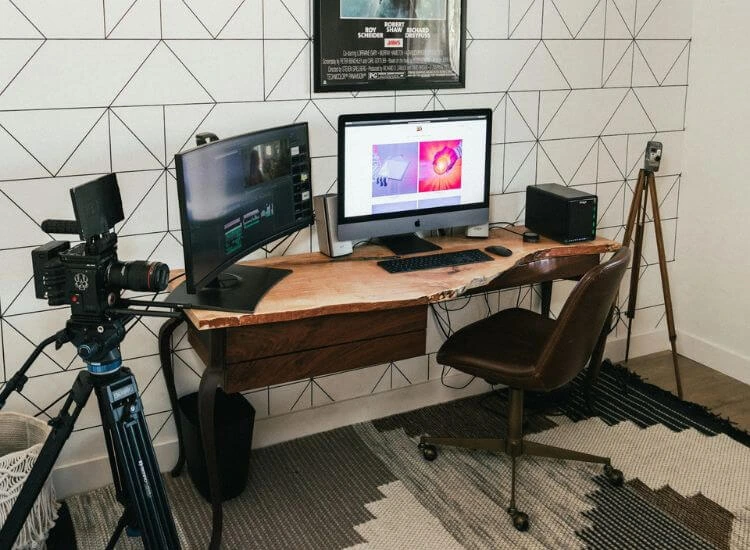
Even the best tools are only as effective as the person using them. Here are practical tips to help creators get the most out of their digital toolkit:
Consistency and experimentation go hand in hand. Over time, you’ll learn which tools fit your creative rhythm best.
In a world where digital storytelling dominates, content creation tools have become the foundation of creative success. They help creators streamline production, maintain quality, and expand their reach without burning out. From writing and design to video and social media, the right toolkit transforms ideas into professional-grade content.
If you’re ready to take your workflow to the next level, try integrating smart solutions like Teleprompter.com into your process. It’s a powerful way to record videos confidently, maintain eye contact, and deliver your message with impact.
Start your free Teleprompter.com account today and see how the right tools can elevate your content and your confidence on camera.
Content creation tools are software or apps that help creators plan, produce, and edit digital content. They simplify tasks like writing, video editing, design, and publishing, making it easier to create professional-quality content quickly and consistently.
The best content creation tools for beginners include Canva for design, CapCut for video editing, and Teleprompter.com for scriptwriting and recording. These tools are easy to use and help new creators produce polished content without advanced technical skills.
Content creation tools save time, improve quality, and support consistency across platforms. They automate repetitive tasks like editing or scheduling, making it easier for creators to focus on storytelling and audience engagement.
Yes. Many content creation tools offer free versions, including Canva, Audacity, CapCut, and Teleprompter.com. These options provide essential features for creating videos, designs, and written content without requiring a paid subscription.
Teleprompter.com combines an AI script generator with a built-in teleprompter, allowing creators to write, practice, and record seamlessly. It helps maintain eye contact, improves delivery, and enhances on-camera confidence—making it a complete tool for video creators and presenters.


.png)


.png)