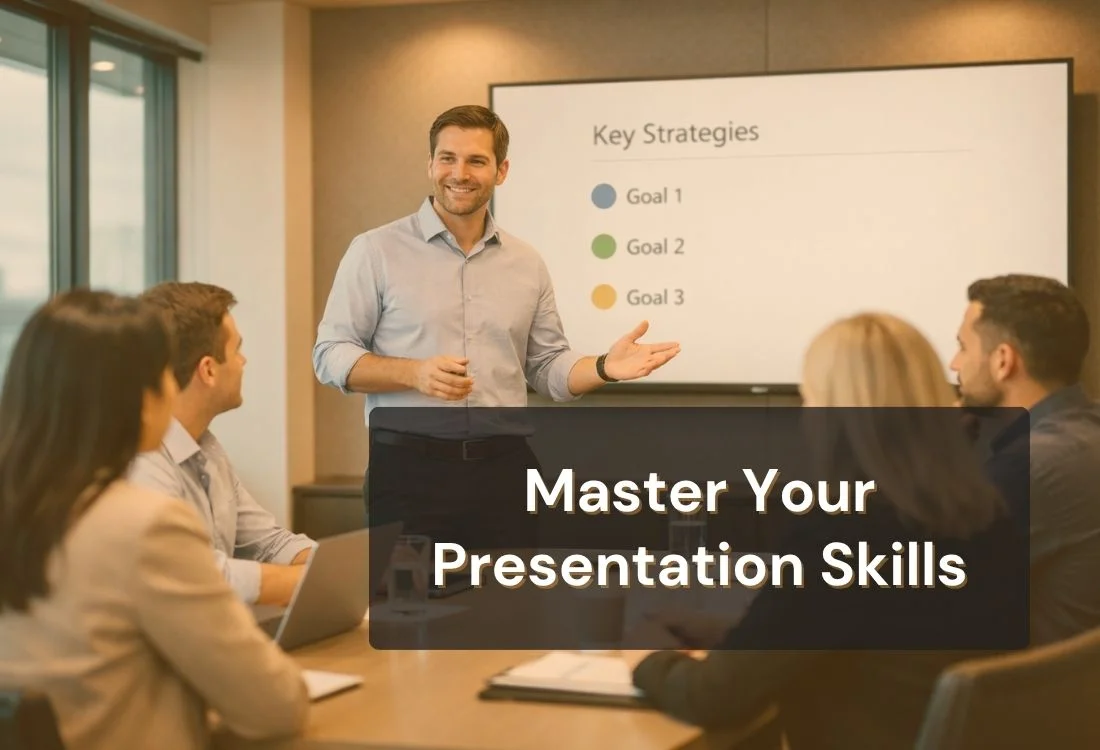


Most people know they need better presentation skills. Very few know exactly what to practice.
A client pitch, a job interview, a team meeting, the ability to communicate clearly and confidently shapes how others perceive you and what they decide to do next.
Presentation skills aren't one thing. They're a set of learnable abilities: how you structure your message, how you use your voice and body, how you hold attention, and how you deliver under pressure. The gap between average and compelling presenters almost always comes down to these specifics, not raw talent.
That gap is closable.
This guide covers what presentation skills actually are, why they matter at work, and a practical five-step framework for improving them, in a boardroom or on a video call.

Presentation skills are the tools you use to communicate ideas clearly, confidently, and persuasively to an audience. They cover what you say, how you say it, and how you carry yourself while saying it.
These skills span several areas:
A teacher using real-life scenarios to explain a concept and a sales director pitching a new product are both using presentation skills. The context changes; the core skills stay the same.
Strong presentation skills don't just make you a better speaker, they accelerate your career.
Employees confident in public speaking are 70% more likely to be promoted to management positions, according to research referenced in public speaking statistics from Novoresume. Separately, 90% of hiring managers expect remote presentations to remain a permanent fixture of professional work.
Fear of public speaking is extremely common, and research suggests a large share of people experience meaningful speaking anxiety. That gap between workplace expectations and speaking confidence creates a real advantage for anyone willing to build this skill.
Effective presentation skills help you run meetings with authority, pitch ideas convincingly, and translate complex information without losing the room. In client-facing roles, a polished delivery builds trust faster than any slide.
These skills reduce general communication anxiety, too. When you know how to organize thoughts and deliver them clearly, job interviews, performance reviews, and networking conversations all become more manageable.
Want the numbers behind these trends? Read our full guide to public speaking statistics
Every strong presentation draws from the same set of building blocks. Understanding each one helps you pinpoint exactly where to focus your practice.
No single component carries the whole presentation. A compelling story with poor eye contact loses its impact. Polished slides with monotone delivery puts people to sleep. The goal is balance across all seven.

These five steps follow the natural arc of any presentation, from preparation to delivery. Work through them in order for the most consistent results.
Before you write a single slide, find out who you're speaking to. What do they already know? What do they care about? Tailor your language, examples, and level of detail to match their expectations. Relevance is what keeps an audience engaged from the first minute through the last.
Every effective presentation has three parts: an introduction that earns attention, a body that delivers the core message, and a conclusion that drives a clear action or insight. Use this structure every time. It makes your message easier to follow and far easier to remember.
Reading through notes silently doesn't prepare you for live delivery. Practice out loud, multiple times. Record yourself if you can. Check your pacing, timing, and transitions. If something feels awkward when you say it aloud, it will feel worse in front of an audience.
Open posture, natural gestures, and sustained eye contact communicate confidence before you say a word. Keep slides clean, one idea per slide is a practical rule. Visuals should reinforce your message, not replace it. If you want a low-pressure way to practice slide design and audience engagement, try building a few fun PowerPoint night ideas with friends before applying the same principles to work or school presentations.
Nerves are normal, even experienced presenters feel them. The difference is preparation. Deep breathing before you start, visualizing a smooth delivery, and thorough rehearsal all reduce anxiety and sharpen performance. Confidence follows preparation, not the other way around.

Virtual presenting demands a specific set of adjustments, and most presenters haven't made them.
Over 67% of speeches are now delivered virtually (Novoresume, 2025). With 90% of hiring managers expecting remote presentations to continue indefinitely, treating virtual delivery as a secondary skill is a career mistake.
Here's what works on camera:
For virtual presentations, a teleprompter app is the professional's edge. Teleprompter.com lets you scroll your script at a natural pace while looking directly into the camera — exactly what top virtual presenters do.
Once the fundamentals are solid, the fastest growth comes from deliberate feedback and consistent repetition.
"That was great" doesn't help you grow. Ask for specifics: Did I speak too fast in the opening? Was the structure clear? Did the examples connect? Targeted feedback reveals patterns you can't see in yourself.
Watch presentations you respect and pay attention to the mechanics. Where do they pause? How do they transition? What do they do when attention drops? Observation is one of the most underused learning tools available.
The most memorable presentations are built around stories, not bullet points. A well-told narrative triggers emotional engagement and makes data feel concrete. Practice framing your key points as a short story with a clear arc and a specific outcome.
Toastmasters, internal team meetings, recorded practice sessions, the setting matters less than the volume of reps. Every delivery, even an imperfect one, builds the muscle memory that makes confident presenting feel natural.
No single resource replaces consistent practice. The combination of structured learning, regular reps, and the right practice tools produces results faster than any one approach on its own.
Presentation skills cover everything from how you structure an argument to how you hold your posture when nerves surface. They're learnable. They compound with practice. The professionals who invest in them consistently outpace those who don't.
Start with the five steps. Build one component at a time. Get specific feedback, then repeat.
The fastest way to improve is to practice with the right tool. Over 1 million creators use Teleprompter.com to rehearse, record, and present with confidence. Start free today.
Presentation skills are the verbal, visual, and nonverbal abilities that help you communicate ideas clearly and confidently to an audience. They include public speaking, body language, eye contact, storytelling, and the effective use of visual aids.
In a professional context, presentation skills refer to your ability to communicate ideas persuasively in meetings, pitches, performance reviews, and client conversations. They directly affect how others perceive your competence and readiness for leadership.
The fastest path is structured repetition with specific feedback. Practice out loud, record yourself, and ask targeted questions after each session. Using a teleprompter app lets you focus entirely on delivery without the distraction of memorizing every line.
The five most important are: clear structure, confident delivery, sustained eye contact, genuine audience engagement, and thorough preparation. Strong presenters don't excel at all five immediately, they develop each one deliberately over time.
Presentation software like PowerPoint or Google Slides helps with visual design. Communities like Toastmasters provide feedback and reps. For delivery practice, teleprompter apps are especially effective. Teleprompter.com is used by presenters to rehearse scripts, maintain camera eye contact, and reduce delivery anxiety.
Employees who are confident in public speaking are more likely to receive promotions to management positions. Presentation ability signals leadership, clarity of thought, and credibility.


.png)


.png)