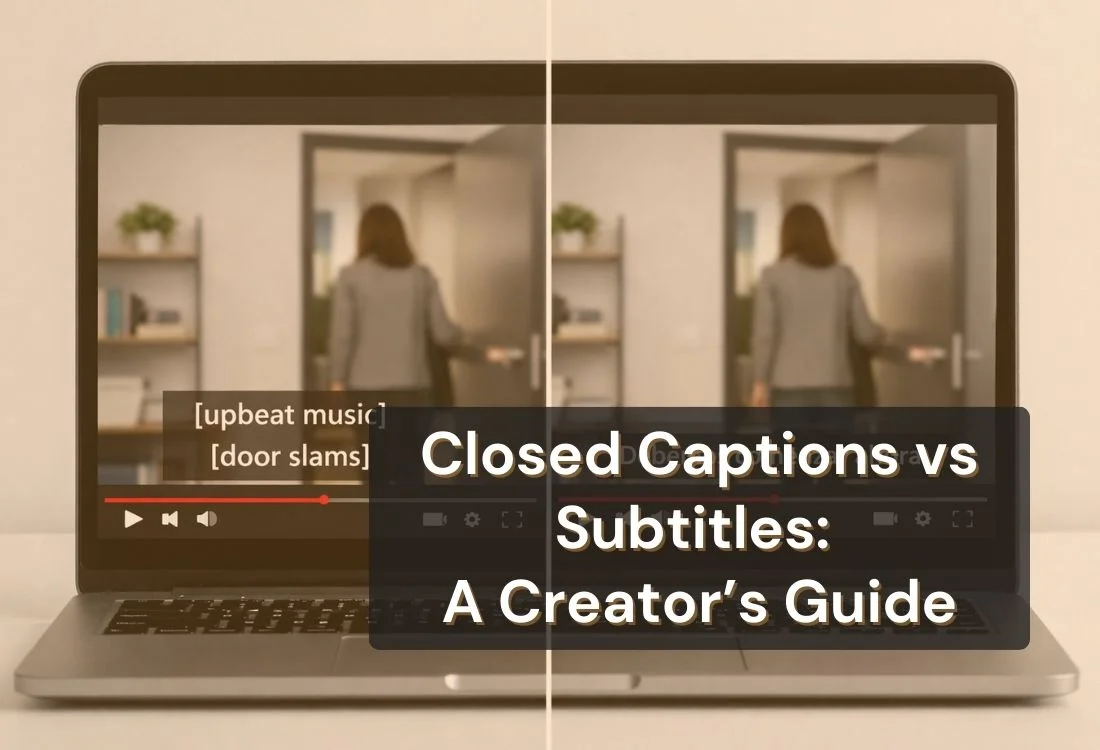


Many people use closed captions vs subtitles as if they mean the same thing. They do not.
Both appear as text on screen, but they serve different purposes. Closed captions are designed to make video more accessible by showing spoken dialogue and important audio cues. Subtitles are designed to show spoken dialogue, often for viewers who can hear the audio but need language support.
If you create YouTube videos, webinars, online courses, interviews, or social media content, knowing the difference helps you choose the right format for your audience. In this guide, you’ll learn what closed captions and subtitles are, how they differ, and when to use each one.
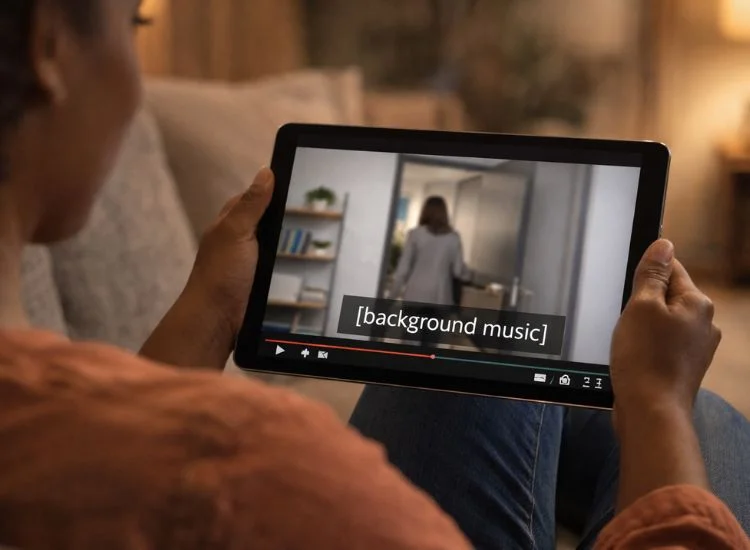
Closed captions are on-screen text that shows spoken dialogue and important audio details from a video. They help viewers understand not just what is being said, but also what is happening in the audio.
That extra context is what separates closed captions for videos from plain text transcription. In most cases, closed captions include speech along with sound cues that affect meaning. For example, they may identify who is speaking, note background sounds, or describe music that shapes the mood of a scene.
A viewer might see captions like:
This added context makes closed captions especially useful for viewers who are deaf or hard of hearing. They also help when audio is unclear, speakers talk quickly, or the viewer is watching without sound.
The simplest definition is this: closed captions are a text version of both the spoken words and the meaningful audio in a video.
They do more than repeat dialogue. They represent the full audio experience in written form.
Closed captions often include:
These details may seem small, but they can change how a viewer understands a scene, a lesson, or a message.
Accessibility is the main reason closed captions matter. A viewer who cannot hear the audio clearly should still be able to follow the video without missing key context.
That is why captions are especially useful in educational content, webinars, interviews, training videos, and public-facing media. For creators, captions also improve clarity and make videos easier to follow in real-world viewing situations.
To ensure your videos go beyond basic captions and meet full accessibility standards, you can follow a video accessibility checklist that covers practical steps for making content more inclusive from production to publishing.
Subtitles are on-screen text that shows spoken dialogue, usually for viewers who can hear the audio but may not understand the language being spoken. In many cases, subtitles are used to translate speech from one language to another.
This is where much of the confusion in the captions vs subtitles discussion starts. Both appear as text on screen, but they are made for different needs.
If a video is in English and a viewer speaks Spanish, subtitles can translate the spoken dialogue into Spanish so that viewer can still follow the content. In that case, the goal is language access, not full audio accessibility.
A simple way to define subtitles is this: subtitles show the spoken words in a video, often in another language, for viewers who can hear the audio but need help understanding the speech.
That support can come from translation, simplified wording, or matching dialogue to what is spoken on screen.
Subtitles usually focus on spoken dialogue. They do not always include sound effects, music descriptions, or detailed speaker labels.
That means subtitles for videos are often more limited than captions when it comes to describing the full audio environment.
Subtitles are especially useful when content is meant for audiences in different regions or languages. A creator publishing product videos, online lessons, interviews, or marketing content to an international audience can use subtitles to make the material easier to understand without re-recording the entire video.
If your audience spans countries or languages, subtitles can help extend your reach while keeping the original spoken track intact.
![Two examples side by side — closed captions showing dialogue plus "[upbeat music]," versus subtitles showing only translated spoken dialogue.](https://cdn.prod.website-files.com/62ee76bf1cef28daf219984b/69c67e31975b6213b6631255_captions-vs-subtitles-text-comparison.webp)
The main difference between closed captions vs subtitles is purpose.
Closed captions are designed for video accessibility. Subtitles are designed for language support.
Here is how they differ.
Closed captions are for viewers who need access to the full audio experience. This includes people who are deaf or hard of hearing, as well as viewers watching with low or no sound.
Subtitles are for viewers who can hear the audio but may not understand the language being spoken.
Closed captions include more than spoken words. They often include sound cues and speaker information.
Subtitles usually include spoken dialogue only.
Closed captions are the better choice when accessibility is the goal. They help viewers understand both speech and important sounds.
Subtitles can improve understanding, but they do not usually provide enough context for full accessibility on their own.
Subtitles are often used to translate content into another language.
Closed captions are usually presented in the same language as the original audio.
Closed captions can usually be turned on or off by the viewer.
Subtitles may also be toggled on some platforms, but that depends on how the video is published.
Use closed captions when your goal is to make your video easier to access, easier to follow, and more useful for a wider range of viewers.
They are a strong fit for:
If accessibility is a priority, closed captions are usually the right choice. They are also useful when your content includes important sound cues or when you want to support viewers in noisy or silent environments.
Use subtitles when your audience can hear the audio but may not understand the language being spoken.
They are most useful for:
If your goal is translation or language support, subtitles are usually the better option. In some cases, creators may need both captions and subtitles. One version may use closed captions for accessibility, while another uses translated subtitles for international viewers.
If you want to go deeper, this guide explains why subtitles are important for modern video content.

Open captions are different from closed captions because they are always visible. They are built directly into the video and cannot usually be turned off.
This format is common in short-form social media videos where creators want viewers to see the text right away. Closed captions, on the other hand, can usually be turned on or off through the video player.
For long-form content, closed captions are often the better choice. For short-form videos on social media, open captions can work well because many people watch with the sound off.
If you want a deeper breakdown, read our guide on closed vs open captions.
The best way to decide is to start with the viewer.
Use closed captions if your audience needs access to spoken dialogue plus important audio information. Use subtitles if your audience can hear the audio but needs help understanding the language. Use both when your content serves accessibility and multilingual needs at the same time.
A few questions can help you decide:
These questions move you past a basic closed captions vs subtitles comparison and help you choose based on actual use.
Captions and subtitles are usually added after recording, but their quality often depends on how clearly you speak in the first place.
A strong script and smoother delivery can make your videos easier to caption, subtitle, and edit. That is where Teleprompter.com can help. If you already have footage recorded, you can also import a video into the Teleprompter.com app and continue refining it from there.
Using a teleprompter helps you:
Clear delivery makes video captions and video subtitles more accurate and easier for viewers to follow.
The difference between closed captions vs subtitles is simple once you break it down.
Closed captions are meant to provide access to spoken dialogue and important audio cues. Subtitles are meant to show or translate spoken dialogue for viewers who can hear the audio but need language support.
Both are useful, but they are not interchangeable.
If accessibility is the priority, use closed captions. If translation is the priority, use subtitles. If your content serves both needs, you may need both. Choosing the right option can make your content clearer, more inclusive, and more effective across platforms.
Want to create clearer videos from the start? Try Teleprompter.com and make recording, scripting, and editing easier.
No. Closed captions include spoken dialogue plus important audio cues like sound effects, music descriptions, and speaker identification. Subtitles usually focus on spoken dialogue and are often used for translation or language support.
Closed captions are better for accessibility because they are designed to represent the full audio experience, not just the spoken words.
Usually, no. Subtitles often show spoken dialogue only. They do not always include sound effects, speaker labels, or music cues.
Yes. A video can use closed captions for accessibility and subtitles for translation or language support.
Closed captions can usually be turned on or off by the viewer. Open captions are permanently visible because they are embedded directly into the video.


.png)


.png)