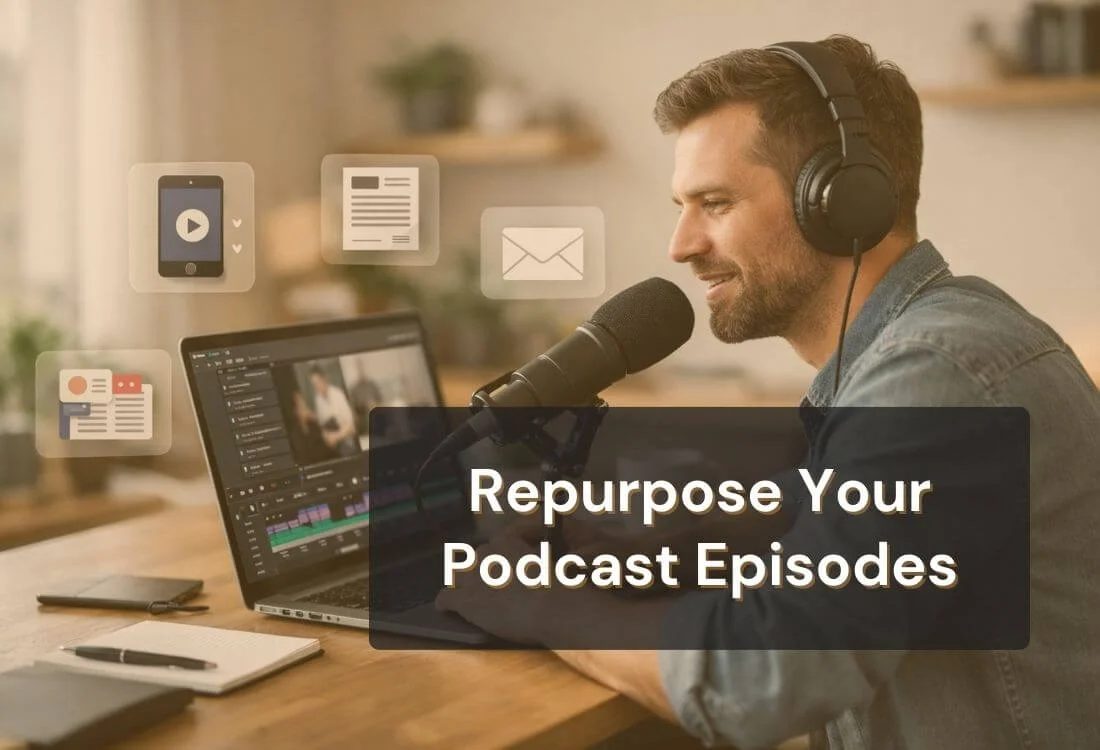


Recording a great episode takes real work. The problem is that most of that work disappears after release day—one post, a few shares, then the next recording. If you want your show to grow without constantly starting from scratch, you need a system to repurpose podcast episodes into content people can actually discover.
This guide breaks down how to turn one episode into short vertical clips, insight videos, SEO blog posts, audiograms, newsletters, and save-worthy carousels. You’ll also get a simple rollout workflow you can repeat every week, so every episode keeps earning attention long after it goes live.
Recording a strong episode takes real effort: prep, guest scheduling, editing, show notes, publishing, and promotion. If you only publish to Spotify/Apple Podcasts and call it done, you’re leaving reach on the table.
Repurposing solves a simple reality: most people discover new creators through feeds and search, not podcast directories. Short clips, posts, and articles let your best ideas show up where attention already lives.
It also supports discoverability in AI-powered search. When you publish text (articles, summaries, captions) and clearly labeled content (named tools, guests, frameworks), you create more “indexable” signals that search engines and AI systems can use to match your episode to specific queries.
An additional compelling factor is video's current importance for marketers. A summary of 2026 video marketing statistics indicates that 91% of businesses utilize video marketing (Wyzowl), with a strong emphasis on short-form video content. Platform-specific data also shows how distribution impacts results, especially when looking at Facebook video engagement trends, where reach and interaction can vary widely depending on format and posting strategy.
If you’re still setting up your show, a simple podcast launch checklist can help you lock in the basics before you scale your distribution.
The easiest way to repurpose podcast content is to think in “formats,” not platforms. Platforms will change, but formats remain stable: short clips, long-form articles, audio teasers, and email summaries. When you pick a few formats and repeat the same workflow each week, repurposing stops feeling like extra work and starts feeling like a system.
Treat each podcast episode as a content source file. Instead of posting everywhere, create repeatable assets for discovery (quick clips), credibility (deeper posts), and long-term traffic (searchable text). The strategies below detail how creators repurpose podcast episodes efficiently, without extensive editing.
Repurposing is one of the easiest ways to stay visible between episodes, but it works best when it fits into a broader podcast marketing plan.
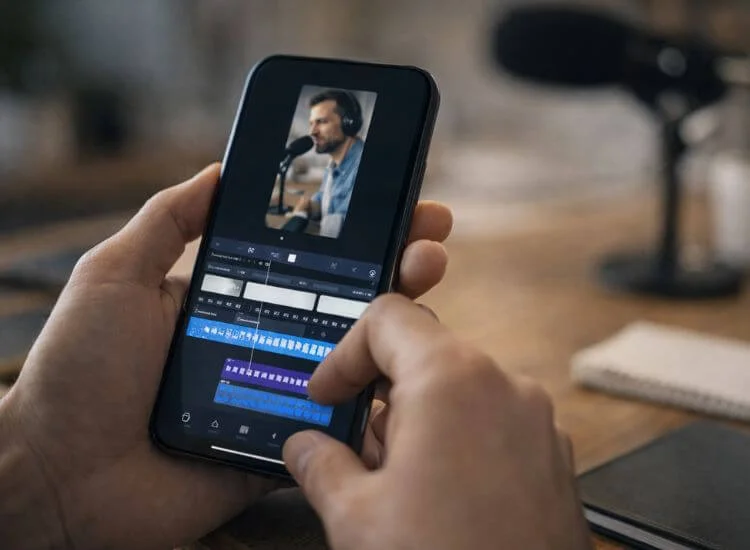
Short-form video is the fastest way to introduce your podcast to people who’ve never heard of you. Instead of promoting the episode, your clip should deliver one clean idea that stands on its own. If the clip is useful, the algorithm does the distribution for you—and the full episode becomes the next step for people who want more context.
Choose clips that are easy to understand without setup. The best moments usually include a bold opinion, a quick framework, or a specific tip the viewer can apply immediately. If the moment needs too much background, it’s better as a longer “insight clip” for LinkedIn.
How to pick clip-worthy moments
A simple clip structure that’s easy to repeat
Production details that improve performance
Where a teleprompter helps
Insight clips are the “trust builders.” They’re longer than Shorts (usually 60–120 seconds) and work best when you have a professional or niche audience that values clarity over flashy edits. The goal isn’t to go viral—it’s to show you can teach, explain, or challenge assumptions in a way that makes people comment, share, and follow.
Unlike Shorts, insight clips can include context. You can set up the problem, explain the “why,” and then land the takeaway. They’re especially effective when you post them with a short written caption that frames the point and invites discussion.
What makes an insight clip work
Post angles that drive engagement
Practical tips
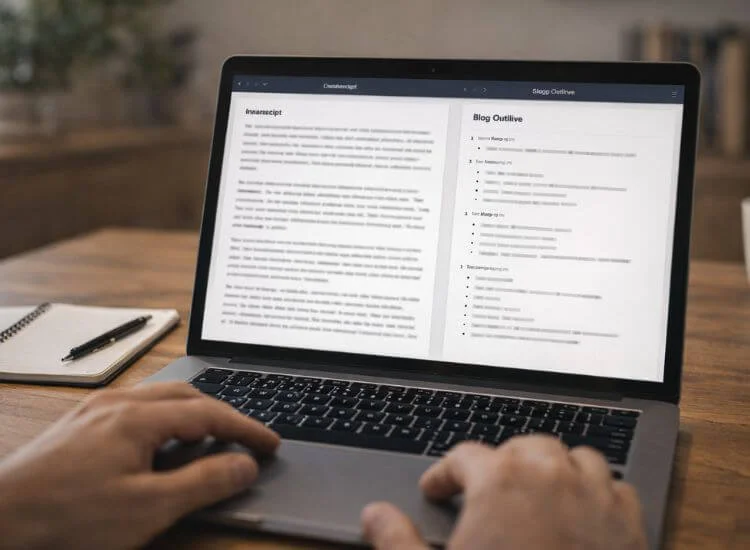
A podcast episode can disappear from feeds quickly. A well-structured blog post can rank for months and bring in new listeners long after release day. That’s why turning episodes into articles is one of the most reliable ways to repurpose podcast content for SEO and AEO.
The key is to use your transcript as raw material, not as the final draft. Clean up filler, reorganize ideas into a logical flow, and write headings that match what people search for. If you need help turning rough transcript notes into clearer sections, an AI paragraph generator can help you shape ideas into readable paragraphs before you edit for tone, examples, and accuracy. You’re not trying to recreate the conversation word-for-word—you’re turning it into something readable, scannable, and useful.
What to include so the article performs better
A repeatable outline
If you don't record video, recording your episode audio-only makes audiograms even easier to produce, no need to strip audio from a video file first. They let people “sample” your podcast without leaving their feed: a waveform animation, a short audio snippet, and a clear takeaway on screen. Audiograms work especially well when paired with a short caption that explains why the point matters.
Treat audiograms like micro-lessons, not promos. If the clip teaches something quickly, people will click through. If it feels like an ad, it gets skipped.
Audiogram best practices
What to turn into an audiogram
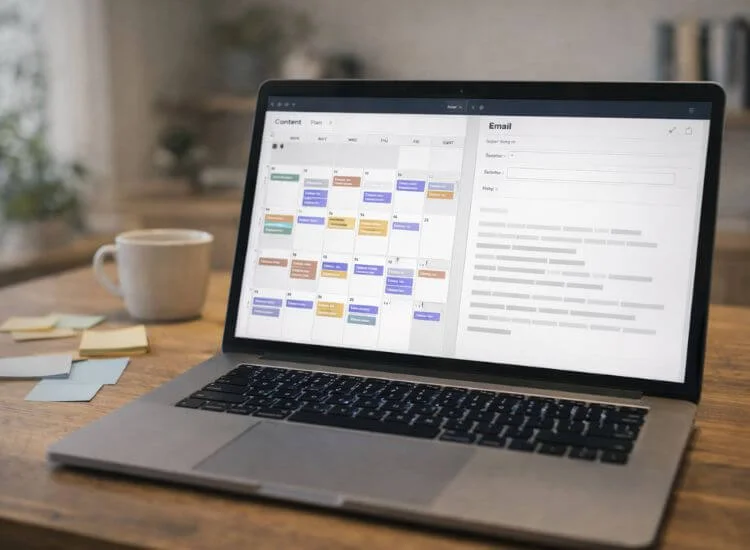
If Shorts bring new people in, email keeps them close. A newsletter recap turns your episode into a lightweight, repeatable touchpoint that reminds subscribers to listen—and it gives you a place to highlight key ideas without relying on algorithms.
You don’t need a long email. The best recaps feel like a quick note from a creator who respects the reader’s time: one idea, a few highlights, and a link.
Newsletter recap format (copy/paste)
Extra ways to reuse the email
Carousels and quote graphics are “save-friendly” formats. They perform well when your episode includes clear steps, frameworks, or strong one-liners. Instead of asking for a click, you’re giving value directly in the post, which often leads to more saves, shares, and profile visits.
Carousels are especially effective for “how-to” episodes. Quote graphics work well for punchy statements, definitions, and contrarian takes. Both formats are also easy to create once you have timestamps and a transcript.
How to turn one episode into a carousel
How to create quote graphics that don’t feel generic

Plan for repurposing before you hit record. If you capture video, make sure your framing works for both widescreen and vertical crops. If you’re audio-only, focus on clear, punchy statements that can stand alone in clips or audiograms. This step prevents wasted effort later because your “best moments” are easier to extract.
Recording checklist
Still building your setup? The free podcast recording and hosting tools guide covers no-cost options for both.
Transcripts and timestamps are your repurposing map. They help you avoid scrubbing through the full episode repeatedly. You’re looking for moments that land quickly and don’t rely on long context. Once you have those, the rest becomes assembly work.
What to label in your timestamp doc
This is where the episode becomes “feed-friendly.” Keep the pacing tight, add captions, and include a headline overlay that tells viewers what they’re about to learn. If you want consistent output, create a simple editing template and reuse it.
Clip editing checklist
Your blog post turns the episode into an evergreen asset. Use the transcript as raw material, but write for the reader: clear sections, practical steps, and real examples. Make sure your “repurpose podcast” keyword appears naturally near the top and in one relevant subheading without forcing it.
Blog post checklist
Spacing matters. Posting everything at once can overwhelm your audience and shorten the episode’s lifespan. A consistent, paced rollout keeps the episode visible for weeks without requiring new recordings.
Rollout checklist
Automation helps you scale repurposing without turning your week into a production marathon. The goal isn’t to automate creativity. The goal is to automate steps like transcription, clipping suggestions, and distribution so you can focus on the moments and messages that actually matter.
A simple stack might look like this: record hooks while the episode is fresh, use a clipping tool to find standout moments quickly, convert audio to text for show notes and drafts, and distribute across channels using a publishing tool.
What to automate
What to keep manual
If you want your podcast to grow without burning out, repurposing needs to be a habit, not a giant project. Turn one episode into 3 to 5 clips, one SEO-friendly blog post, and a short email recap, then schedule everything over the next 2 to 4 weeks. That's how one recording keeps working long after release day.
The quickest upgrade you can make is your hook. When the first 10 seconds are tight, every clip is easier to edit and more likely to hold attention.
Repurpose podcast content by turning one episode into 3 to 5 short clips, one SEO blog post, one email recap, and 2 to 3 social posts. Start with timestamps from the transcript, then publish on a 2 to 4 week schedule so the episode stays visible beyond launch week.
Aim for 30 to 60 seconds for most podcast clips on TikTok, Instagram Reels, and YouTube Shorts. Keep it to one takeaway, add captions, and open with the strongest line first. If the idea needs context, publish a 90 to 120 second version for LinkedIn.
You can repurpose a podcast into video by creating audiograms, captioned quote clips, or a talking-head summary you record after the episode. Use the transcript to script a 20 to 40-second hook, then add captions and a headline overlay so viewers understand the point quickly.
Turn your transcript into a structured article with a 50-word summary, clear H2 headings, bullet takeaways, and an FAQ that mirrors real search questions. Remove filler, add examples, and link to credible sources. Include your primary keyword naturally near the top and in one relevant subheading.
A teleprompter helps you re-record clean intros, hooks, and transitions so each clip makes sense on its own. You can script a tighter version from the transcript, keep eye contact with the camera, reduce filler words, and get a usable take faster. This saves editing time and improves clarity.


.png)


.png)