

If you've ever spent three hours filming a five-minute video, you already know the problem. You forget a line, stumble over a stat, lose your train of thought, and suddenly you're on take 19 staring at the camera like it owes you money.
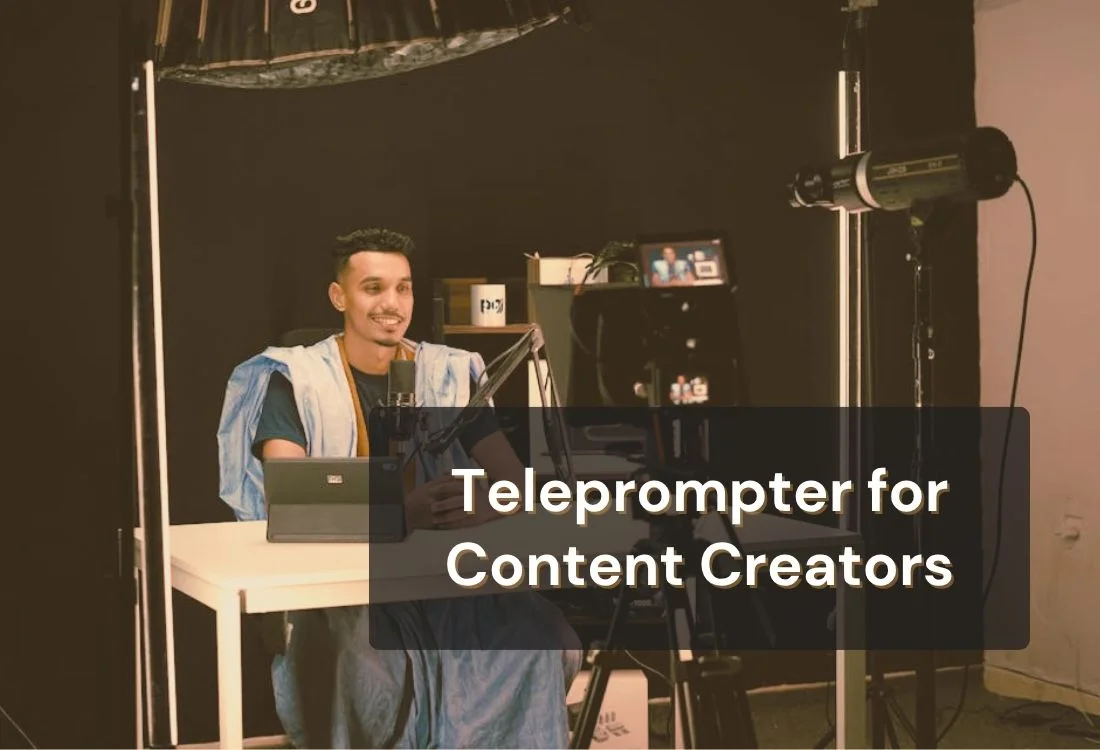
A teleprompter for content creators is a tool, app, or software that scrolls your script in front of or beside your camera lens while you record, so you can read your lines without looking away from the lens. It keeps your eyes forward, your delivery steady, and your filming sessions short.
With more than 200 million people worldwide now identifying as content creators (DemandSage. 2025), the pressure to show up consistently and professionally has never been higher. A teleprompter is one of the most practical upgrades a solo creator can make, and it costs nothing to get started.

Most creators assume that the polished, confident delivery they see from their favorite YouTubers or educators is just natural talent. A lot of it is a teleprompter, usually a simple app running beside the camera rather than expensive studio hardware.
The real reason creators adopt one is simple: retakes destroy your schedule. Every forgotten line, every awkward pause, every moment where you glance at your notes sends you back to the beginning of a section. Over the course of a week, that is hours of shooting time that could go into editing, planning, or just not filming the same sentence nine times.
Think about your last video. How many takes did your intro alone take? Three? Eight? If you're filming without a script reference, you're relying entirely on memory, and memory is unreliable the second a camera is pointed at your face.
A teleprompter fixes this at the source. Your script scrolls at your pace. You stay in the moment. Your retake count drops, and your footage is usable faster.
It’s not just about forgetting lines. Research (Toastmasters International) indicates that nearly 75% of people are afraid of public speaking.
That same anxiety often shows up the moment you hit record. Even without a live audience, your brain still interprets the situation as being watched and evaluated.
When your brain is managing both the fear of messing up and the task of remembering what to say, delivery suffers. A teleprompter removes one of those two cognitive loads entirely. You already know what to say. Now you can focus on how you say it.
If this resonates, it's worth reading about how a teleprompter app can help you work through camera anxiety and stage fright before your next shoot.
A teleprompter displays your script in a scrolling format so it stays in your eyeline while you face the camera. Software versions, like Teleprompter.com, run on your phone, tablet, laptop, or directly in your browser. You position the device close to your lens, and the text scrolls as you speak.
But the mechanics are only part of the picture. Here is what a teleprompter actually does for your content and your workflow:
For a deeper breakdown of the technology behind it, the guide to how teleprompters work covers the full picture, from broadcast hardware to browser-based apps.

You do not need expensive gear to get started. A phone, a browser, and a script are enough for your first session.
The hardware setup you choose depends on what you're already working with. A phone works well for vertical content, social clips, and mobile shoots. A tablet gives you a larger text area and is easier to read from a slight distance. A laptop or browser-based option is ideal for desk setups where your screen is already in front of you.
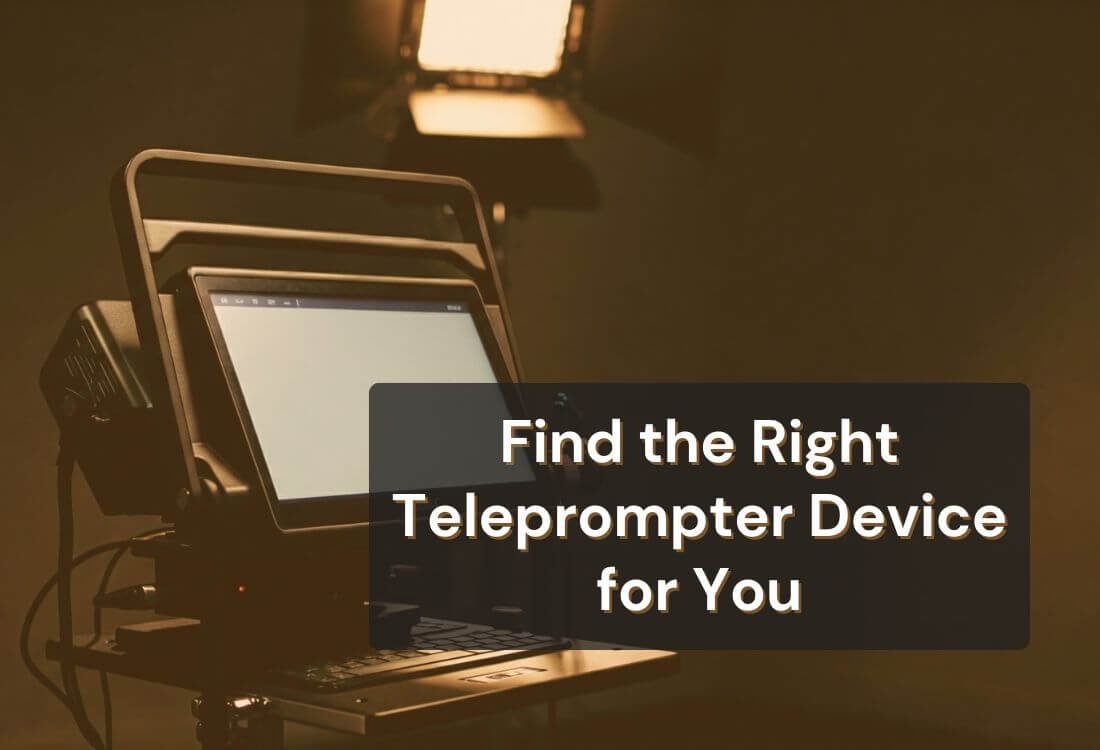
If you want to take your setup further with physical mounts or dedicated hardware, the guide to teleprompter devices for every budget breaks down options from free-to-use app setups all the way to professional broadcast rigs.
The most common mistake new teleprompter users make is setting the speed too high. When the script is moving faster than feels comfortable, you tense up, your delivery speeds up, and you end up sounding rushed even if you know the material well.
The fix is to slow down and then slow down again. Your audience does not know how fast the script is scrolling. They only hear how you sound. Give yourself enough time to breathe, pause, and emphasize the right words.
Voice-activated scroll mode handles this automatically by following your pace instead of setting it. If you find yourself fighting a fixed speed, switch to voice-activated and let the software do the calibrating.
For additional guidance, check out the tips on how to use a teleprompter and learn how to write a script that flows naturally on screen.
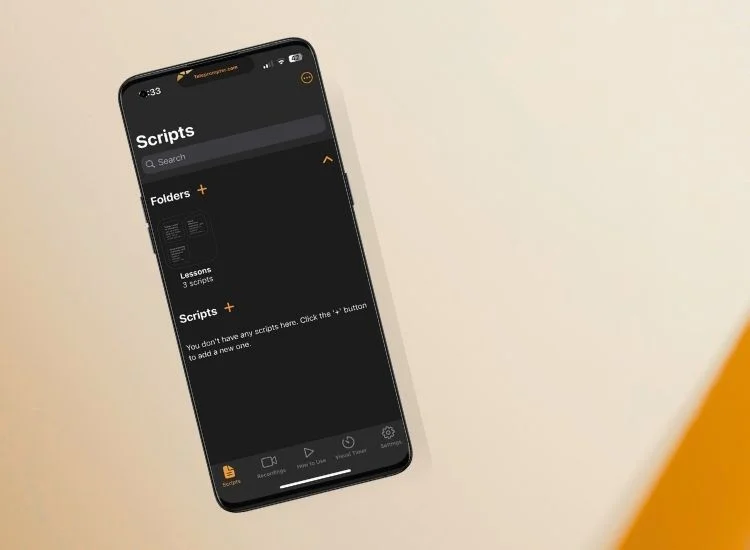
Most creators do not need to spend anything to get the benefits of a professional teleprompter setup. Teleprompter.com is available on every major platform and you can start for free
A few features that matter specifically for content creators:
You can check the full feature list of Teleprompter.com to see the features offered on different platforms.
A teleprompter is not a one-size-fits-all tool. Here is how to get the most out of it depending on the type of content you make.
Most YouTubers use a software teleprompter app that runs on a phone, tablet, or laptop, since it delivers studio-grade scrolling without studio hardware. Long-form content is where that setup pays off most. When your videos are eight, twelve, or twenty minutes long, trying to memorize your structure can lead to wandering takes and inconsistent pacing.
Use the teleprompter to hold your structure, not just your words. Script your transitions between sections carefully. Those connective moments, moving from point A to point B, are where unscripted long-form videos most often fall apart.
For long recording sessions, voice-activated scroll mode is the setting that matters most. It follows your natural speaking pace instead of forcing you to match a fixed speed, which keeps twenty-minute takes feeling conversational rather than rushed. Pair it with remote control support so you can pause and resume without breaking your eyeline.
Check out these content creator tips for more on how to build a filming process that holds up across longer formats.
Short-form content is fast, but that does not mean unscripted. A tight 45-second script delivered cleanly on the first take is almost always better than 20 improvised takes that you have to stitch together in editing.
For Shorts and Reels, set your teleprompter font large, your scroll speed slightly faster, and your script to match the pace of the platform. Short sentences, punchy delivery, no filler. The guide to getting your YouTube Shorts content seen covers the full content strategy side of short-form if you want to pair strong delivery with smart distribution.
If you're recording lectures or course modules, a teleprompter is as close to essential as tools get. You need to deliver accurate information in a clear, structured sequence, and you need to do it consistently across multiple recordings.
A teleprompter keeps your lessons on track, prevents you from skipping over key points, and makes it much easier to re-record individual sections without losing continuity. For a full breakdown of how to build a recording workflow for online teaching, the guide to online teaching and coaching is a good starting point.
Podcasters face a specific challenge when they start adding video: they are used to conversational, unscripted audio, and suddenly they're stiff on camera. A teleprompter helps bridge that gap.
The key for podcasters is not to script everything. Use the teleprompter to hold your talking points and key transitions, but leave room to speak naturally between them. Think of your script as a structure guide, not a word-for-word performance. This keeps the looseness that makes podcasts feel real while giving you enough scaffolding to stay on track visually.
A teleprompter does not make you a better creator. It removes the things that get in the way of showing the creator you already are. Fewer retakes, less time staring at the ceiling trying to remember a statistic, more energy for delivery and for the ideas that actually matter.
You don't need to buy anything to find out if it works for you.
Yes, many professional and semi-professional content creators use teleprompters, particularly for educational content, tutorials, and scripted commentary. Channels that need to deliver accurate information consistently rely on them heavily. Whether a creator uses one is not always obvious, which is the point. A well-used teleprompter is invisible to the audience.
Most YouTubers use a software teleprompter app rather than broadcast hardware, because it runs on gear they already own. A phone, tablet, or laptop running an app like Teleprompter.com scrolls the script beside the lens while they record. Long-form creators favor apps with voice-activated scroll, remote control support, and 4K recording built in.
Yes. Teleprompter.com is available on both iOS and Android via a dedicated app, and it is also compatible with any mobile browser. This allows you to use your smartphone as the teleprompter screen while simultaneously filming with a separate camera or a second device.
A teleprompter enhances presentations when used correctly. To sound natural, use a conversational script, set the scroll speed right, and maintain proper eye-line positioning for smooth delivery. Stiff scripts and a fixed pace, however, result in an artificial delivery. The tool is only as good as the script and the setup behind it.
Yes. Teleprompter.com is free to use on the web, iOS, and Android. The free plan includes the core teleprompter features that most creators need for everyday filming. The Teleprompter.com pricing page has a full breakdown of what each plan includes if you want to compare.
Hardware teleprompters are physical devices with half-mirrors reflecting screen text onto the lens path, mainly used in broadcast/studio settings. Teleprompter apps scroll scripts on a phone, tablet, laptop, or browser screen. For content creators without a studio, an app is more practical, portable, and much cheaper. This article details the most common types of teleprompters.


.png)


.png)