

Running a webinar Q&A session is one of the most effective ways to transform a virtual presentation from a one-way monologue into a meaningful dialogue. When done well, it turns your audience from passive listeners into active participants who ask questions, share insights, and stay engaged until the end.
There are so many virtual events happening every day that good content isn't enough to make you stand out. Turning information into interaction through a well-planned Q&A section helps presenters gain trust and credibility. It lets you make important points clearer, show that you know what you're talking about, and connect with your audience in a real way.
This guide will show you how to plan, manage, and deliver a smooth, engaging webinar Q&A using proven strategies and the right presentation tools.
An engaging presentation informs. A powerful webinar Q&A connects.
That’s the difference between attendees who simply watch and those who truly engage.
The ON24 Webinar Benchmarks Report (2024) says that the average number of people who attended a live webinar was 216, which is a 7% rise from the year before. As webinars attract larger audiences, interaction becomes even more important. When hundreds of people tune in, a dedicated Q&A segment helps transform a passive viewing experience into an active conversation.
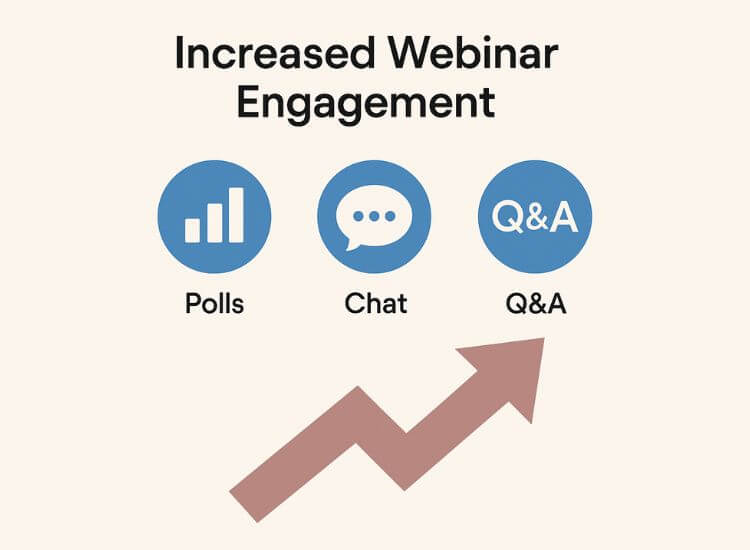
Polls and Q&A sessions that let people talk to each other can really get people involved and pay attention. People feel heard and respected when they can ask questions. This small change, from talking to your audience to getting them involved, makes relationships stronger and fosters trust.
Here’s why every webinar should include a live Q&A segment:
A webinar Q&A session goes beyond wrapping up the presentation. It works as a feedback loop where real-time questions reveal what resonates with your audience. The insights you gain can shape future topics, highlight common challenges, and inspire new content ideas. Many presenters also turn their Q&A discussions into blog articles, short-form videos, or FAQ pages, allowing engagement to continue well after the live event.

Every effective Q&A starts long before the first question is asked. Preparation builds the foundation for confidence and flow. these steps will help your webinar Q&A run seamlessly from start to finish.
The best presenters know who they’re talking to. Review your registration data to understand your audience’s demographics, industries, and experience levels. Consider running a short pre-webinar poll asking attendees what they’d like to learn.
This helps you tailor your examples and anticipate the questions you’re likely to receive. It also creates a sense of involvement before the event even begins.
Pro tip: Keep a short list of likely questions. It will help you stay composed and ready to respond with clarity and confidence.
Confidence comes from preparation, and a teleprompter app is one of the most underrated tools for presenters. Using tools like Teleprompter.com, you can load your Q&A opening lines, key talking points, and smooth transitions between questions and content.
Here’s what to practice:
Using a teleprompter doesn’t make your delivery robotic. Instead, it helps you keep eye contact, eliminate filler words, and maintain composure under pressure. It’s a perfect balance between structure and spontaneity, especially during a live webinar Q&A session. For more guidance on improving your delivery, check out our guide on reading a teleprompter naturally and confidently.
Timing can make or break your session. Hosting the Q&A at the end works well, but breaking it into shorter mini-sessions after major sections can sustain interest.
Keep these structure tips in mind:
When attendees know the Q&A has a clear purpose and timeline, participation increases naturally.
Want to make your webinar setup even smoother?
Explore the guide on Essential Webinar Features for Successful Online Events to discover how the right tools can elevate audience engagement and help you deliver a professional, well-organized presentation.
A live webinar Q&A is the heart of audience interaction. But even experienced speakers can feel nervous when faced with unfiltered questions. The key is balance, structure your interaction while allowing space for authentic dialogue.
Don’t wait until the end. Ask for questions throughout the presentation. Encourage viewers to use the chat or Q&A feature as soon as the session begins.
This not only builds anticipation but also helps you gauge interest in real time. Some hosts open with a prompt such as, “What’s one challenge you’ve faced in hosting online events?” Questions like this break the ice and set a participatory tone.
Early engagement prevents the awkward silence that sometimes happens when no one volunteers at the end of a session.
A moderator can make your Q&A run more smoothly. They filter questions, remove duplicates, and read them aloud clearly so you can focus on delivering solid answers.
Before your event, meet with your moderator to align on:
Having support behind the scenes lets you concentrate on clarity and tone, two qualities audiences instantly notice during live webinar Q&A sessions.
Every presenter encounters a tricky question. The best approach is to stay composed. Take a short pause, rephrase the question for clarity, and answer confidently.
If you don’t know the answer, it’s fine to say so. Offer to research it and follow up later. Audiences value honesty over improvisation.
Keeping your tone professional and positive leaves a lasting impression of authority and reliability.
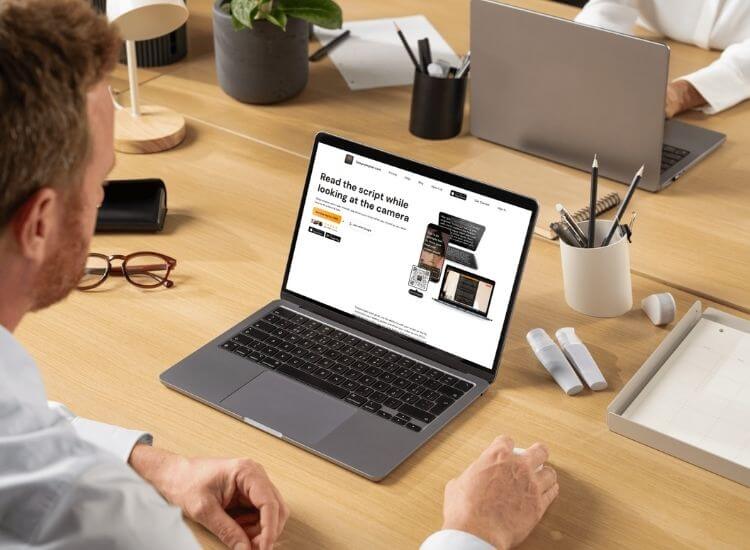
A smooth webinar Q&A experience depends on how well you manage questions, display visuals, and stay organized during live interactions.
When presenters try to keep track of their notes and live discussion at the same time, they typically lose focus. Teleprompter.com is a tool that helps you keep your thoughts organized and your speech smooth.
By loading talking points and prewritten answers it allows you to maintain eye contact while discussing important issues. This lets you talk naturally and smoothly without having to worry about losing your place.
A teleprompter also helps when transitioning between segments or closing the session. It’s your invisible guide, helping you appear confident and polished throughout your webinar Q&A.
Your choice of webinar platform directly impacts the quality of your Q&A experience. Not all tools handle audience interaction equally well.
Here are a few platforms trusted by professionals:
These platforms, combined with a teleprompter tool, allow for greater focus, better flow, and a stronger audience connection.
Once your event is over, use analytics to assess its impact. Review data such as:
These insights help refine your approach for future events and strengthen how you communicate with your audience.

The Q&A doesn’t end when the session ends. What happens afterward often determines how memorable your event truly is.
Go through your transcript and identify recurring questions or areas of confusion. These patterns can guide future content and training opportunities.
You can also repurpose these Q&A exchanges into:
This not only strengthens your authority but also boosts SEO by targeting long-tail keywords related to your webinar Q&A topics.
Follow up with an email thanking attendees for participating. Include a brief recap of key insights, additional resources, and answers to any questions you didn’t address live.
It’s a simple gesture that builds credibility and encourages your audience to join future sessions.
A successful webinar Q&A session combines solid preparation, confident delivery, and the right tools. When you structure your content effectively and connect with your audience in real time, you turn an ordinary presentation into an engaging experience.
To recap:
The right setup helps you focus less on logistics and more on connection. For smoother delivery and better eye contact, sign up and explore Teleprompter.com — your trusted tool for confident, professional, and engaging webinar Q&A sessions.
Around 10–15 minutes is ideal. It keeps the conversation focused and maintains audience engagement.
Prepare a few common questions in advance or have your moderator seed the discussion to get it started.
Pause, rephrase for clarity, and respond thoughtfully. If you don’t know, offer to follow up after the event.
Platforms like Zoom, ON24, and Demio, paired with Teleprompter.com, help presenters stay confident and organized.
Yes. Rehearsing helps maintain composure and reduces filler words, ensuring you sound polished and prepared.


.png)


.png)