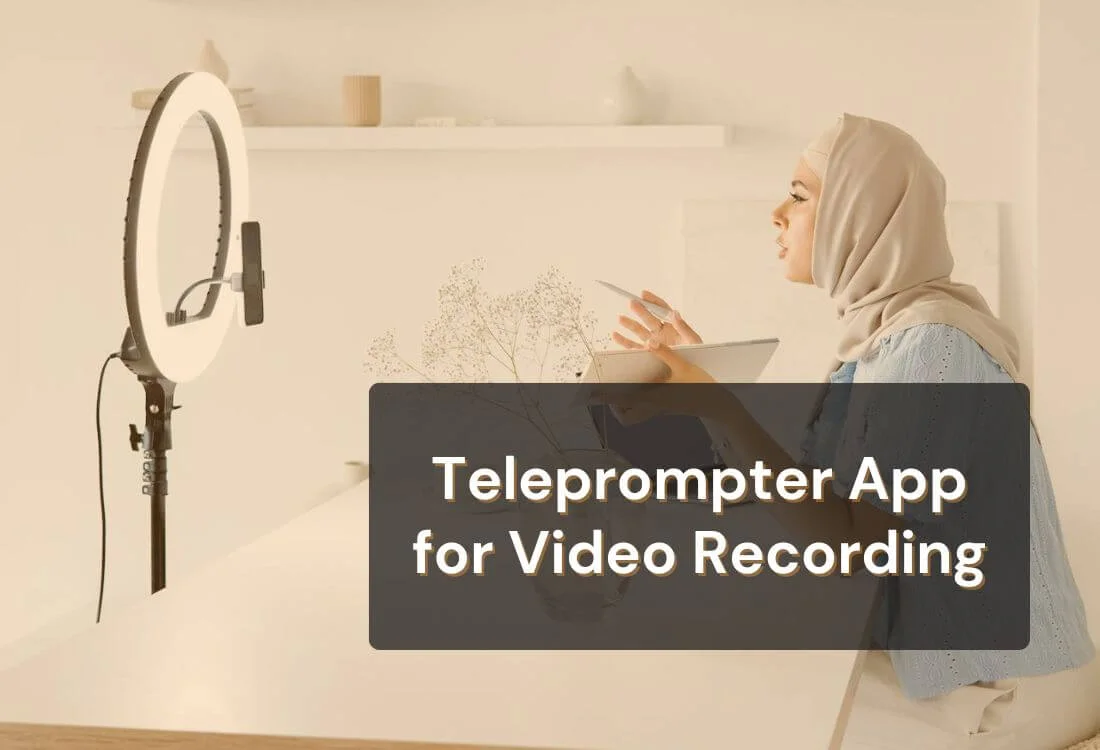


It's not easy for everyone to speak confidently on camera. Even experienced presenters and content creators can lose their train of thought, glance away from the lens, or sound less spontaneous than intended. Using a teleprompter app for video recording helps solve these challenges by keeping your script visible on screen while you film.
Instead of relying on memory or scattered notes, you can follow your lines smoothly at your own pace. This allows you to focus on your tone, posture, and delivery rather than trying to recall every word.
In this guide, you’ll learn what a teleprompter app does, how it works, and how to use it effectively to record professional-quality videos. You’ll also find simple, practical tips to help you sound natural and confident every time you hit record.
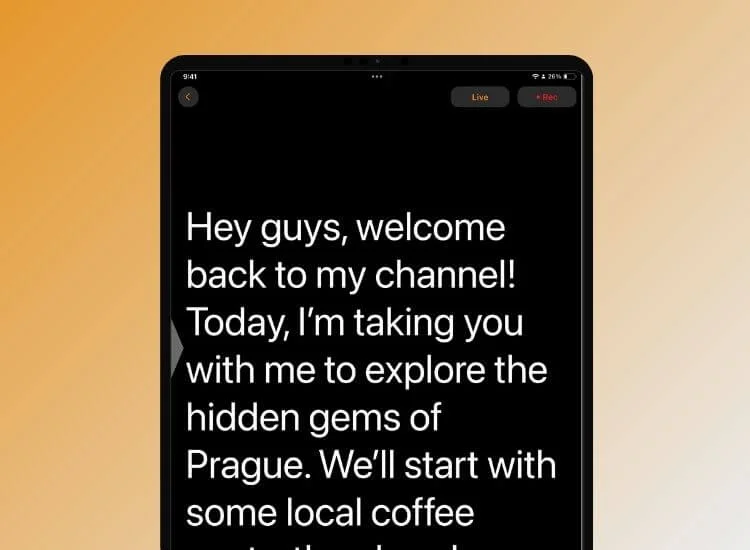
A teleprompter app for video recording is a digital tool that displays your script on your device screen while you record. It scrolls at a controlled speed, allowing you to read your lines without breaking eye contact with the camera. This creates the impression that you’re speaking naturally and confidently to your audience.
Teleprompter apps replicate the same technique used by TV anchors and public speakers. The app’s text scrolls smoothly, keeping your delivery consistent and professional. You can adjust the scroll speed, font size, and screen position to match your speaking pace.
Most apps work on smartphones, tablets, and computers, making them accessible for any setup. Some even allow dual-device use, where one device acts as a remote to control the scrolling text while the other records. Others integrate with your camera, letting you record directly through the app, perfect for creators who need a streamlined workflow.
In more advanced production setups, teleprompter apps are sometimes paired with external display systems used in studio or live environments. One example is a confidence monitor setup for on-camera presentations, where a separate screen near the camera displays prompts or scripts to help maintain natural eye contact while speaking.
For anyone creating videos for YouTube, online courses, or business presentations, a teleprompter app reduces the need for multiple takes and helps maintain clarity, focus, and confidence on camera.
A teleprompter app is a tool that transforms the way you record videos. It bridges the gap between preparation and performance, helping you stay consistent, confident, and clear on camera.
Here are the main reasons creators rely on it and how it can make your recording sessions feel smoother and more natural from the start.
Eye contact is one of the most powerful ways to connect with viewers. A teleprompter app aligns your script with the camera lens, allowing you to read while appearing natural and direct. This creates stronger engagement and credibility, especially in tutorials, interviews, or professional presentations.
Missed lines and hesitations can break the rhythm of your message by displaying your full script at a steady pace, ensuring you stay on track. It helps you sound composed and fluent without overthinking each line.
Multiple takes and long editing sessions can slow down production. With a teleprompter, you deliver cleaner takes right from the start. The result: less time fixing mistakes and more time focusing on creativity and content quality.
If you’re producing a video series or repeating brand messages, consistency matters. A teleprompter app lets you keep tone, phrasing, and delivery uniform across videos. This is especially useful for YouTubers, educators, and businesses maintaining a recognizable voice.
Not everyone feels comfortable improvising on camera. A teleprompter app gives structure and confidence to people who prefer prepared speaking. It also supports multilingual creators or teams sharing scripts across languages and regions.

Learning how to use a teleprompter app is straightforward once you understand the flow. These steps help you set up efficiently and record naturally on camera.
Start with a clear, conversational script. Write it the way you speak, not how you’d write an article. Use short sentences, natural pauses, and line breaks to guide your rhythm. If you’re reading from a dense block of text, it can sound robotic. Structure your script to match your speaking tone, this keeps delivery smooth and believable.
Open your teleprompter app for video recording and load your script. Most apps allow importing from documents, notes, or even cloud storage. Adjust settings like font size, scroll speed, and text alignment to match your preference. Test the speed, it should feel like your natural speaking pace, not a race against time.
Place the camera lens at your eye level and close to where the text appears. This ensures your gaze remains steady and natural. If your eyes move too far left or right, it becomes noticeable to viewers. Use a tripod or mount for stability when setting up on the go.
Read through your script once or twice to get familiar with its rhythm. Rehearsal helps you fine-tune scrolling speed and identify any awkward phrasing. This short practice run can make your final take much smoother.
Once you’re comfortable, hit record. Focus on expression and tone rather than word-for-word accuracy. Many teleprompter apps let you record directly within the app, syncing your video and script seamlessly. If you’re using an external camera, use a remote or foot pedal to control scrolling while keeping your hands free.
Not every teleprompter app offers the same tools. Choosing one with the right features can make a major difference in how efficient and natural your recording process feels.
These features matter more than they seem at first glance, the wrong combination can leave you fighting your app instead of focusing on your delivery. If you're still weighing your options, our guide to finding the best teleprompter app for you walks through what actually separates a good app from a forgettable one.
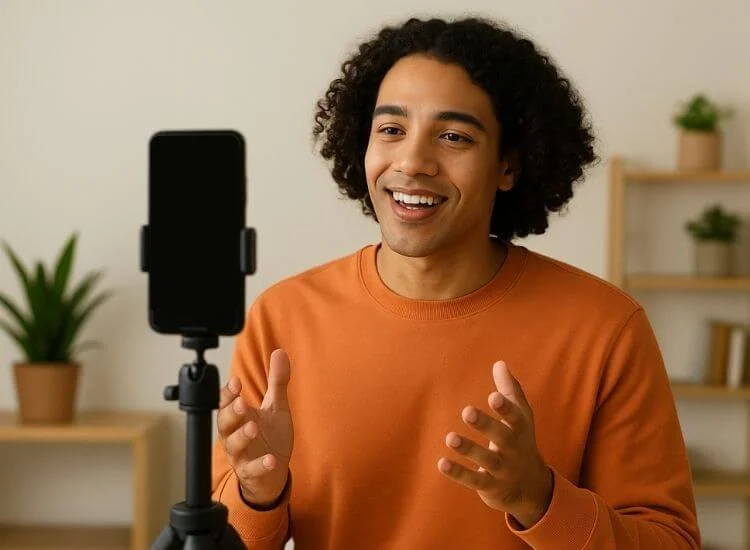
These tips help you get the best results when using a teleprompter app for video recording.
Avoid sounding like you’re reading. Treat your script as a guide, not a script to recite word-for-word. Imagine you’re talking to a specific person rather than a camera lens. This mindset keeps your tone warm and authentic.
Keep your speaking rhythm consistent. If you rush, it becomes obvious that you’re following scrolling text. Adjust the app’s speed to your natural cadence and pause briefly between sentences. It gives your words space to land.
Your environment should never compete with your message. Use neutral backgrounds and soft, even lighting. Good lighting eliminates shadows that distract viewers and helps maintain a professional appearance.
Recording in segments keeps energy high and reduces fatigue. If your script runs long, divide it into sections. This method also simplifies editing and minimizes mistakes. If you film primarily on a smartphone, these teleprompter tips for recording videos on your phone can also help you improve pacing, framing, and overall delivery during longer recording sessions.
Familiarity with the app’s features improves timing and confidence. Spend a few minutes experimenting with scroll speed, font color, and mirroring settings so that they feel natural when you record.
A teleprompter helps with words, but your delivery brings them to life. Smile where it fits, use small gestures, and keep your posture open. This makes your videos feel more personal and engaging.
When starting, it’s easy to focus too much on the script and overlook other important details. Here are some common mistakes to avoid for a smoother video recording experience.
Recording videos should feel effortless, not stressful. Teleprompter.com is built for creators, educators, and professionals who want smoother recordings without juggling multiple tools or setups.
One reviewer highlighted the “all-in-one” benefit: “Importing scripts is a no-brainer… recording videos straight from the app is pretty neat. No more juggling a million things at once.” — Bence K./Entrepreneur (posted on Slashdot)
Unlike standard scrolling apps, Teleprompter.com combines script display, camera control, and high-quality recording in one streamlined platform. You can import your script, adjust scrolling speed, and record directly, all from the same interface. It’s available on the web and mobile, making it easy to film wherever inspiration strikes.
Key features include:
For anyone looking to streamline their workflow, Teleprompter.com takes the stress out of video production. It’s an intuitive, all-in-one teleprompter app that helps you stay natural on camera and get professional results with ease.
A teleprompter app for video recording helps you stay focused, deliver your message clearly, and record videos that feel effortless. It supports you through each stage of production by keeping your lines visible, improving pacing, and building confidence in front of the camera.
Creators use it to produce smoother takes, save time during editing, and maintain a consistent on-screen presence. It’s a simple tool that makes every recording session more organized and professional.
Start using Teleprompter.com app to create videos that look refined, sound natural, and keep your audience engaged from the first line to the last.
Teleprompter.com is one of the best options. It combines script scrolling and recording tools in one app for both web and mobile use.
Yes. Most teleprompter apps, including Teleprompter.com, let you record directly through your phone’s camera with the script displayed on-screen.
Keep the text near the lens and use mirroring features. This makes your eye movement look natural and invisible to the viewer.
Absolutely. It helps you stay on message, maintain energy, and reduce mistakes, ideal for creators who script their YouTube content.
Yes. Some teleprompter apps can be used alongside live streaming software to display key points or scripts during broadcasts.


.png)


.png)