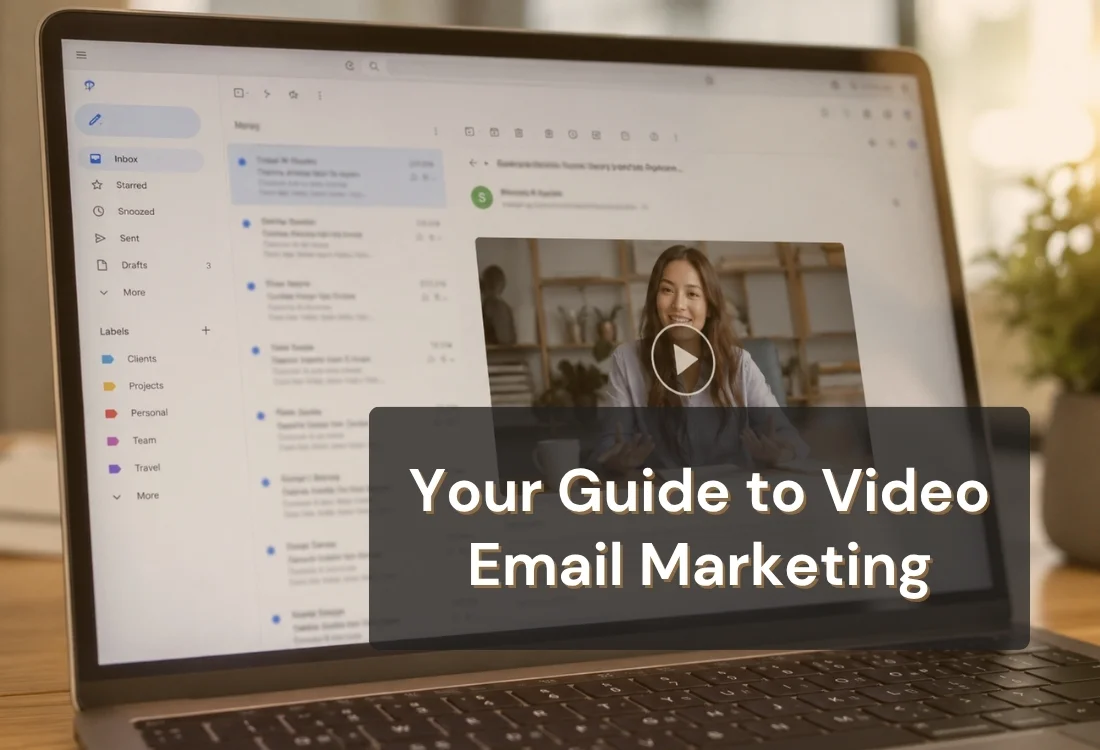


Video email marketing works by embedding a short, personal video message directly into an email instead of another wall of text, solving the low-open, low-reply problem that plain text runs into. Done well, it feels like a message from a person. Done poorly, it feels like a script being read out loud.
Video email marketing is the practice of recording and sending a short video, usually 30 to 90 seconds, as the centerpiece of an email instead of paragraphs of copy. The email itself stays short. A thumbnail or embedded player carries the weight, and the recipient presses play instead of reading a wall of text.
It shows up in two forms. One is a mass campaign, where a marketing team embeds a produced video into a newsletter sent to thousands of people. The other is one-to-one, where a single person records a personal video for one recipient, often for sales outreach, real estate follow-up, or customer support.
This guide focuses mostly on the second kind, since that is where most people get stuck: recording a video that sounds like you and not like a script, over and over, without losing an afternoon to retakes.
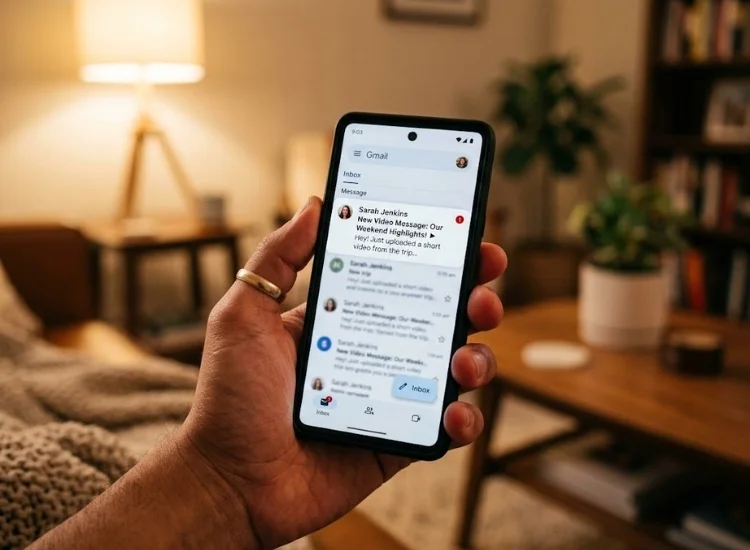
Video email marketing works because it replaces something recipients skim with something they watch, and a face on screen builds trust faster than a paragraph of text ever will. Wistia ran seven separate A/B tests comparing static image thumbnails against video thumbnails in marketing emails and found an average 21.52% increase in clicks when a video thumbnail was used instead of a static image. No comparable large-scale, first-party test on video-in-email CTR has been published since, but the underlying mechanic, a video thumbnail signaling there's something to watch rather than read, hasn't changed with how inbox rendering works.
The effect is stronger in one-to-one video email than in mass campaigns. A produced marketing video signals "campaign." A person talking directly to the camera, using the recipient's name, signals "someone made this for me." That distinction is the entire reason video email marketing outperforms plain text, and it is also the reason a stiff, over-rehearsed delivery undoes the benefit almost completely.
Video email marketing is not the same as dropping a produced video file into an email and hoping someone clicks it. The difference is intent and format. A video email is built to be watched by one specific person or a tightly defined segment, it opens with something specific to that recipient, and it stays short enough to watch without committing to a "real" video.
An attached or embedded marketing video is built to explain a product or feature to anyone who lands on it, runs longer, and does not pretend to be personal.
It is easy to confuse a personal video email with a polished marketing video. When you send a slick, studio-produced explainer video under the guise of a personal message, the recipient instantly sees through the polish and senses it is impersonal. To truly capitalize on personalization, your video should feel genuine and authentically created for that specific individual, which is best achieved using a straightforward smartphone or webcam recording rather than high-end production. Getting the opening hook right matters here more than production value does.
See our guide to writing strong video hooks for how to open a video so the first three seconds earn the rest of the watch time.

The challenge in video email marketing is that recipients want something that feels unscripted, but anyone sending more than a handful of these needs enough structure to stay clear and on topic. The fix is a loose framework, not a word-for-word script.
Using a loose outline rather than a complete script keeps your speaking style natural and conversational. This approach does not have to be all-or-nothing: drafting your opening statement and final call to action as complete sentences helps secure the important moments where hesitation is most obvious. For the core message in between, a brief bullet point allows you to speak freely.
For creators and professionals producing numerous similar videos weekly, repeating the same message often leads to going off-script or delivering a stiff, over-rehearsed performance.

Personalizing a video email means referencing something true and specific about the recipient, not adding graphics or branding. The most effective personalization is verbal: their name, their situation, a detail only they would recognize. None of that requires editing software or a second take.
What personalization does require is looking and sounding comfortable on camera, since a nervous or stiff delivery undercuts the personal feel just as much as a generic script does. If camera anxiety is the actual blocker, that is a separate, solvable problem before it is a recording problem. (Our guide to overcoming stage fright with a teleprompter app covers the delivery and eye-line techniques that help here.)
Keep personalized video emails short. Thirty to sixty seconds is enough for a one-to-one follow-up or thank-you message. Anything longer starts to feel like a demo, which shifts the recipient's expectations away from "personal note" and toward "content I need to set aside time for."
Video email marketing works differently depending on who is sending it and why. Here is how the format adapts across four common use cases.
Real estate agents use this most often for post-showing follow-ups, walking through what a buyer said they wanted and how a specific property matches it. Sales teams use it for cold or warm outreach where a generic templated email would get ignored.
Customer success teams use short onboarding videos to replace a wall of setup instructions with a two-minute walkthrough. And thank-you videos, the simplest use case, work precisely because they carry no ask at all.
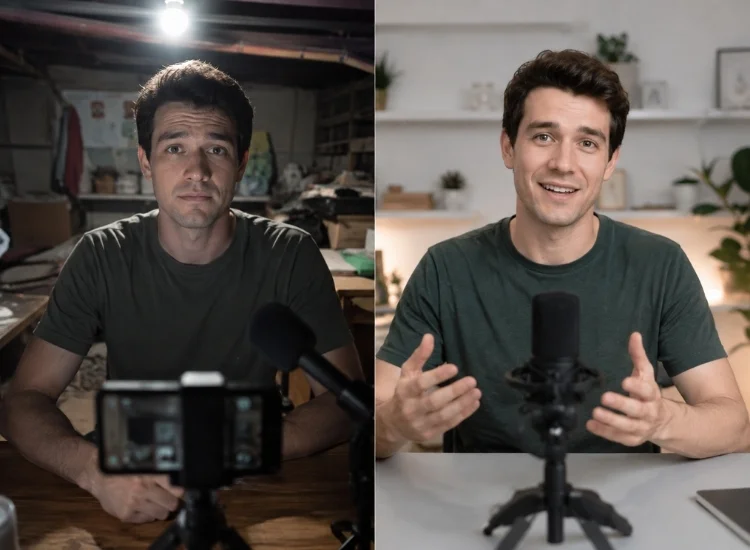
The most common mistake in video email marketing is over-scripting the delivery until it sounds read rather than spoken, which cancels out the entire personalization benefit the format is built on. A handful of other mistakes show up just as often:
Most of these come back to basic delivery habits rather than anything specific to email. The general content creator tips detail the same pacing and eye-contact strategies that make any on-camera recording, video email included, sound natural and authentic rather than over-rehearsed.
Video email marketing rewards people who can record quickly, stay on message, and sound like themselves while doing it. That combination is harder than it looks when you are sending the fifth version of a similar video in a single afternoon. A structured outline and a teleprompter built for natural pacing, rather than a full script, is what makes that repeatable without sounding rehearsed.
Embed or link a short video, usually under 90 seconds, as the main content of the email instead of long paragraphs. Keep the surrounding email copy brief and let the video carry the message, in either a mass campaign or a personal one-to-one recording.
Record a short video with a specific opening hook, one clear point, and a specific next step. Add it as a video thumbnail or embedded player in the email, since a thumbnail with a visible play button gets more clicks than plain text or a static image.
Personalized video email marketing means recording a unique, individual video for one recipient rather than reusing a single video across a whole list. The personalization comes from what you say (their name, their situation) rather than from graphics or editing.
For engagement, generally yes. Video thumbnails in email have been shown to increase click-through rates compared to static images or plain text (Source: Wistia, 2017). Effectiveness for replies and conversions depends heavily on how personal and specific the video actually is.
For one-to-one video emails, 30 to 60 seconds is the sweet spot for most use cases, with onboarding videos stretching to about 90 seconds. Past that length, recipients start treating it like a video they need to schedule time for rather than a quick personal message.
You need a way to record the video and a way to embed or link it in an email, which most modern email marketing platforms support through a video thumbnail or hosted link. The recording side is where quality and consistency usually break down, which is the part a script outline and a teleprompter app address directly.


.png)


.png)