

A good video script sets the tone for the whole project. It helps the message, supports the visuals, and influences the viewer's experience. Even short videos need a clear structure and pace to keep people interested.
Many creators write quickly and then start recording without giving the script enough direction. The end effect sometimes seems disorganized or slow, and viewers lose interest before the message gets through.
You don't need to use complicated methods to improve your script. You need to know what the most typical mistakes are and change how you plan, write, and practice. Writing a video script is easier, smoother, and more fun when you do it the proper way.
Writing a good script helps you give information clearly and with confidence. It affects how people react, how long they watch, and how well they recall what you said. The script is what makes your video work. It sets the tone for the first line, the pacing, the transitions, and the last call to action.
Here is why strong video scriptwriting plays such an important role in your process:
Many creators repeat the same mistakes over and over again without realizing it. These mistakes affect pacing, clarity, viewer engagement, and how natural the delivery sounds. Fixing them requires careful planning, simple language, and a script structure designed for video. To fix them, you need to plan carefully, use simple language, and write a script that works for video.
The sections below go over the most common issues and provide you with advice on how to fix them.

A script loses its direction when its main point isn't clear from the start. Writers often start with phrases and ideas without considering their readers' takeaways. The narrative then seems all over the place, and the end video doesn't have a clear emphasis.
Why this is important:
People connect with content that has a clear, compelling main idea. The video seems slow or confusing without it.
How to improve:
This step alone improves the flow, which makes it easier to form the rest of the script.
Text that reads well in a document often sounds stiff when spoken. Video scripts should sound natural, use basic words, and flow like a conversation. Words that seem stiff or heavy make delivery slower and less interesting.
Why this is important:
Your viewers connect with your voice, not your document. The script must sound like real speech.
How to improve:
This step creates a smoother on-camera performance and keeps your message clear.
Trying to include too many details in one video leads to information overload. The viewer gets tired, and the message becomes harder to follow. Many creators add extra points because they do not want to leave anything out, but this usually makes the script weaker.
Why this is important:
Clear content works better. When the message is concise and well-organized, viewers stay longer.
How to improve:
This makes a polished script that keeps people's attention and supports clean delivery.
For creators looking to practice tighter pacing, this guide offers helpful tips for writing a short video script.
The opening of your video determines how long viewers stay. A slow or unclear introduction leads to early drop-offs. Many scripts build up to the main point instead of delivering value right away.
Why this is important:
Audience attention peaks at the start. A strong hook sets the tone and prepares them to listen.
How to improve:
A strong opening boosts retention and strengthens your overall script.
For more support in shaping a strong opening, explore the guide on how to create a strong video hook.
A video script becomes difficult to follow when the flow between ideas is not clear. Many writers move from one section to another without showing the viewer how each point connects. This leads to confusion and weakens the message.
Why this is important:
Viewers need clear direction. A simple and predictable structure helps them understand the information without effort.
How to improve:
A structured approach helps you rehearse with confidence and deliver your lines with greater control.
To improve the structure and readability of your scripts, you can review these best practices for teleprompter-ready scripts.
Many creators write scripts without thinking about how long each section takes to deliver. This often leads to videos that feel rushed or stretched. Timing and pacing are important parts of effective video scriptwriting.
Why this is important:
Viewers stay engaged when the rhythm feels natural. Pacing affects tone, clarity, and overall experience.
How to improve:
A video becomes easier to watch when the script matches your speaking speed and allows ideas to land clearly.
If you want a simple way to check timing and refine pacing, try a script timer tool to estimate the length of your video accurately. For ongoing practice and smoother delivery, you can sign up with Teleprompter.com to rehearse your script in real time and fine-tune pacing as you go.
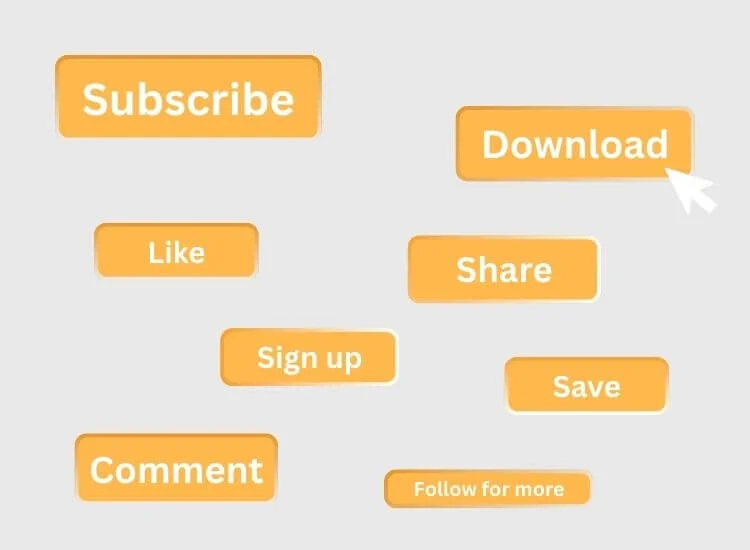
A good video tells the audience what to do next. Without a clear call to action, the script ends suddenly, and the audience doesn't know how to continue engaging with your content.
Why this is important:
A call to action gives your video direction. It also increases engagement and helps you achieve your goal for the video, such as sign-ups, downloads, or continued viewing.
How to improve:
A strong CTA helps your audience stay connected to your content and encourages ongoing interaction.
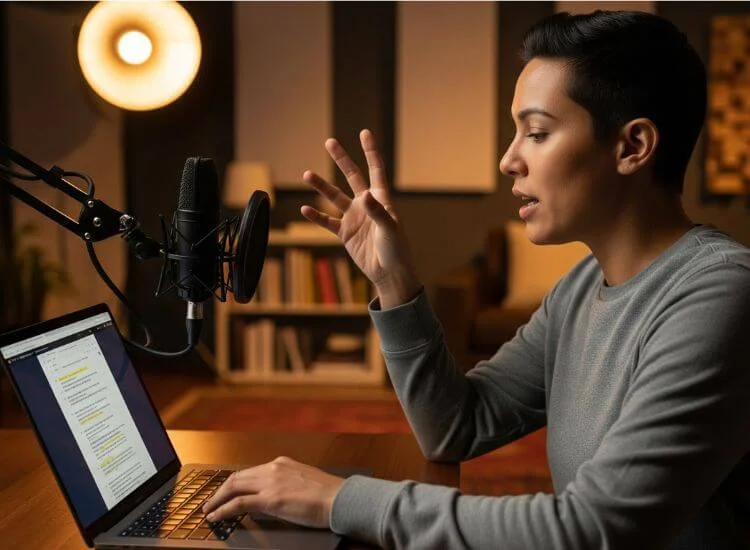
A script may look good, yet it can still feel awkward when performed for the first time. Skipping rehearsal leads to uneven delivery, fast talking, and more retakes.
Why this is important:
Rehearsal improves clarity and confidence. It helps you refine the natural tone of the script and identify weak spots.
How to improve:
This step improves delivery and makes filming more efficient.
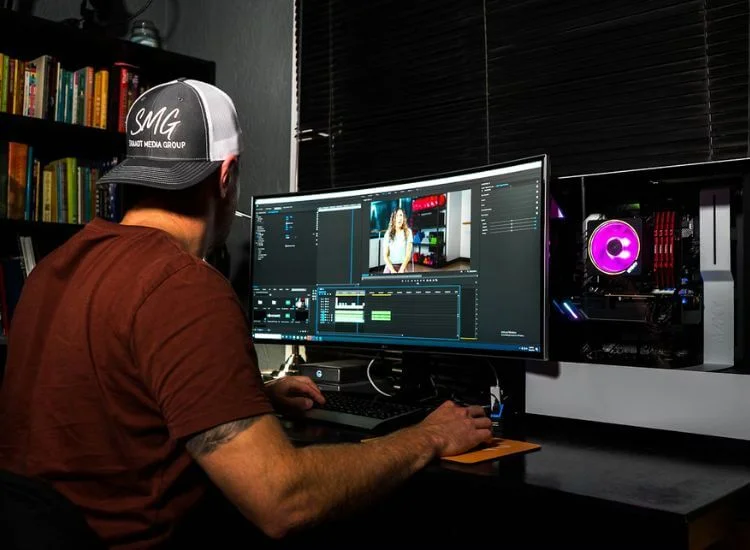
A video script often weakens when it focuses too heavily on narration without supporting visuals. Videos are visual by nature, so scripts benefit from clear notes that guide imagery, graphics, and scene changes.
Why this is important:
Visual clues help people stay focused and understand better. Viewers connect better when narration matches the action on screen.
How to improve:
Planning visuals alongside the script leads to stronger storytelling and smoother editing.
Templates and tools can help you start faster, but they cannot replace your personal tone or experience. You can use a script generator tool to build a first draft or outline faster, then revise it so the final script sounds natural on camera and reflects your own voice. Scripts that come directly from templates or first draft AI outputs often sound flat.
Why this is important:
Viewers respond more to stories and insights that feel authentic. A personalized script builds trust and keeps the message clear.
How to improve:
A personalized approach makes your delivery stronger and your content more unique.
Strong video script writing shapes your message and helps you communicate with clarity. Small adjustments in structure, timing, and word choice make a noticeable difference in the final video. When your script flows smoothly, recording becomes easier, your delivery feels more natural, and your audience stays engaged from start to finish.
Improving your script also supports every part of production. It helps you organize visuals, guide the viewer through each idea, and reduce the need for multiple retakes. Clear planning at the script level gives you a more confident on-camera performance and a more polished final result.
For creators who want better pacing and cleaner delivery, Teleprompter.com offers support preparation, practice, and confident presentation.
The first 30 seconds must capture attention to keep viewers watching. A clear hook improves retention and supports stronger video performance.
Starting without a clear message is the most common error. A script stays focused when the main idea is defined from the start.
Avoid long sentences, heavy jargon, and lines that sound unnatural when spoken. Keep wording simple to support clear delivery.
Write the way you speak and keep sentences short. Read the script out loud to find lines that feel stiff or unclear.
Match your word count to your target video length. Most speakers use 120 to 150 words per minute.


.png)


.png)