SCRIPTS · IMPORT & SYNC

Import any script. Edit anywhere. Synced everywhere.

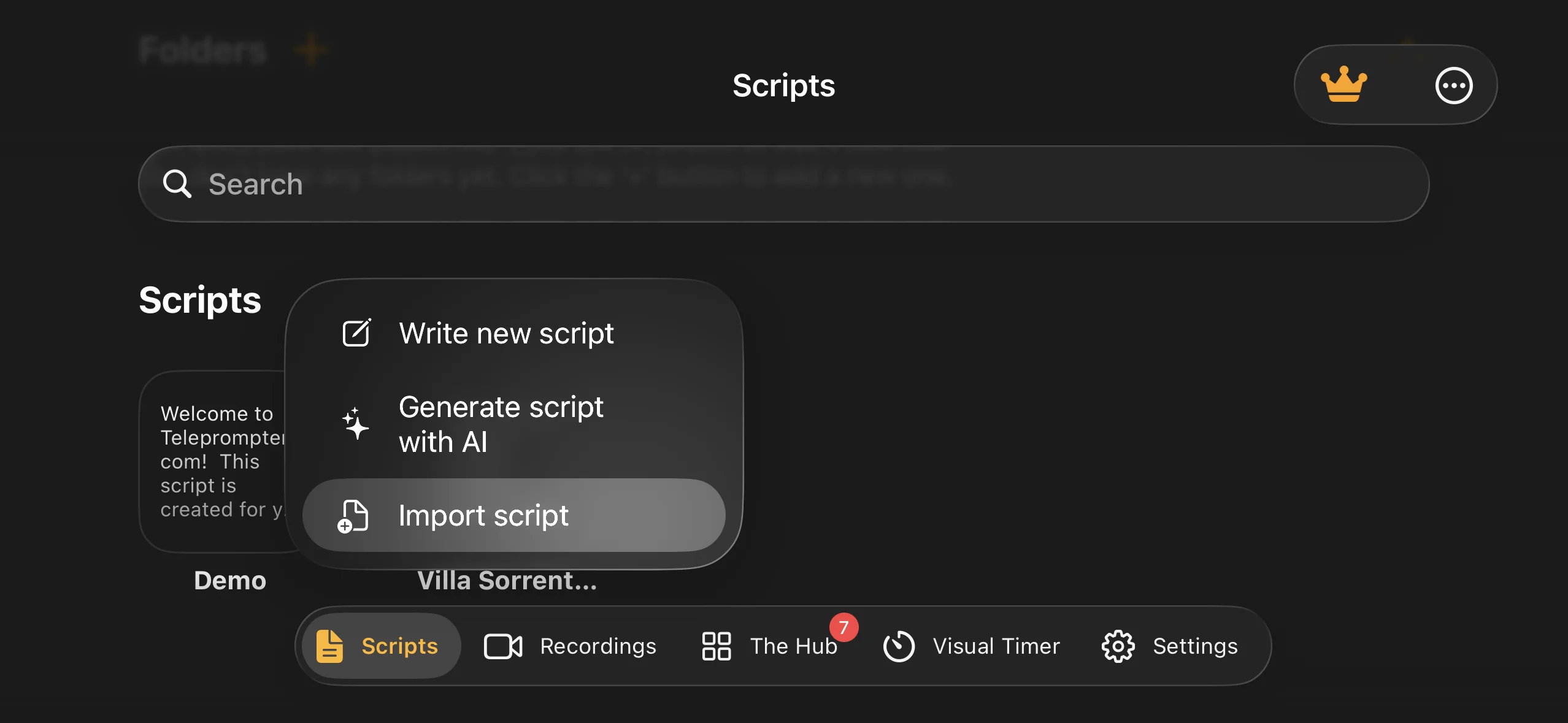
Bring scripts in from word, PDF, txt, Google drive, Dropbox, or iCloud, then edit them on any device, even seconds before you hit record.
star icon
star icon
star icon
star icon
star icon
100K+ five-star reviews
·
Unlimited scripts, free
 Word
PDF
TXT
Google Drive
Dropbox
iCloud

HOW SCRIPT IMPORT WORKS

Teleprompter.Com imports scripts from txt, word, and PDF files, and connects directly to Google drive, Dropbox, and iCloud. It can even turn a photo or scan of a printed page into an editable script using AI text extraction. Every script is stored in the cloud with unlimited storage and syncs instantly across iOS, android, macOS, and web. Write on your laptop, prompt from your phone. Scripts stay editable in real time, so you can fix a LINE between takes without stopping your session, and everything remains available offline once loaded.

Word · PDF · TXT
Direct import
AI text extraction
Scans & photos
Drive · Dropbox · iCloud
Cloud connect
Unlimited scripts
Free, all plans
iOS · Android · Mac · Web
Auto sync
17M+ videos
Recorded since 2018
BRING IT IN

Import from wherever you write

Nobody writes scripts inside a teleprompter. Draft in Google docs, word, notion, or anywhere else, then bring it in as a word, PDF, or txt file, or pull it straight from Google drive, Dropbox, or iCloud. Formatting comes with it. Retyping does not.

document file icon
Word
.docx files
pdf icon
PDF
Formatting preserved
txt file icon
TXT
Plain text
google drive icon
Google Drive
Connect & pull
dropbox icon
Dropbox
Connect & pull
icloud icon
iCloud
Connect & pull
NO RETYPING

Turn paper into a script with AI

Handed a printed page at an audition? Working from a marked-up hard copy? Snap a photo or scan it, and AI text extraction turns it into a clean, editable script inside the app. No retyping under time pressure, and the extracted text works with voiceglide, editing, and sync like any other script.
[◉"]   Photo or scan to editable text
import script teleprompter app
CLOUD LIBRARY

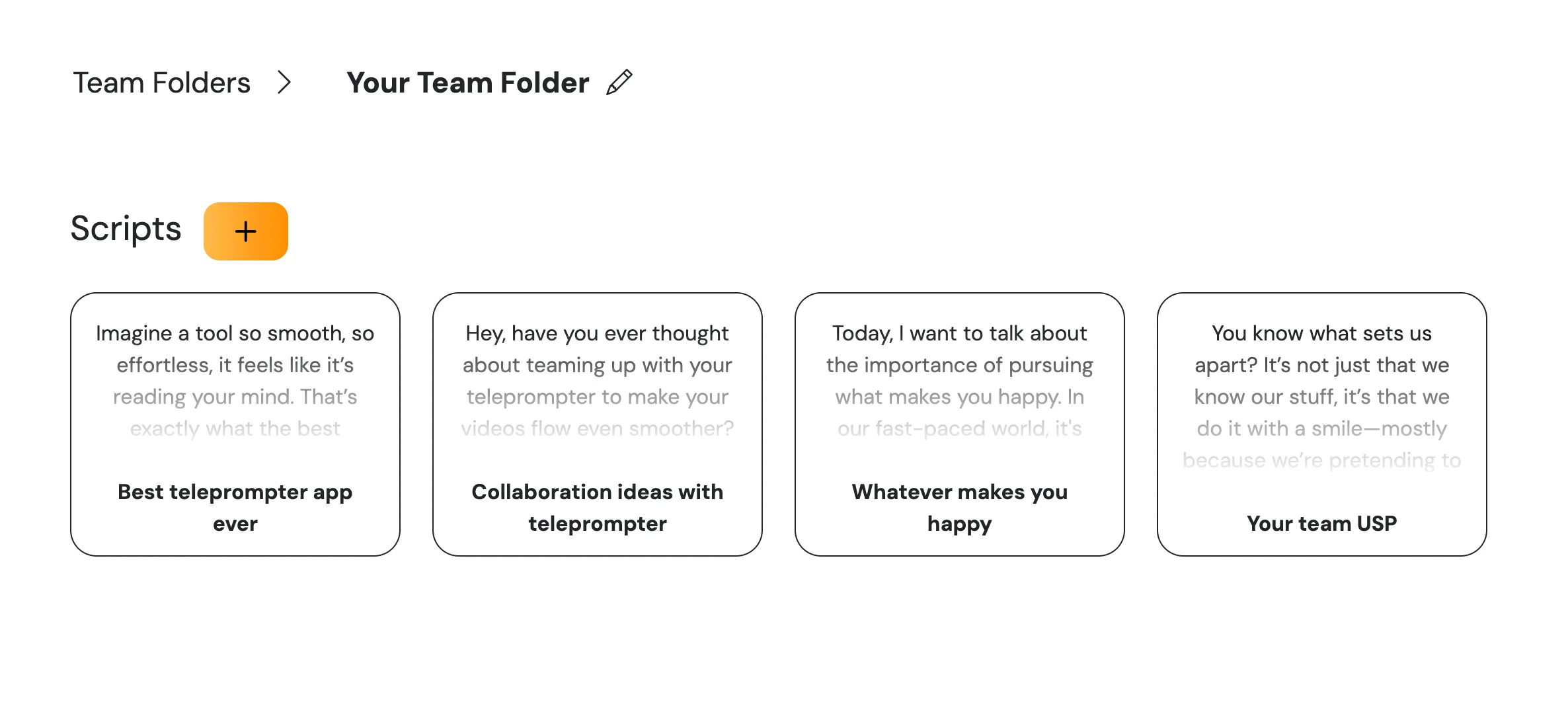
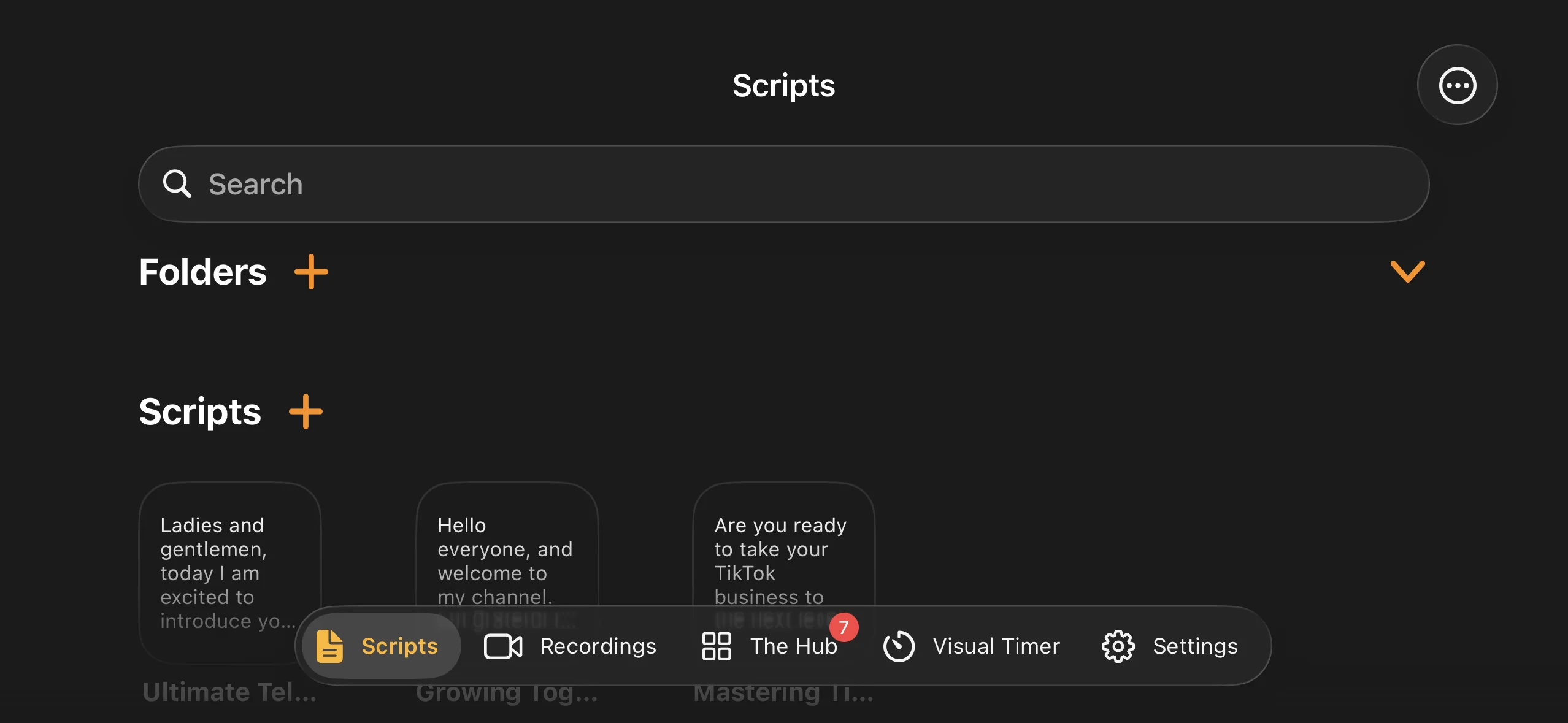
Unlimited scripts, one cloud library

Store every script you have ever written. There is no cap on script count or cloud script storage on any plan, including the free starter plan. Organize scripts into folders and find them on every device you sign in to (up to 3 devices per account).
teleprompter script library
KEEP ROLLING

Edit in real time, even mid-shoot

Spot a clunky sentence during a take? Edit the script directly in the app, or from your remote device, and keep rolling. Changes sync instantly to every connected device. The built-in AI assistant can also rephrase tricky lines on the spot.

START FROM ZERO

Write it faster with AI

Start from a blank page inside the app: the AI script generator drafts a script from a topic prompt, and the script timer estimates your run time before you record. Paid plans include unlimited AI generation.
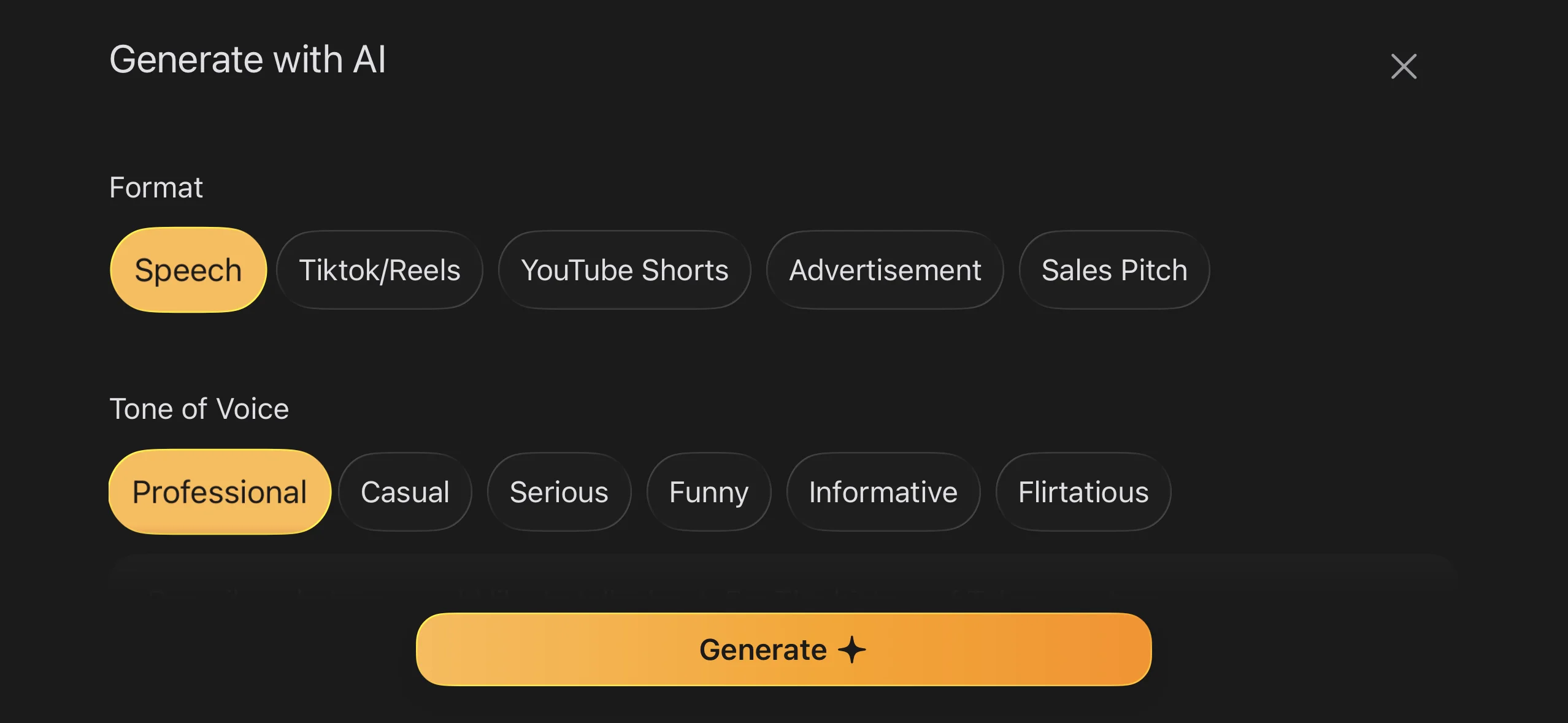
write script with AI

Works offline

Once your scripts are on the device, no internet is required. Prompt, record, and edit anywhere, then sync when you are back online.

QUESTIONS

Script import FAQs

Which file formats can I import?
TXT, Word (.docx), and PDF files, imported from your device or directly from Google Drive, Dropbox, and iCloud. You can also photograph or scan a printed page and let AI extract the text into an editable script.
Can I use a scanned or printed script?
Yes. Take a photo or scan of the page (an audition side, a printed speech, a marked-up draft) and AI text extraction converts it into an editable script you can prompt from immediately.
Is there a limit on how many scripts I can store?
No. All plans, including the free Starter plan, include unlimited cloud script storage.
Do scripts sync between my devices?
Yes. Scripts sync automatically across iOS, Android, macOS, and Web. Write on your Mac, prompt from your iPhone, control from your iPad. Same account, same library.
Can I edit a script during a recording session?
Yes. Scripts are editable in real time in the app, and with Remote Control you can even make live edits from a second device without touching your camera setup.
Does script import work offline?
Local files import offline, and previously synced scripts stay fully available without internet. Cloud imports sync the next time you are online.

Bring your script in now

Import a Word or PDF file and be recording in under two minutes.

Since 2018 we’ve helped 1M+ creators smoothly record 17,000,000+ videos