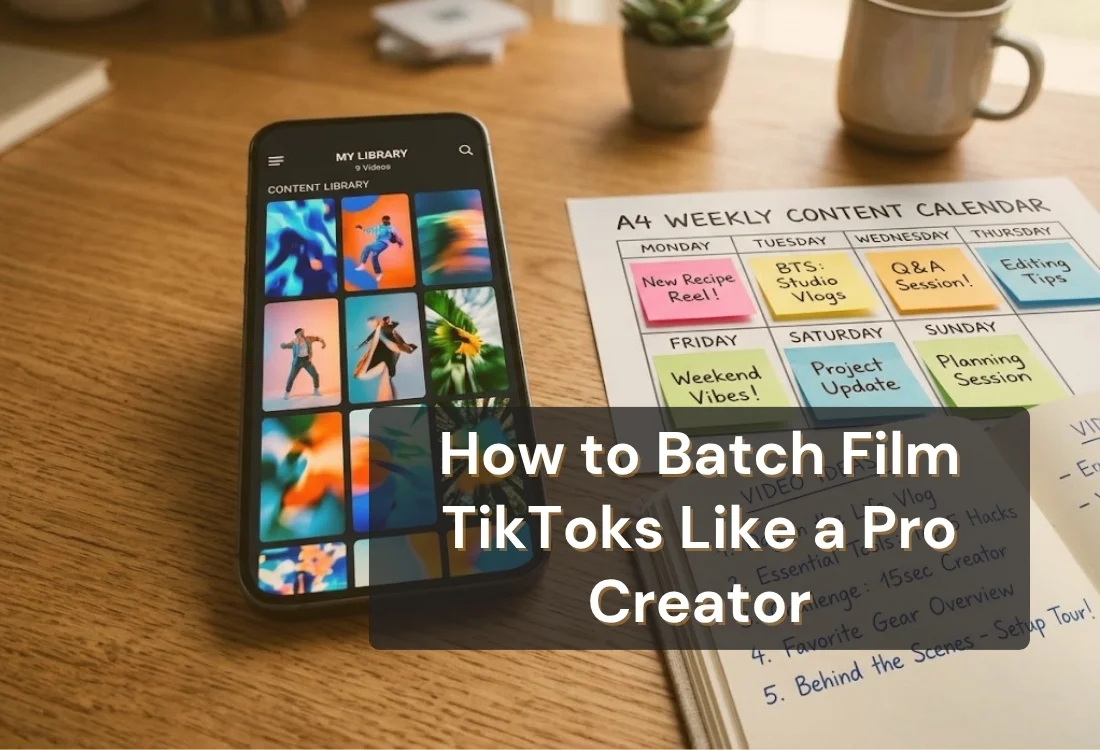


Batch filming is the strategy of planning and shooting a week or more of TikToks in one or two sessions instead of filming something new every day. It's one of the habits that separates creators who post consistently from creators who burn out, alongside the broader content creator tips that keep a workflow sustainable long-term.
Batching gives you a consistent posting schedule without the daily pressure of coming up with something new to film, and it turns one afternoon of work into weeks of content. Teleprompter.com, a browser-based teleprompter app also available on iOS, Android, and Mac, is built to support exactly this kind of session, from queuing up a full batch of scripts in advance to keeping your delivery steady across dozens of consecutive takes.
Batch filming means recording multiple videos in a single sitting, then spacing them out over the days or weeks that follow. Instead of the daily grind of "what do I film today," you plan a batch of ideas ahead of time and knock them out together.
The shift makes sense once you look at what actually drives growth on TikTok. Accounts posting two to five times per week saw up to 17% more views per post than accounts posting only once a week, based on Buffer's analysis (2025) of 11.4 million TikTok posts from over 150,000 accounts.
That kind of consistency is hard to hit if every video requires its own separate filming session. Batching solves it. You film once, you post for weeks, and your schedule stops depending on whether you feel inspired on any given Tuesday.
Batch filming also protects quality. When you're not scrambling to film something last-minute, you show up with your ideas already written, your setup already planned, and your energy still fresh. That shows on camera.
At its core, this is a TikTok content strategy for creators who want output without burnout: film in batches, bank the extra content, and let your posting schedule run on a system instead of daily inspiration.
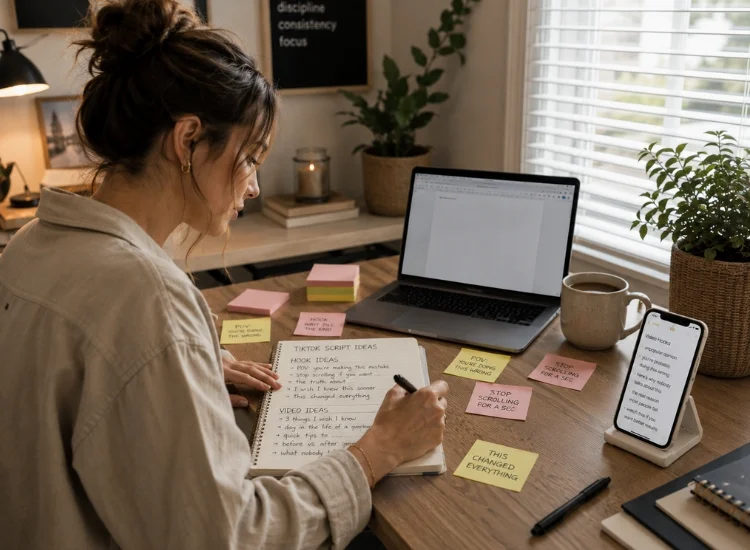
A script bank is the prep step that makes batching actually work. It's a running list of written scripts, hooks, and CTAs, ready to go before you ever hit record.
Without one, batch sessions fall apart fast. You sit down to film five videos and realize you've only got two ideas fully thought through. A script bank fixes that by moving all the thinking to before the session, so filming day is just execution.
Here's how to build one:
Most creators can sustainably batch 8 to 15 videos in a two to three hour session without quality dropping off. Prep two or three extra scripts beyond what you plan to film. Some ideas read better on paper than they perform on camera, and having backups keeps the session moving instead of stalling out mid-batch while you write something new.
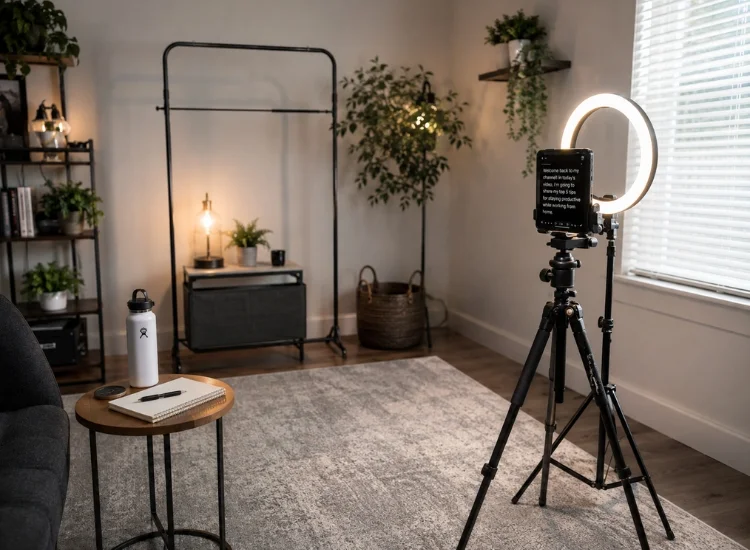
How you order your batch session matters as much as what you film. Front-load your highest-energy concepts first, group similar setups together, and build in short breaks so your delivery doesn't flatten out by video number ten.
A practical batch session structure looks like this:
One of the fastest ways to lose quality in a batch session is inconsistent pacing between takes. Video three sounds sharp and confident. By video eight, you're rushing lines or losing your place because you're mentally fatigued and manually tracking a scroll speed you set an hour ago.
Consistent pacing shows up directly in how many retakes a video needs, and it's a pattern creators using Teleprompter.com noted often.
"This app has literally been a game changer for my social media content. It's no longer overwhelming, as I get all my videos done in 2 takes or less instead of 50!!" (NettaRang, 5-star iOS App Store review, June 14, 2026, Australia)
Fewer takes per video is exactly what makes a batch session of ten or more videos realistic in a single sitting.
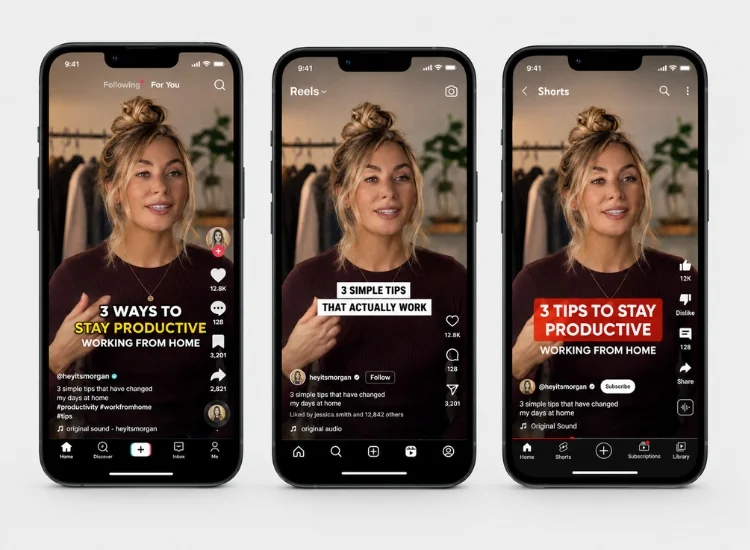
A single batch session doesn't have to produce TikTok content alone. With small adjustments, the same footage can be repurposed across Instagram Reels and YouTube Shorts, multiplying your output from one afternoon of filming.
The core video content rarely needs to change. What changes is the caption style, the hook framing, and sometimes the aspect ratio crop. Film your batch with TikTok's vertical format in mind, then adjust captions and trim hooks slightly for each platform when you repurpose.
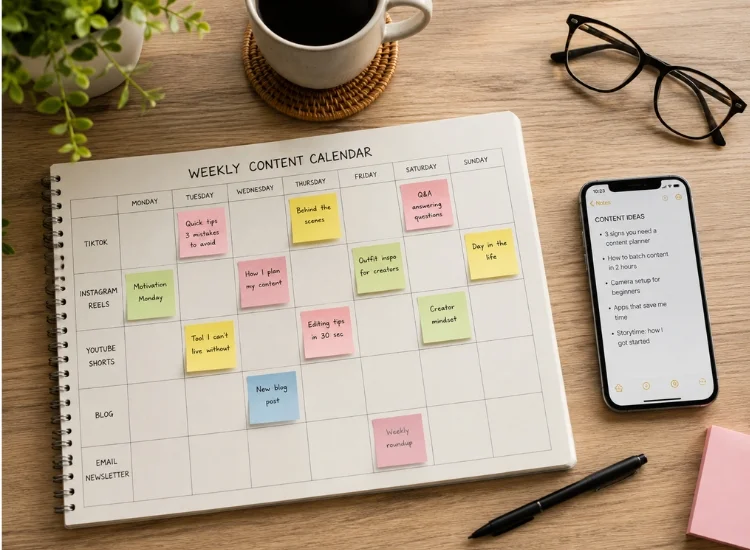
Once you've batched a session, the next step is spacing that content out so your posting schedule stays consistent between sessions instead of dumping everything at once.
A simple content calendar approach:
This is also where consistency compounds. Creators who batch and stick to a steady posting schedule tend to build follower growth gradually over time, rather than seeing the sporadic spikes that come with inconsistent posting. A content calendar is what turns one good batch session into that kind of sustained growth.
Batch filming fails for a few predictable reasons. Here's what to watch for:
Avoid these four mistakes and a batch session stops feeling like a gamble and starts feeling like a system.
That's the difference a script bank, a structured session, and consistent pacing make once they're all working together.
A batch filming strategy only works if the pieces around it hold up: a script bank that's actually ready before you sit down, a session structure that protects your energy, pacing that doesn't drift by take ten, and a calendar that spaces everything out afterward.
Teleprompter.com is built around exactly those four pieces: Script Import loads your whole batch before you start, and VoiceGlide keeps every take reading at the same natural pace regardless of how far into the session you are. The platform features overview covers the full picture beyond what's covered here. Get those four right, and one afternoon of filming carries your TikTok presence for weeks instead of one day.
The gap between creators who post consistently and creators who burn out chasing daily content usually comes down to one thing: a system. Batch filming is that system.
Most creators can sustainably batch 8 to 15 videos in a two to three hour session. Going much beyond that tends to show up as declining energy and flatter delivery in the later videos.
A weekly or biweekly batch session works for most creators posting three to five times per week. The right cadence depends on your posting schedule and how much buffer content you want on hand.
Yes. The core video usually needs only minor adjustments, such as caption length, hook framing, and sometimes a slightly different aspect ratio crop, to work across all three platforms.
Batch filming is the act of shooting multiple videos in one session. Content calendaring is how you schedule and space out that footage afterward so your posting stays consistent between sessions.
Group similar setups together, front-load higher-energy scripts, and take short breaks every four to five videos. Consistent pacing tools, like a voice-activated scroll teleprompter, also help prevent fatigue-driven pacing drift late in a session.
A shared cloud folder for drafting scripts works as a starting point. Teleprompter.com's script Import pulls those scripts directly from Google Drive, Dropbox, or iCloud so your entire batch is loaded and ready before you start filming.


.png)


.png)