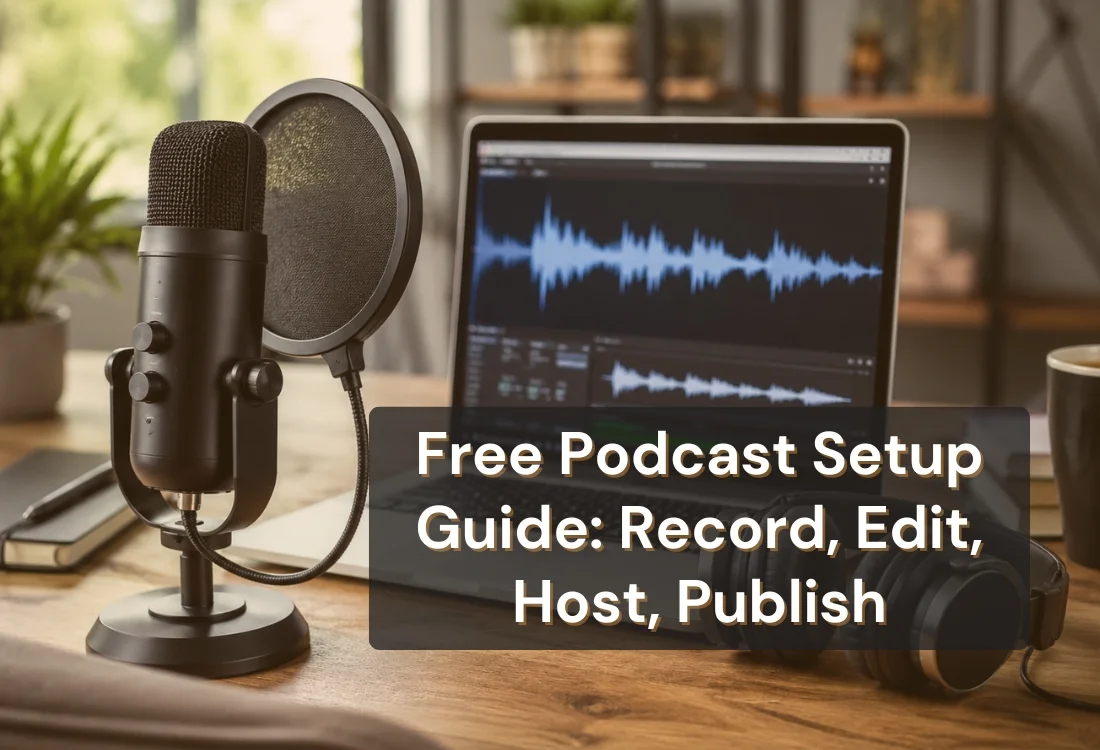


You can start a podcast for free using four tool categories: a recording app, an editor, a hosting platform, and a script or delivery tool. Each has a genuinely free tier in 2026, no equipment purchase required. This guide names the best free pick in each category and flags exactly where the free tiers stop.
Yes. Every stage of launching a podcast, from recording to publishing, has a free option in 2026 that's good enough for a real first season. Podcast listening just hit a record high: 58% of Americans age 12 and older now listen to podcasts monthly, an all-time high of about 167 million people, according to Edison Research's Infinite Dial 2026 study. That's a wide open audience, and none of it requires you to spend money before you know if the show will land.
The catch isn't that free tools are bad. It's that "free" usually means a limit somewhere: a storage cap, an episode count, a watermark, or a monthly export ceiling. Know those limits going in and you won't get an unpleasant surprise three episodes into your run.
The tools below fall into two groups. Riverside, Zoom, Audacity, GarageBand, and Descript are free because they're either open-source (Audacity), pre-installed on hardware you already own (GarageBand), or using podcasting as a lead-gen funnel into a future paid plan (Riverside, Descript).
Spotify for Podcasters is the outlier: Spotify hosts your show for free indefinitely because it wants your podcast on its platform, not because it's a trial. That distinction matters when you're deciding which free tier is safe to build a whole workflow around versus which one is just a taster.
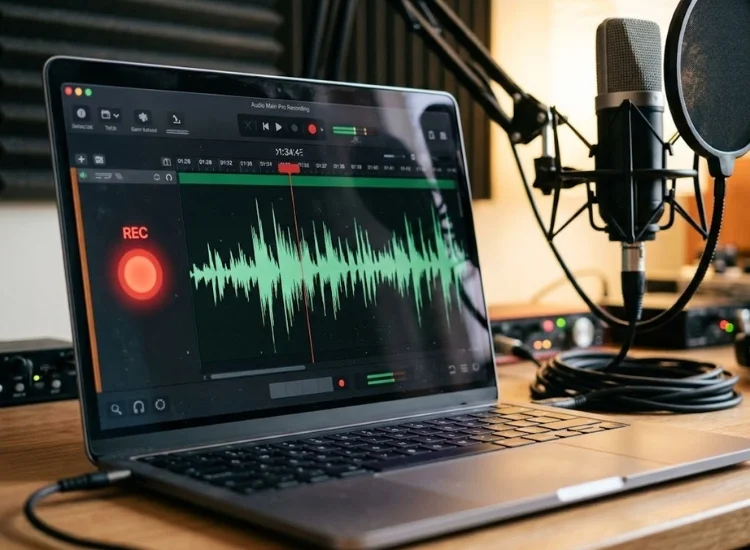
Recording is where most new podcasters spend money they don't need to spend yet. Start with one of these.
Riverside records each guest's audio locally on their own device in the background, then uploads it after the call ends, rather than streaming everyone's audio through a single connection the way a normal video call does. That's what makes the free tier's audio quality hold up even when someone's internet drops mid-conversation: the recording was never dependent on the connection in the first place.
Guests join with a link and don't need an account, which removes a common friction point for interview-format shows. The free plan caps total recording time per month, but that ceiling is generous enough to cover a weekly show for several months while you're still testing whether the format is one you want to keep.
Zoom is the lowest-friction option if you already use it for work calls or meetings. There's no new account to create and no software to learn: start a call, record it, and pull the audio track out afterward. For a guest-interview show, this means you can record your first episode today instead of spending a week setting up a new recording stack.
The tradeoffs are real, though. The free plan limits group calls to 40 minutes, so longer interviews need to be split or upgraded around, and Zoom compresses audio for real-time calls in a way that leaves it noticeably thinner than a dedicated recording tool. It's a fine way to get the first few episodes out the door, but most shows outgrow it once they're recording weekly.
Audacity is free, open-source, and installs directly on your desktop with no account, login, or subscription, ever. It's been maintained by volunteer developers for over two decades, which is part of why it holds up as a genuinely capable tool rather than a stripped-down trial version of something else.
It records and edits in the same application, so you can capture an episode and then cut dead air, adjust levels, and clean up the audio without switching software. The interface looks dated next to newer browser-based tools, but the multi-track editing underneath is solid, which makes it the simplest single-tool setup for solo shows recorded straight to a laptop or USB microphone.
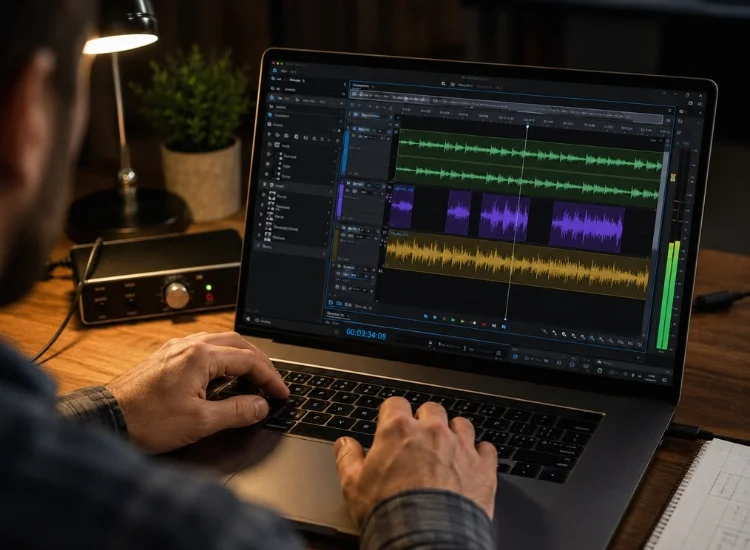
Editing is what turns a raw recording into something listenable. These options handle the basics without a subscription.
If you recorded in Audacity, you can edit in the same window: cut dead air, remove filler words, and adjust levels, all without paying for a separate editor. The manual cutting takes longer than transcript-based tools, but for short solo episodes it's a fast enough workflow once you're used to the waveform view.
Community-built plugins extend it further, adding noise reduction, compression, and other effects that aren't part of the base install. That's a common pattern with open-source tools: the core app is free forever, and the plugin ecosystem fills in gaps as your needs get more specific.
Mac and iOS users get GarageBand pre-installed at no extra cost, which makes it an easy default if you're already in Apple's ecosystem. It handles clean multi-track editing and includes built-in noise reduction, both of which matter for cutting a guest interview or layering a music intro under your voice track.
The catch is that it's Apple-only, so it's not an option if you record on Windows or Android. For Mac-based solo podcasters, though, it's a genuinely strong free alternative to a paid digital audio workstation.
Descript's free tier edits audio by editing a text transcript instead of a waveform: you delete a sentence from the transcript, and the corresponding audio is cut automatically. That's a meaningfully faster workflow for beginners, since you're editing words instead of hunting for silence in a visual soundwave.
It also includes a one-click filler-word removal feature that strips "ums" and "likes" across an entire episode, which normally takes the longest to clean up by hand. The free plan caps how many transcription minutes you get per month, so it works best for shorter or less frequent episodes until you're ready to upgrade.
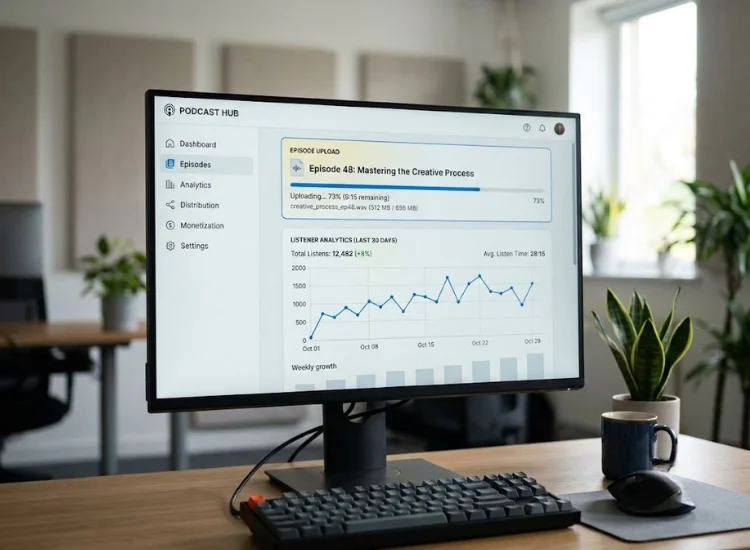
If you outgrow any of these, moving your RSS feed to a paid host later is a standard, low-risk migration that doesn't affect your existing episodes or subscriber count.
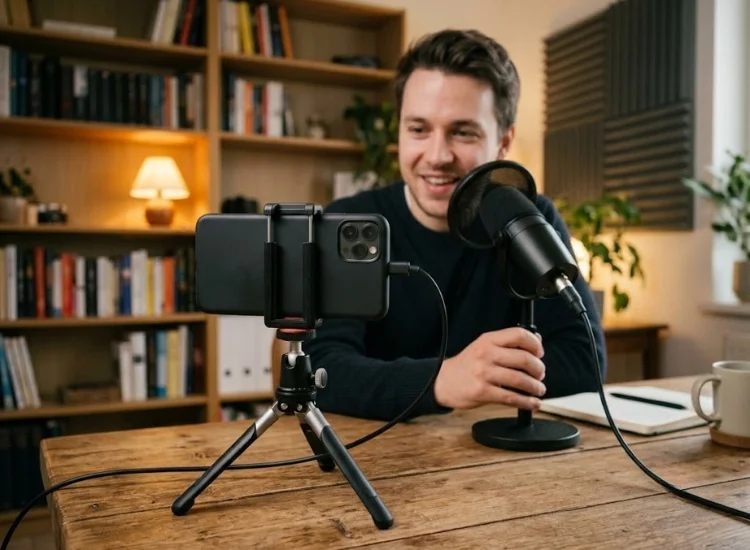
New podcasters usually land in one of two places: winging every episode, which leads to rambling and dead air, or reading a full script word for word, which sounds stiff and rehearsed. Neither holds up over a full season of episodes.
Teleprompter.com's free plan closes that gap without a paid script tool. It works right in your browser on Web, iOS, Android, and macOS, with no download required to get started.
Two of its four scroll modes matter most for podcasting: Fixed Speed keeps a steady pace through a written intro or ad read, and Words Per Minute lets you match the scroll to your own natural talking speed, so you're never rushing to catch up with the text. Pair that with the built-in AI Script Generator to draft your episode outline, and you've replaced a paid script tool entirely.
Podcasters using the app describe exactly this effect in their own words. McGregor1973 wrote in a five-star iOS review:
"Taking my podcast to a new level and using a teleprompter helps me stay focused."
Toyapea0 put it more simply:
"It's very convenient for doing my podcast, no more skipping through pages for my notes."
And Joy, in a May 2026 review, called it
"Great for reading a script for a short reel or a long podcast."
Use it for your intro, outro, and any sponsor read or call-to-action. Ad-lib the middle of the episode from bullet points. You get consistent, polished bookends without sounding like you're reading a report for the full runtime.
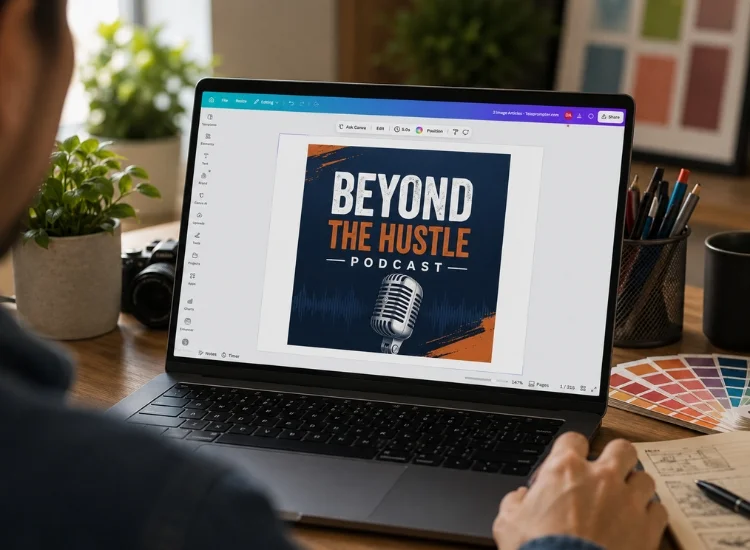
Your podcast needs square cover art (minimum 1400x1400px) before most hosts will accept your RSS feed. Canva's free tier has podcast cover templates sized correctly for Spotify and Apple, with free fonts, icons, and stock images built in. It also exports directly to the file format and resolution most hosts require, so there's no separate conversion step. You can have a professional-looking cover in under twenty minutes without hiring a designer.
Three signals tell you it's time to pay for at least one tool in your stack:
None of these usually hit before episode five or six. If you're past that and still running entirely on free tiers, that's a sign your setup is working, not a sign you're behind. When you do outgrow a tool, our podcast equipment guide and audio quality guide cover what to buy first.
This guide covers the tools. If you want the complete launch process, planning your format, choosing an episode length, recording your first batch, and publishing on a schedule, see our full Starting a Podcast Checklist.
Yes. A free recording app, a free editor, free hosting through Spotify for Podcasters, and a free script tool like Teleprompter.com cover every stage of launching a show with no upfront cost.
Most free hosting tiers cap either total storage or monthly upload minutes. Spotify for Podcasters is the exception, with free unlimited hosting, which is why it's the strongest starting point.
No. Your phone's built-in microphone or a laptop mic is enough for a first season. Upgrade to a dedicated USB microphone once you know the show is one you'll keep making.
Yes. Apps like Zoom and Riverside both work from a phone browser or app, and many successful shows start this way before moving to a desktop setup.
Teleprompter.com's free AI Script Generator drafts an episode outline, and its teleprompter display keeps your intro, outro, and ad reads on pace without sounding scripted.
When you hit a storage cap, see a watermark in your exported audio, or your growth is being limited by audio quality, not before.


.png)


.png)


