TL;DR:
Five teleprompter apps stand out for Instagram Reels in 2026. Teleprompter.com leads as the strongest all-around pick, with speech recognition scrolling, four scroll modes, and a free plan that works on iOS, Android, and in the browser.
Teleprompter.com – Best overall: speech recognition scroll, four scroll modes, AI script generator, free plan.
Selvi – Best floating overlay for Android: records inside Instagram's native camera while reading your script.
FoxCue – Best for in-app recording: HD front-camera recording and teleprompter in one mobile app.
Instagram Teleprompter – Best zero-setup option: built into the Reels camera, completely free, no download needed.
Parrot Teleprompter – Best for camera rigs: beam-splitter glass eliminates eye drift for dedicated camera setups.
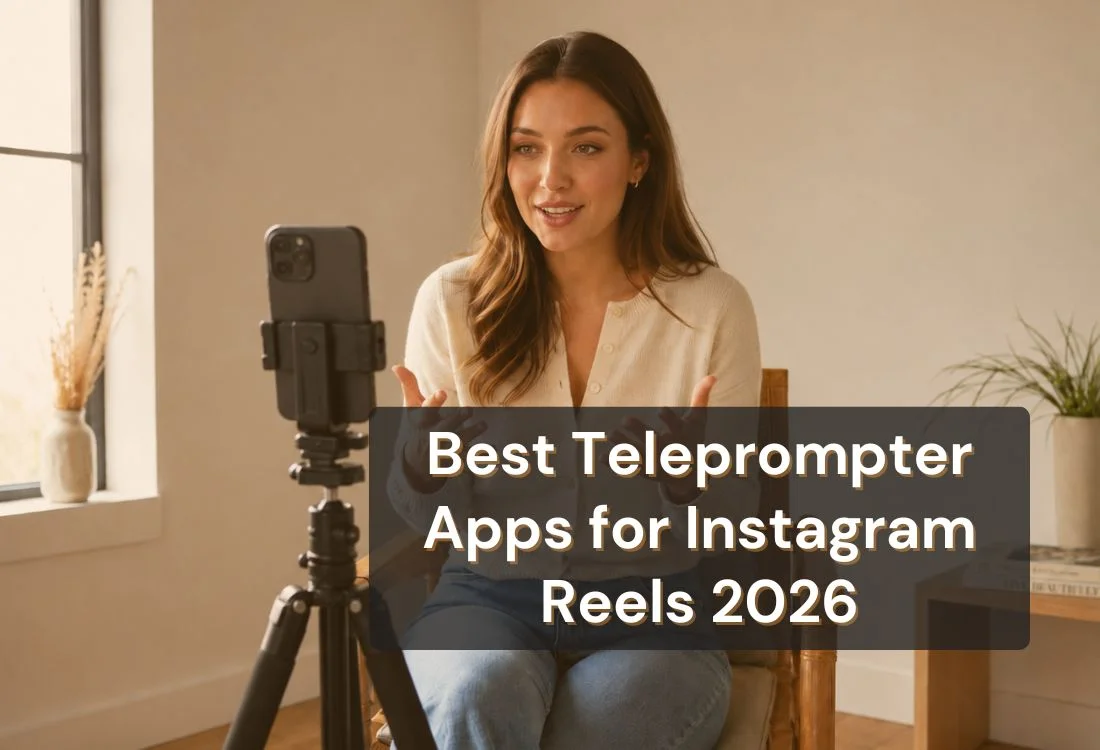
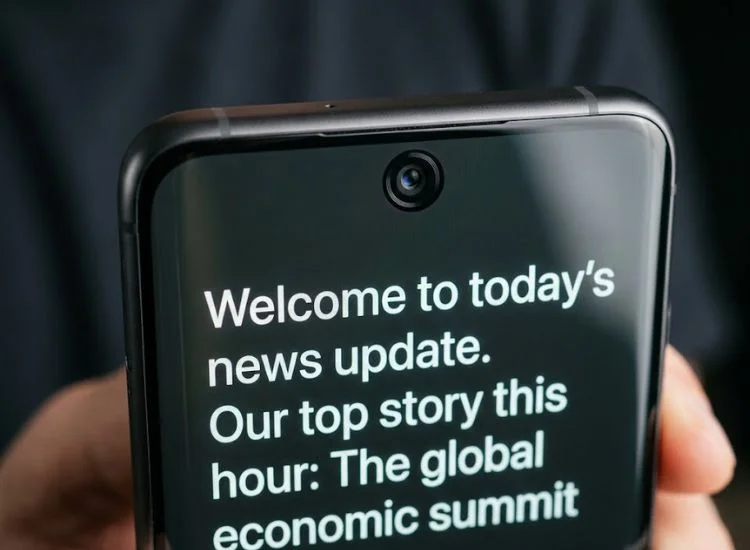
The best teleprompter apps for Instagram Reels display your script on your phone's front screen, scroll fast enough to match short-form pacing, and keep delivery natural enough to hold a cold audience.
Why Instagram Reels Demands a Different Teleprompter Setup
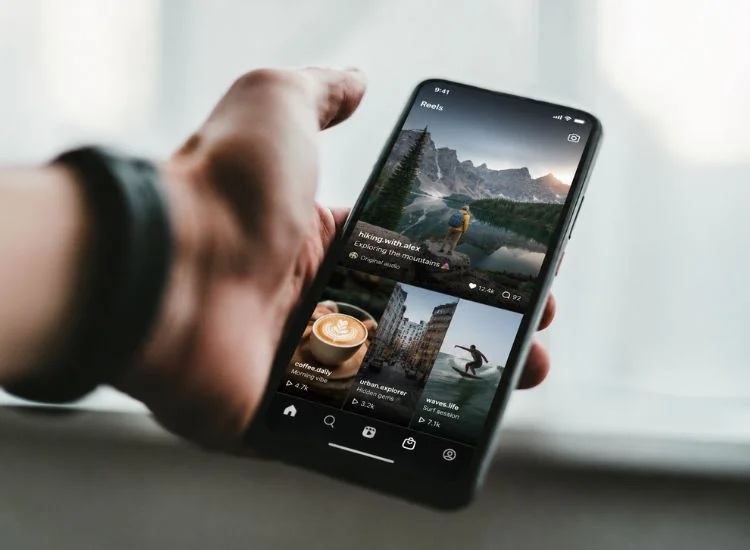
Reels are not YouTube. The format has specific constraints that change what you need from a teleprompter app, and most generic teleprompter advice does not account for them.
Three constraints set Reels apart from other video formats:
Camera setup. Most creators film Reels on a smartphone held vertically. The script text has to display on the same screen you are looking at, or close enough to the front lens that your eye contact reads as direct. A desktop teleprompter or a two-device setup adds friction that works against a format built on speed and low production overhead.
Script length. Instagram promotes Reels under 90 seconds for maximum reach, and the sweet spot for talking-head and educational content sits between 30 and 60 seconds. At 125 to 150 words per minute, a 60-second Reel needs roughly 125 to 150 words. Most teleprompter apps default to long-form layouts. The ones that work well for Reels handle short scripts without configuration friction.
Scale and attention. Reels now account for 50% of all time people spend on Instagram, according to Meta CEO Mark Zuckerberg on Meta's Q1 2024 Earnings Call. That audience is large and actively watching. Watch time is one of Instagram's three primary Reels ranking signals, confirmed by Instagram head Adam Mosseri. A delivery that sounds scripted loses it. A well-used teleprompter keeps delivery natural. A poorly calibrated one makes it worse.
The Reels Readiness Check: What to Look for in a Teleprompter App
Before downloading anything, run through these five criteria. They separate apps built for short-form mobile content from apps designed for broadcast studios or long-form presentations.
Front-camera proximity. Script text should sit as close to the front camera as possible. Eye drift increases the moment text is far from the lens, and even small drift reads as disengaged on camera.
Short-script handling. The app should handle 60 to 150-word scripts without configuration friction. Some apps default to long-form layouts that feel awkward for a 45-second hook.
Scroll speed range. Reels content often runs at 150 to 170 words per minute, faster than conversational YouTube pace. The app needs a speed range that covers that without maxing out.
Hands-free or voice-sync scrolling. Solo creators filming on a single phone cannot tap to scroll mid-take. The app needs to handle speed control without requiring a second hand or a second device.
Portrait mode compatibility. The app should work natively in vertical orientation. Apps designed for horizontal desktop recording create layout problems on phone screens.
The Best Teleprompter Apps for Instagram Reels (2026)
Here is how each app performs across the criteria that matter for Reels.
App
Platform
Plans
Speech Sync
Portrait Mode
Best For
Teleprompter.com
iOS, Android, Web
Free + Pro from $19.99/mo
Yes
Yes
Best overall for Reels
Selvi
Android
Free
No
Yes
Floating overlay for Android creators
FoxCue
iOS, Android
Free + paid tiers
No
Yes
In-app HD recording
Instagram Teleprompter
iOS, Android (via Instagram)
Free (built-in)
No
Yes
Zero-setup scripted Reels within Instagram
Parrot Teleprompter
iOS, Android
Free app + hardware required
No
Yes
Creators using a camera rig
1. Teleprompter.com: Best Overall for Reels Creators
Teleprompter.com works in the browser and as a native app on iOS, Android, and macOS. Open it, paste your script, and record. There is nothing to configure before your first take.
Key features for Reels:
VoiceGlide follows your voice automatically. The prompter pauses when you pause and catches up when you resume, removing the manual calibration step that eats time between takes.
Four scroll modes cover different workflows: speech recognition, fixed speed, fixed time, and words-per-minute. Most Reels creators will use speech recognition or fixed speed.
Built-in AI script generator turns a rough topic or set of notes into a structured 60-second Reels script in seconds, keeping pre-production fast for batch-recording sessions.
Adjustable font size, line spacing, background color, and scroll direction, all on the same screen where you record.
Free plan includes in-app recording. Watermark applies to exported video files on the free tier. Pro and above, remove the watermark and add 4K recording.
Creators who use Teleprompter.com for Reels say it best:
“Love this App. It truly helps me with my Reels so I never forget the point I want to make.”
— kDrake79, iOS App Store review ★★★★★, United States, November 2025
“My favorite teleprompter app. Helps me prep, plan, and execute Instagram reels and presentations videos seamlessly.”
— Healthymamadoc, iOS App Store review ★★★★★, United States, February 2025
Best for: Creators who want one app to handle scripting, prompting, and recording across iOS, Android, and the browser.
2. Selvi: Best Floating Overlay for Android Reels Creators
Selvi's floating window mode overlays your script on top of your phone's native camera app. That means you can record inside Instagram's own camera while reading your script at the same time, without switching between apps mid-take.
What it offers:
Floating window is resizable and movable, so you can position text as close to the front camera as your screen layout allows.
Text size, scroll speed, font, and background color are all adjustable.
Scripts can be written inside the app or imported as plain text files.
Available for iOS and Android.
Worth knowing: The floating window position adjusts freely on screen, but how close you can get to the front camera depends on your phone model. On taller screens you can sit the text directly below the lens for a near-natural eye line. Since there is no built-in recording mode, you always film through your native camera or Instagram directly.
One important note: the app has not received a confirmed update since 2020 and appears to be no longer actively maintained. It works for basic use, but long-term support is uncertain.
Best for: Android creators who want to film inside Instagram's native camera while reading their script alongside it.
3. FoxCue: Best for In-App Reels Recording on Mobile
FoxCue combines teleprompter scrolling with HD front-camera recording in one app, available for iOS and Android. You read your script and capture the video without switching between apps.
What it offers:
HD video recording with the front camera while your script scrolls on screen.
Real-time green screen, adjustable text size and scroll speed, and script imports from multiple file formats.
AI script feature generates a first draft from a topic prompt.
Free plan covers core teleprompter and recording features. Paid plans include higher-resolution video export.
Worth knowing: he green screen feature runs in real time during recording, so you can film a Reel against any background without a post-production step. The free plan limits video export quality. Creators who want higher resolution output for cross-posting to YouTube Shorts or TikTok alongside their Reels will need a paid plan.
Best for: Creators who want teleprompter and HD recording in one mobile app without a separate editing step.
4. Instagram Teleprompter: Best Zero-Setup Option
Instagram's native teleprompter is a script-scrolling tool built directly into the Reels camera and the Edits app. It first launched inside Edits in June 2025, then moved into the main Instagram camera in 2026. For creators already filming inside Instagram, it removes the need to open a second app entirely.
What it offers:
Built directly into the Instagram Reels camera and Edits app. No download, no sign-up, no separate account needed.
Paste your script and it scrolls automatically while you record, positioned close to the front-facing camera.
Speed slider to adjust scroll pace before you start recording.
Completely free. No in-app purchases.
Worth knowing: The tool uses a single fixed scroll speed. If you pause mid-take to breathe or recollect a line, the script keeps moving without you, which can knock you off your place. There is also no script library, so your content does not carry over between sessions. The feature is locked inside Instagram and cannot be used for YouTube, LinkedIn, or any camera outside the app.
Best for: Creators who film exclusively within Instagram and want a zero-setup, zero-cost starting point for scripted Reels.
5. Parrot Teleprompter: Best for Creators Using a Camera Rig
Parrot Teleprompter is the companion app for Parrot's physical mini teleprompter rig. The hardware attaches to a camera or lens and uses beam-splitter glass to reflect script text from your phone into the line of sight of the lens, so you read while looking directly into the camera.
What it offers:
Script management, font and size adjustments, and scroll speed control inside the app.
Eliminates eye drift entirely: your on-screen presence reads text reflected directly in front of the lens.
Available for iOS and Android.
Free version covers basic functionality. Advanced features pair with the hardware.
Worth knowing: The app works standalone on any phone or tablet without the hardware rig, though the physical rig is what delivers the full eye contact advantage. One limitation to flag: users across Google Play and the App Store report that scripts are deleted when the app is backgrounded or the phone goes to sleep. Saving your script in a notes app before each session is a reliable workaround until a fix is released.
Best for: Creators using a separate camera for Reels who want precise front-camera eye contact through a physical rig.
Complete Your Reels Workflow
Recording your Reel is step one. Teleprompter.com also has two free tools to finish the job:
Write a Reels-formatted script. Aim for 125 to 150 words for a 60-second Reel at a natural speaking pace. Lead with your hook in the first two lines. For help writing an opening line that holds a cold audience, see how to write a strong hook for your video content.
Format the script for the teleprompter. Break each sentence onto its own line. Remove any punctuation you would not naturally pause on. Use a minimum font size of 36pt. Short lines reduce lateral eye movement and make delivery feel more natural.
Set your scroll speed. Start at 150 words per minute for Reels. If your delivery feels rushed, bring it to 130 to 140 WPM and check whether the script needs shortening. Teleprompter.com's speech recognition mode handles speed adjustment automatically.
Position your device. Hold the phone at eye level, not chest level. The script text should sit as close to the front camera as possible. That one adjustment removes most of the downward gaze that makes teleprompter use obvious.
Do one full practice read before recording. Not to memorize the script, but to find any line that trips you up. Rewrite those lines in the way you would naturally say them out loud before you hit record.
Record and adjust. If a phrase feels wrong mid-take, stop, rewrite the line, and record again. A rewritten line always lands better than a forced delivery.
Pro Tip:
Speed is not the fix for awkward phrasing. If a section trips you up in three practice reads, the problem is the writing, not the scroll rate. Rewrite the line the way you would naturally say it, then record. For more on building a teleprompter workflow that holds up on camera, see teleprompter tips for content creators.
Final Thoughts on the Best Teleprompter Apps for Instagram Reels
Each app listed above serves a different part of the Reels workflow. Instagram's built-in teleprompter is the zero-setup option for creators who never leave the app. Selvi and FoxCue cover specific Android and mobile recording needs. Parrot Teleprompter is the pick for creators already using a dedicated camera who want broadcast-quality eye contact without a full studio rig.
But if you are looking for the most well-rounded teleprompter for Instagram Reels, Teleprompter.com is the standout choice. It handles the full Reels process, from drafting your script with the AI generator, to scrolling with your voice automatically, to recording in the same app across iOS, Android, and the browser.
Ready to see the difference on your next Reel?
Start your 7-day free trial of Teleprompter.com Pro and record without limits.
Recording videos is hard. Try
Teleprompter.com
Recording a video without a teleprompter is like sailing without a compass.





.png)


.png)