

Social media video sizes are the exact pixel dimensions and aspect ratios each platform expects, and getting them wrong is what causes cropped faces, black bars, and blurry uploads. TikTok, Instagram Reels, and Facebook Reels all want vertical 1080 x 1920 video. Facebook Feed, LinkedIn, and X favor square or landscape framing. Pinterest sits alone as the only major platform built around a 2:3 portrait ratio.
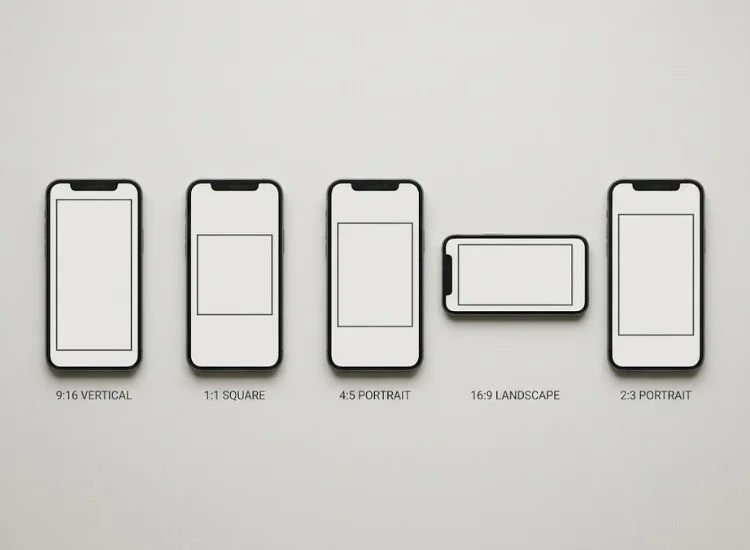
Getting the dimensions wrong does not just look sloppy. It changes whether people watch at all. Google Ads reports that vertical 9:16 video drives 10 to 20 percent more conversions than horizontal video on mobile placements, largely because viewers do not have to rotate their phone or squint at a shrunken frame to see the content clearly.[1] That gap compounds across a full posting calendar. A video that loses viewers in the first three seconds because of awkward cropping never gets the chance to prove itself on message or delivery.
The fix is not complicated. It just requires knowing which size each platform wants before you hit export. If you want the fuller engagement picture behind why video dominates every feed right now, the social media video statistics guide breaks down platform-by-platform viewing trends.
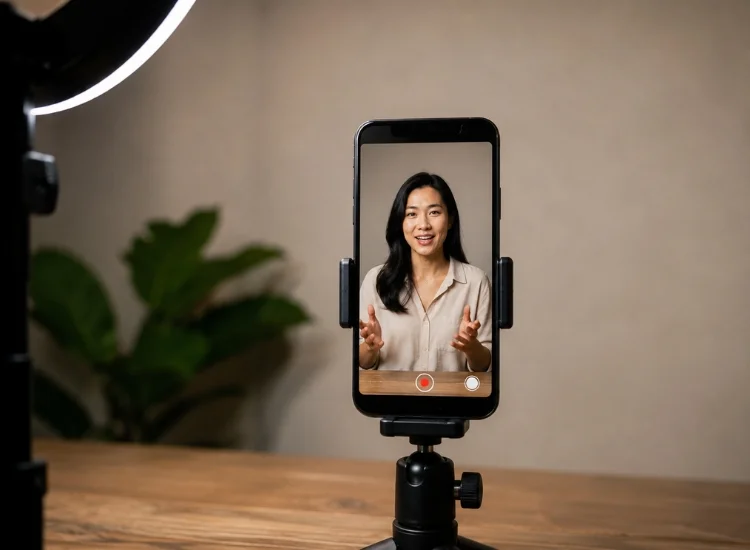
TikTok video size should be 1080 x 1920 pixels at a 9:16 aspect ratio. TikTok's entire interface, from the For You feed to the way comments and captions overlay the frame, is designed around full-screen vertical playback, so a video shot in any other ratio ends up boxed in rather than filling the screen.
For a deeper look at how TikTok's audience and posting patterns have shifted, see the TikTok marketing statistics roundup.
Facebook splits its recommendations by placement, which is the single most common mistake creators make when repurposing content across Meta's platforms.
Feed Videos Feed is where most casual browsing happens on Facebook, and it still rewards a taller frame than a plain square crop.
Facebook Reels Reels have effectively become Facebook's default video format, and the spec matches Instagram's Reels exactly, so nothing extra is needed if you already produce vertical content for Instagram.
The Facebook video statistics guide has more on how this shift toward Reels is affecting reach and engagement.
Instagram splits its recommendations by placement, the same way Facebook does, since Reels, Stories, and Feed each render in a different part of the app.
YouTube is the one major platform still built primarily around landscape viewing, though Shorts has brought a second, vertical-first format into the same app.
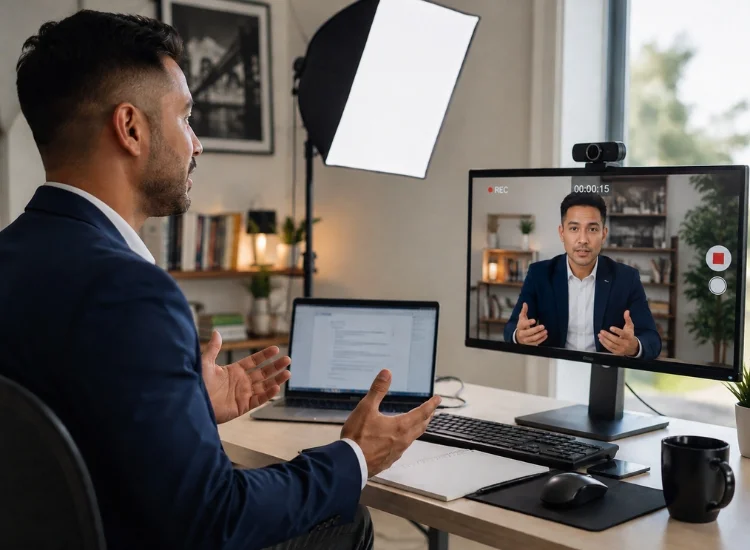
LinkedIn video size works best at 1920 x 1080 pixels, a 16:9 landscape ratio, according to LinkedIn's own advertising specifications.[3] LinkedIn's audience skews heavily toward desktop use during work hours, which is why the platform still prioritizes landscape over the vertical-first approach most other networks have adopted.
X recommends a 1:1 square aspect ratio for video, since square renders consistently across desktop, mobile, the timeline, and profile pages.[6] Unlike TikTok or Pinterest, X does not commit to one dominant shape, which is why square works as the safest common denominator across its mixed desktop and mobile audience.
Pinterest is the exception to the vertical-first rule that governs most other platforms. Where TikTok, Reels, and Shorts all converge on 9:16, Pinterest built its entire visual search feed around a taller, narrower shape, and content that ignores this gets visually cut short in the grid.
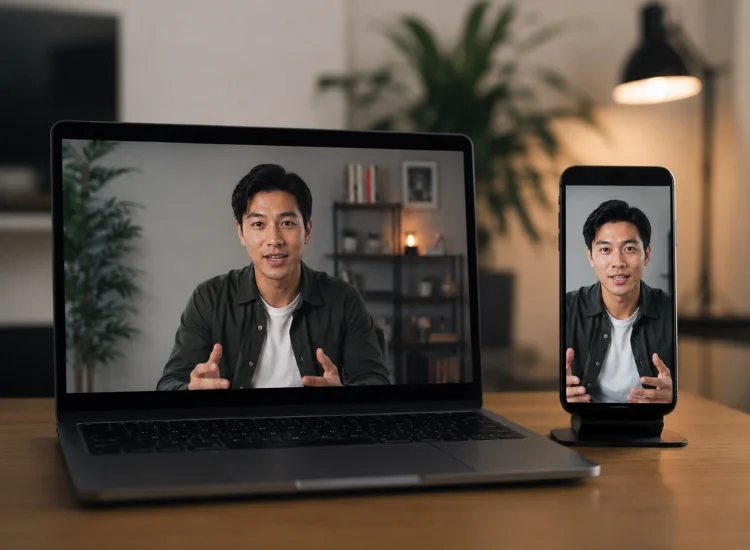
You do not need to shoot five separate videos for five platforms, nor do you need a separate cropping tool. Follow this sequence:
Resizing a shaky, off-script take never looks as good as resizing a clean one. Teleprompter.com scrolls your script on the same screen you are recording on, so the take you resize is the one where you actually hit every line, not the one where you glanced down to check your notes. The app also records up to 4K depending on your device, generates styled captions automatically, and removes background noise in one tap, so the scripted take you just resized is already close to publish-ready.
Teleprompter.com's script tool keeps your on-camera delivery steady while you record that single vertical master, so you are not re-reading lines or restarting takes every time you switch which platform you are shooting for next.
1080 x 1920 pixels at a 9:16 aspect ratio is the closest thing to a universal default. It works natively on TikTok, Instagram Reels and Stories, YouTube Shorts, and Facebook Reels, and it crops down cleanly to square or landscape for the platforms that prefer those
shapes.
Both use the same 9:16 vertical format at 1080 x 1920 pixels. A single export works for both platforms without any resizing.
Not necessarily. Shoot one vertical 9:16 master with centered framing, then resize that same file down to square (1:1) for Facebook Feed and X, or landscape (16:9) for LinkedIn and standard YouTube uploads. Teleprompter.com's built-in resize presets handle this without a separate cropping tool.
1080 x 1920 pixels at a 9:16 aspect ratio. TikTok accepts other ratios, but they display with black bars and generally hold attention less effectively than full-screen vertical video.
16:9 landscape at 1920 x 1080 pixels, according to LinkedIn's own ad specifications. Vertical formats work but are limited to mobile viewers on supported app versions, so landscape is the safer choice if your audience includes desktop users.
Each platform crops or letterboxes video that does not match its preferred aspect ratio. A 9:16 vertical file uploaded to a platform expecting 16:9 landscape, or vice versa, gets cropped to fit or padded with black bars. Matching the platform's recommended ratio before you upload prevents both problems.
Resources:
[1] Google: New ways to make vertical video ads on YouTube
[2] Meta: Making it Easier to Create Videos on Facebook
[3] LinkedIn: Video ads advertising specifications
[4] X Business: Creative ad specs


.png)


.png)


