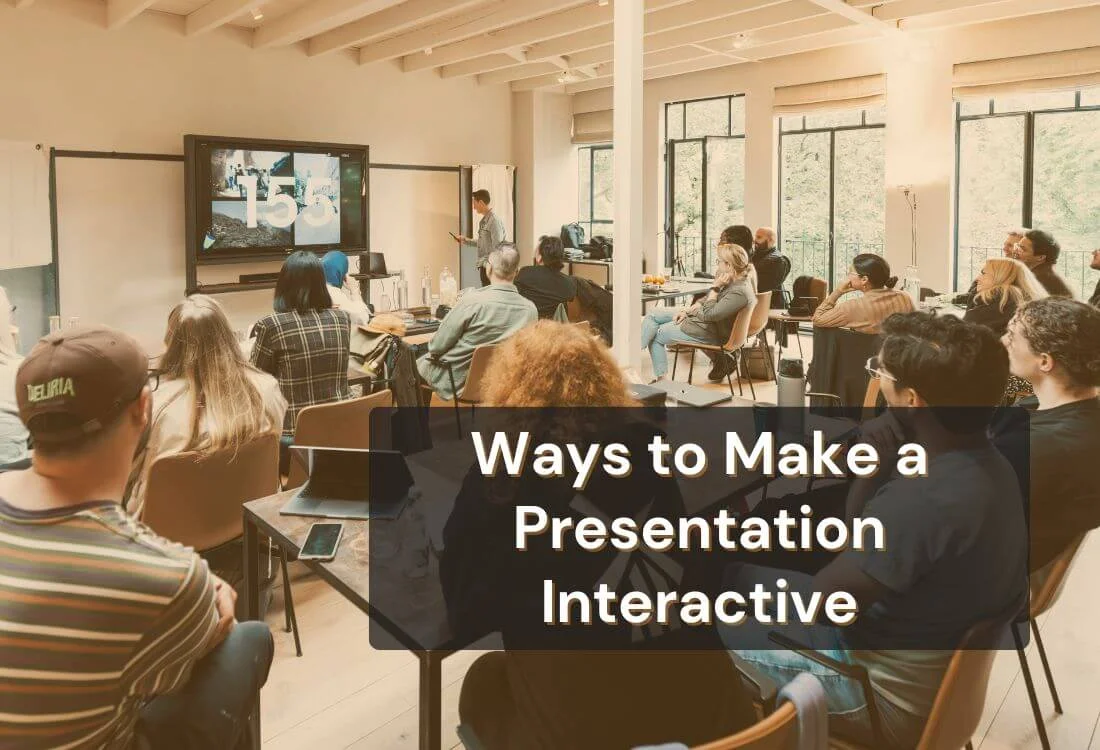


Presentations become more effective when people feel involved in the process. Audiences stay focused when they can contribute, react, and interact with the content unfolding in front of them. Interactive moments add energy and help your message land with clarity, giving listeners a stronger reason to stay engaged from beginning to end.
This guide outlines practical ways to make a presentation interactive and shows how each method can strengthen audience connection in any setting. From meetings to workshops and conferences, these approaches give you the tools to shape a presentation experience that feels purposeful and memorable.
An interactive presentation changes the dynamic between speaker and audience. Instead of simply listening, attendees actively participate in the learning process. This makes your content feel more relevant because participants can connect it directly to their experiences. The more involved they are, the more likely they are to retain information and take action afterwards.
A landmark review showed that physics students taught with interactive engagement and active learning methods scored about 48% higher on a standard conceptual test compared to around 23% for those in traditional lecture courses.
Interactivity also builds stronger rapport with your audience. When people feel included in the conversation, they are more willing to contribute their perspectives. This leads to richer discussions, fresh ideas, and stronger connections. The presenter benefits too, because the feedback gained during interactive moments can guide the direction of the talk and ensure it stays relevant.
Each of the following strategies is designed to be easy to implement while delivering maximum engagement benefits. You can combine several of them for even greater impact.
Polls and quizzes are simple yet powerful ways to check understanding and spark interest. They invite the audience to share their opinions or knowledge, turning a passive experience into an active one.
Digital tools like Mentimeter, Slido, and AhaSlides make it easy to create polls that attendees can answer from their phones. This instant feedback not only gives you valuable insights but also makes participants feel heard.
For example, a trainer could begin with a poll asking how confident the audience feels about a topic. The results can then be used to adjust the pace and focus of the session, ensuring everyone benefits.

An engaging start sets the tone for the rest of your talk. Icebreakers work because they lower the psychological barriers between speaker and audience. They can be as simple as asking, "What is one thing you hope to learn today?"
This type of question gives you insight into audience expectations. It also helps participants feel more comfortable contributing later in the session.
Choose icebreakers relevant to your topic. In a sales presentation, for instance, you might ask attendees to share their most challenging sales scenario. This encourages sharing and primes them for the interactive elements ahead.
Live feedback keeps presentations responsive. Audience response systems, often called clickers, let participants vote, answer questions, or provide instant feedback. According to a University of Wisconsin study, 94 percent of faculty reported increased engagement using clickers, while 74 percent said they improved learning outcomes.
These tools allow you to measure comprehension in real time. If a poll reveals that many attendees are struggling with a concept, you can immediately address it. This ensures your content is hitting the mark.
Live feedback tools also break up the presentation flow, giving attendees a moment to reflect and participate before moving on.
Breaking the audience into smaller groups fosters deeper conversations and encourages participation from people who might not speak up in a large setting.
In small groups, attendees can explore questions or solve problems collaboratively. This exchange of ideas often produces more creative solutions and helps individuals apply concepts to real-world situations.
You can guide the discussions by providing specific prompts. Afterward, invite each group to share their conclusions. This reinforces learning and allows the entire audience to benefit from multiple perspectives.

Turning parts of your presentation into a game increases energy and focus. Gamification adds elements of competition and reward, which naturally motivate people to participate.
You can create trivia questions, team challenges, or point-based activities related to your topic. Tools like Kahoot! make this easy to implement in both in-person and virtual formats.
When using gamification, make sure the activities serve your learning objectives. A well-structured game can help participants remember information far better than passive listening.

Static charts can be hard to interpret and forgettable. Interactive data visualizations allow the audience to explore information at their own pace.
For example, a clickable dashboard can let participants drill down into the details they find most relevant. This personalization makes the information more meaningful and easier to recall later.
Interactive visuals also make complex data easier to digest. They guide the audience through the story behind the numbers, keeping them engaged from start to finish.
Clickable navigation gives your audience some control over the direction of the presentation. Instead of moving through slides in a fixed order, you can use a menu slide that links to different sections.
This flexibility lets you respond to audience interest. If participants want to learn more about a particular topic, you can jump straight to it without losing time.
It also makes your presentation feel more like a conversation than a monologue, because attendees can influence its flow.
Stories capture attention, but involving the audience in the storytelling makes the experience even more memorable.
You might start a scenario and ask participants to suggest what happens next. This not only sparks creativity but also draws on their experiences.
By weaving their contributions into the narrative, you make the content personal and relatable, which increases the likelihood of retention.
Props can bring concepts to life. They give the audience something tangible to connect with, which helps reinforce your message.
For example, in a presentation about product design, showing a physical prototype is more engaging than simply describing it. People can see, and sometimes even touch, what you are talking about.
Physical demonstrations also break the monotony of a slide-heavy talk, adding variety that keeps attention high.
Many presentations leave questions until the end, but this can result in missed opportunities for interaction. By scheduling Q&A checkpoints throughout, you keep the audience engaged and clarify misunderstandings as they arise.
These checkpoints act as natural breaks in the flow, allowing participants to process information before moving on.
Encouraging questions also signals to the audience that their input is valued, which can lead to richer discussions.
Role-playing allows participants to step into different perspectives. This is particularly useful in training or workshops focused on communication, sales, or customer service.
By acting out real-life scenarios, attendees can practice skills in a safe environment. They can experiment with different approaches and receive feedback from peers.
This interactive technique makes learning more practical and memorable because participants experience the content instead of just hearing it.

Presenting the audience with a challenge encourages critical thinking. These tasks work best when they are relevant to the topic and achievable within the time you have.
For instance, in a strategy meeting, you could present a fictional problem and ask teams to develop a solution. This encourages collaboration and creativity.
When the group reconvenes to share solutions, it often leads to valuable discussions that deepen understanding.
Social media can extend engagement beyond the room. Encourage attendees to share their thoughts, take photos, or post questions using a specific hashtag.
Displaying a live feed of these posts during your talk can spark further conversation. It also makes your presentation visible to a wider audience who may join in online.
This approach works especially well for conferences or public events where building community is part of the goal.
While a teleprompter does not directly create interactivity, it frees you to focus on engaging with your audience. Maintaining steady eye contact and delivering a clear message builds trust and keeps attention on you.
With a teleprompter, you can reference your script without breaking the flow. This means you can spend more mental energy responding to audience reactions and adapting your delivery in real time.
A confident, well-paced delivery makes every interactive element more effective.
Successful interactivity begins long before you step onto the stage. It starts with understanding your audience. Who are they? What are their interests, challenges, and expectations? Tailoring your activities to their needs ensures relevance and increases participation.
It is also important to think about timing. Research on the audience memory curve shows that people remember best at the beginning and end of a session, with a drop in the middle. Plan interactive moments strategically to reignite attention when it starts to fade. This might mean inserting a poll or group activity halfway through.
Finally, consider the format of your presentation. In-person audiences respond well to physical demonstrations and group discussions. Virtual audiences benefit from features like breakout rooms, interactive polls, and on-screen annotations. The more your interactivity aligns with the environment, the more effective it will be.
The right tools make it much easier to apply these ways to make a presentation interactive. By selecting platforms designed for audience engagement, you can focus on delivering content while the technology handles participation and feedback.
1. Mentimeter
An intuitive polling platform that allows you to create live polls, quizzes, and word clouds. Attendees can join from their smartphones, making it perfect for both virtual and in-person events.
2. Slido
A versatile audience interaction tool that integrates with Zoom, Google Slides, and PowerPoint. Ideal for Q&A, polls, and surveys, especially in corporate presentations.
3. Kahoot!
A gamification platform that turns learning into a competitive activity. Its bright visuals and real-time scoring are great for energizing large groups.
4. AhaSlides
Lets you build interactive slides with embedded polls, charts, and quizzes. Especially useful for educators and trainers who want more than just static slides.
5. Prezi
Provides a non-linear presentation style with zooming features and clickable navigation. This helps you respond to audience interests on the spot.
6. Teleprompter.com App
Supports confident delivery by keeping your script in view without breaking eye contact. This allows you to maintain a natural, audience-focused style while staying on message.
7. Miro
A collaborative online whiteboard that works well for brainstorming sessions, real-time problem solving, and interactive workshops.
When choosing tools, take into account the size of your audience, the presentation's format, and your familiarity with technology. To ensure a smooth process and minimize technical issues, opt for engagement tools that integrate cleanly with whichever presentation tool you're already using.
To enhance engagement and comprehension, these 14 interactive presentation strategies offer diverse methods. By integrating various activities, technologies, and delivery styles, you can create a memorable session that deeply resonates with your audience.


.png)


.png)