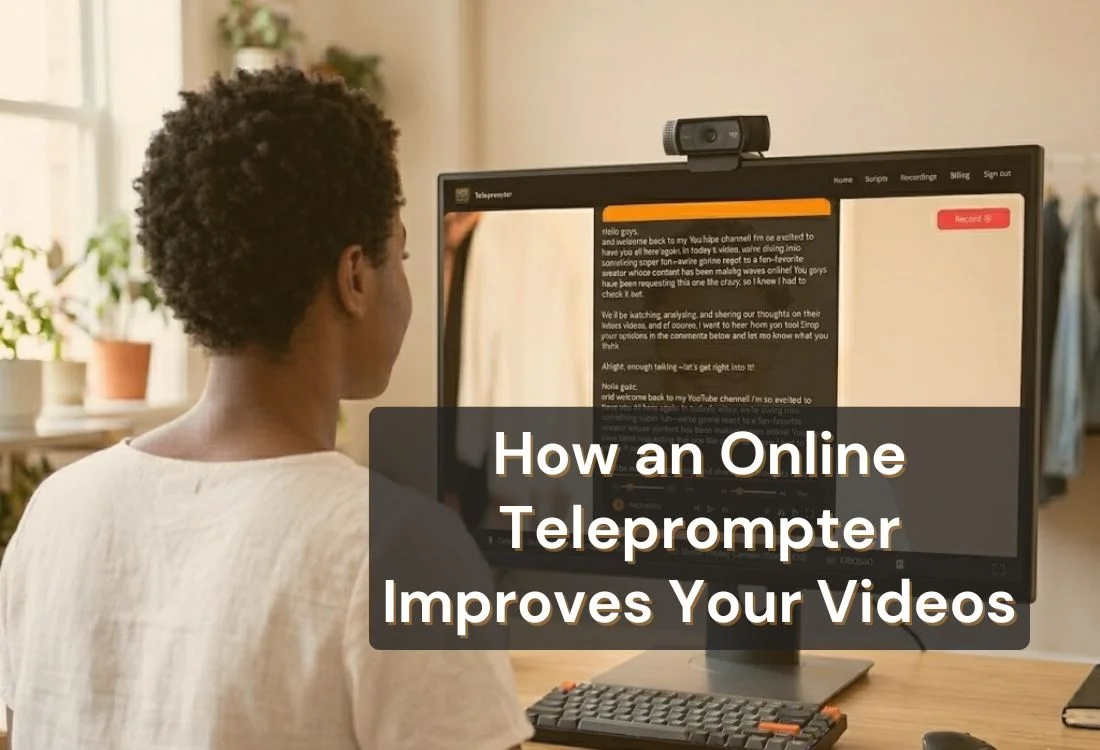


Using an online teleprompter puts your script and your camera in the same line of sight, so you can deliver every word and stay present on camera at the same time. No hardware. No memorizing. No wasted takes.
An online teleprompter is software that scrolls a prepared script at a controlled pace on your screen, positioned near your camera so you can read while looking forward. Unlike a hardware teleprompter, which uses a beam splitter, a monitor, and a mounting rig, an online version runs in a browser or app on whatever device you already own.
The setup takes under 60 seconds: paste your script, adjust the scroll speed and font size, and you are ready to record or present. No rig. No crew. No physical prompter glass. Just your script on screen, moving at your pace.
For a deeper look at how the technology works, see how a teleprompter works.
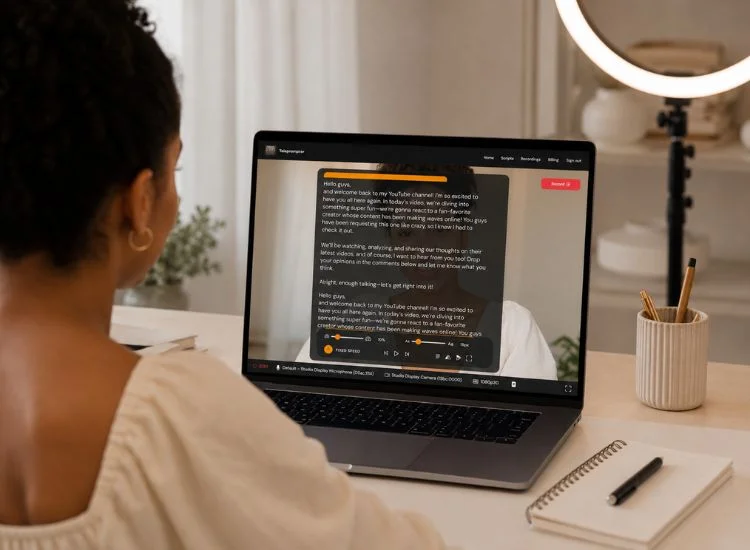
When your script scrolls near the camera lens, your eyes naturally stay forward. That is what separates a teleprompter from every other prompting method. Looking down at notes or glancing at a second screen both break the visual connection that makes video feel personal.
Eye contact signals confidence, credibility, and presence on camera. When viewers feel like you are speaking directly to them, they stay longer and trust the message more. A teleprompter makes that consistent eye contact achievable without memorizing a single word.
This is the benefit creators feel most immediately. When your script is in front of you, you do not trail off, lose your thread, or restart because you forgot what came next. You deliver the take, and you move on.
Fewer retakes means less footage to log, fewer cuts to make in post, and more time to create the next video rather than fixing the last one. For creators publishing consistently, that time compounds fast.
The most common concern about using a teleprompter is sounding robotic. That happens when scripts are written to be read, not spoken. When your script uses short sentences, plain words, and natural phrasing, reading it aloud feels like speaking from memory rather than performing from a page.
Teleprompter.com’s speech recognition scroll mode solves the other side of this. Instead of reading at a fixed mechanical pace, the app listens to your voice and adjusts the scroll to match you. You pause, it pauses. You slow down, it slows down. The text follows your delivery, not the other way around.
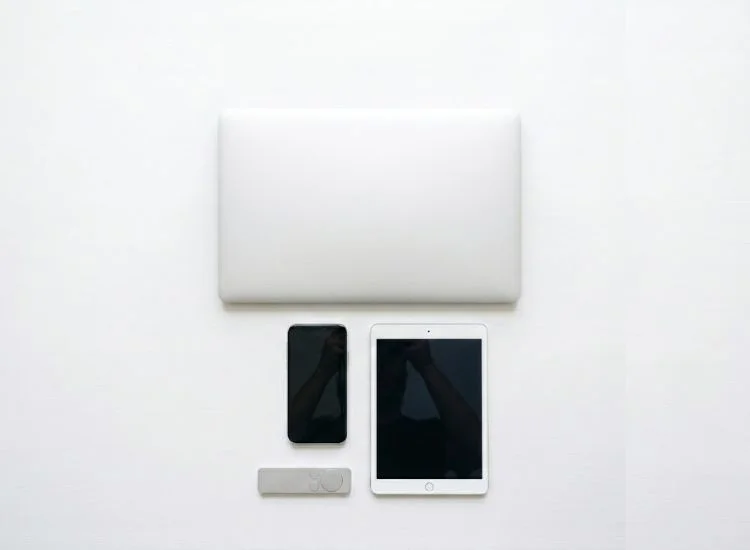
A hardware teleprompter setup costs anywhere from $300 to over $2,000, with a beam splitter, mounting arm, and external monitor all required. An online teleprompter costs nothing to start and runs on whatever device you already own.
Teleprompter.com works in any desktop or mobile browser, and as a native app on iOS, Android, and Mac. It also includes a full offline mode, so you can record in locations without reliable internet: a location shoot, a studio with no Wi-Fi, or anywhere your connection is unreliable. The app works the same either way.
If you record from a laptop, see how to use a teleprompter on your laptop for setup guidance.
Pacing is one of the hardest things to manage under camera pressure. Too fast and you clip your words. Too slow and you lose the audience. An online teleprompter gives you direct control over how fast the text moves, and you can adjust between takes until it matches how you naturally speak.
Teleprompter.com offers four scroll modes to cover different use cases:
Technical content, emotional storytelling, and fast-paced creator videos all call for different pacing. Having the right scroll mode for each type of content removes the guesswork.
You do not need a subscription or a hardware purchase to use an online teleprompter. Teleprompter.com’s Starter plan gives you core teleprompter features immediately, in any browser, with no download required.
For creators, educators, and professionals who want to test the tool before committing to a paid plan, this means you can record your first teleprompter-assisted video today without spending anything. Pro and Max plans include advanced features including 4K recording with no watermark, AI captions, noise removal, and team workspaces. The free plan is a complete starting point.
Writing a script from scratch is where most creators lose time before they even hit record. Teleprompter.com’s built-in AI script generator turns a topic or a set of notes into a structured, spoken-word script in seconds. You review it, make edits, and load it directly into the teleprompter without switching tools.
That full workflow, from blank page to recording, happens inside one app. No copy-pasting between a writing tool and a teleprompter. No reformatting. Just faster time to camera.
Not every recording setup suits every creator. Here is how the three most common approaches compare across the factors that actually affect your production time and delivery quality.

An online teleprompter fits anywhere your delivery needs to be consistent, clear, and confident on camera or in front of an audience.
The tool does its part. These habits make sure yours does too.

An online teleprompter changes two things at once: how you look on camera and how long it takes to get there. Eye contact stays consistent. Delivery stays on script. Retakes drop. With speech recognition scroll, the app adapts to you rather than the other way around.
The free plan at Teleprompter.com is the fastest way to see the difference in your own recordings. Sign up for free. No download required. Works in any browser.
An online teleprompter is browser or app-based software that scrolls a prepared script at a controlled pace on your screen, positioned near your camera lens so you can read while maintaining eye contact. Unlike hardware teleprompters, it requires no physical equipment and works on any device with a browser or app installed.
The primary benefits are stronger eye contact, fewer retakes, more consistent delivery, and lower production costs. You read your full script without looking away from the camera, which creates a natural on-screen presence while keeping your delivery accurate from take to take. Starting is free with no hardware required.
Not if your script is written the way you speak. A teleprompter with voice-activated scrolling adjusts to your voice in real time, removing the mechanical pacing that makes teleprompter use obvious. The tool itself is not the issue. Scripted, formal language is. Write conversationally, and the delivery follows.
Yes. An online teleprompter runs in any desktop or mobile browser with no hardware, download, or installation required. Teleprompter.com works on iOS, Android, Mac, and web, and includes full offline mode for recording in locations without reliable internet.
Yes. Teleprompter.com’s Starter plan gives you core teleprompter features immediately in any browser, with no credit card required and no download needed. Open the app, paste your script, set your scroll speed, and start recording.
Voice-activated scroll is a mode on Teleprompter.com, called VoiceGlide, that listens to your voice and moves the script to match your speaking pace automatically. When you pause, the scroll pauses. When you slow down or speed up, the scroll adjusts. It removes the need to manually calibrate a fixed scroll speed and is the closest thing to a hands-free teleprompter experience.


.png)


.png)