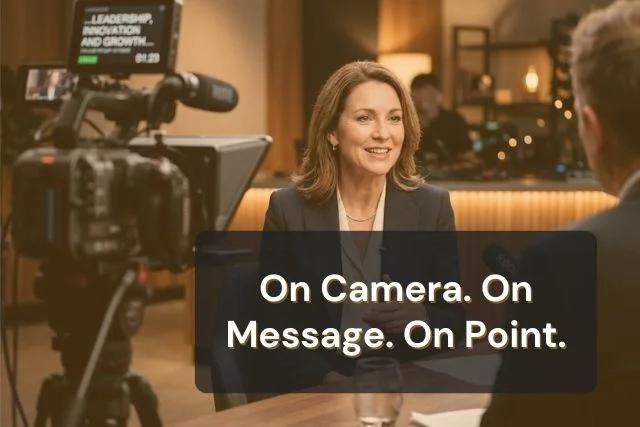


Staying on message in an interview means returning to your core points no matter how the question is phrased, instead of answering purely off the cuff. A teleprompter for interviews removes the memory load of holding those points in your head, so your attention goes to listening and pivoting, not recall.
Staying on message means your answers consistently return to the same core points, regardless of how a question is worded or which direction the conversation drifts. It is not about reciting a script. It is about protecting your priorities while still sounding responsive and natural.
This distinction matters because interviews are improvised by nature. The interviewer controls the questions, the pacing, and the follow-ups. You control only your answers. Executives, spokespeople, and communications leads who stay on message under that pressure share one habit: they know their key points so well that any question can lead back to them.
The hard part is not knowing your message. It is holding onto it while also processing a live question, formulating a natural-sounding answer, and reading the room, all at once. That is where most interviews go off track.
Most derailed interviews trace back to one of three habits. None of them come from a lack of preparation. They come from too much cognitive load in the moment.
Giving more detail than the question asked opens the door to follow-up questions you did not prepare for. A simple yes-or-no question answered with three extra sentences of context often hands the interviewer a new angle to pursue.
When an interviewer asks a follow-up that pulls slightly off topic, it is tempting to follow it. Each tangent moves you one step further from your key message, and by the third follow-up, the original point is gone.
Leading with context, caveats, or background before stating your actual point is a common instinct. Viewers and listeners remember what they hear first. If your headline point arrives in the fourth sentence, most of your audience has already moved on.
A teleprompter for interviews works by keeping your key messages and bridge phrases visible, so you are not splitting your attention between recalling them and actually listening to the question. That freed-up attention is what makes bridging feel natural instead of rehearsed.
This is a different use case than reading a full script. For interviews, the goal is a small set of visible prompts, not prose. When you load full sentences into a teleprompter and read them live, it shows.
When you load short talking points and bridge phrases, you glance, absorb the idea, and speak it in your own words while looking at your interviewer or the camera. The same principle drives natural delivery in how teleprompters work in political speeches, where the tool holds the structure while rehearsal and phrasing carry the natural sound.
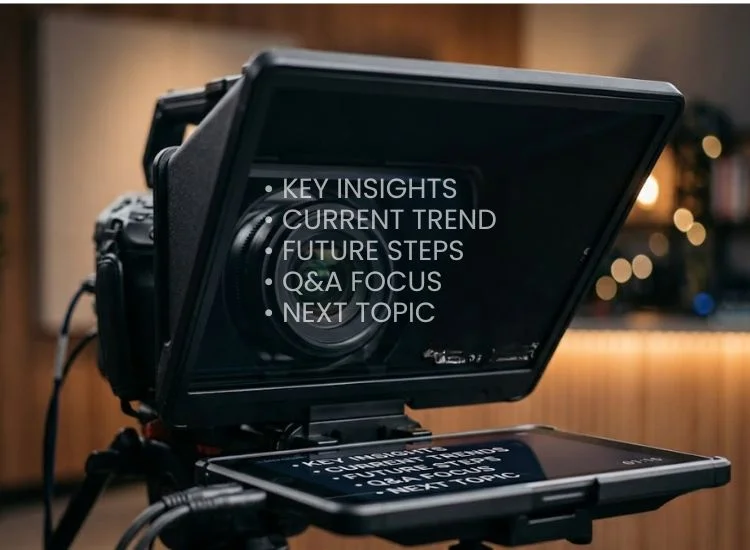
Bridging is the technique of acknowledging a question, then pivoting to your key message, without ignoring what was asked. It is a standard tool in media training, and it works best when your bridge phrases are visible rather than memorized under pressure.
A few reliable bridge phrases:
The phrase itself matters less than having it ready. When a bridge phrase is visible on your screen, the pivot happens in the natural pause after the question, instead of in an awkward silence while you search for the right words.
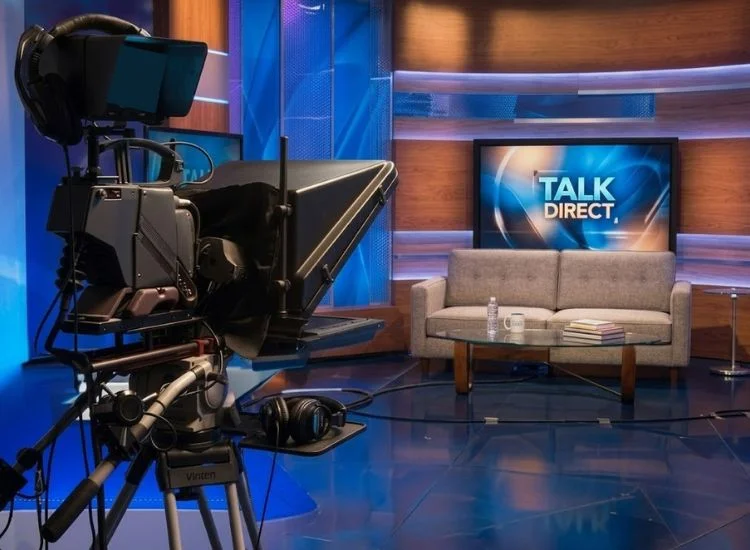
Interview setups fall into two categories, and each one changes where your teleprompter needs to sit.
Position your phone or tablet as close to the camera lens or the interviewer's eyeline as your setup allows. The goal is keeping your key messages within your natural sightline so glancing at them does not read as looking away.
Eye contact directly affects how credible you appear on screen: a study published in Criminal Justice and Behavior found that experts who maintained high eye contact were rated as significantly more credible than those with medium or low eye contact (Neal & Brodsky, "Expert Witness Credibility as a Function of Eye Contact Behavior and Gender," Criminal Justice and Behavior, 2008).
For more on projecting confidence this way, see how to maintain eye contact in videos.
Most press and podcast interviews now happen over video call, which changes the setup. Teleprompter.com follows a 15-degree eye-line rule for video calls: keep your script within roughly 15 degrees of the camera lens so glancing at it still reads as natural eye contact. For the full setup walkthrough, including window placement and screen-sharing considerations, see how to use a teleprompter on Zoom.
One Teleprompter.com user summed up the setup this way:
Rehearsal for an interview should build familiarity with your message, not memorize a transcript. The goal is to internalize your points well enough that you can express them differently each time you are asked, while the underlying message stays constant.
Run through mock questions with a colleague who does not know your talking points in advance. Unpredictable questions reveal whether you can bridge naturally or whether you are relying on a fixed script. Set your teleprompter to a conversational pace, around 125 to 150 words per minute, rather than a fast broadcast read.
Live interviews move slower than recorded video, and a scroll speed that matches natural conversation keeps your delivery from sounding rushed. For a full rehearsal routine, see the teleprompter practice guide.
If you are preparing for a job interview rather than a press or media interview, the underlying body language principles still apply. See tips for body language in video interviews for that specific context.
Staying on message in an interview is not about memorizing a script. It is about knowing your key points well enough to bridge back to them naturally, no matter where the conversation goes.
A teleprompter removes the recall burden so you can focus on listening, pivoting, and delivering your message with confidence instead of searching for the right words under pressure. Explore the features built for on-camera moments, including adjustable speed and bridging-friendly formatting, to see how Teleprompter.com fits into your interview prep.
Yes. Position your device as close to the camera lens or your interviewer's eyeline as your setup allows, and load short key messages and bridge phrases rather than full sentences.
Only when the setup or the content is wrong. Full scripts read live sound rehearsed, and a teleprompter placed far from your eyeline creates a visible gaze shift. Short talking points placed close to the lens are difficult for viewers to detect.
Bullet points. Load 3 to 5 key messages and 2 to 3 bridge phrases. You speak them in your own words rather than reading them verbatim, which keeps your delivery natural.
Use the bridging technique: acknowledge the question directly, then pivot to your key message using a natural transition phrase. This keeps you responsive while protecting your priorities.
Yes. Position the teleprompter directly under your webcam, within about 15 degrees of the lens, and reduce your scroll speed slightly compared to a recorded video to match natural conversational pacing.


.png)


.png)


