Platform & Compatibility
Supported Devices
iOS, Android, Web, macOS
Web only (installable as a home screen PWA)
Not every teleprompter app needs to double as a recording studio. Imaginary Teleprompter is a free, open-source scrolling prompter built for desktop and browser. Teleprompter.com goes further with built-in video recording, subtitles, and cloud-synced scripts across iOS, Android, macOS, and web. That difference matters most for creators who need to shoot and edit in the same app, not just display text on screen.

✔ iOS / Android / macOS / Web
✔ Built-in video recording, up to 4K
✔ VoiceGlide™ voice-activated scrolling
✔ 7-day free trial, paid plans available
✔ Desktop app (Windows, macOS & Linux) + browser version
❌ No built-in video recording
✔ Free and open source (GPLv3), no paid tier
✔ Rich text editor with tables, images & custom styles


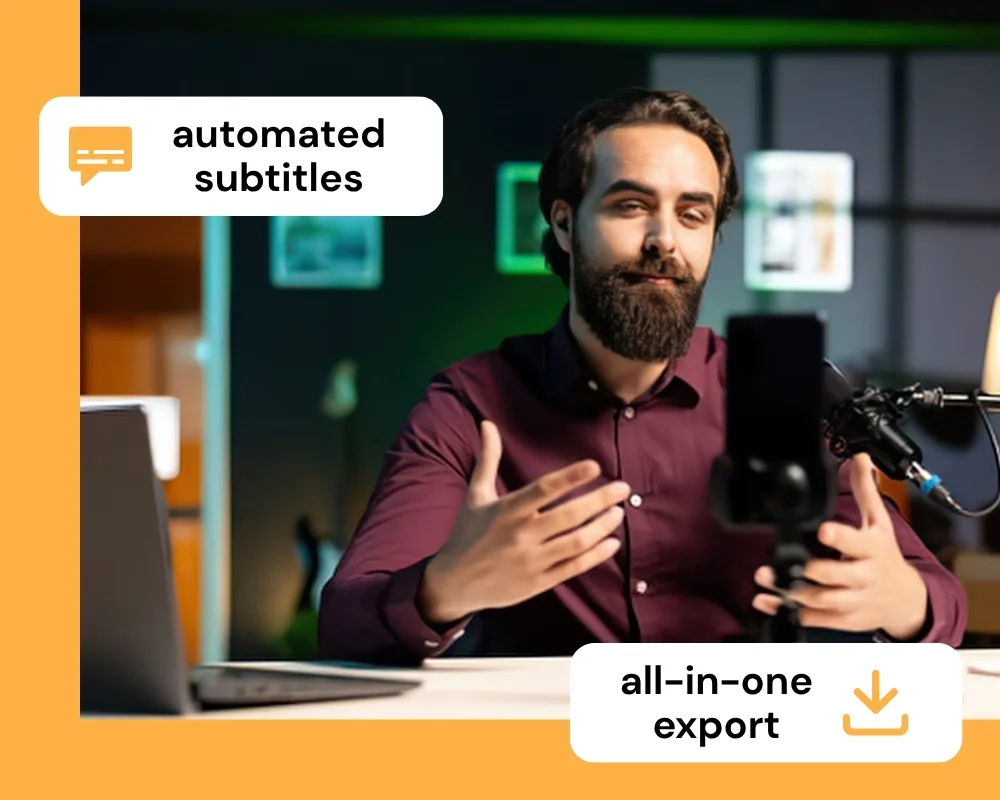
Teleprompter.com combines the prompter with the camera, so you script, record, and export in the same session. Subtitles and green screen replacement are built in, so there's no need to hand your footage off to a separate editing tool.
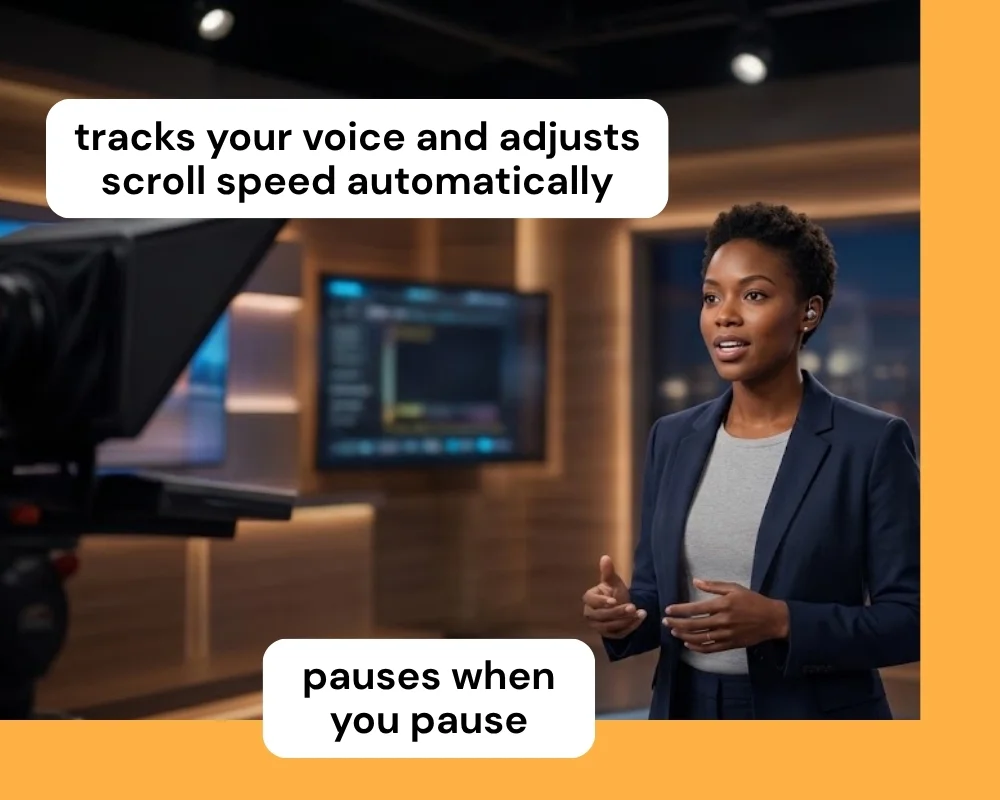
VoiceGlide™ tracks your voice and adjusts scroll speed automatically, pausing when you pause and resuming when you speak again. That means no manual speed adjustments mid-take and no drift if your pace changes on camera.
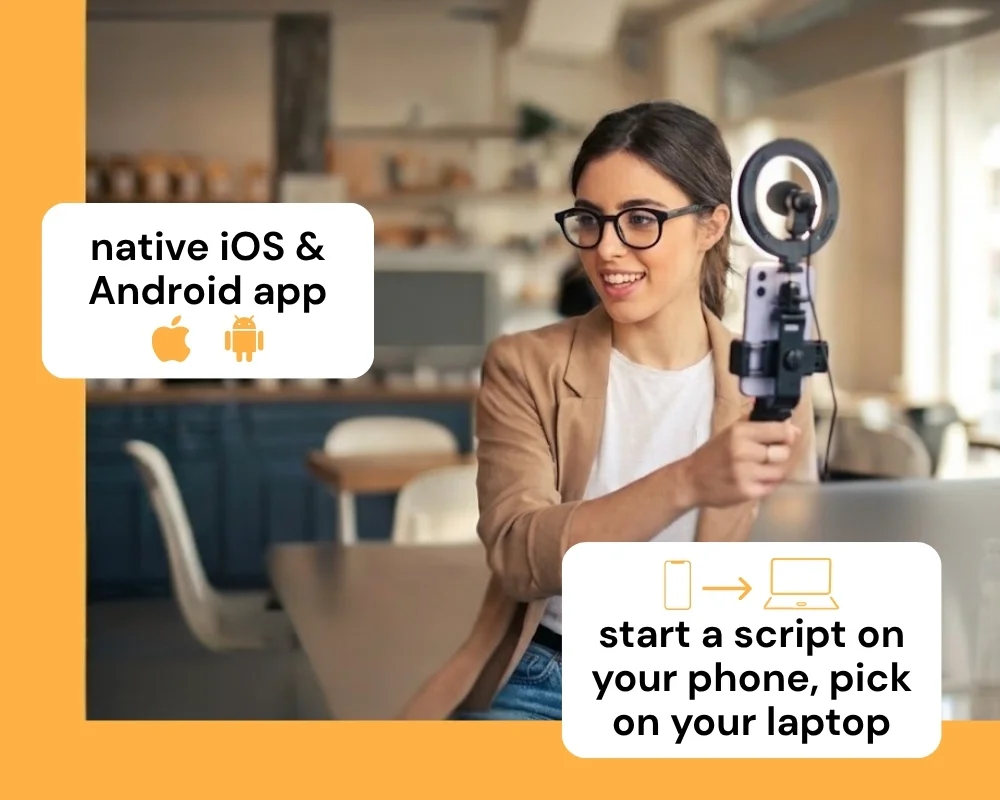
Teleprompter.com runs natively on iOS and Android, so you can record on the device already in your hand. Start a script on your phone and pick it back up on your laptop without losing your place.


The features of Teleprompter.com and Imaginary Teleprompter reflect two different goals: one is a recording platform, the other is a free scrolling prompter with a genuinely deep editor underneath it. Here's how they compare where it counts.
Teleprompter.com
Imaginary Teleprompter
Teleprompter.com
Imaginary Teleprompter
Teleprompter.com
Imaginary Teleprompter
Teleprompter.com
Imaginary Teleprompter
Teleprompter.com
Imaginary Teleprompter
Teleprompter.com is built for creators who need to record, not just read a script off screen. It offers:
That makes it a stronger fit for creators who want one app to prompt, record, and publish from, instead of pairing a free scrolling tool with separate recording software.


.png)


.png)
