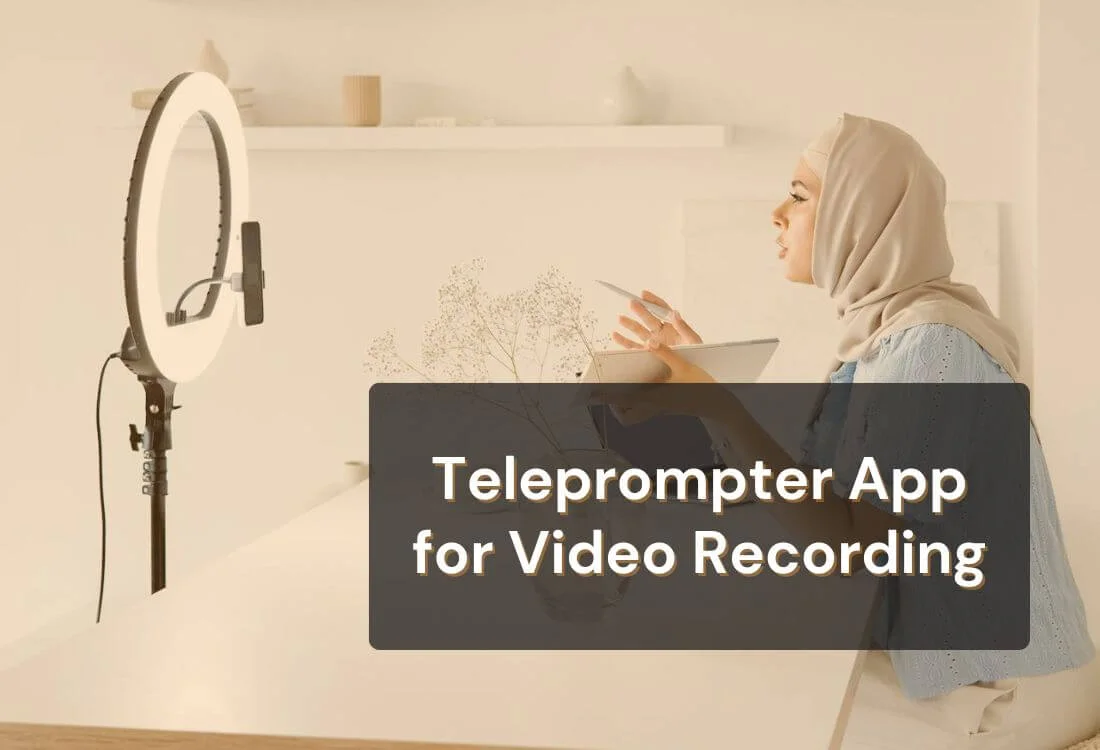
Creating a compelling online course is a complex process. From organizing your curriculum to filming engaging videos and delivering your content smoothly, it's easy to feel overwhelmed. But what if there was a way to simplify your presentations and make the process smoother? A teleprompter app for online course creation can do just that, helping you elevate your lessons while reducing the stress of content delivery.
Using a teleprompter app lets you easily deliver your scripts, helping you stay focused and confident during your recording sessions. Streamlining your workflow saves you valuable time and reduces stress, allowing you to concentrate on creating engaging lessons. Here's how teleprompter apps can make a real difference in your course creation process.

As an online course creator, staying on track while recording content can be tricky. You might forget key points, stumble over your words, or lose your train of thought entirely. For many creators, the result is a jumble of retakes and frustration. This is where a teleprompter app can help.
With a teleprompter app, your script scrolls on the screen right before your camera lens. You don’t have to memorize every word or glance down at notes. Instead, you can focus on delivering your message while maintaining eye contact with the camera. The result? A smoother, more engaging presentation.
One of the most time-consuming aspects of creating online courses is dealing with multiple retakes. Small mistakes—like pausing to remember a key point or tripping over words—can disrupt the flow of your video and waste valuable recording time.
Using a teleprompter app eliminates these small disruptions. The app allows you to control the speed of the text, adjust the font size, and customize the interface so you’re always comfortable with how your script displays. This enables you to stay on message, reduce errors, and significantly cut down the number of takes.
Incorporating the teleprompter app into your video creation process ensures smoother, more streamlined recordings. You’ll find it much easier to produce content quickly, making it especially useful for creating multiple lessons or recording videos for platforms like YouTube. Teleprompter apps are excellent for simplifying the workflow of video creation and content creation, giving you more time to focus on other important tasks like video editing.

Confidence is key when it comes to presenting. Whether you're new to online teaching or a seasoned pro, appearing self-assured on camera can make a huge difference in how your audience perceives you. Unfortunately, it’s easy to feel uncertain if you’re constantly worrying about missing your cues or forgetting lines.
A teleprompter app acts as a safety net, helping you maintain your flow without the need for cue cards or awkward pauses. You can speak naturally and make eye contact with the camera, all while knowing that the right words are right in front of you.
This not only boosts your confidence but also enhances your students’ experience. They’ll see a presenter who is articulate, prepared, and in control, making your lessons more engaging and professional. By reducing errors during the recording process, you’ll also spend less time in the editing room, making the post-production phase of your online course—like video editing—much faster.
To further refine your delivery and improve your on-camera communication, explore these tips to speak well on camera. They’ll help you project confidence, control your tone, and connect more effectively with your audience during every recording session.
When it comes to online courses, the quality of your videos can make or break the learning experience. If your videos feel disjointed or overly edited, it can be distracting for students. That’s where the teleprompter app for online course creation shines—it helps create seamless content.
Teleprompter apps help you produce professional-looking videos by allowing you to deliver your script effortlessly. With advanced features like automatic scrolling that adjusts to your speaking pace, you’ll avoid awkward pauses or missed cues. This feature alone can significantly elevate your video presentations, making them appear more polished and professional, whether you’re creating lessons or recording YouTube videos.
Basic features of these apps, like font size control and adjustable speed, ensure that you can fine-tune your setup to match your speaking style. Meanwhile, advanced features such as remote scrolling or caption generators make these apps adaptable for more complex filming setups, helping you deliver professional-looking videos with minimal effort.
Not all teleprompter apps are created equal, so knowing what features to look for is important when choosing the right one for your course creation needs. Here are some essential features that can make a big difference:
Using a teleprompter app is straightforward and doesn’t require any advanced technical skills. Here's a step-by-step guide to get you started:

The best teleprompter for recording online course videos combines adjustable scrolling speed, customizable font sizing, and remote control access, so you can film lesson after lesson without losing your place or breaking eye contact with the camera. Teleprompter.com meets all three requirements and works free across iOS, Android, Mac, and web, making it a practical fit for course creators who need to record high volumes of lesson content on a consistent schedule.
For instructors building out a full course, consistency matters as much as polish. You want a tool you can set up once and rely on across dozens of lessons, not one that requires a new workaround for every recording session. Teleprompter.com's scroll modes adjust to your pace automatically, so whether you're filming a five-minute module or a full lecture, your delivery stays steady from the first take to the last.
A teleprompter app removes the friction of course video production: fewer retakes, steadier delivery, and more time left for teaching instead of re-recording. When you're choosing the best teleprompter for recording online course videos, look for adjustable scrolling speed, customizable font sizing, and remote control access, features that let you move through multiple lessons without breaking your pace or your eye contact with the camera.
Teleprompter.com brings all of that together in one free app that works across iOS, Android, Mac, and web. Whether you're recording your first module or your fiftieth, you'll spend less time fixing mistakes and more time building a course your students actually finish.
See What Teleprompter.com Can Do — Explore Platform Features →
The best option combines adjustable scrolling speed, customizable font sizing, and remote control access so you can record multiple lessons without losing pace. Teleprompter.com offers all three features free across iOS, Android, Mac, and web, making it well-suited for instructors recording high volumes of course content.
No. You can use a smartphone, tablet, or laptop propped in front of your camera to display your script with a teleprompter app. Some creators add a mount or a remote control for hands-free scrolling, but neither is required to get started.
Set your scrolling speed, font size, and layout once, then reuse those settings for every lesson you record. Teleprompter.com saves your preferences, so your delivery pace and on-screen script stay consistent whether you're filming lesson one or lesson fifty.
Yes. A teleprompter lets you read your script while maintaining eye contact with the camera, which comes across as natural and conversational rather than stiff. Adjustable scroll speed helps you match your script to your normal speaking pace instead of sounding rushed or robotic.
Yes. Teleprompter.com offers a free Starter plan with core teleprompter features across iOS, Android, Mac, and web. Paid Pro, Max, and Team tiers add advanced features for creators and teams recording at higher volume.


.png)


.png)