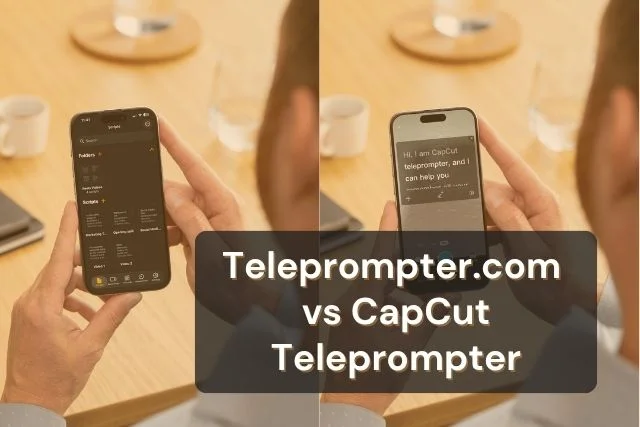


CapCut's teleprompter is a quick-action tool built into its mobile editing app, available on iOS and Android. Teleprompter.com is a dedicated teleprompter built for Web, iOS, Android, and macOS. Each one fits a different kind of recording setup, and knowing the difference helps you pick the right tool for how you actually work.
Here's a closer look at what CapCut's teleprompter offers, and where a dedicated app adds more room to grow.
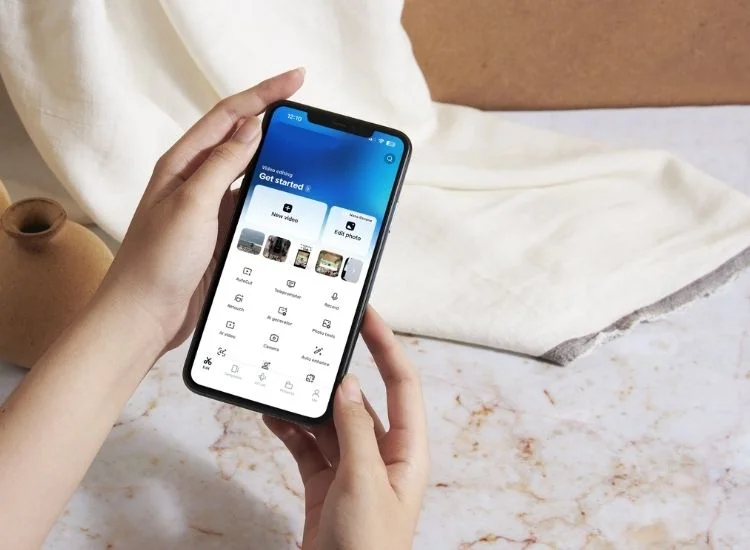
CapCut's teleprompter is a Quick Action inside the CapCut mobile app's recording screen, not a standalone product. You open it from All Tools, then Quick Actions, then Teleprompter, and your script overlays your camera view while you record.
The teleprompter only appears during active recording on CapCut Mobile. Tap the pencil icon in the recording interface to open the script editor, where you can type, paste, or extract text from a link or video.
CapCut's teleprompter lets you adjust font size, text color, and scroll speed, and you can drag the text box to reposition it on screen. An AI writer inside the same panel can expand, shorten, or improve your script before you record.
The gaps show up fast once you need more than a quick mobile clip. Three limits matter most for anyone recording regularly.
Content volume keeps climbing across every platform creators use CapCut for. YouTube alone receives over 500 hours of video uploaded every minute (Source: 2025 YouTube Statistics, Teleprompter.com). At that pace, the tools you use to script and deliver content need to keep up, not just fill a gap in your editing app.
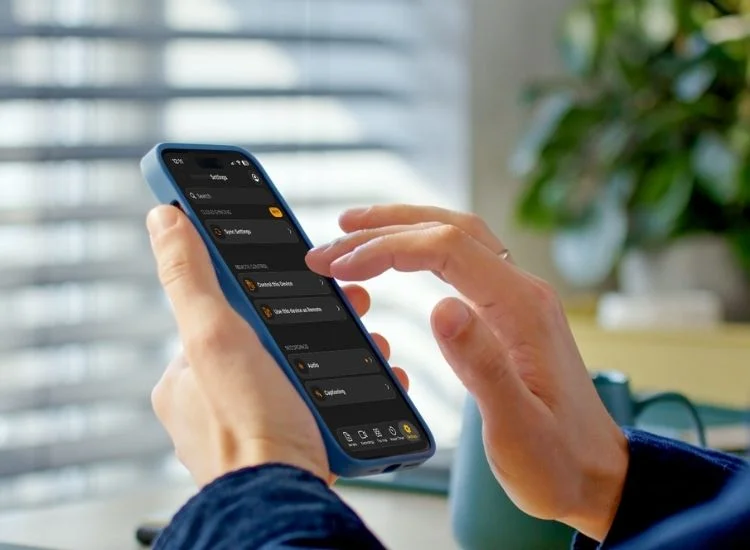
Teleprompter.com is a dedicated teleprompter app built for Web, iOS, Android, and macOS. Instead of living inside a video editor, it's the entire product, so every feature is built around reading a script on camera, not squeezed into a recording Quick Action.
You sign up once at app.teleprompter.com and record from whichever device fits the moment. Open it in your browser on a laptop, use the iOS or Android app on your phone, or run it natively on a Mac. The same script and settings carry across devices.
Teleprompter.com gives you four scroll modes: VoiceGlide voice-activated scroll that follows your speech, fixed speed for a consistent pace, timed scrolling to finish within a set window, and word-per-minute control for an exact reading rate.
It supports Bluetooth keyboards, clickers, game controllers, MIDI devices, foot pedals, and Apple Watch for hands-free control, plus Bionic Reading and OpenDyslexic font for easier on-screen reading.
A full offline mode keeps it working without internet on location, and the Free plan gets you recording immediately, with the export watermark removed on paid plans starting at $7.50 a month billed annually.
CapCut's teleprompter works well if you're already editing inside CapCut for short, casual mobile content and don't need to record anywhere but your phone. It suits quick TikToks, Reels, or Shorts where a rough script overlay is enough to keep you on track.
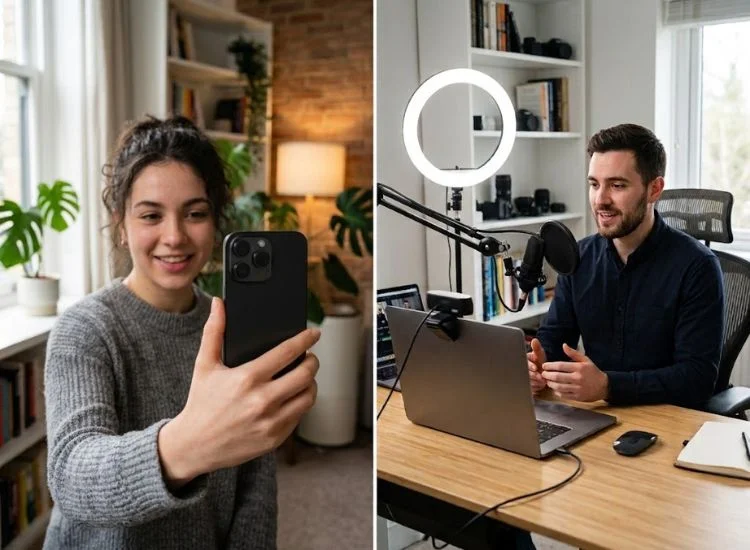
Business professionals recording from a laptop, educators building structured lecture content, journalists reading live copy, and teams collaborating on shared scripts all need more than a mobile-only quick action. These use cases depend on scroll accuracy, remote control, and platform flexibility that a video editor's built-in tool wasn't designed to handle.
One Teleprompter.com user summed up the difference a dedicated tool makes:
CapCut's teleprompter works fine for quick, casual clips shot entirely on your phone. It's built as a convenience inside an editing app, not a tool designed around script delivery, and that shows up the moment you record on a laptop, need your script to follow your voice, or want a remote in your hand instead of your phone.
Teleprompter.com covers the recording setups CapCut can't reach. Four scroll modes, cross-device support, remote control compatibility, and accessibility features built in from the start mean you're not working around limitations, you're just recording. If your content goes beyond a single phone and a single app, a dedicated teleprompter earns its place in your workflow.
Yes. CapCut includes a teleprompter Quick Action inside its mobile recording screen on iOS and Android. It overlays your script on the camera view while you record.
CapCut's teleprompter is bundled with the CapCut app itself. Feature access has shifted between free and paid tiers across CapCut updates, so check your current app version for confirmation.
No. CapCut's teleprompter tool is only available on the CapCut mobile app. CapCut Desktop and CapCut Web support basic camera recording, but neither includes a teleprompter overlay.
A built-in teleprompter is a secondary feature inside a broader tool, like an editing app, with limited scroll and control options. A dedicated teleprompter app like Teleprompter.com is purpose-built for script delivery, with multiple scroll modes, remote control support, and cross-platform availability.
Teleprompter.com works on more devices than CapCut's teleprompter. It's available on Web, iOS, Android, and macOS, while CapCut's teleprompter is limited to iOS and Android.
Yes. Teleprompter.com supports Bluetooth keyboards, clickers, game controllers, MIDI devices, foot pedals, and Apple Watch for hands-free scrolling control.


.png)


.png)