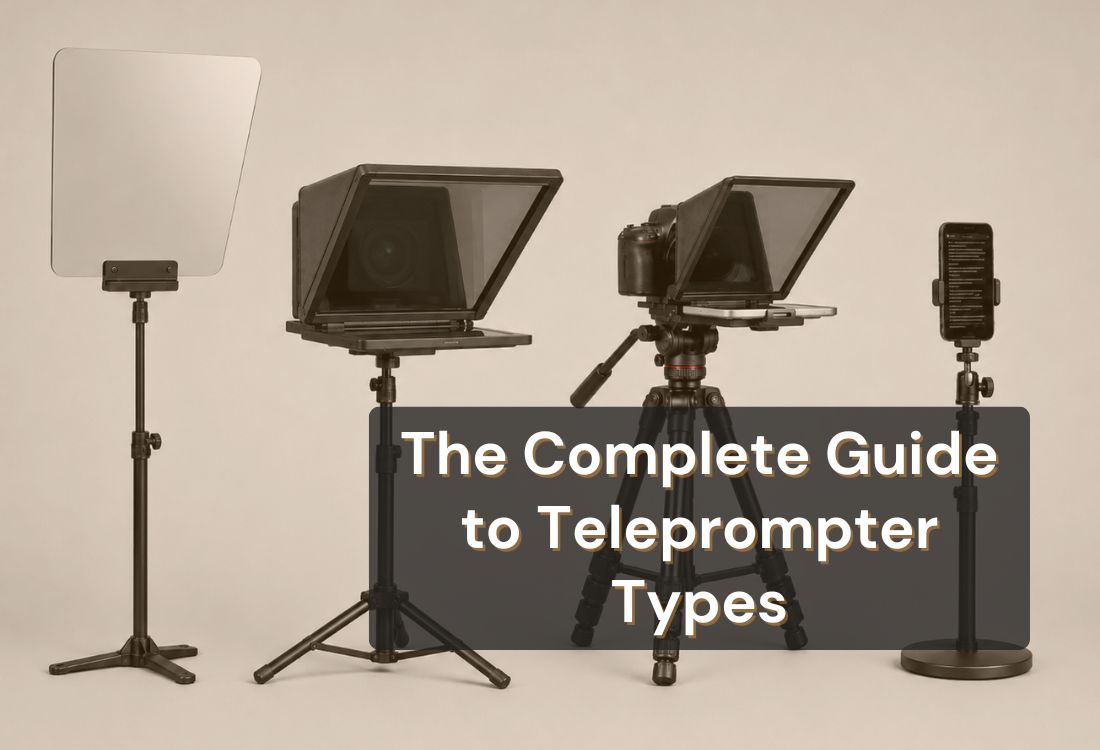


There are four main types of teleprompters: presidential, camera-mounted, tablet, and app teleprompters. Each one suits a different setting and budget. If you are delivering a keynote at a large venue, the setup you need looks very different from what a solo creator running a home studio requires. This guide breaks down how each type works, what it costs, and who it is actually built for, so you can choose the right one without overcomplicating the decision.
A teleprompter is a device or application that displays a scrolling script in front of a speaker or camera lens, allowing them to read their lines while maintaining eye contact with the camera or audience. The text moves at a controlled pace that matches the speaker's delivery, removing the need to memorize or glance down at notes.
The value of that capability is hard to overstate. According to Wyzowl's 2026 State of Video Marketing report, 69% of video marketers have created social media videos, making it the single most popular use case for video marketing today. Every one of those creators needs a delivery method that holds up on camera, and a teleprompter is what makes that possible without hours of retakes.
If you are new to teleprompters, start with understanding what a teleprompter is before diving into the types.
Here is how the four main types compare before we go deeper into each one.
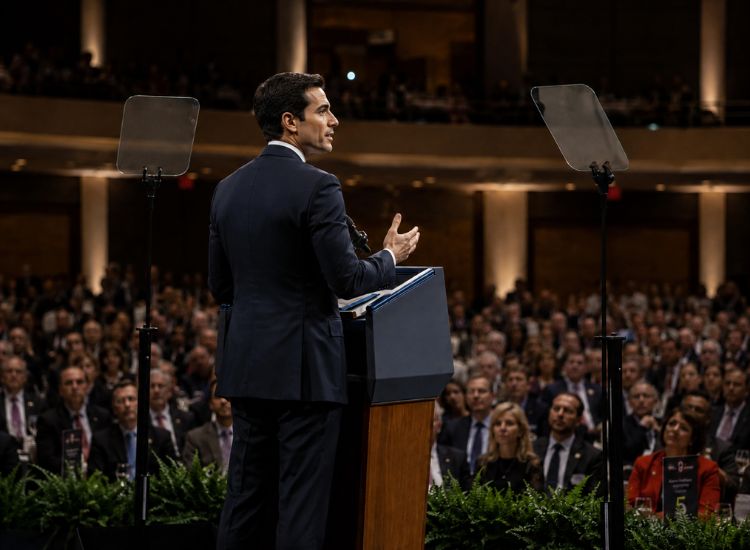
A presidential teleprompter uses two transparent beam-splitting glass panels angled at 45 degrees on either side of the speaker. Each panel reflects text from a monitor positioned below it. The speaker reads from the glass while facing directly forward, and camera crews can film straight through the panels from multiple angles without obstruction.
This is the setup you see at political addresses, corporate keynotes, and award ceremonies. The text is large, the display is wide, and the rig can be adjusted for height and viewing angle to suit outdoor stages or elevated podiums.
When to Use a Presidential Teleprompter
This setup works best when the speaking environment demands it:
Presidential setups are not for everyday use. They are expensive, require trained operators, and take significant time to rig correctly.
For most creators and professionals, this is not the starting point. See teleprompter devices for every budget for a full breakdown of what different setups cost.
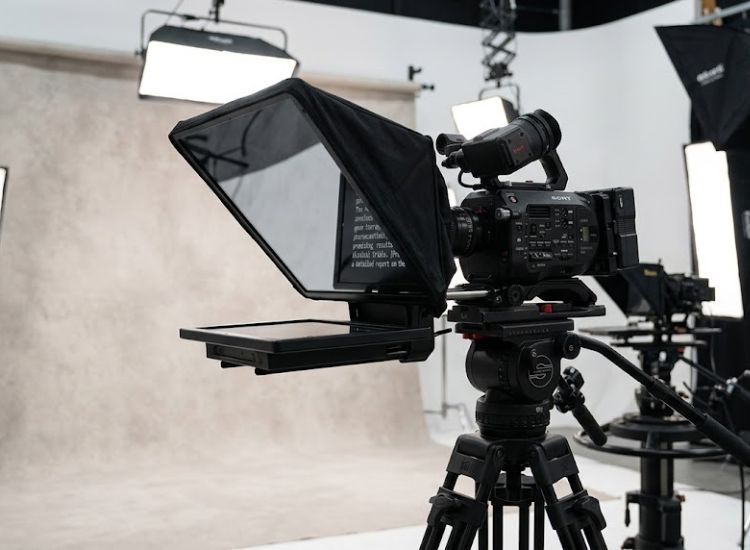
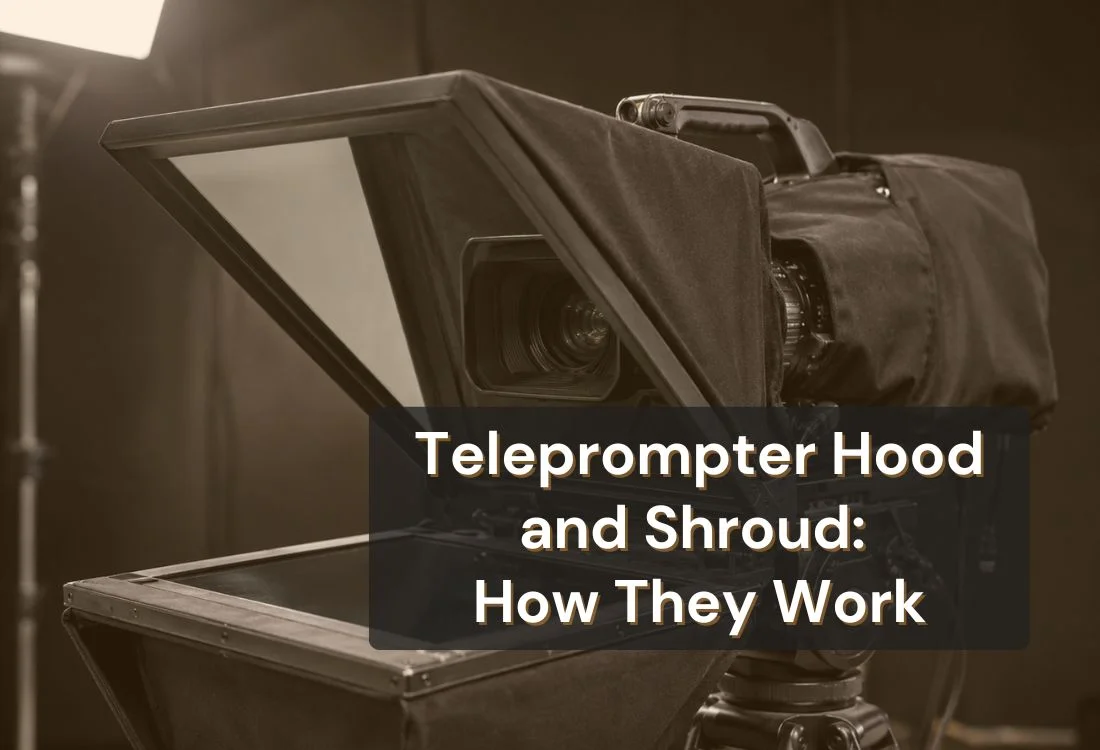
A camera-mounted teleprompter attaches directly to the camera. A screen displays the script inside a hood, and a beam-splitter mirror positioned in front of the lens reflects the text toward the speaker. The camera records through the mirror, so the speaker looks directly at the lens while reading their script. This is the setup most people picture when they hear the word teleprompter.
Two main configurations exist: one where the camera sits around the teleprompter hood and one where the prompter assembly straps to the front of the camera body. Both produce the same result, the speaker's eye line aligns with the lens, and the recording captures natural-looking direct delivery.
When to Use a Camera-Mounted Teleprompter
This type suits recording-first environments where the operator needs precise control over script and framing at the same time:
Camera-mounted setups require more investment than a tablet or app solution. The hardware itself, rig, mirror, screen, and cabling, can run into the hundreds of dollars, and setup time is longer. For solo creators or professionals filming without a crew, this adds complexity that is often unnecessary.
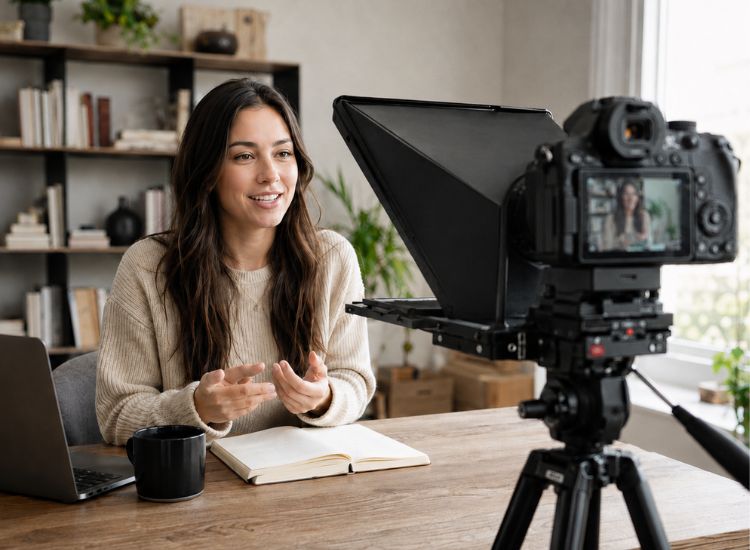
A tablet teleprompter converts an iPad or Android tablet into a teleprompter using a mirror rig. The tablet sits inside a frame beneath a low-iron glass mirror, which reflects the screen text toward the speaker while remaining transparent to the camera positioned behind it. Low-iron glass is used specifically to eliminate the greenish tint found in standard mirror glass, making the text readable from up to 10 feet away.
Tablet teleprompters are typically mounted on a stand and positioned directly in front of the camera. They are collapsible and portable, which makes them practical for location shoots. Many include a protective hood over the mirror to reduce glare in bright conditions.
When to Use a Tablet Teleprompter
One practical note: confirm iPad Pro compatibility before purchasing. Many tablet teleprompter rigs are designed for standard iPad sizes and do not fit iPad Pro models without an adapter. This is an easy detail to miss.
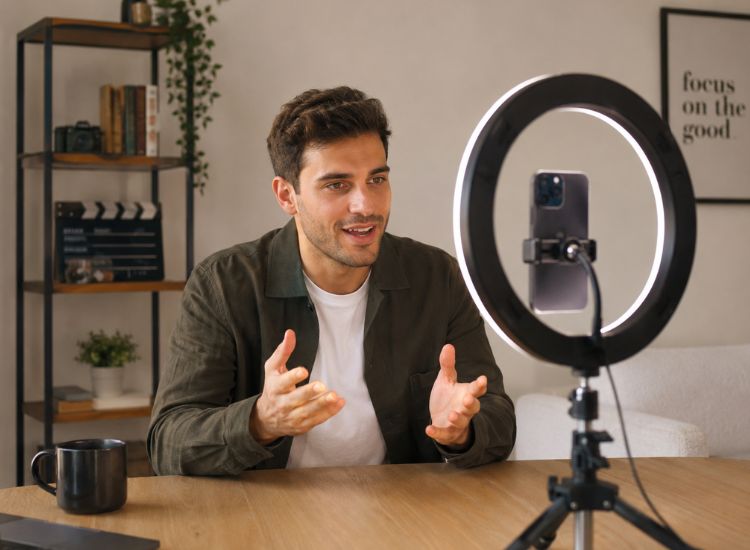
An app teleprompter displays a scrolling script directly on a phone, tablet, or laptop screen. No mirror, no rig, no external hardware. The speaker positions the device near their camera lens, or props it up on a stand, and reads the scrolling text while looking toward the lens.
This is the type most creators are using today, and for good reason. An app teleprompter is the lowest-cost, lowest-friction, and most portable option available. You can start recording within seconds of opening the app, adjust your scroll speed mid-take, and switch between devices without changing a single cable.
How a Teleprompter App Works
You paste or type your script into the app, set your scroll speed, and press play. The text moves at a controlled pace on your screen while you deliver directly to camera. You control how fast it moves, either by setting a fixed rate before you record, or by adjusting it in real time as you speak.
Some apps, like Teleprompter.com, go further with VoiceGlide (voice-activated scrolling), where the app listens to your voice and advances the text automatically, pausing when you pause and picking up right where you left off. The result is a script that stays in sync with your delivery without you touching anything."
Teleprompter.com runs in any browser on iOS, Android, macOS, and the web, no installation required. Standout features: VoiceGlide scroll that tracks your voice in real time, pausing the moment you stop and picking back up when you speak again; full offline access; remote control via Bluetooth keyboard or clicker; Bionic Reading for quicker text scanning; a built-in AI script generator to draft content from scratch; and 4K recording with no watermark on Pro.
For the data behind why teleprompter apps have become the default choice, see Teleprompter.com research report, "Stats: Teleprompter Apps in the World of Video Content," which compiles industry research on video creation trends, creator workflows, and the growing adoption of teleprompter apps.
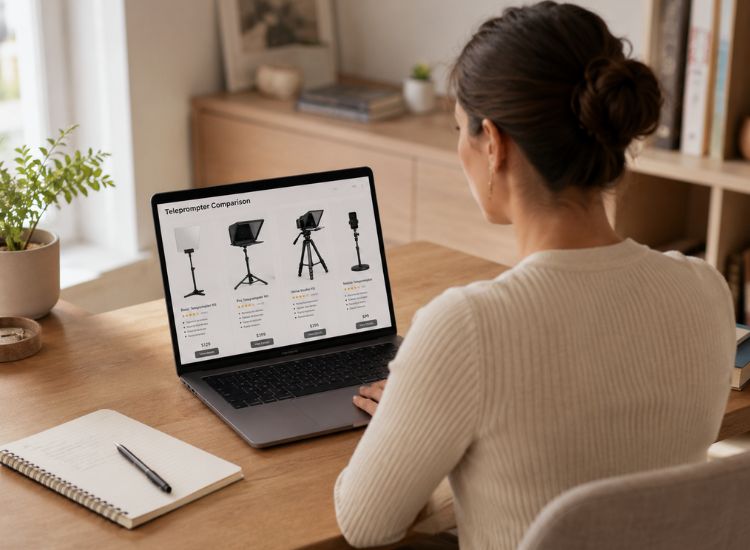
The right teleprompter depends on your recording environment, your budget, and how often you film. Work through these five questions to find your answer.
For a deeper comparison of teleprompter options and what to look for before buying, see how to choose a teleprompter.
Each type of teleprompter exists for a reason. Presidential and camera-mounted rigs suit professional broadcast environments where trained operators, high budgets, and controlled studios make the investment worthwhile. Tablet teleprompters offer a mid-point for creators who want a physical rig without the full studio setup. App teleprompters remove every barrier: no hardware, no budget, no setup time.
For the vast majority of creators and professionals filming today, an app teleprompter is the right starting point. It delivers confident, natural-looking delivery from any device, on day one.
Not sure which plan fits your setup?
Teleprompter.com starts free — record with cloud script storage, custom fonts, and remote control on every device. When you're ready for 4K recording, subtitle generation, or clean audio, Pro is $7.50/month (billed yearly). Compare all plans and get started in under a minute.
There are four main types of teleprompters: presidential (confidence monitor), camera-mounted, tablet, and app teleprompters. Each serves a different setting, from formal broadcast studios to solo creator home setups. For most people filming today, a teleprompter app covers every use case with no hardware required.
A teleprompter typically looks like a screen positioned below or in front of a camera, with reflective glass that displays scrolling text while keeping the camera hidden behind it. App-based teleprompters simply display the script on a smartphone or tablet, making them a compact alternative for creators.
News anchors typically use camera-mounted teleprompters. The script displays on a screen behind a beam-splitter mirror positioned directly in front of the camera lens. This allows the anchor to read their script while appearing to make direct eye contact with viewers at home.
Yes. Any phone, tablet, or laptop can function as a teleprompter when paired with a teleprompter app. The app displays your script and scrolls it at a pace you control, so you can read while keeping your eyes toward the camera. Most apps offer multiple scroll modes, including voice-activated, fixed speed, and WPM-based, with no additional hardware required.
Teleprompter and autocue refer to the same thing. "Autocue" is the term more commonly used in the UK and broadcast industry, while teleprompter is the standard term in the US and in content creation. Both describe a device or app that scrolls a script for a speaker to read while facing a camera.
Many YouTubers use teleprompters, particularly for talking-head videos, tutorials, and educational content. A teleprompter app is the most common choice because it requires no extra hardware and works on the same device they already use to script and plan their videos.
An app teleprompter is the most affordable option by far. Teleprompter.com is free to start and works instantly in any browser, on iOS, Android, or macOS. Camera-mounted and presidential setups require additional hardware that can cost hundreds to thousands of dollars.


.png)


.png)