Teleprompter.com vs Nano Teleprompter

If you're recording on Android and just need script text floating over your camera app, Nano Teleprompter gets that done without much setup. But the moment your workflow needs an iPhone, a Mac, in-app 4K recording, or a scroll mode that follows your voice instead of a timer, you've outgrown what a floating widget can offer. Teleprompter.com is built for that next step: one app, four platforms, and a production toolkit that doesn't stop at displaying text.

Teleprompter.com vs Nano Teleprompter

Nano Teleprompter does one job well: it drops a resizable script window on top of whatever camera app is already open on your Android phone. There's no camera of its own, no editing, no cloud beyond a Google Drive import — just the overlay. Teleprompter.com takes the opposite approach. It's the camera, the prompter, and the editor rolled into a single app that moves with you across iOS, Android, macOS, and the browser, with VoiceGlide keeping pace with your voice instead of a fixed timer. The right pick comes down to how much of the production you want happening inside one app versus stitched together from a few.
Teleprompter.com icon-small
Teleprompter.com

✔       iOS / Android / Web / macOS

‍

✔       Up to 4K recording, built in

‍

✔       VoiceGlide voice-activated scrolling

‍

✔       7-day free trial

Nano Teleprompter

✔       Android only

‍

✔       Floating overlay, no built-in recording

‍

✔       Manual, timed, and speed-based scrolling

‍

✔       One-time $4.49 purchase, no subscription

Comparison

Teleprompter.com

Nano Teleprompter

Platform & Compatibility
Supported Devices
iOS, Android, Web, macOS
Android only
Video Recording
Automatic Subtitles
Yes
Offline Capability
Yes
Built-in video recording
Teleprompter Controls
Remote Control
Yes
Voice-Activated Scrolling
Yes
Timed & Speed-Based Scrolling
Script Management
Cloud Import
Yes
Save & Edit Scripts
Yes
Share Text from Any App
Customization
Text & Font Adjustments
Yes
OpenDyslexic Support
Yes
Adjustable Margins
Yes
Additional Features
Live Streaming Integration
Yes
Clean Audio
Gesture-Based Resize/Zoom
Floating / Overlay Window Mode

Why Teleprompter.com?

Multi-Platform Accessibility

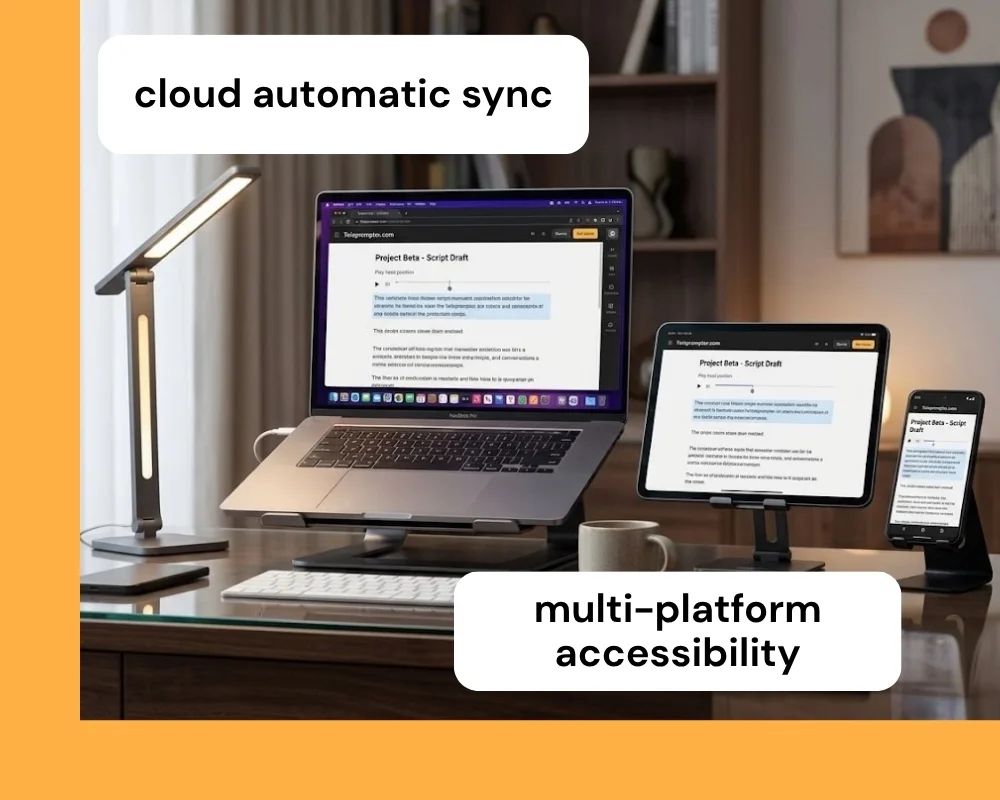
Teleprompter.com runs on iOS, Android, macOS, and directly in your browser, so your scripts and settings aren't locked to a single device. Start writing a script on your phone during a commute, then pick it up on your laptop when you're ready to shoot. Everything syncs through the cloud automatically, with no manual transfers or exports required.
Recording Built Into the Same App

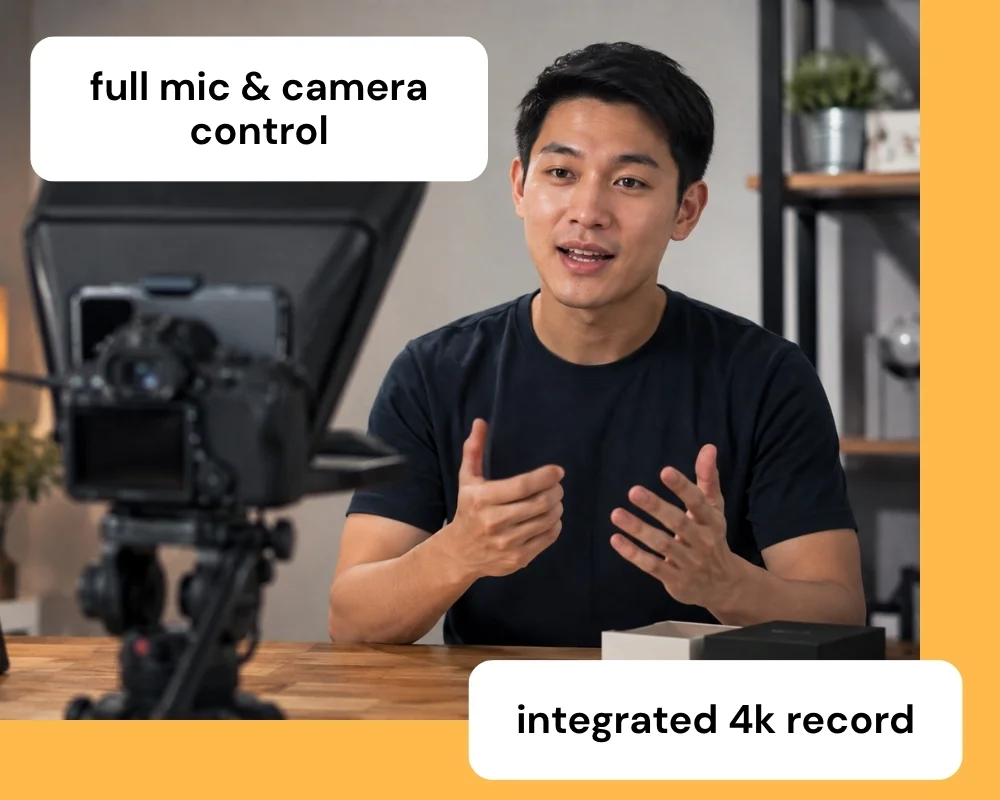
Teleprompter.com records at up to 4K resolution without ever leaving the app, with full control over camera switching, exposure, and connected external microphones. There's no need to juggle a separate camera app or import footage from somewhere else afterward. The prompter and the recorder live in the same session, so setup happens once.

Voice-Activated Scrolling with VoiceGlide

VoiceGlide, Teleprompter.com's voice-activated scroll mode, follows your voice as you speak, pausing automatically when you pause and picking back up exactly where you left off. It removes the guesswork of setting a fixed scroll speed and then trying to match your pace to it. This keeps delivery natural, even across multiple takes with different pacing.

‍

Detailed Comparison

The features of Teleprompter.com and Nano Teleprompter serve different setups. Here's how the two compare on the details that matter most.

👆🏻 Usability

Teleprompter.com

  • One app handles prompting, recording, and basic editing, so there's no switching between tools mid-shoot.
  • Script editing syncs across devices through the cloud, with no manual file transfers needed.
  • Currently available on Mac, Teleprompter.com can float a transparent window above other apps like Zoom, built for desktop calls and screen shares.

Nano Teleprompter

  • The floating widget sits over any camera app, so it works with tools like Filmic Pro or your phone's native camera.
  • Setup is quick: drag, resize, and position the overlay, then start recording in whatever app you're already using.
  • Because it's a widget rather than a full app, there's no built-in editing after you record.

💻 Accessibility

Teleprompter.com

  • Available on iOS, Android, macOS, and web, so the same script and settings follow you across devices.
  • Supports OpenDyslexic font and Bionic Reading to help with on-screen readability.
  • Cloud sync means scripts are accessible from any signed-in device, not just the one you wrote on.

Nano Teleprompter

  • Runs on Android only, so there's no iOS, macOS, or browser version.
  • Google Drive sync keeps scripts backed up and accessible across Android devices.
  • Gesture controls (pinch to zoom, drag to resize) make on-the-fly adjustments fast during a shoot.

📈 Performance

Teleprompter.com

  • Records natively at up to 4K with full camera and mic control in the same session.
  • Generates subtitles automatically for any video, even ones recorded outside the app.
  • Compatible with external gear like professional microphones and remote controls.

Nano Teleprompter

  • Runs as a lightweight overlay (around 5.6 MB), so it adds minimal load on top of your camera app.
  • Scroll delay and speed are adjustable, but recording quality depends entirely on whichever camera app it's layered over.
  • No built-in subtitle, green screen, or live streaming tools.

⚙️ Customization

Teleprompter.com

  • Full control over text size, scroll mode (including VoiceGlide), font style, and color.
  • Supports logo overlays, background color changes, and horizontal or vertical text mirroring.
  • Cloud-based editing supports advanced formatting that syncs across every device you use.

Nano Teleprompter

  • Adjustable text size, background opacity, margins, and line spacing.
  • Highlight feature lets you emphasize key phrases directly in the script.
  • Customization is centered on the floating widget itself rather than a full editing suite.

🧾 Pricing

Teleprompter.com

  • Free Starter plan, plus Pro, Max, and Team tiers.
  • Pro starts at $7.50/month on annual billing and includes 4K recording without watermark, remote preview, subtitle generation, and clean audio.
  • Annual plans include a 7-day free trial and a 30-day money-back guarantee.

Nano Teleprompter

  • No free trial — but it's a one-time $4.49 payment rather than an ongoing subscription.
  • Holds a 4.7-star rating across roughly 2,780 reviews on Google Play, with over 50,000 downloads.
  • No free tier; the full feature set is unlocked at purchase.

Why Teleprompter.com Works For More Setups

Teleprompter.com is built for creators who need flexibility across devices and recording environments. It offers:

  • A setup that adapts across iOS, Android, macOS, and web, not just one operating system
  • Built-in 4K recording, so you don't need a second app to capture and edit
  • VoiceGlide voice-activated scrolling that keeps pace with you as you speak
  • Cloud sync so your scripts move with you between devices
  • Room to grow into Pro, Max, or Team plans as your production needs scale

That makes it a stronger fit for creators who want a teleprompter that can grow with their workflow, rather than a single-purpose Android overlay.

Compare More Teleprompter Apps

Explore how Teleprompter.com compares with other teleprompter apps:

Experience the best in teleprompting.
Try Teleprompter.com
Sign up today and start your 7-day free trial to unlock professional-grade features.

Since 2018 we’ve helped 5M+ creators smoothly record 50,000,000+ videos