Teleprompter.com vs Parrot Teleprompter

The two apps solve the same problem in almost opposite ways. Parrot Teleprompter hands you a physical rig: clip a beam-splitter mount to your camera lens, drop your phone in, and the script reflects onto the glass while you record with a separate camera. Teleprompter.com skips the hardware entirely, putting script writing, prompting, recording, and editing inside one app that follows you from your laptop to your phone to a browser tab. If you already own a DSLR setup and want a classic glass-prompter feel, Parrot fits that niche. If you'd rather record, edit, and publish without assembling extra gear, Teleprompter.com covers more of the workflow on its own.

Teleprompter.com vs Parrot Teleprompter

Teleprompter.com is a self-contained production app: write your script, read it on screen, record in up to 4K, add subtitles, and export, all without leaving the app. Parrot Teleprompter, built by Padcaster, is closer to a prompting accessory than a production suite. Its app displays and scrolls your script, while recording is handled separately through the camera or device you're using with the teleprompter setup.
Teleprompter.com icon-small
Teleprompter.com

✔       iOS/Android/Web/Mac App

‍

✔       Up to 4K recording

‍

✔       Full customization

‍

✔       7-day free trial / Free Plan available
Parrot Teleprompter

✔       iOS/Android App

‍

✔       No in-app recording tools

‍

✔       Mount-based customization

‍

✔       Free app, paid hardware kit

Comparison

Teleprompter.com

Parrot Teleprompter

Platform & Compatibility
Supported Devices
iOS, Android, Web, macOS
iOS, Android (Mac support only via external monitor paired with the Parrot Pro hardware kit)
Video Recording
Automatic Subtitles
Yes
Video trimming and resizing
Yes
Built-in video recording
Teleprompter Controls
Remote Control
Yes
Voice-Activated Scrolling
Yes
Adjustable Scrolling Speed
Script Management
Cloud Sync
Yes
Save & Edit Scripts
Yes
AI Script Generator
Customization
Text & Font Adjustments
Yes
OpenDyslexic Support
Yes
Multi-Language Support
Yes
Additional Features
Filters
Yes
Text Mirroring
Clean Audio
Loop script setting

Why Teleprompter.com?

Multi-Platform Accessibility

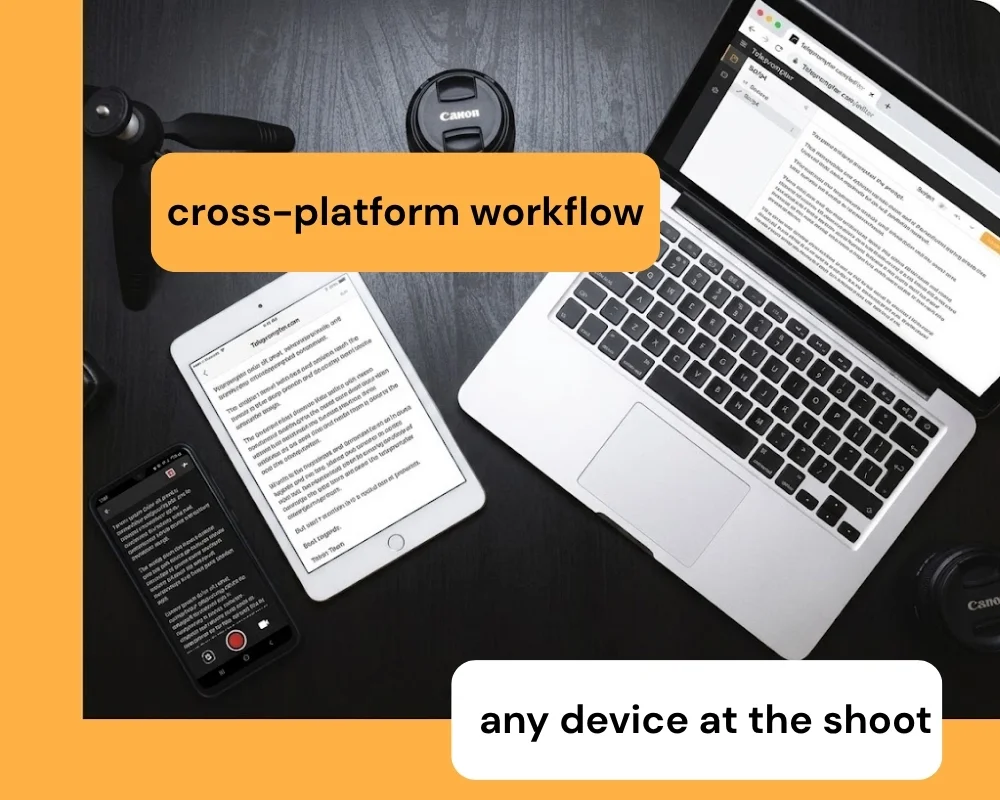
Teleprompter.com works natively on iOS, Android, macOS, and directly in your browser, with the same script and settings available on every device. Write on your laptop, then pick up exactly where you left off on your phone at the shoot. There's no cable, mount, or separate remote to pair before you can start reading.
Video Recording and Editing

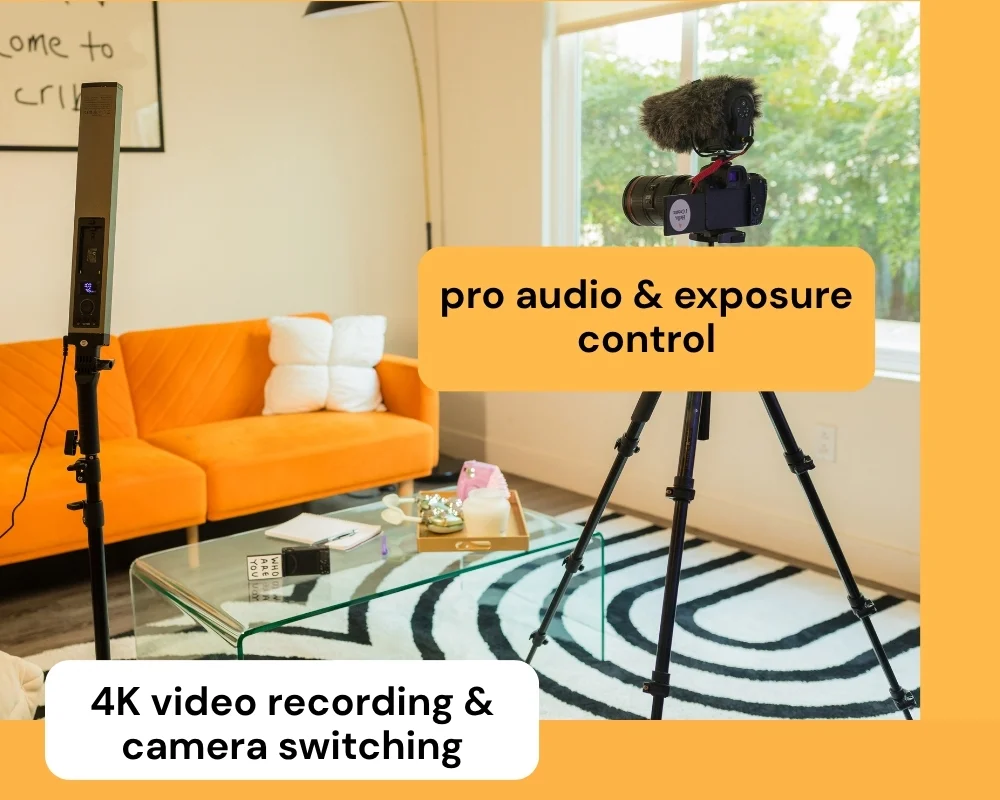
Record in resolution up to 4K directly inside the app, switch between front and rear cameras, adjust exposure, and connect an external microphone without opening a second tool. Once you're done, trim and resize the footage in the same place you wrote and read the script. The entire recording-to-edit workflow stays in one app from first take to final export.

Live Streaming and Subtitle Integration

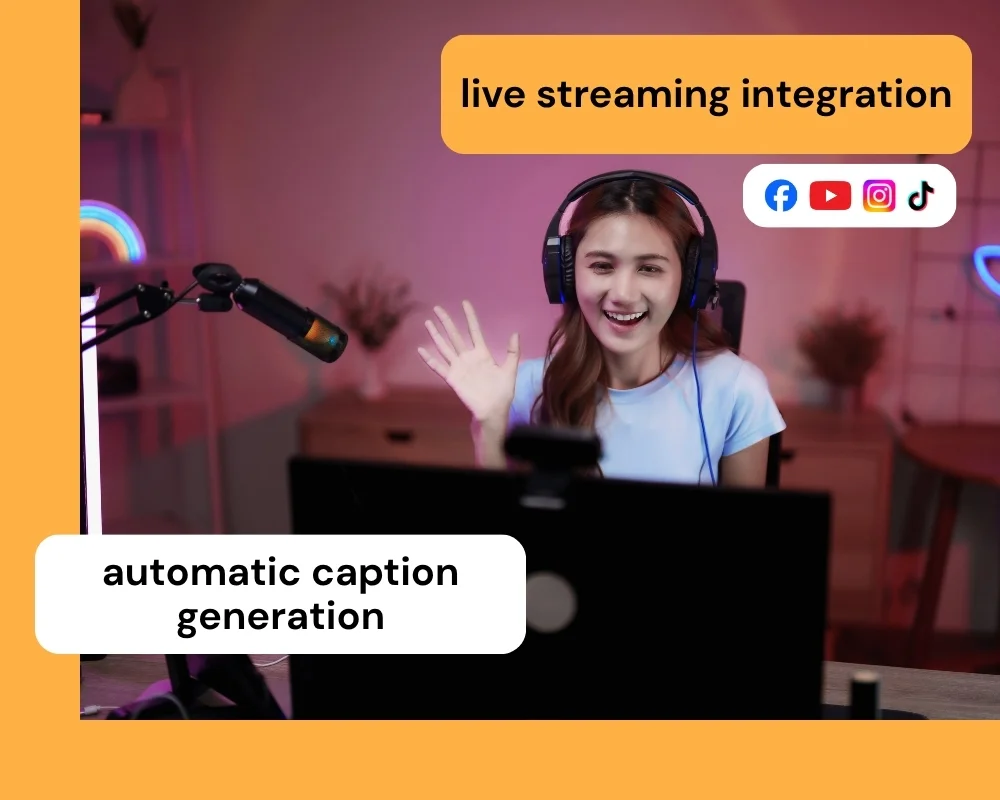
Stream straight to Facebook Live, YouTube, Instagram, and TikTok without installing extra broadcasting software. Automatic subtitle generation runs the moment you finish recording, so your content is caption-ready before you even open an editor. That combination turns a single recording session into a publish-ready clip.
Detailed Comparison

The features of Teleprompter.com and Parrot Teleprompter serve different production styles. Here's a closer look at how the two apps compare.

👆🏻 Usability

Teleprompter.com

  • The app features a clean interface that mirrors the iOS aesthetic, making it intuitive for iPhone and iPad users.
  • It supports script editing directly in the browser, with seamless cloud sync across devices.
  • Users can import external videos, add subtitles, and overlay logos for professional branding.

Parrot Teleprompter

  • The app is built around a simple scroll-and-read workflow: load a script, adjust scroll speed, and read.
  • It's designed to pair with the Padcaster Parrot hardware kit, which mounts your phone to a camera lens using beam-splitter glass so you read directly into the lens.
  • Setup involves more physical hardware than a phone-and-tripod workflow, which adds a step for creators who record solo at a desk.

💻 Accessibility

Teleprompter.com

  • Available across iOS, Android, macOS, and web, allowing flexibility on any device.
  • Supports accessibility features like the OpenDyslexic font and Bionic Reading to assist with readability.
  • Screen size and scroll settings carry over automatically when you switch from phone to laptop to Mac.

Parrot Teleprompter

  • Available on iOS and Android only, with Mac support limited to running the app through the Parrot Pro hardware on an external monitor.
  • No dedicated accessibility features like dyslexia-friendly fonts or reading-assist modes.
  • Script import is limited to Dropbox and only supports .txt files, so cloud flexibility is narrower than a full cloud-sync setup.

📈 Performance

Teleprompter.com

  • Allows subtitle generation for any video, even if recorded outside the app.
  • Offers smooth scrolling, pause/resume functionality, and full camera/mic control.
  • Compatible with external gear like professional microphones, gimbals, and Bluetooth remotes for hands-free scroll control.

Parrot Teleprompter

  • Offers landscape, portrait, and mirror scrolling modes, with the ability to jump forward or backward in a script.
  • Includes a toggle marker to flag specific lines, which helps presenters keep their place during longer scripts.
  • Performance depends on the paired camera setup rather than in-app recording controls, since the app doesn't capture video itself.

⚙️ Customization

Teleprompter.com

  • Allows full customization of text size, scroll mode (including VoiceGlide), font style, and color.
  • Users can overlay logos, adjust background colors, and mirror text horizontally or vertically.
  • Advanced formatting options, like custom margins and per-line spacing, carry over cleanly when scripts move between devices.

Parrot Teleprompter

  • Supports mirror mode, adjustable scroll speed, text size, and foreground/background color changes for visibility.
  • Scripts can be typed and edited directly in-app, with unlimited script storage and a loop setting for repeated takes.
  • Customization is centered on the reading experience rather than the recording or branding layer.

🧾 Pricing

Teleprompter.com

  • Offers a free Starter plan, plus Pro, Max, and Team tiers.
  • Pro starts at $7.50/month on annual billing and includes 4K recording without watermark, remote preview on another device, subtitle generation, and clean audio.
  • Annual plans include a 7-day free trial and a 30-day money-back guarantee.

Parrot Teleprompter

  • The app itself is free with no in-app purchases, on both iOS and Android.
  • The optional Padcaster Parrot Teleprompter hardware kit costs $99, with a Bluetooth remote available separately for around $30.
  • Best suited for creators who already want a physical lens-mount teleprompter rather than an all-in-one recording app.

Why Teleprompter.com Works For More Setups

Teleprompter.com is built for creators who need flexibility across devices and recording environments.

It offers:

  • A setup that works the moment you sign in, with no hardware kit required
  • VoiceGlide voice-activated scrolling keeps script delivery smooth even when your pace changes mid-recording
  • Built-in 4K recording, subtitles, and live streaming in the same app you read from
  • A more flexible way to move between devices without losing progress
  • Room to keep using the same tool as your content needs grow, from solo creator to team workflows

That makes it a stronger fit for creators who want a complete recording workflow without adding camera-mount hardware to their kit.

Compare More Teleprompter Apps

Explore how Teleprompter.com compares with other teleprompter apps:

Experience the best in teleprompting.
Try Teleprompter.com
Sign up today and start your 7-day free trial to unlock professional-grade features.

Since 2018 we’ve helped 5M+ creators smoothly record 50,000,000+ videos