Detailed Comparison
Teleprompter.com and FlowPrompter serve different workflows, one built for full recording and prompting, the other for staying invisible during calls and screen shares. Here's how the two compare across usability, accessibility, performance, customization, and pricing.
👆🏻 Usability
Teleprompter.com
- Prompting, recording, and basic editing live in one interface, so you're not switching between apps mid-shoot.
- Script editing syncs across devices in the cloud, letting you draft on your phone and record on your Mac.
- The AI script generator and auto-captioning sit in the same workspace as the prompter.
FlowPrompter
- The overlay is genuinely simple to set up for its one job: keeping a script visible and invisible to viewers at the same time.
- On desktop (Mac and Windows), it's overlay-only, so you'll still configure Zoom, OBS, or your native camera app separately to capture video.
- On iOS and Android, a basic Record mode lets you film with the script floating over the lens.
💻 Accessibility
Teleprompter.com
- Available on iOS, Android, macOS, and web, so the same script follows you across every device you own.
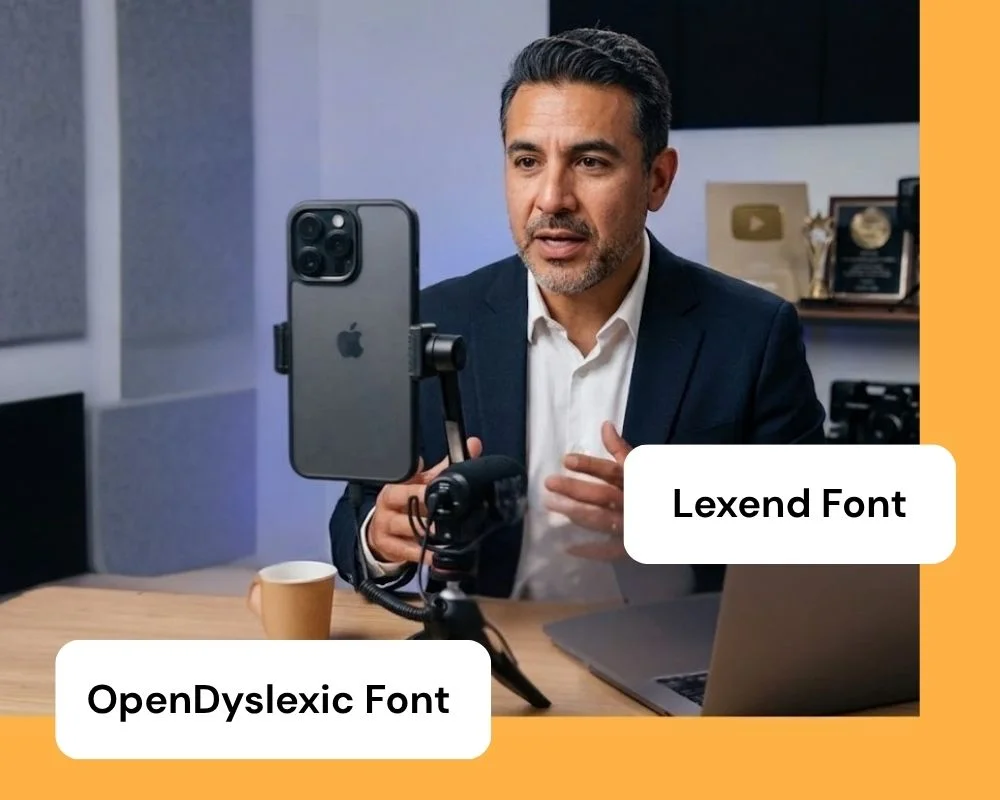
- OpenDyslexic and Lexed fonts support readers who need it, a feature FlowPrompter doesn't offer.
- Cloud sync means scripts are never stuck on a single machine.
FlowPrompter
- The desktop app (Mac and Windows) is where the invisible overlay lives; the iOS and Android apps are lighter companion tools.
- Supports 14 languages, which is useful for multilingual teams drafting scripts.
- No dedicated accessibility features like dyslexia-friendly fonts or reading aids.
📈 Performance
Teleprompter.com
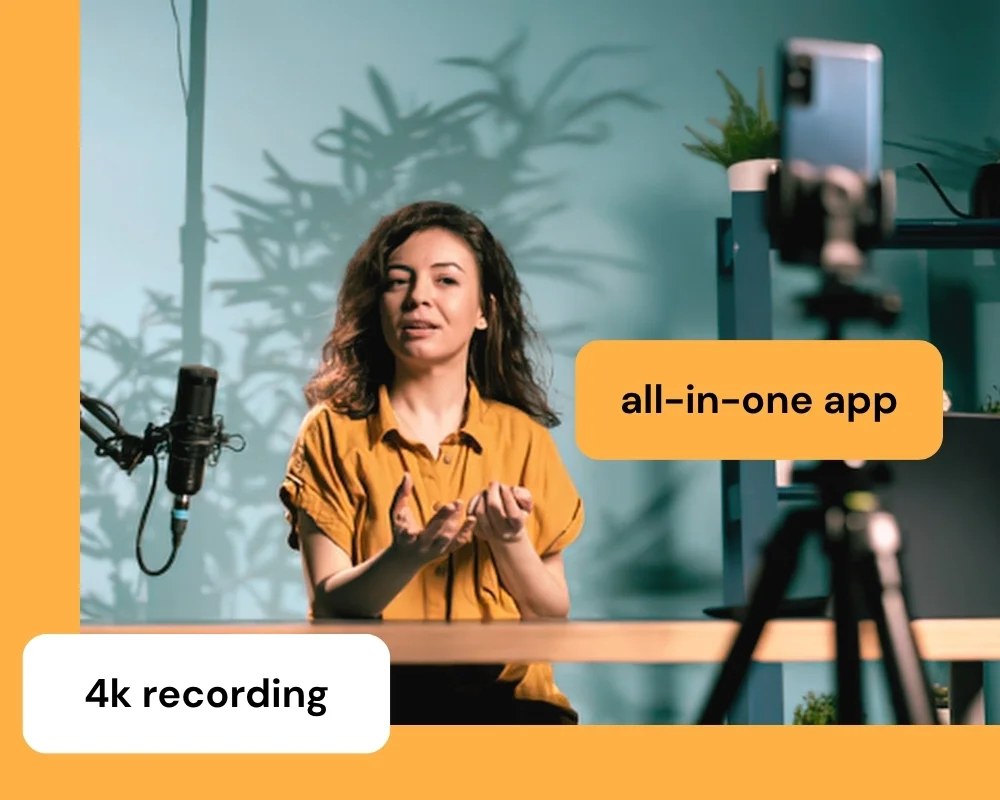
- Records natively at up to 4K with clean audio and remote preview on a second device.
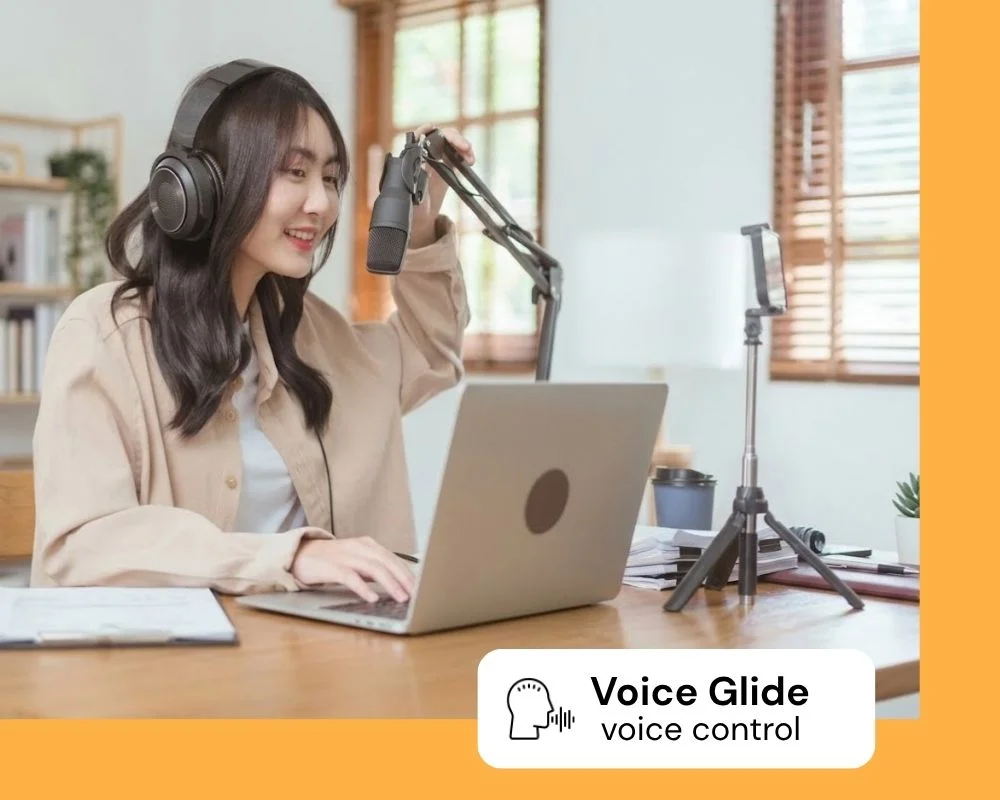
- Voice-activated scrolling (VoiceGlide™) follows your pace and pauses when you pause.
- Compatible with external gear like professional microphones and gimbals for a full production setup.
FlowPrompter
- AI voice tracking listens to your speech and adjusts scroll speed to match, similar in concept to VoiceGlide.
- On desktop, performance is about overlay stability and staying hidden from screen capture, since there's no recording to speak of. On mobile, Record mode adds basic filming, but without 4K, editing, or clean audio.
- Works across Zoom, Google Meet, OBS Studio, Microsoft Teams, Streamlabs, and Loom.
⚙️ Customization
Teleprompter.com
- Full control over text size, scroll mode, font, and color, plus logo overlays and background color adjustments.
- Horizontal and vertical mirroring for use with physical teleprompter hardware and beam-splitter glass.
- Cloud-based editing supports formatting that stays consistent across every device.
FlowPrompter
- Custom fonts and colors are supported in the script editor.
- Adjustable transparency levels for the overlay itself, since staying unobtrusive is the core use case.
- Customization is centered on the overlay experience rather than on-camera recording settings.
🧾 Pricing
Teleprompter.com
- Free Starter plan (with watermark), then Pro at $7.50/mo billed yearly, Max at $24.99/mo billed yearly, and Team at $24.99/mo per seat.
- Paid annual plans include a 7-day free trial and a 30-day money-back guarantee.
- All plans, including Starter, can be used for commercial and business purposes.
FlowPrompter
- Free plan caps you at 3 scripts, 10,000 characters per script, 20 minutes/day of auto scrolling, and 3 minutes/day of voice tracking.
- Plus Desktop unlocks unlimited scripts, unlimited scrolling, and the invisible overlay mode, priced at $9.90/mo or $69.90/yr.
- No 4K export, video editing, or clean audio at any tier. Recording is limited to the basic Record mode on iOS and Android; the desktop app is overlay-only.
Why Teleprompter.com Works For More Setups
Teleprompter.com is built for creators who need prompting, recording, and editing without stitching together separate tools.
It offers:
- One app for prompting and 4K recording, instead of pairing an overlay with separate recording software
- VoiceGlide™ voice-activated scrolling that keeps script delivery smooth even when your pace changes mid-recording
- A remote control ecosystem that covers more hardware than keyboard shortcuts alone
- Built-in accessibility with OpenDyslexic and Lexend fonts
- Room to add a Team plan as your production needs grow, without switching platforms
That makes it a stronger fit for creators and teams who want a teleprompter that handles the full workflow, not just the prompt.
Compare More Teleprompter Apps
Explore how Teleprompter.com compares with other teleprompter apps:





.png)


.png)
