Teleprompter.com vs QPrompt

QPrompt and Teleprompter.com solve the same core problem in very different ways. QPrompt is a free, open source prompter built for people who want full control on a single desktop machine, no account, no subscription, no internet required. Teleprompter.com takes a different approach: one app, one script library, moving with you across phone, tablet, laptop, and browser, with recording and publishing built directly into the same workflow. The right choice comes down to whether you're prompting on one machine or working across several devices and formats.

Teleprompter.com vs QPrompt

Teleprompter.com offers 4K recording, voice-activated scrolling, and access across iOS, Android, web, and macOS. QPrompt is a free, open-source desktop app for Windows, macOS, and Linux, built for teleprompter operators who want full local control without a subscription. Both apps serve different needs, but Teleprompter.com offers more flexibility for creators who record on the same device they prompt from.
Teleprompter.com icon-small
Teleprompter.com

✔       iOS/Android/Web/macOS App

‍

✔       Up to 4K recording

‍

✔       Full customization

‍

✔       7-day free trial

QPrompt

✔       Windows/macOS/Linux App

‍

✔       Free and open source

‍

✔       Desktop customization

‍

✔       No trial needed, free to use

Comparison

Teleprompter.com

QPrompt

Platform & Compatibility
Supported Devices
iOS, Android, Web, macOS
Windows, macOS, Linux (desktop only)
Video Recording
Automatic Subtitles
Yes
Offline Capability
Yes
Built-in video recording
Teleprompter Controls
Remote Control
Yes
Voice-Activated Scrolling
Yes
Speed-Based Scrolling
Script Management
Cloud Sync
Yes
Save & Edit Scripts
Yes
AI Script Generator
Customization
Text & Font Adjustments
Yes
OpenDyslexic Support
Yes
Multi-Language Support
Yes
Additional Features
Live Streaming Integration
Yes
Clean Audio
Multi-Screen Output
Transparent/Overlay Background Mode

Why Teleprompter.com?

Multi-Platform Accessibility

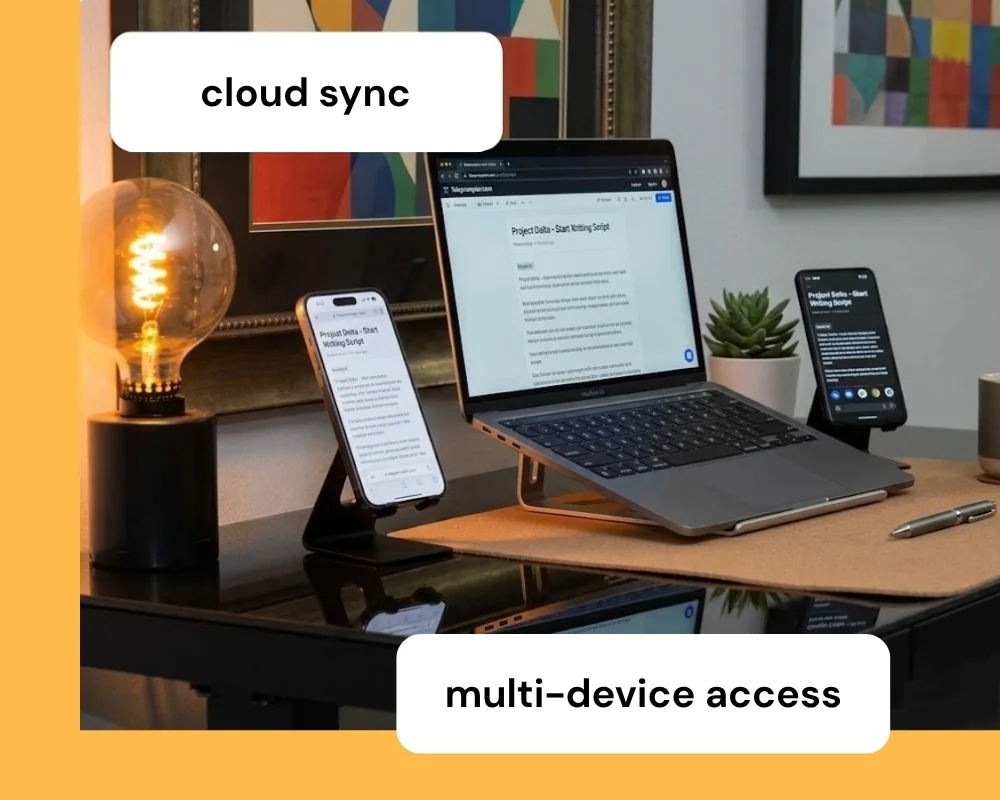
Teleprompter.com works on iOS, Android, macOS, and directly in your browser. That platform coverage means you can start a script on your phone and pick it back up on your laptop without losing your place, recording wherever your setup happens to be. QPrompt runs natively on Windows, macOS, and Linux, but has no actively maintained mobile app, so prompting on a phone or tablet isn't part of its current stable release.
Recording and Script Tools in One Workflow

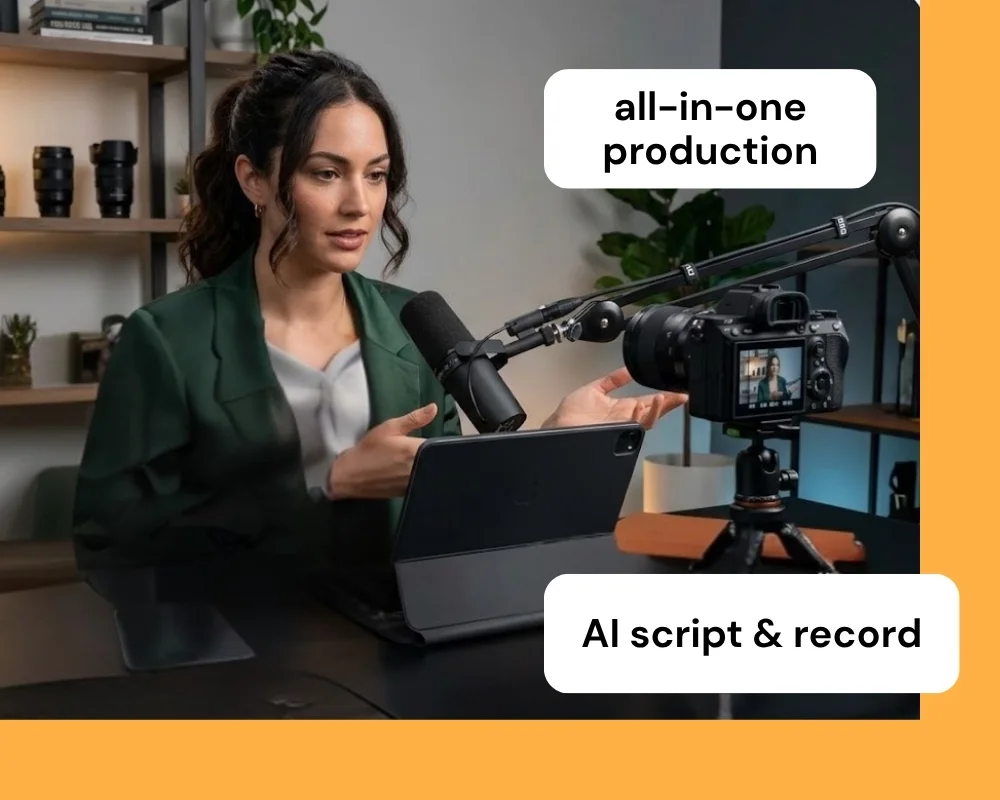
Teleprompter.com can record in resolution up to 4K, generate scripts with AI, and sync everything to the cloud, all without leaving the app. QPrompt is a prompter only. It has no built-in camera, recording, or editing layer, so creators pair it with separate recording software and a separate device for video capture.

Widest Remote Control Ecosystem

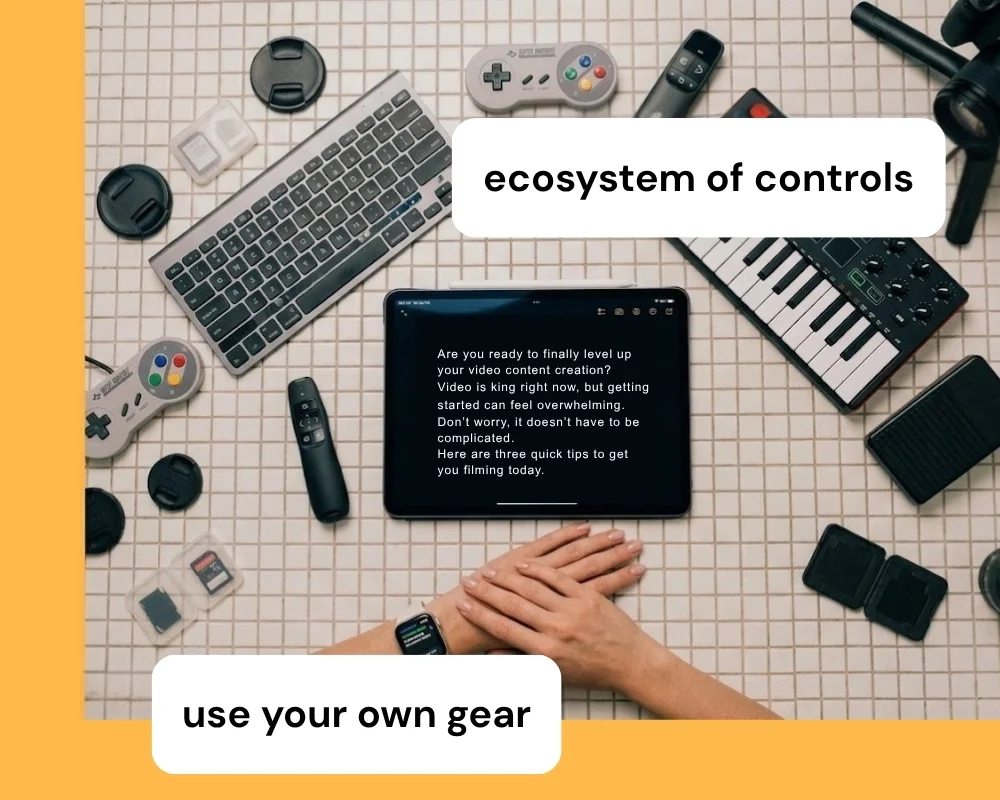
Teleprompter.com connects to Bluetooth keyboards, presentation clickers, game controllers, MIDI devices, foot pedals, and even Apple Watch, giving you more ways to control a script than any other teleprompter app on the market. That range matters most when you're recording solo and can't reach the screen to adjust speed or pause mid-take. Whatever gear you already own for filming, there's a good chance it can double as your prompter remote.
Detailed Comparison

👆🏻 Usability

Teleprompter.com

  • The app features a clean interface that mirrors the iOS aesthetic, making it intuitive for iPhone and iPad users.
  • It supports script editing directly in the browser, with seamless cloud sync across devices.
  • Users can import external videos, add subtitles, and overlay logos for professional branding.
  • Remote control comes from Bluetooth clickers, keyboards, MIDI devices, foot pedals, and Apple Watch, so you can drive the script without touching the recording device.

QPrompt

  • It offers a straightforward desktop setup built for teleprompter operators and small production teams.
  • Scripts are edited locally in a rich text editor, with support for pasting formatted text from office suites.
  • On-the-fly editing lets you enter and exit prompt mode mid-recording to fix a line without stopping the take.
  • Remote control runs through remappable keyboard shortcuts, so any clicker or controller that emulates a keyboard can drive the prompt.

💻 Accessibility

Teleprompter.com

  • Available across iOS, Android, macOS, and web, allowing flexibility on any device.
  • Supports accessibility features like the OpenDyslexic font and Bionic Reading to assist with readability.
  • Cloud syncing ensures users can access and manage scripts from anywhere.

QPrompt

  • Available on Windows, macOS, and Linux, with no officially maintained mobile release in the current version line.
  • Includes the OpenDyslexic font plus a horizontal reading-guide bar to help readers with dyslexia keep their place.
  • Supports over 182 languages and writing systems, including right-to-left scripts, with several fully translated interfaces.

📈 Performance

Teleprompter.com

  • Allows subtitle generation for any video, even if recorded outside the app.
  • Offers smooth scrolling, pause/resume functionality, and full camera/mic control.
  • Compatible with external gear like professional microphones and gimbals through DockKit integration.

QPrompt

  • Built for smooth animations and low latency, even on modest hardware, since the app is lightweight and has no recording overhead to manage.
  • Supports prompting to multiple connected screens, useful for studio and event setups.
  • Includes a built-in chronometer that times your script and estimates the remaining reading time.

⚙️ Customization

Teleprompter.com

  • Allows full customization of text size, scroll mode (including VoiceGlide), font style, and color.
  • Users can overlay logos, adjust background colors, and mirror text horizontally or vertically.
  • On macOS, the scrolling window can go transparent, so a video call or another app stays visible behind the script.
  • Cloud-based script editing supports advanced formatting and syncing across devices.

QPrompt

  • Offers adjustable text size, a customizable reading area, and named markers to jump instantly to any point in a script.
  • Includes a transparent/overlay background mode, useful for video calls or layering the prompter over another feed.
  • Keyboard shortcuts are fully remappable, so the app can work with clickers, Contour Shuttle controllers, or other keyboard-emulating hardware.

🧾 Pricing

Teleprompter.com

  • Offers a free Starter plan, plus Pro, Max, and Team tiers.
  • Pro starts at $7.50/month on annual billing and includes 4K recording without watermark, remote preview on another device, subtitle generation, and clean audio.
  • The Team plan adds shared workspaces and multi-editor access, built for agencies, newsrooms, and small production teams working from the same scripts.
  • Annual plans include a 7-day free trial and a 30-day money-back guarantee.

QPrompt

  • Completely free and open source under the GNU General Public License v3, with no paid tiers or feature gates.
  • No subscription, trial period, or watermark of any kind since the software is free to use for any purpose, including commercial work.
  • Development is supported through optional one-time donations or Patreon, which also grants early access to development builds.

Why Teleprompter.com Works For More Setups

Teleprompter.com is built for creators who need flexibility across devices and recording environments.

It offers:

  • A setup that adapts easily to phone, tablet, laptop, and browser without switching tools
  • VoiceGlide voice-activated scrolling keeps script delivery smooth even when your pace changes mid-recording
  • Built-in 4K recording and live streaming so you don't need a separate capture app
  • Cloud sync and an AI script generator that QPrompt's local-only, prompter-focused design doesn't include
  • Room to keep using the same tool as your content needs grow, from a free Starter plan up to Team

QPrompt remains a strong choice if you specifically want a free, open-source, desktop-only prompter with no subscription and no cloud dependency. But for creators who want to write, prompt, record, and stream from the same app across every device, Teleprompter.com is the stronger fit.

Compare More Teleprompter Apps

Explore how Teleprompter.com compares with other teleprompter apps:

Experience the best in teleprompting.
Try Teleprompter.com
Sign up today and start your 7-day free trial to unlock professional-grade features.

Since 2018 we’ve helped 5M+ creators smoothly record 50,000,000+ videos