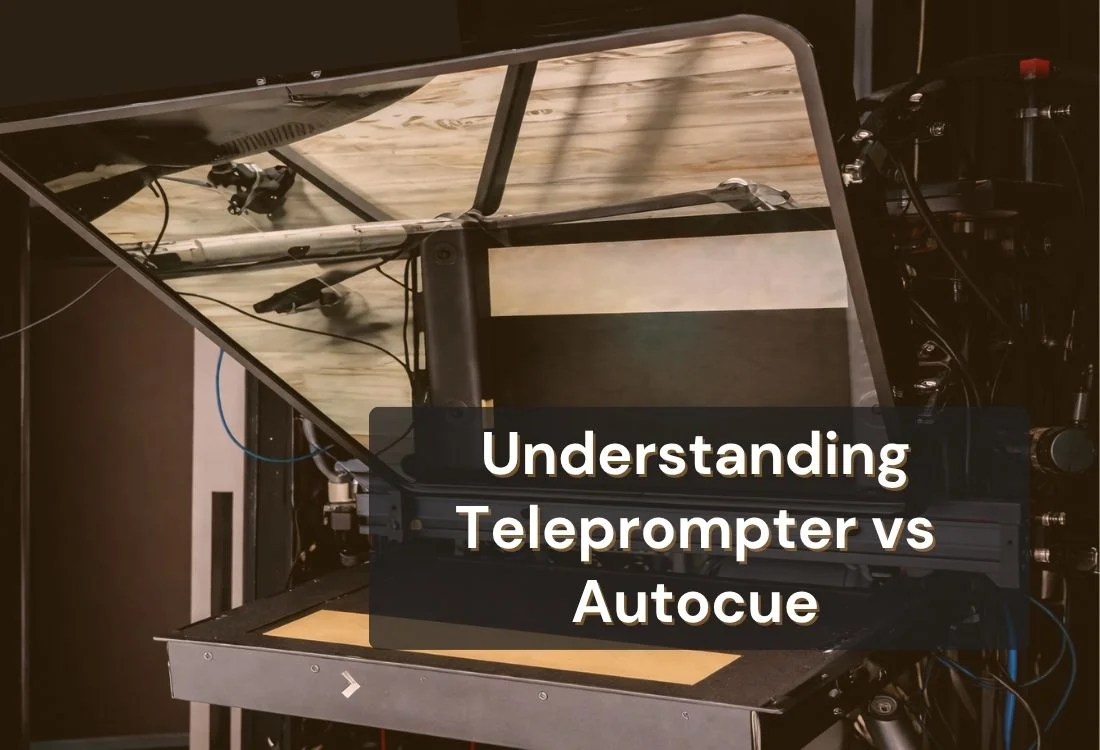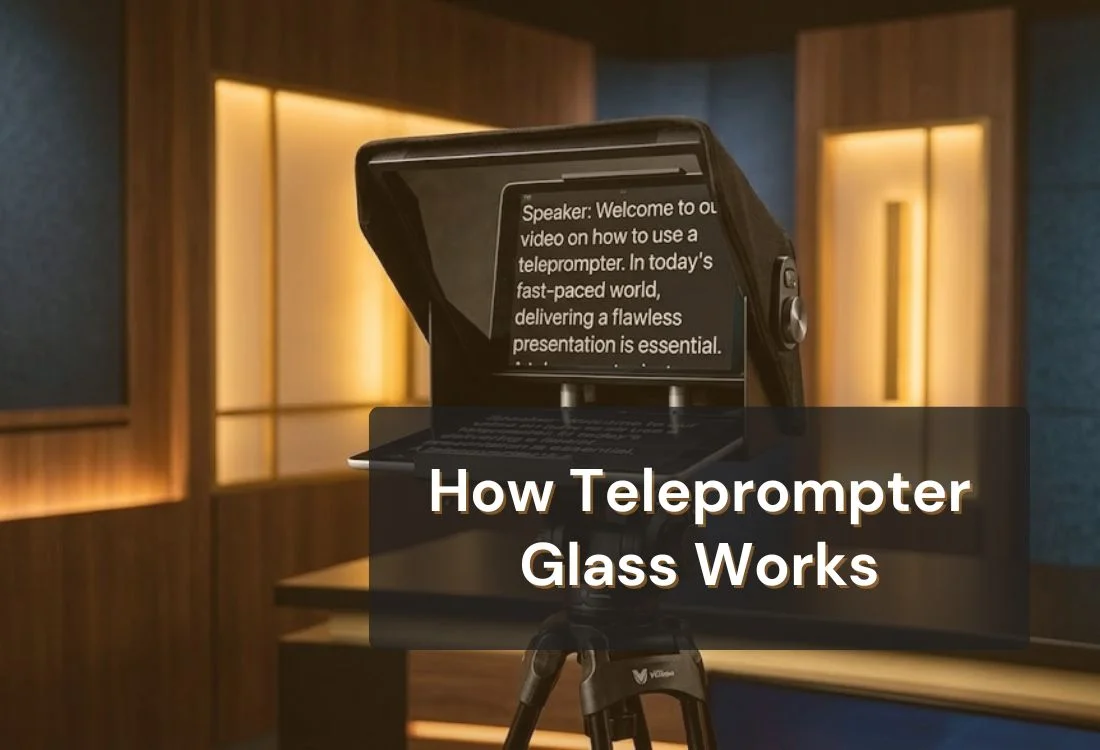


Teleprompter glass works by using a coated, semi-transparent panel called a beamsplitter to reflect scrolling text toward the presenter while remaining clear enough for a camera positioned behind it to record straight through. The presenter reads the reflected script; the lens captures an unobstructed shot. Neither side interferes with the other, which is what makes eye-contact delivery possible without cue cards or an off-camera monitor.
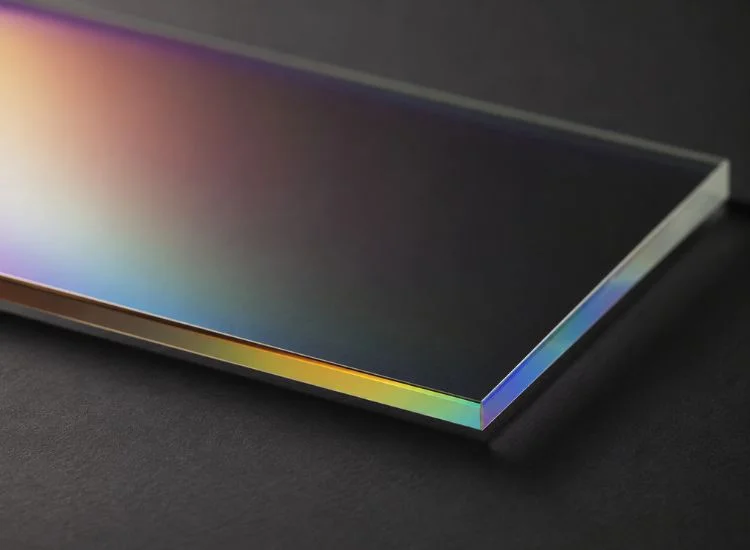
Teleprompter glass is not a mirror in the way most people picture one. A standard mirror reflects nearly all the light that hits it, which is exactly why you can't shoot through it. Teleprompter glass, often called a beamsplitter or two-way mirror, is coated so it does two jobs on the same surface: reflect enough light for you to read text, and transmit enough light for the camera to see through it clearly.
That's the whole trick. One piece of coated glass, two completely different jobs, running at the same time.
If you want the full picture on materials, thickness options, and how to clean and maintain the glass itself, teleprompter glass guide covers that in depth. This article stays focused on one question: the mechanics of how the glass makes this optical trick work and how to set it up correctly. For the end-to-end picture, including scroll speed and hardware types, see the complete guide to how a teleprompter works.
Beamsplitter glass also isn't limited to one style of rig. It shows up across several different types of teleprompters, from camera-mounted units to studio setups, all relying on the same reflect-and-transmit principle covered below.
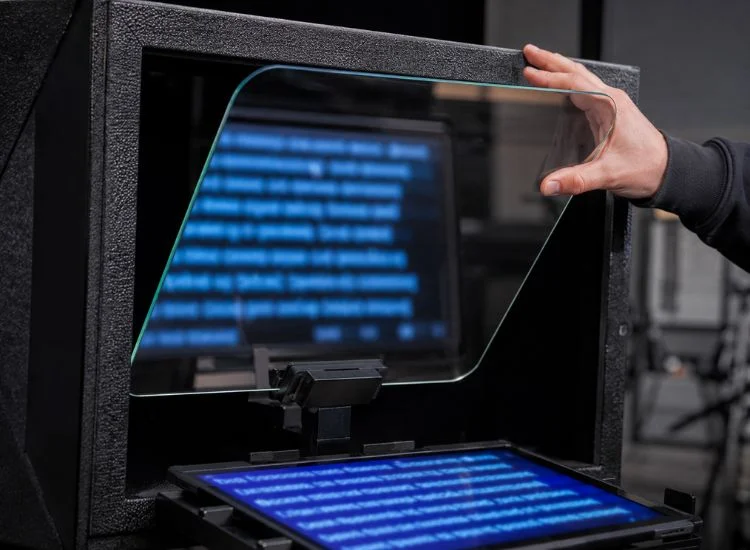
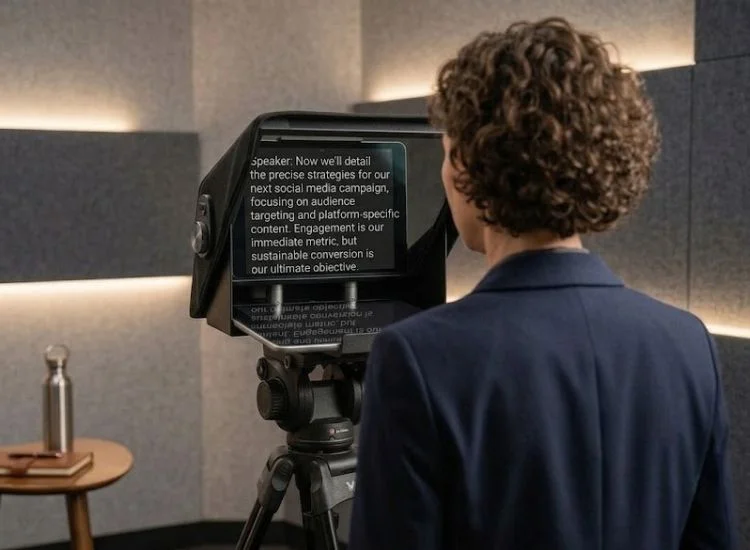
A script displays on a screen, usually a tablet, phone, or monitor, positioned flat at the base of the teleprompter housing. That screen sits below a sheet of angled beamsplitter glass.
Light from the screen bounces off the coated surface and up into your eyeline, so the text appears to float directly in front of the lens. At the same time, light from the scene in front of you passes through that same glass and into the camera behind it.
Two light paths, one piece of glass, no conflict between them.
The coating is what makes this possible. It's a thin, dielectric layer applied to one side of the glass that reflects a portion of incoming light and transmits the rest, at a fixed, engineered ratio.
The industry-standard ratio for traditional teleprompter glass sits at roughly 70% transmission to 30% reflection. That split gives the camera enough light to shoot a clean, color-accurate image while still reflecting your script brightly enough to read. (Source: Teleprompter Mirror Optical Beamsplitter specs, Two Way Mirrors).
Broadcast-grade optical suppliers tune this differently depending on the application. Abrisa Technologies, for example, produces a beam splitter coated at 65% transmission and 35% reflection specifically for studio use, which shows the ratio isn't fixed by physics so much as chosen for the lighting conditions and camera setup involved (Source: Using Beam Splitters for Teleprompters, Abrisa Technologies).
Because the reflected light and the transmitted light travel in different directions, the camera only ever receives the light passing through the glass, never the light bouncing off its surface toward you. The audience gets a clean shot of your face; you get a legible script sitting right where the lens is looking. Neither party sees the other's half of the exchange.
These terms get used loosely, which causes real confusion when people try to DIY a setup. Here's the distinction that actually matters:
"Teleprompter glass" and "teleprompter mirror" are interchangeable. Anything without a purpose-built coating is not a substitute, no matter how thin or clear it looks.
Teleprompter.com's four scroll modes, including automatic scrolling tied to your speech and fixed word-per-minute pacing, run entirely at this software layer. The glass has one job. The app has the other.
Placement affects the optics as much as the coating does. Most rigs position the glass at roughly 45 degrees relative to the screen below and the lens behind it, which sends the reflected light straight into your eyeline instead of off to one side.
Get the angle wrong and the ratio stops mattering. Light that should hit your eyes bounces past them instead, and you end up tilting your head or leaning into the frame to find the text, which is the exact "reading from a script" look a teleprompter is supposed to prevent.
Distance matters too. Closer glass magnifies small angle errors, while glass set further from the screen gives you more room to correct alignment before it throws off your eyeline. If you're building or adjusting a DIY rig, the guide to teleprompter devices for every budget walks through hardware options at different price points.
Every common glass complaint traces back to the mechanism above.
None of this is trivia. Once you understand that the glass is doing a controlled optical split rather than something mysterious, troubleshooting stops feeling like guesswork. You know if a problem lives in the hardware or the software, and you know which one to touch first.
That distinction is what lets you keep steady eye contact with the lens instead of scanning around a screen, which is the single biggest factor separating a scripted-sounding read from one that looks natural on camera. It's the same optical principle behind a presidential teleprompter, just applied to a live room instead of a lens, twin glass panels reflecting text so the speaker can hold eye contact with an audience instead of a camera.
Understanding the optics behind teleprompter glass takes the guesswork out of setup and troubleshooting alike. The coating handles the light. Your teleprompter software handles everything else, from scroll speed to flip mode to how bright your script looks under studio lights.
Try Teleprompter.com free and pair the right glass with software built to make every read look natural.
Teleprompter glass uses a coated beamsplitter surface that reflects a portion of light toward the presenter, showing the script, while transmitting the rest through to a camera positioned behind it. Both happen on the same piece of glass at the same time.
There isn't one. Both terms describe the same coated beamsplitter component. The naming difference comes from industry habit, not a functional distinction.
The coating splits incoming light at a fixed ratio, commonly 70% transmission and 30% reflection. Your side of the glass benefits from the reflected portion; the camera behind it only receives the transmitted portion.
Regular glass and plexiglass lack the engineered coating, so they reflect and transmit light unevenly. That produces glare, ghosting, and a text reflection too faint to read reliably on camera.
Most setups position the glass at roughly 45 degrees between the screen below and the camera behind it. This angle sends the reflected text directly into your eyeline instead of off to the side.
That's a software setting, not a glass fault. Turn on flip mode in your teleprompter app


.png)


.png)