Teleprompter.com vs SayScroll

Every teleprompter promises to keep you on script. The real test is what happens once the camera's rolling and things don't go exactly as planned. SayScroll is a browser-first tool built around one job: listening to your voice and moving the text to match, in dozens of languages. Teleprompter.com takes a broader approach, VoiceGlide™ handles that same voice-tracking job, but it sits alongside a full recording setup, native apps, and more than one way to control the scroll when voice tracking isn't the right call for a scene. The two apps solve a similar problem from very different directions.

Teleprompter.com vs SayScroll

Across iOS, Android, macOS, and the web, Teleprompter.com provides 4K video capture, remote management, and unlimited monthly usage. SayScroll focuses on browser-based, voice-activated scrolling supporting over 60 languages, though it lacks manual speed controls. Although both applications feature voice-synced scrolling, Teleprompter.com offers dedicated native apps, three extra scrolling modes, and unrestricted monthly access.
Teleprompter.com icon-small
Teleprompter.com

✔       iOS / Android / macOS / Web App

‍

✔       Up to 4K recording

‍

✔       VoiceGlide™ plus 3 more scroll modes

‍

✔       Free Starter plan, 7-day Pro trial

SayScroll

✔       Browser-based (add to home screen)

‍

✔       Built-in local video recorder

‍

✔       Voice-only scrolling, 60+ languages

‍

✔       Usage-based hours, no ongoing free tier

Comparison

Teleprompter.com

SayScroll

Platform & Compatibility
Supported Devices
iOS, Android, Web, macOS
Web only (installable as a home screen PWA)
Video Recording
Automatic Subtitles
Yes
Offline Capability
Yes
Built-in video recording
Teleprompter Controls
Remote Control
Yes
Voice-Activated Scrolling
Yes
Timed & Speed-Based Scrolling
Yes
Script Management
Cloud Sync
Yes
Save & Edit Scripts
Yes
AI Script Generator
Yes
Customization
Text & Font Adjustments
Yes
OpenDyslexic Support
Yes
Text & Font Adjustments
Yes
Additional Features
Intro & Outro Maker
Yes
Clean Audio
Cinematic Filter
Yes
Re-sync on Skipped/Repeated Lines

Why Teleprompter.com?

True Cross-Platform Reach

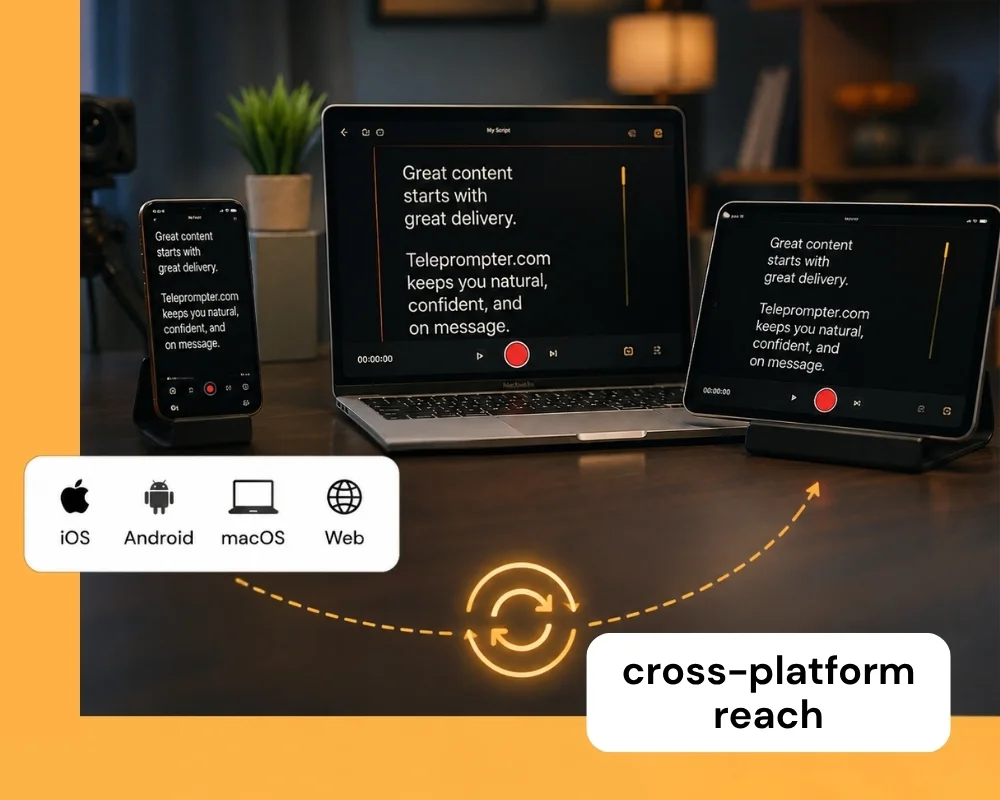
Teleprompter.com runs as a native app on iOS, Android, and macOS, plus the web. Start a script on your phone and pick it up on your laptop without losing your place, recording wherever your setup happens to be.
Recording and Live Streaming

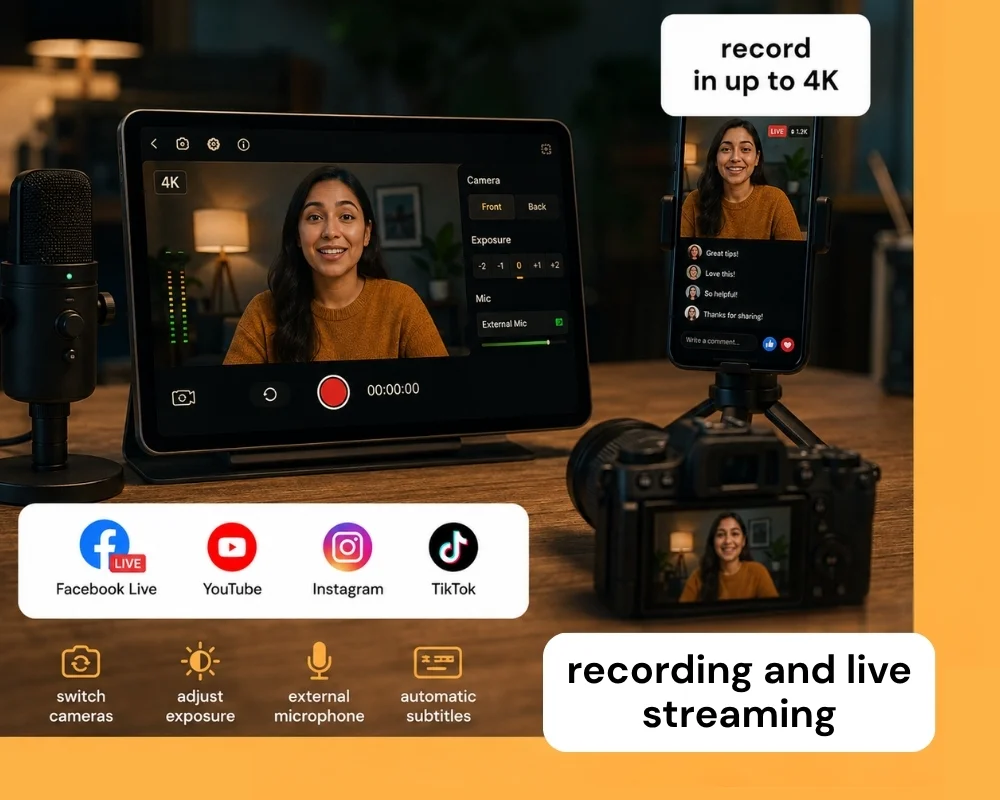
Record in resolution up to 4K, switch cameras, adjust exposure, and connect an external microphone for cleaner audio. Once you're recording, stream directly to Facebook Live, YouTube, Instagram, and TikTok, all without extra software. Automatic subtitle generation is built in too, making your content more accessible the moment you finish recording.

‍

Voice-Activated Scrolling That Adapts to You

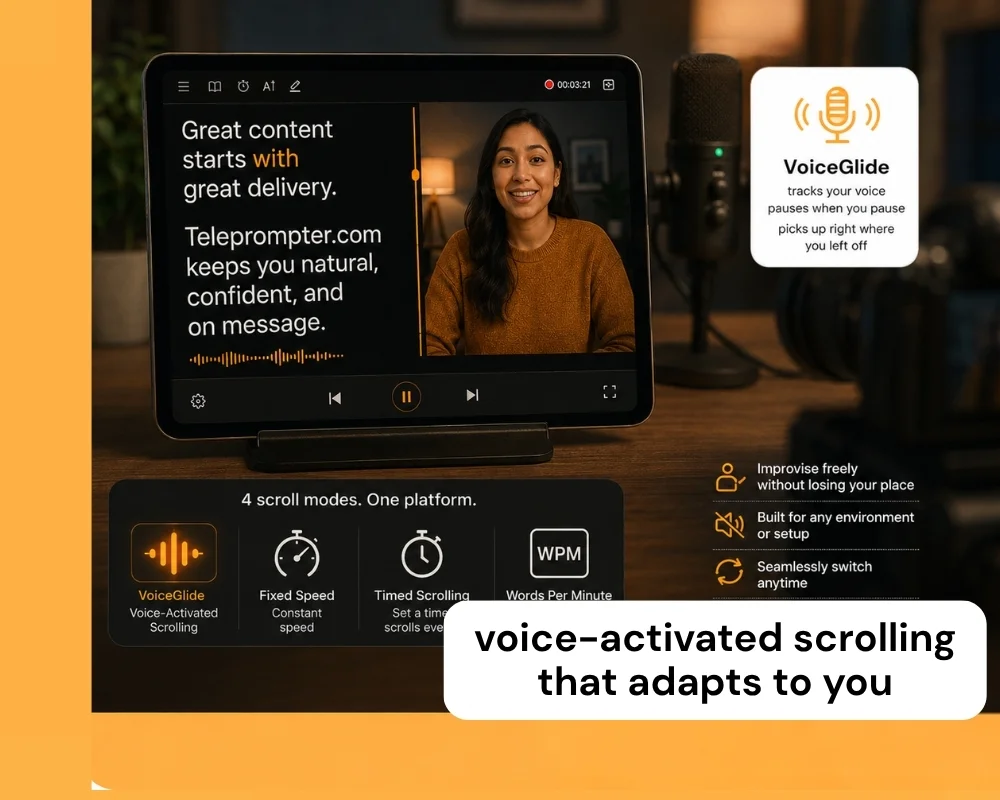
VoiceGlide tracks your voice as you speak, pausing when you pause and picking up right where you left off, so you can improvise or go off script without losing your place. When voice tracking isn't the right fit, like a noisy set or a tightly timed read, switch to Fixed Speed, Timed Scrolling, or Words Per Minute mode instead. Four scroll modes on one platform means you're never locked into a single way of reading.
Detailed Comparison

The features of Teleprompter.com and SayScroll serve different recording habits. Here's how the two apps compare on the details that matter most.

👆🏻 Usability

Teleprompter.com

  • Clean, native interface across iOS, Android, macOS, and web, so the experience feels the same wherever you record.
  • Script editing syncs across devices with cloud sync, so you can start on one device and finish on another.
  • Import external videos, add subtitles, and overlay a logo for branded output.

SayScroll

  • Paste-and-go setup: drop a script into the browser and hit present, no account needed for scripts under 700 characters.
  • Built around a single core workflow, voice-tracked reading, with fewer configuration screens to learn.

💻 Accessibility

Teleprompter.com

  • Available on iOS, Android, macOS, and web, with full feature parity across platforms.
  • Built-in OpenDyslexic font and Bionic Reading mode support readers who need it, a feature category SayScroll does not offer.
  • Works offline, so a spotty connection on location doesn't interrupt a shoot.

SayScroll

  • Runs entirely in the browser, so there's nothing to install, but that also means no offline mode: the microphone needs an active connection to transcribe and track your voice.
  • Script data stays on your device; only audio streams out for transcription, which SayScroll highlights as a privacy plus.

📈 Performance

Teleprompter.com

  • Smooth scrolling across four distinct modes, full camera and mic control, and compatibility with professional gear like external mics and gimbals.
  • Remote control support from Bluetooth keyboards, presentation clickers, game controllers, MIDI controllers, foot pedals, and Apple Watch, so you can start, stop, and adjust scroll speed without touching the main device.
  • Automatic subtitle generation works on any video, even ones recorded outside the app.

SayScroll

  • Claims 99% accurate real-time voice tracking, with words fading out as you speak them and the display re-centering on your current line.
  • If you go off script or repeat a line, the prompter waits and locks back on when you return to the text, without needing you to press pause.

⚙️ Customization

Teleprompter.com

  • Full control over text size, scroll mode (including VoiceGlide), font, and color, plus horizontal and vertical mirroring for beam-splitter rigs.
  • Logo overlays and background adjustments are built in, alongside cloud-based script formatting.

SayScroll

  • Adjustable text size and column width, paragraph alignment, black or white background, fullscreen, and horizontal/vertical mirroring for beam-splitter setups.
  • Customization is centered entirely on the reading display; there's no logo overlay or branded export layer.

🧾 Pricing

Teleprompter.com

  • Free Starter plan, plus Pro, Max, and Team tiers with unlimited monthly use.
  • Pro starts at $7.50/month on annual billing, with 4K recording, no watermark, remote preview, subtitle generation, and clean audio.
  • Annual plans include a 7-day free trial and a 30-day money-back guarantee.

SayScroll

  • No ongoing free plan: the free tier is a 700-character script demo only.
  • Usage-based pricing by monthly hours of live mic time: Starter at $10/month (10 hours), Creator at $20/month (30 hours), Pro at $50/month (100 hours), each with a discounted first month.
  • Going over your monthly hours means upgrading tiers; there's no unlimited-use plan.

Why Teleprompter.com Works For More Setups

Teleprompter.com is built for creators and teams who need more than one way to scroll a script.

It offers:

  • Native apps on iOS, Android, macOS, and web, not just a browser tab
  • VoiceGlide voice-activated scrolling alongside three manual scroll modes for when voice tracking isn't the right fit
  • Unlimited monthly use on every paid tier, with no hourly cap to track
  • A full recording and live-streaming toolkit, from 4K capture to direct streaming on Facebook, YouTube, Instagram, and TikTok
  • Built-in accessibility features like OpenDyslexic and Bionic Reading

That makes it a stronger fit for creators, teams, and professionals who want a teleprompter that scales from a single video to a full production workflow.

Experience the best in teleprompting.
Try Teleprompter.com
Sign up today and start your 7-day free trial to unlock professional-grade features.

Since 2018 we’ve helped 5M+ creators smoothly record 50,000,000+ videos