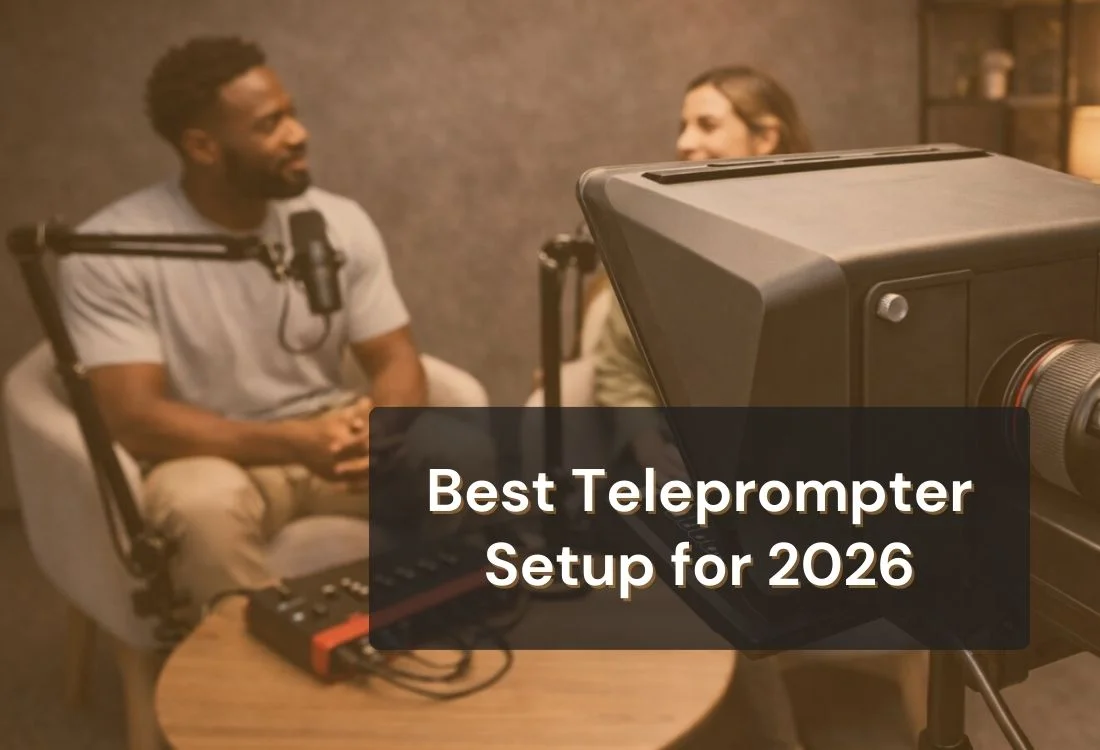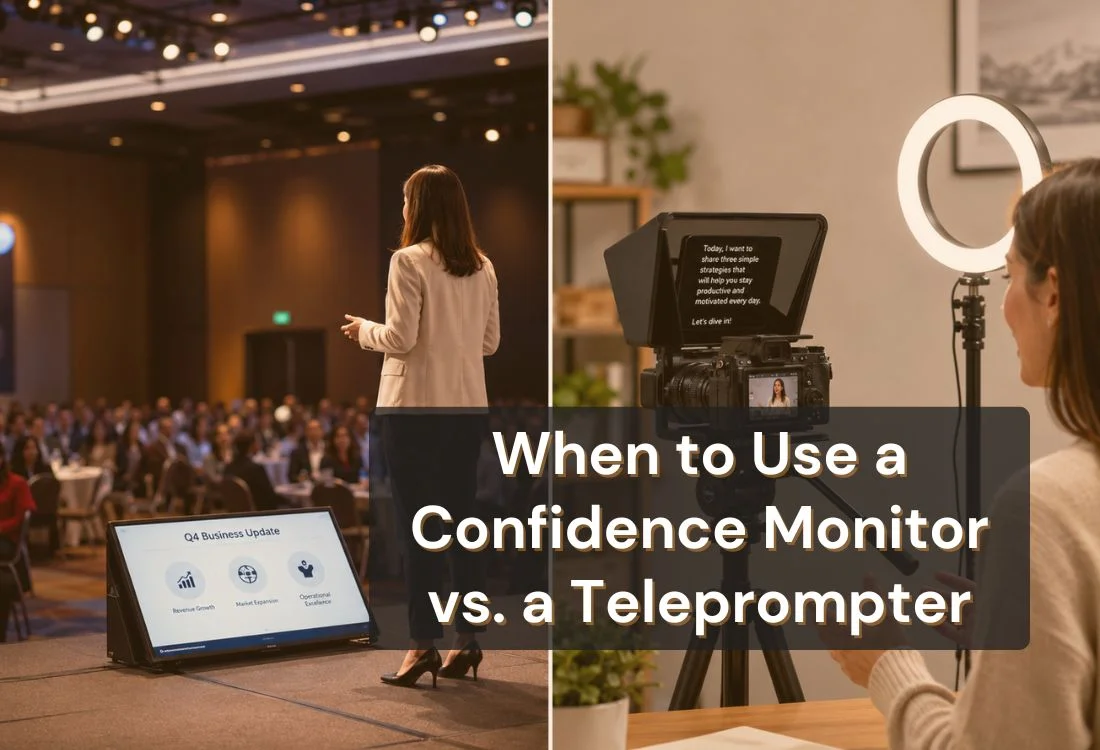


A confidence monitor and a teleprompter are not the same tool, even though they are often confused. A confidence monitor is a large screen placed at the foot of a stage that shows slide previews, lyrics, or notes for performers during live events. A teleprompter scrolls a full script at reading pace so a speaker can deliver their message while maintaining direct eye contact with the camera or audience.

A confidence monitor is a large display screen, typically ranging from 32 to 60 inches, positioned at the foot of a stage or performance space. It shows on-stage presenters and performers the content they need to see, whether that is the current slide, an upcoming cue, song lyrics, or speaker notes, without requiring them to turn their backs to the audience or look up at the main projection screen behind them.
Confidence monitors do not scroll a script automatically. They display whatever content the production team sends to them, usually controlled by an AV technician or a presentation operator at a separate station. A performer glancing down at a confidence monitor sees a static image or note, not a rolling feed of words timed to their delivery pace.
They are a staple of live event production. Corporate conferences, award shows, broadcast news sets, and concerts all use them regularly. In broadcast settings, they often appear just below or beside the camera to help news anchors and presenters stay on cue without looking off to the side.
Confidence monitors go by several names depending on the industry context:
For a full breakdown of how confidence monitors work in presentations, see what is a confidence monitor.

A teleprompter is a device or software application that displays a speaker’s script in a continuous scroll at a controlled reading pace, allowing the speaker to read their content while looking directly at the camera lens or at their audience. The speaker sees the text. Viewers do not.
Traditional hardware teleprompters use a beamsplitter glass panel mounted in front of a camera lens. The screen below it reflects the scrolling text up through the glass at an angle, creating the effect of words floating in front of the lens. The speaker reads from the glass while the camera captures them looking directly ahead.
Camera-mounted teleprompters are the most common setup for video production. Presidential teleprompters, the kind used by politicians and keynote speakers, use two angled glass panels on either side of a podium, allowing the speaker to scan left and right across a room while staying on script.
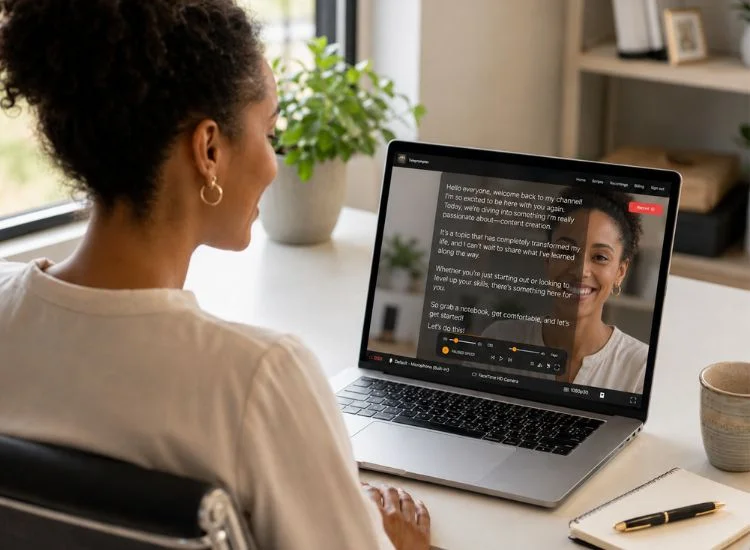
Today, teleprompter apps have made all of this accessible without any hardware. A phone, tablet, or laptop screen serves as the display. Speech recognition technology, available in apps like Teleprompter.com, syncs the scroll speed to the speaker’s voice automatically.
For a deeper look at how teleprompters work, see what a teleprompter is and how it works.
These two tools share a surface-level similarity: they both help speakers remember what to say. That is where the overlap ends. Their physical design, intended use, and delivery outcomes are fundamentally different.
This is the most practical distinction for anyone choosing between the two tools. A teleprompter is engineered specifically for direct eye contact with the camera lens or, in presidential setups, with an audience. The text appears to float right in front of what the speaker is looking at. No glancing, no head movement, no obvious tells.
A confidence monitor sits below and in front of the speaker. Reading from it requires an obvious downward glance. In a live performance context, that’s acceptable. Singers and performers are expected to move and look around. In a presentation or scripted speech, however, repeated downward glances read as disengagement and undermine the audience’s trust in the speaker.
Anyone standing in the front rows of a venue can see what is on a confidence monitor. This is fine for song lyrics or slide previews. It becomes a problem if the content on screen is confidential, sensitive, or simply would break the illusion of a polished, prepared presentation.
A teleprompter’s beamsplitter glass is one-way: the speaker sees the script, the audience sees only the speaker’s face or a camera housing. App-based teleprompters on a phone or tablet face only the presenter, not the room.
Confidence monitors are the right tool for a specific set of scenarios. Use one when:
Confidence monitors are not designed for presentations where the speaker needs to deliver a word-for-word script. Looking repeatedly at a floor screen tells the audience you are reading, and the low screen position forces an unnatural head tilt. For scripted speeches, executive addresses, investor presentations, or any situation where polished delivery matters, a teleprompter is the better tool.
Using a confidence monitor for a scripted talk is a common mistake at corporate events. The presenter reads their notes from the floor display, makes obvious downward glances, and breaks the eye-contact rhythm the audience expects from a confident speaker.

A teleprompter is the right choice whenever delivering a scripted message cleanly and maintaining eye contact are both requirements. That covers a wide range of formats:
For most solo creators, business professionals, and small production teams, yes. Hardware teleprompters require a physical rig, a camera mounting bracket, and often a dedicated operator or remote control. They are the right call for broadcast studios and large-stage productions.
For a solo YouTuber filming in a home studio, a marketing team recording an executive message, or an educator building an online course, a teleprompter app running on a tablet or laptop delivers the same core benefit at a fraction of the cost and setup time.
Teleprompter.com works instantly in any browser, no download required. Its VoiceGlide mode follows your voice automatically, so there's no manual speed adjustment needed.
See the full guide to setting up a teleprompter for professional recording for step-by-step instructions.
Yes, and in large-scale live productions, this is common. A corporate keynote speaker might use a presidential teleprompter rig for their scripted remarks, while confidence monitors placed at the foot of the stage display the current slide and transition cues for the AV team.
In broadcast settings, news anchors often read from a camera-mounted teleprompter while a confidence monitor on the studio floor displays incoming production cues or rundown information from the director.
For most creators and business professionals, though, running both tools simultaneously is unnecessary overhead. If you are recording video, a teleprompter app handles everything. If you are managing a large live event with a full AV crew, your production team will configure the right combination for the setup.
The tool only matters if your delivery lands. Whether you are reading from a teleprompter or referencing a confidence monitor, these fundamentals apply:
For a full list of technique-focused guidance, see tips for reading a teleprompter.
A confidence monitor and a teleprompter solve different problems. For live stage performances and slide-heavy events with a full AV crew, a floor display works well. For video recording, scripted presentations, and any situation where eye contact with the camera matters, a teleprompter is the clearer, more effective choice.
And for most creators and professionals, you do not need expensiv hardware to get started. Teleprompter.com works instantly in any browser, on any device, with plans built for solo creators, teams, and everyone in between.
See which plan fits your workflow — and start for free. View Teleprompter.com pricing
A confidence monitor is a large screen placed at the foot of a stage that displays slides, lyrics, or cue notes for live performers. It does not scroll a script automatically. A teleprompter scrolls a speaker’s full script at a controlled pace so they can deliver their message while maintaining eye contact with the camera or audience. The two tools serve different purposes and are rarely interchangeable.
Not effectively. A confidence monitor is not designed to scroll text at reading pace or maintain the speaker’s eye line with the camera. Using it as a substitute for a teleprompter forces the speaker to look away from the lens or audience, which undermines the key benefit teleprompters provide: seamless eye contact during a scripted delivery.
A downstage monitor, or DSM, is another name for a confidence monitor. It refers to a display screen positioned downstage (toward the audience) at the front of a performance space. It allows performers and presenters to view slide content, notes, or lyrics without turning to face the main screen behind them. The term is most common in live event production and AV engineering.
Yes. Presidential teleprompters use two angled glass panels mounted on either side of a podium. The script reflects from a screen below, appearing to float in the air in front of the speaker. The speaker can scan left and right naturally while staying perfectly on script. This setup is standard in political speeches, major keynotes, and televised presentations.
Yes, for the vast majority of professional video use cases. Teleprompter apps running on a tablet or phone deliver the same eye-contact benefit as hardware rigs without the setup cost. If you are comparing app-based options, camera-mounted rigs, screen sizes, or recording workflows, this guide on how to choose a teleprompter can help you decide which setup fits your needs.
A teleprompter. It is specifically designed to align the script with the speaker’s natural line of sight to the camera or audience. Confidence monitors are positioned below stage level, which requires a downward glance. For any situation where maintaining natural eye contact is the goal, a teleprompter is the right tool.


.png)


.png)