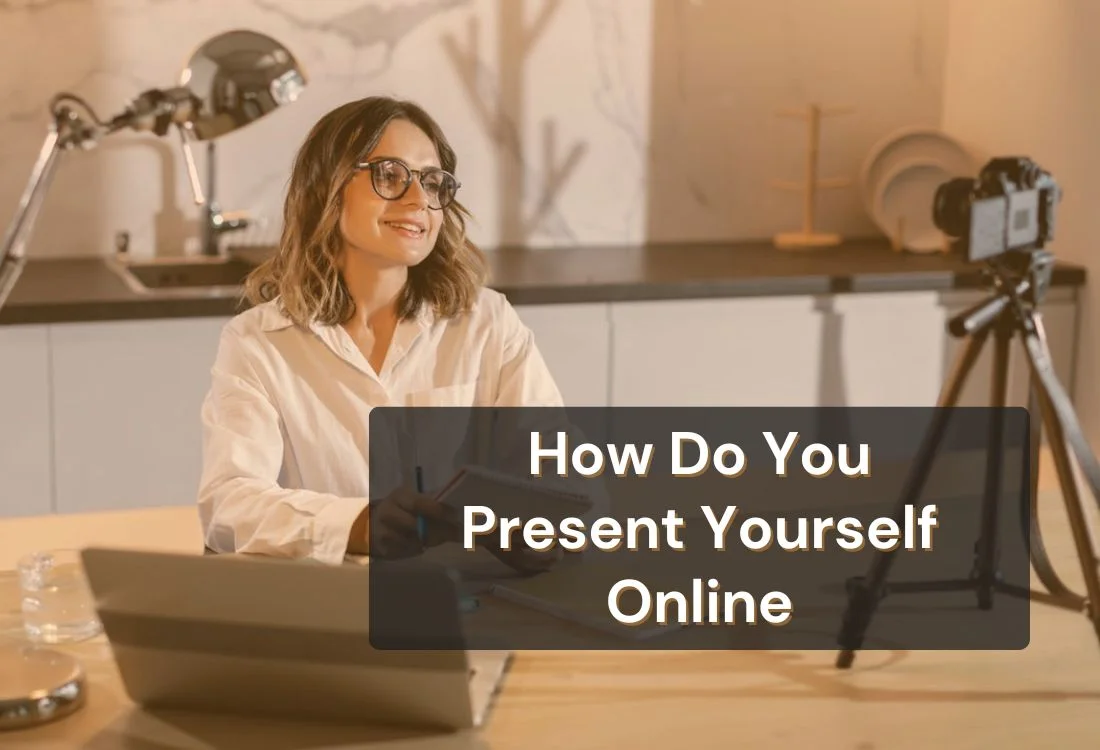


Strong online presence shapes how others judge credibility and understand your message. The way you speak, look, and deliver ideas affects trust and attention. Your face, your voice, and your pacing work together to influence how people receive your communication. Clear delivery helps your audience stay focused and engaged from the start.
This guide shares simple and practical ways to present yourself online with confidence. You will learn how to improve your on-camera delivery, strengthen your professional presence online, and use tools to look natural and prepared on camera.
Your online presence has a huge influence on how others see you. People connect with speakers who look confident and sound clear. The tone of your voice, your posture, and your facial expressions all contribute to this connection. When you deliver your message with purpose, your audience pays attention. Good communication builds trust before you even start sharing your ideas.
Industry experts agree that virtual communication is its own skill set. Organizational behavior professor Andy Molinsky (Harvard Business Review) points out that it helps to treat online meetings as “an entirely different context,” not simply an in-person conversation moved onto a screen. When you approach it that way, you’re more likely to adjust your delivery—how you speak, how you pause, and how you show up visually—to fit what your audience can actually absorb through video.
Online communication also depends on visual cues. Good lighting, a stable frame, and a calm background help your audience focus on you instead of distractions. Presentation coach Joel Schwartzberg (Harvard Business Review) emphasizes that what’s behind you and how you’re framed can shape how you’re perceived—because distractions and messy visuals pull attention away from your message and can make you seem less prepared. A strong online presence strengthens your personal branding and supports your message in every virtual conversation.

Clear communication is one of the strongest signals of confidence online. When your message is simple and direct, people understand you faster and stay engaged. Break your ideas into short steps so your audience can follow your point without effort. This structure works well for video content, social posts, and virtual presentations because it keeps your delivery focused.
Clarity also reduces on-camera nerves. When you know exactly what you plan to say, you speak with more ease. Many creators use short outlines or simple scripts to guide their message.
This helps avoid rambling and supports a steady pace. Clear structure builds trust, strengthens personal branding, and helps your audience stay invested in your message.
Consistency helps people recognize you instantly. Your tone, visual style, and communication habits should feel similar across each channel you use. When someone sees a recorded video, a virtual presentation, or a short clip on social media, the experience should reinforce the same sense of professionalism.
Visual consistency also strengthens your online reputation. Use the same lighting setup, background style, and audio approach whenever possible. Small visual elements, such as your camera angle and color palette, can help build a recognizable presence.
Consistent delivery shows that you take your communication seriously. It also makes your audience feel more comfortable because they know what to expect from you each time you appear online.
Professional presence online comes from the way you sound, move, and pace your message. Speak at a rate people can absorb. Quick speech can signal nervousness, while steady pacing shows confidence. Your voice should project clarity without sounding forced. Use variation in tone to highlight important points and keep your delivery engaging.
Body language also shapes first impressions. Position yourself with an open posture and relaxed shoulders. Keep your gestures smooth so they guide your message instead of distracting from it. Good behavior online also includes preparation.
Checking your lighting, camera framing, and audio before you appear on screen shows respect for your audience and builds stronger trust. These small habits create a polished presence that supports every part of your communication.
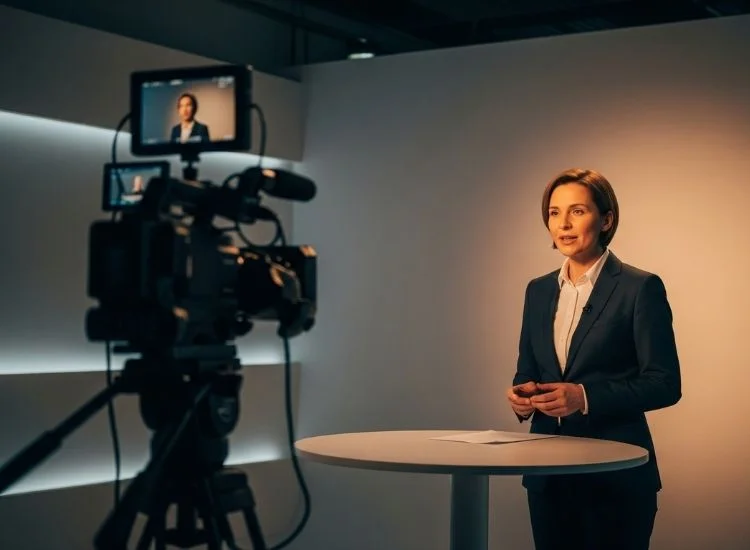
Natural presence on camera starts with grounded posture. Your shoulders should stay relaxed while your spine stays upright. This helps your voice sound stronger and makes your expression look more confident. Movements should feel controlled but not stiff. Use gestures to highlight key points or transitions. These gestures help guide the viewer’s attention and add energy to your delivery.
Facial expression also matters. A slight smile softens your presence and invites the viewer to connect with you. Avoid holding tension in your jaw or forehead because it can make you look stressed. Practice speaking in short clips so you get used to your appearance and movement on camera. Over time, your delivery feels more natural, and your confidence grows.
Eye contact helps form a direct connection with your audience. When you look into the lens, people feel that you are speaking to them instead of reading from a screen. This improves trust and increases the impact of your message. Many people glance downward because they rely on scripts or notes. This breaks the visual connection and can make the message feel less confident.
Eye contact also improves your tone. When you aim your message at the lens, your voice often becomes clearer and more expressive. This creates a stronger on-camera presence that supports both live communication and recorded videos.
Confident speech combines clarity, pacing, and intention. Speak at a steady pace that allows your audience to follow your ideas with ease. Short pauses help separate your thoughts and give viewers time to process your message. These pauses also help you gather your focus and maintain control of your delivery.
Intentional speech shows that you believe in what you are saying. Use your tone to guide the viewer through your message. Lower your voice slightly when sharing serious points and lift it when sharing positive insights. These natural variations help keep attention on you. Reducing filler words also supports credibility.
Tools like the Presentation Confidence Analyzer can also help flag weak phrasing and filler words before recording. When your message flows smoothly, your audience trusts you more and feels more connected to your communication.
Strong delivery helps your message feel polished and professional. Organize your ideas into short sections so each point stands on its own. Use simple transitions such as “next,” “now let’s look at,” or “here is the key point to focus on.” These transitions help guide your audience through your content without confusion.
Control your pace by checking your breathing. Slow, steady breaths help your voice stay strong and prevent rushed speech. Good delivery also involves intention behind each sentence. A clear beginning, middle, and end in each section helps your audience follow your message with ease. This approach works well in public speaking online, content creation, and any virtual presentation where clarity matters.

Lighting shapes how professional you appear on camera. Soft, even lighting in front of you helps your audience see your face clearly, which is important for strong communication. Natural light works well, but ring lights or LED panels give you more control and consistency. Position your light at eye level to avoid shadows under your eyes or chin.
Your background also plays a major role in how people perceive you. A clean, simple background keeps attention on your message. Keep bright objects or moving elements away from the frame because they distract viewers. If you record video content often, choosing a dedicated spot with consistent lighting and a clean layout helps you maintain a reliable and professional online presence.
Strong audio makes your message easier to understand and more enjoyable to hear. Viewers forgive average visuals, but they rarely stay when audio sounds muffled or echoing. A clear microphone gives your voice strength and helps your delivery feel professional.
Good audio improves your pacing because you can speak at a natural rhythm without raising your voice. This supports confident on-camera delivery and makes your communication more engaging. Basic upgrades, such as a USB microphone or clip-on mic, can improve your sound instantly. If you record in a room with hard surfaces, add soft materials like curtains or rugs to reduce echo and sharpen your tone.
A teleprompter app guides your delivery by keeping your script visible and easy to follow. This support helps you stay focused, reduces on-camera hesitation, and allows you to maintain steady eye contact while speaking. You see clear, scrolling text positioned close to the camera lens, which helps your delivery feel more natural and confident.
With your message displayed in a clean structure, you stay organized during recorded videos, interviews, live presentations, sales calls, and online teaching sessions. This makes it easier to move through your content without losing your place and improves overall clarity.
If staying on message or maintaining eye contact feels difficult, using a teleprompter can help. Teleprompter.com keeps your script near the lens so you can read comfortably while speaking directly to your audience.
This becomes especially useful in structured speaking environments, including academic or classroom scenarios where clear pacing and confidence matter. Students applying these techniques in real-world settings can explore how teleprompters support presentations in school and academic environments through practical use cases like classroom talks and project defenses.
Many people also ask what a teleprompter looks like to the speaker. You will see a simple display of your words moving at a pace you control. This setup keeps your eyes aligned with the lens and strengthens your connection with viewers.
Write your script in short and simple lines so your pacing stays natural and your tone remains conversational. Teleprompter.com gives you full control of text size, speed, and layout, which makes your delivery smoother and more comfortable.
Place your device close to the camera lens to strengthen your connection with viewers. By mirroring your script near the lens, Teleprompter.com helps you maintain direct eye contact and stay fully present without glancing at notes.
Teleprompter.com also reduces the pressure of memorizing your message because your script stays visible and easy to follow. This support helps you stay focused on expression, clarity, and body language instead of recalling lines, which increases the impact of your video content.
Ready to put that into practice? Create a free account and record with your script close to the lens for a more confident delivery.
Many online communication issues come from small habits that you can correct quickly. Being aware of these challenges helps you adjust before they affect your message.
Small adjustments in these areas lead to noticeable improvements in how your audience receives your message.
These habits help you develop a strong and confident online presence. The more you practice, the easier your communication becomes and the more effective your message feels to your audience.
Presenting yourself online shapes how people respond to your message. Clear communication, steady eye contact, and controlled delivery help your audience stay engaged and focused. Small improvements in setup and preparation can make a noticeable difference in how your message comes across.
If you want support while practicing these skills, Teleprompter.com can help. The app keeps your script organized and visible near the lens so you can speak clearly and stay focused during recordings and virtual presentations.
Present yourself online with clear communication, steady eye contact, and a professional setup. Focus on simple messages, good lighting, strong audio, and confident delivery to create a trustworthy presence.
You can look more confident on camera by maintaining steady posture, speaking at a calm pace, and keeping your eyes near the lens. Practicing short recordings helps you adjust your tone, gestures, and facial expressions.
Online presence affects how viewers judge credibility and engage with your message. To maximize impact and clarity, ensure your communication features clear delivery, well-organized content, and a professional presentation setup.
A teleprompter keeps your script close to the lens so you maintain eye contact and stay focused. It supports smoother pacing, reduces stress, and helps you deliver consistent messages across platforms.
Avoid speaking too fast, using cluttered backgrounds, and looking away from the camera. These habits weaken your presence and distract from the message you want to deliver.


.png)


.png)