Platform & Compatibility
Supported Devices
iOS, Android, Web, macOS
macOS 14+ only
CueNotch solves one problem well: keeping your eyes on the camera while your script sits in the notch of your MacBook. Teleprompter.com solves that same problem, then extends it to every device you actually use, phone, tablet, Android, or a browser, with recording, remote control, and cloud sync built in. If your setup lives entirely inside one Mac, CueNotch gets the job done. If it doesn't, you'll hit the edges of what a notch-only app can offer.

✔ iOS/Android/Web/Mac App
✔ Up to 4K recording
✔ Full customization
✔ 7-day free trial
✔ macOS App (14+) only
✘ No in-app video recording
✔ Notch-based eye contact overlay
✔ 3-day free trial


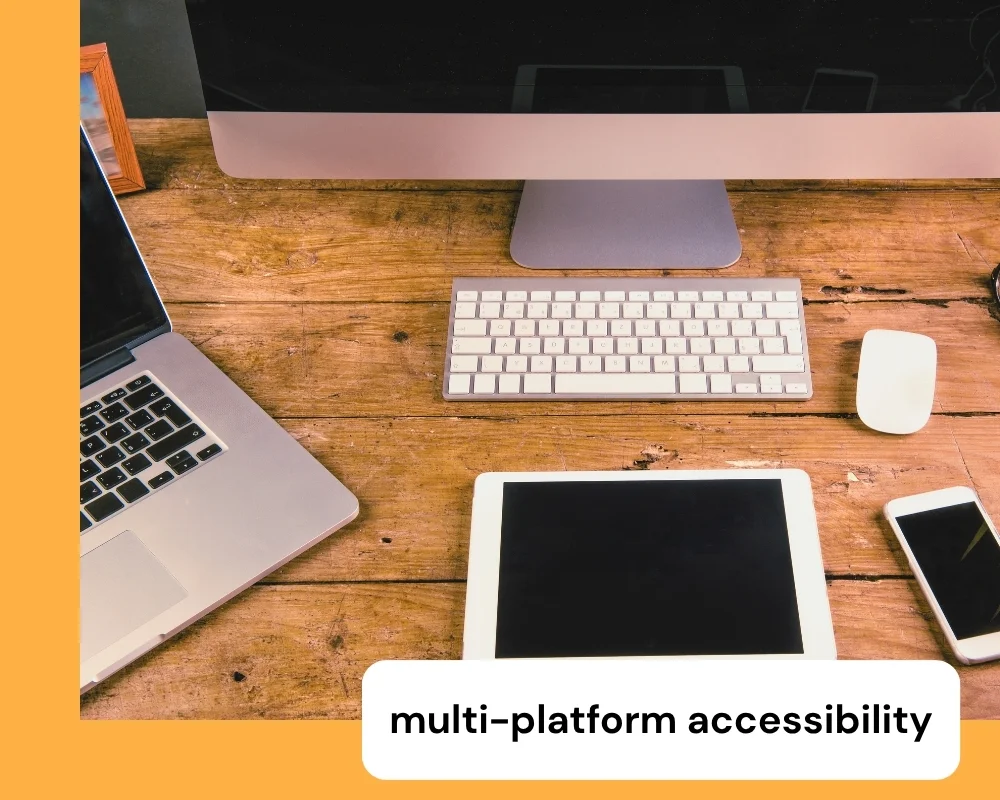
Teleprompter.com works on iOS, Android, macOS, and directly in your browser. Start a script on your phone, keep editing on your tablet, then pull it up in a browser on set, without losing your place or re-uploading anything. One account, every device.
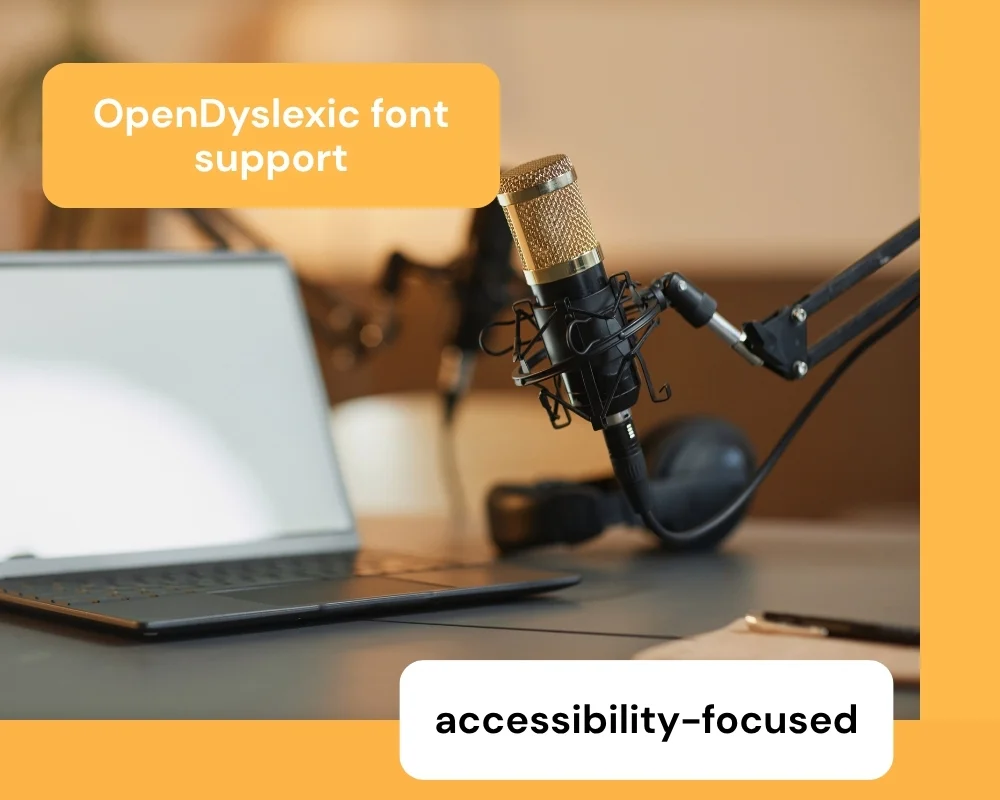
Teleprompter.com includes OpenDyslexic and Lexend fonts, both designed to improve readability for users with dyslexia or reading differences. It's one of the reasons agencies, educators, and enterprise teams choose this for shared or public-facing scripts.
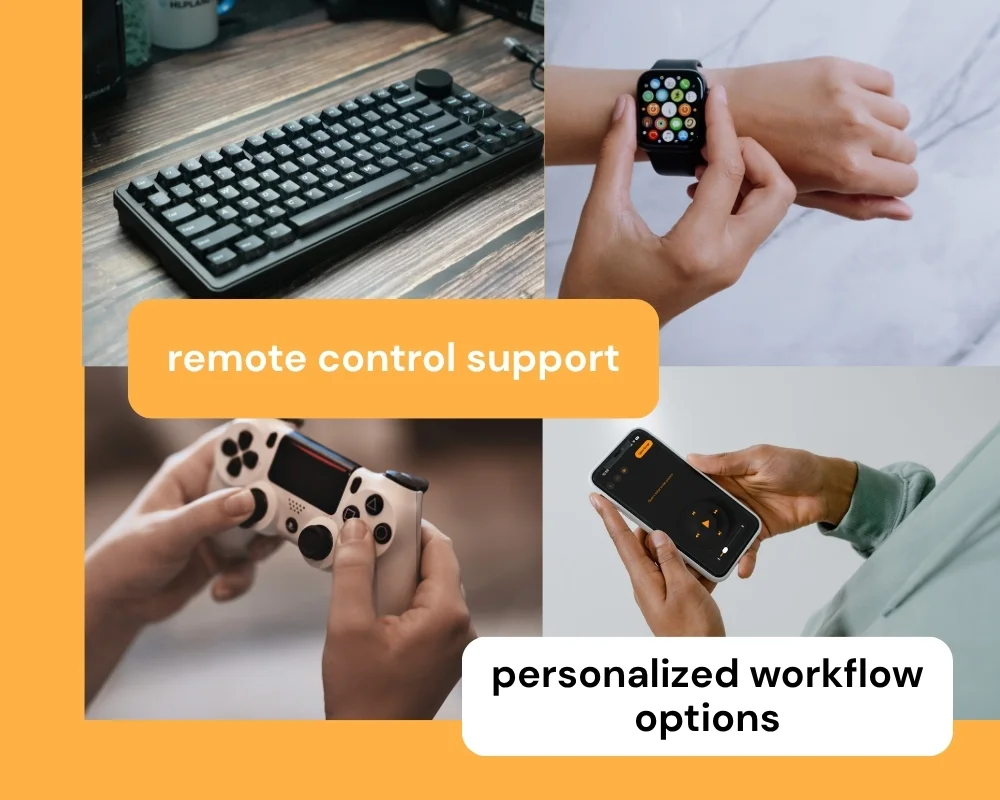
Bluetooth keyboards, clickers, game controllers, MIDI devices, foot pedals, and Apple Watch all work as remote controls for Teleprompter.com. Whether you're recording solo with both hands full or running a multi-camera shoot from across the room, there's a way to control your script without touching the screen.


The features of Teleprompter.com and CueNotch serve different workflows. Here's how the two apps compare on the details that matter most.
Teleprompter.com
CueNotch
Teleprompter.com
CueNotch
Teleprompter.com
CueNotch
Teleprompter.com
CueNotch
Teleprompter.com
CueNotch
Teleprompter.com is built for creators and professionals who need more than a single-device notch overlay.
It offers:
That makes it the stronger fit for creators and teams who need a teleprompter that works everywhere they record, not just next to a MacBook camera.


.png)


.png)
