

To use a teleprompter for a video podcast, position your device at eye level with the camera lens as close to the screen center as possible, write your script in a conversational tone, set your scroll speed to match your natural speaking pace (120–150 WPM), and practice reading in short chunks rather than word-for-word. The result: confident, uninterrupted delivery that looks and sounds like natural conversation.
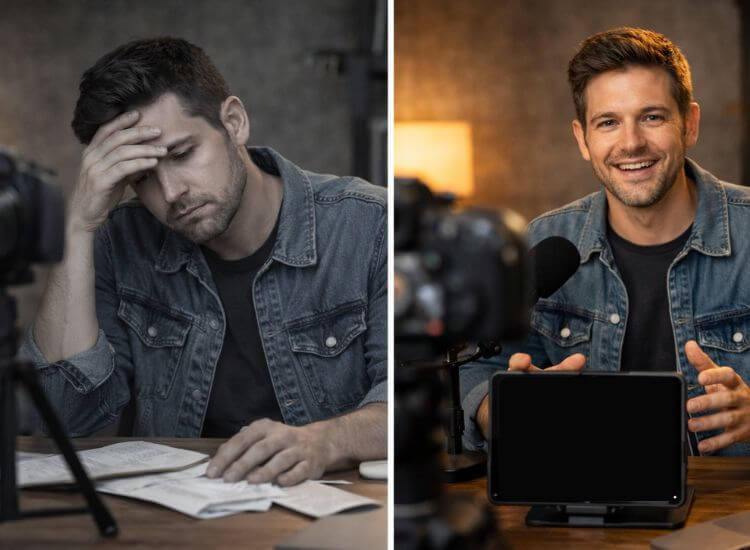
You start recording. You get two minutes in, lose your train of thought, and hit stop. Take six. Take seven. An hour later, you have three usable minutes of footage and a growing dread of your own upload schedule.
Sound familiar?
Using a teleprompter for a video podcast solves the core problem most solo creators face: bridging the gap between what you planned to say and what actually comes out on camera. A teleprompter keeps your talking points rolling in front of you, so you never blank mid-thought, never go off on a ten-minute tangent, and never have to spend an entire afternoon editing out the ums.
And video podcasting is no longer optional for serious creators. 51% of Americans have watched a podcast (Edison Research, 2025), and YouTube now captures one-third of weekly podcast listeners in the United States. YouTube users streamed over 700 million hours of video podcasts on their TVs in October 2025, nearly double the figure from the prior year (YouTube).
If you're creating a video podcast, people are watching, which means how you look and present on camera matters more than ever.
Content creators in the U.S. saw a 724% increase in average monthly teleprompter app sessions in 2020 alone, followed by continued gains of 25% in 2021 and 44% in 2022, as video content creation shifted from a niche skill to a mainstream expectation, according to Teleprompter.com's own usage data.
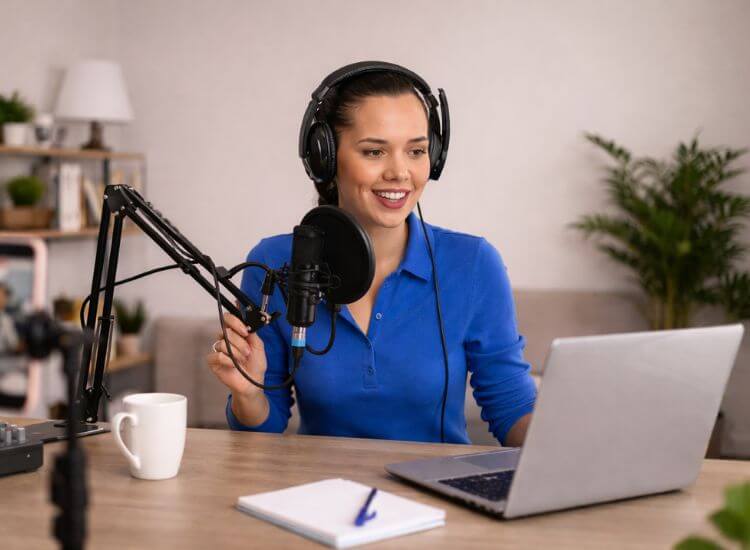
A teleprompter setup for video podcasting doesn't require a studio or a production budget.
Here's the honest rundown:
You need a teleprompter app with:
Setting up your teleprompter correctly is more important than most people realize. A misaligned rig is the #1 reason people look like they're reading instead of talking.
Your camera lens should be at the same height as your eyes. If you're looking up or down, it's immediately obvious to viewers. Set the camera on a stack of books, a monitor arm, or a dedicated stand to get the height right.
Position the teleprompter directly at eye level, this prevents you from looking up or down, which can appear unnatural on camera and disengage your audience.
The closer the text is to your camera lens, the more natural your eye contact will look. This is the single most important setup principle for video podcasters.
Ensure the teleprompter screen is as close to the camera lens as possible. This setup helps maintain the illusion of direct eye contact with your audience, making your delivery feel more personal and engaging.
Scroll speed mismatches are the fastest way to ruin natural delivery. Go too fast, and you race; too slow, and you pause awkwardly.
Most presenters stay between 120 and 150 words per minute for natural delivery. Run a 60-second test read before every recording session to dial this in.
With Teleprompter.com, you can set your exact words-per-minute pace so the script matches your natural speaking rhythm, no guesswork, no fumbling with sliders mid-take.
Good lighting helps your audience see your eyes, which is where your connection with viewers actually lives. Use a ring light or softbox positioned slightly above eye level. Avoid backlighting that puts your face in shadow.
Record 60–90 seconds before your actual episode. Watch it back. Check for:
The biggest mistake podcasters make when using a teleprompter is writing a script the same way they'd write an email or a blog post. Written language and spoken language are completely different.
Use contractions. Use short sentences. Break the rules of formal grammar if it sounds more natural out loud. A good test: read your script aloud before recording. If any phrase makes you stumble or sounds "writerly," rewrite it.
For conversational or interview-format shows, reading a full script sounds wooden. Instead, use your teleprompter to display:
This lets you stay natural while never losing your structure.
For guidance on formatting scripts effectively for a teleprompter, see: Teleprompter Script Format

This is where most people get stuck, and it's 100% a practice problem, not a talent problem. Reading from a teleprompter naturally is a skill, and it gets significantly easier after your first few sessions.
Don't read word by word. Instead, scan a short phrase (3–5 words), look directly into the lens, and deliver that chunk naturally. Then glance back, grab the next phrase, and repeat. The goal is to read phrases in chunks, or "glance-and-grab," allowing you to maintain a steady gaze rather than appearing to scan rapidly across the screen.
You don't need to stare unblinkingly into the camera. That reads as robotic. Aim to look into the lens around 80% of the time. Use the remaining 20% to glance away naturally, such as when emphasizing a point, pausing to think, or transitioning topics.
Aim to read the script lines as they appear at the top of the screen rather than waiting for them to move towards the middle or bottom. This technique helps keep your gaze closer to the camera, simulating more natural eye contact.
The camera flattens your energy. What feels like normal animation in real life looks subdued on screen. Let your hands move. Nod when you transition. Vary your vocal tone. These small cues signal to viewers that you're having a conversation, not reading a report.
For more guidance on using a teleprompter effectively, see the article Tips for Reading a Teleprompter Like a Pro

This is the format where teleprompters shine brightest. Write a full script, format it with emphasis cues, and read through it twice before recording. Your first read-through should be for familiarity; your second for pacing.
Script structure tip: Divide your episode into 3–4 minute "chapters" with a brief transition phrase between them. This makes the teleprompter easier to navigate and gives you natural breaking points.
Educational-style video podcasts benefit from a hybrid approach: full scripting for introductions and key explanations, bullet points for middle sections where conversational flow matters more.
Use the teleprompter for your own material only, your intro, transitions, and segues. Keep your questions as bullet points rather than full scripts to stay present with your guest.
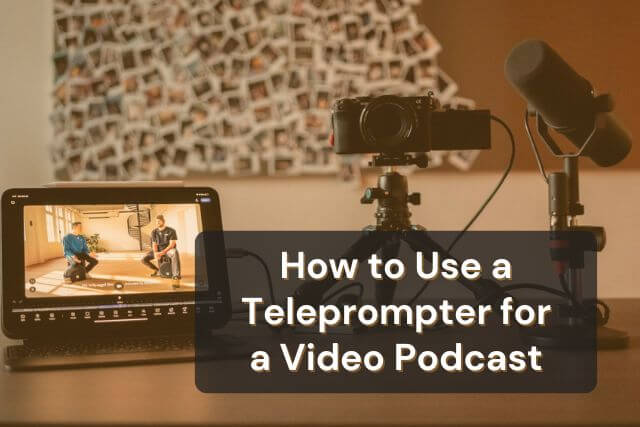
The most effective setup for most video podcasters is a smartphone or tablet running dedicated teleprompter software, giving you professional-grade control without the bulk or cost of broadcast hardware.
A teleprompter for a video podcast is a tool for enhanced delivery, not simply reading a script. By having your talking points visible, you free up mental energy that would be spent on recalling what to say, allowing you to focus completely on how you deliver your message and connect with your audience.
The setup is simpler than most people expect: a smartphone or tablet running a good teleprompter app, positioned close to your camera lens, with a conversational script and your scroll speed dialed to your natural pace. A few practice sessions later, and you'll forget you're even reading.
With YouTube now the most-used platform for podcasts, with about one in three listeners choosing it, video quality, including your on-camera confidence and delivery, directly affects whether people stick around or scroll past.
The teleprompter is the tool that closes that gap.
Start recording your video podcast with confidence, try Teleprompter.com free for 7 days.
A regular teleprompter app works perfectly for video podcasting. You don't need broadcast-grade hardware. Any app that runs on your phone, tablet, or browser and lets you control scroll speed and font size, is all you need. Teleprompter.com works across iOS, Android, and browsers, which covers virtually every podcast setup.
Only if your script is written like one. The key is writing conversationally, short sentences, contractions, natural phrases, and using the "glance-and-grab" reading technique instead of reading word-for-word. Most viewers cannot tell when a confident, well-practiced presenter is using a teleprompter.
Most presenters stay between 120 and 150 words per minute for natural delivery. Start at the lower end (around 120 WPM) for educational content and move toward 140–150 WPM for more energetic, conversational formats. Always do a test run before recording.
Narrow your text column so there's less horizontal distance for your eyes to travel. Read from the top of the screen (near the camera lens) rather than the middle. Use the glance-and-grab technique to read in phrases rather than scanning each word. Most people eliminate visible eye movement within 3–5 practice sessions.
Yes, but use it differently. For your co-host or guest episodes, use the teleprompter for your own scripted sections — intros, transitions, closing remarks — and bullet points for your questions. This keeps you structured without making you seem stiff during the natural back-and-forth.
Use a minimum of 40pt font for comfortable reading without squinting. Many podcasters prefer 50–60pt for a setup where the device is 2–4 feet away. High contrast matters too, white or yellow text on a dark background is easiest to read quickly.
You don't need to memorize it word-for-word, but reading it through 2–3 times before recording makes a significant difference. Familiarity with the content means you're delivering it rather than decoding it in real time, which is what separates natural-sounding teleprompter use from stilted, reading-out-loud delivery.


.png)


.png)